AI Portraits
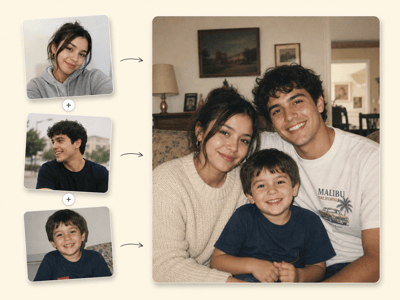
Generate ai portraits from a single photo — describe your shoot, upload your face, and get photorealistic results in minutes.
AI Portrait Generator — Step Into the Photo You've Always Imagined
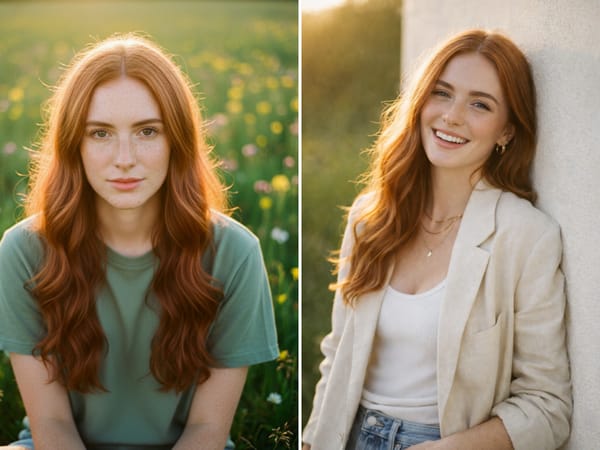
You've saved photos like this before.
A magazine editorial with perfect light. A cinematic portrait that feels like a movie still. Someone's Instagram post where everything — the mood, the makeup, the way the shadows fall — looks exactly like what you'd want for yourself.
You saved it. And then life moved on.
This tool exists for that photo. Upload your picture, show the AI what you're imagining, and get a portrait that looks like you — styled exactly the way you've been picturing.
You're Not Describing a Photo. You're Directing One.
Most tools ask you to type what you want. That's hard. Creative vision doesn't always translate into words.
So bring the image instead.
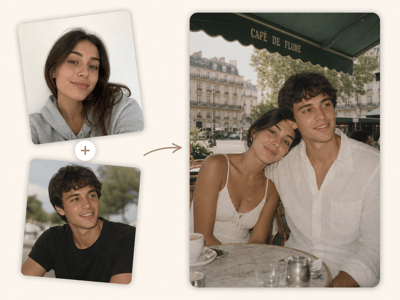
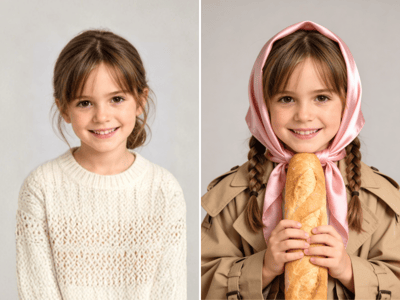
Found a photo with the right mood? Upload it as your inspiration. The AI reads the lighting, composition, color palette, and atmosphere — and applies all of it to your face. You're not guessing at prompts. You're showing the AI exactly where to go.
If you do want to describe it, the Details field gives you full control: Overall Vibe, Makeup Look, Outfit, Accessories, Expression, Pose. Write as much or as little as you want. Hit AI Improve if you want the tool to sharpen your words into something more precise.
You're the creative director. The AI is your production team.
How It Works
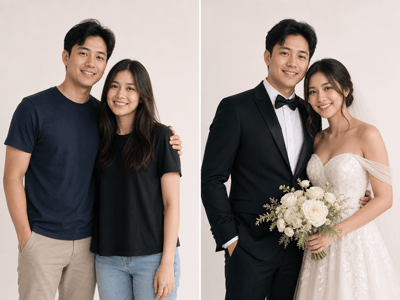
Upload Your Photo
Use a front-facing, well-lit shot — no sunglasses, no heavy shadows. Face clarity matters more than background.
Describe Your Shoot
Fill in Vibe, Outfit, Makeup, Expression, and Pose. Be specific. Use AI Improve to refine your description if needed.
Generate and Adjust
Review the output. If something's off, tweak the description and regenerate — small changes often make a big difference.
One Tool. Every Version of You.
The same tool works across every kind of portrait you've been putting off:
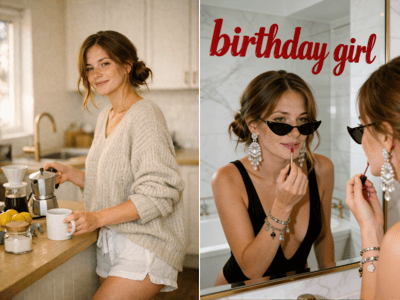
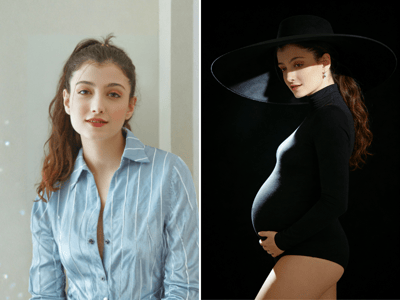
Editorial & fashion — the magazine cover version of you
Soft & romantic — warm light, intimate framing, the photo you'd actually frame
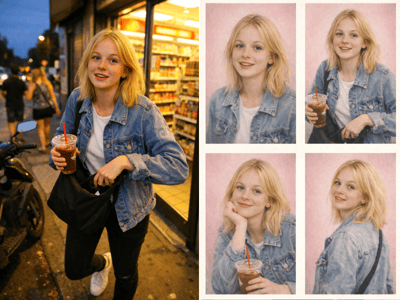
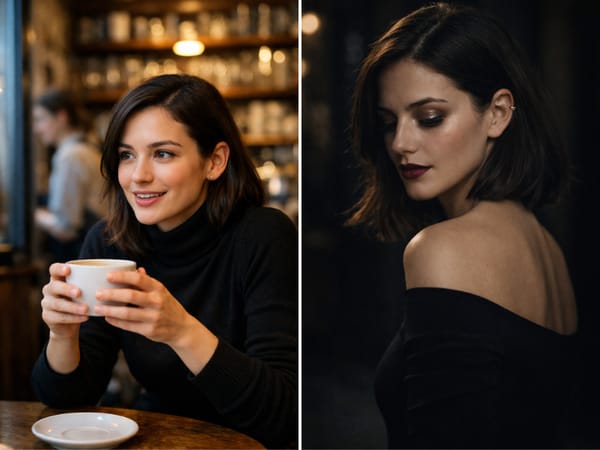
Cinematic — film-grain, moody color, the kind of shot that stops a scroll
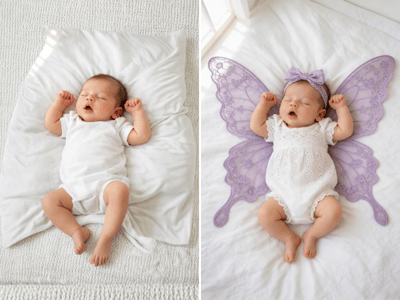
Maternity portraits — a beautiful record of this moment, without leaving the house
Creator & brand portraits — the profile photo that finally matches how good your work actually is
How to Get the Most Out of It
Use the Inspo Image. It's the fastest path from vague idea to exactly what you want. One reference image tells the AI more than a paragraph of description.
Be specific in the Details field. "Glossy red lip, off-shoulder ivory top, soft candlelight from the left" beats "pretty and elegant" every time. The AI rewards specificity.
Start with a clear source photo. Good input gives the AI more to preserve — your features, your expression, your likeness.