Unblur Photo
Unblur photo files with AI. Fix motion blur, soft focus, and shaky shots online in seconds. Upload, sharpen, download.


Unblur a Photo and Recover the Shot You Thought You Lost
You caught the moment, but the photo came back blurry. Unblur Photo uses AI to sharpen soft focus, motion blur, and camera shake so the shot you cared about becomes usable again. Upload it, run the tool, download the recovered version.
What People Use It For


Save That Blurry One-Take Moment
The birthday candles, the goal, the first steps — moments that won't happen again rarely come back sharp. A shaky indoor shot of your kid blowing out their candles can be sharpened and upscaled enough to print and keep.


Fix a Candid Where Only the Face Is Soft
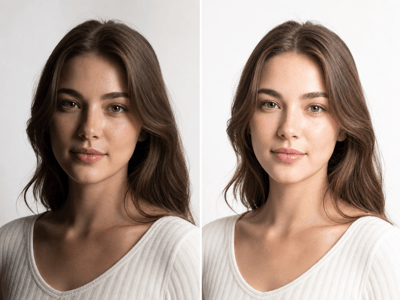
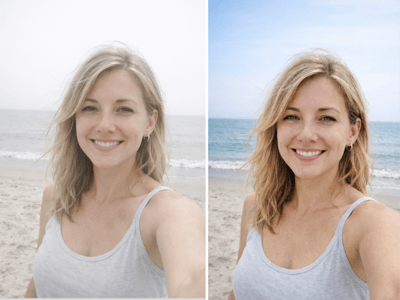
Walking shots, laughing in conversation, a moment turned toward the camera — candids are easy to miss focus on. When the background is fine but the face is soft, the photo feels unusable. The tool sharpens facial features without retouching the expression, so the candid still feels candid.
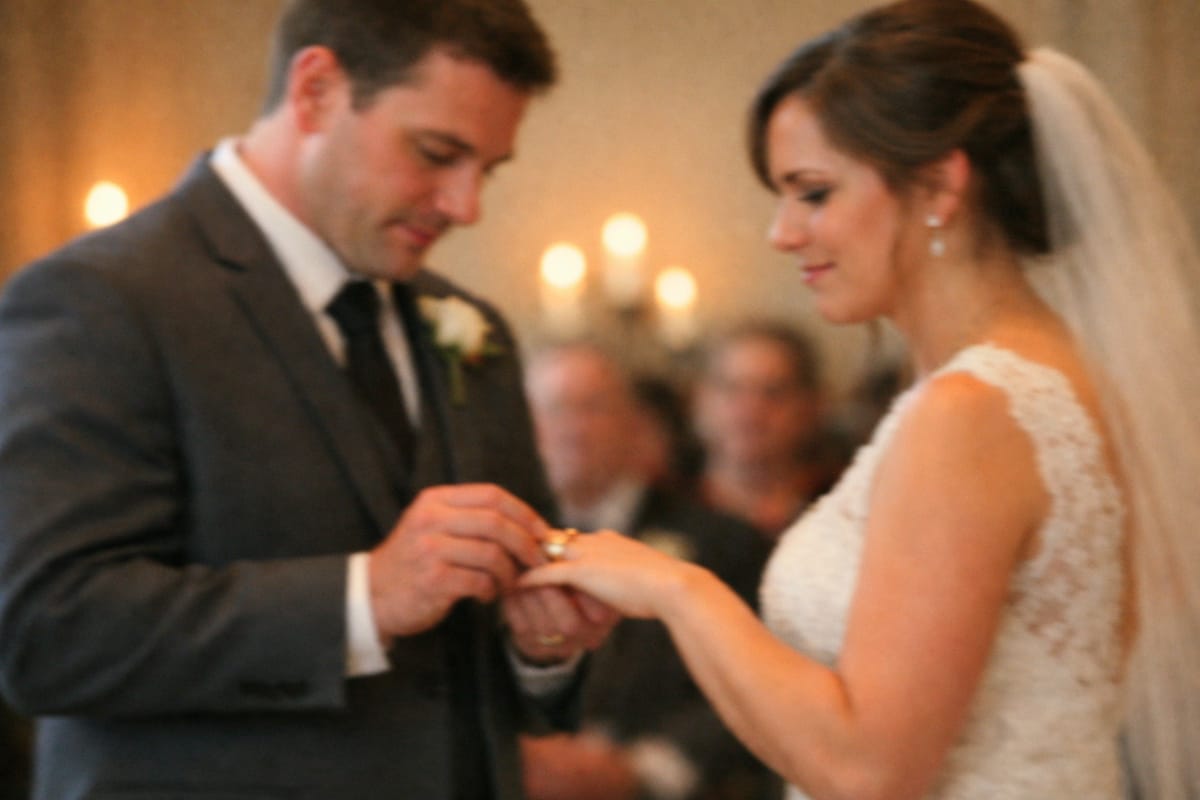
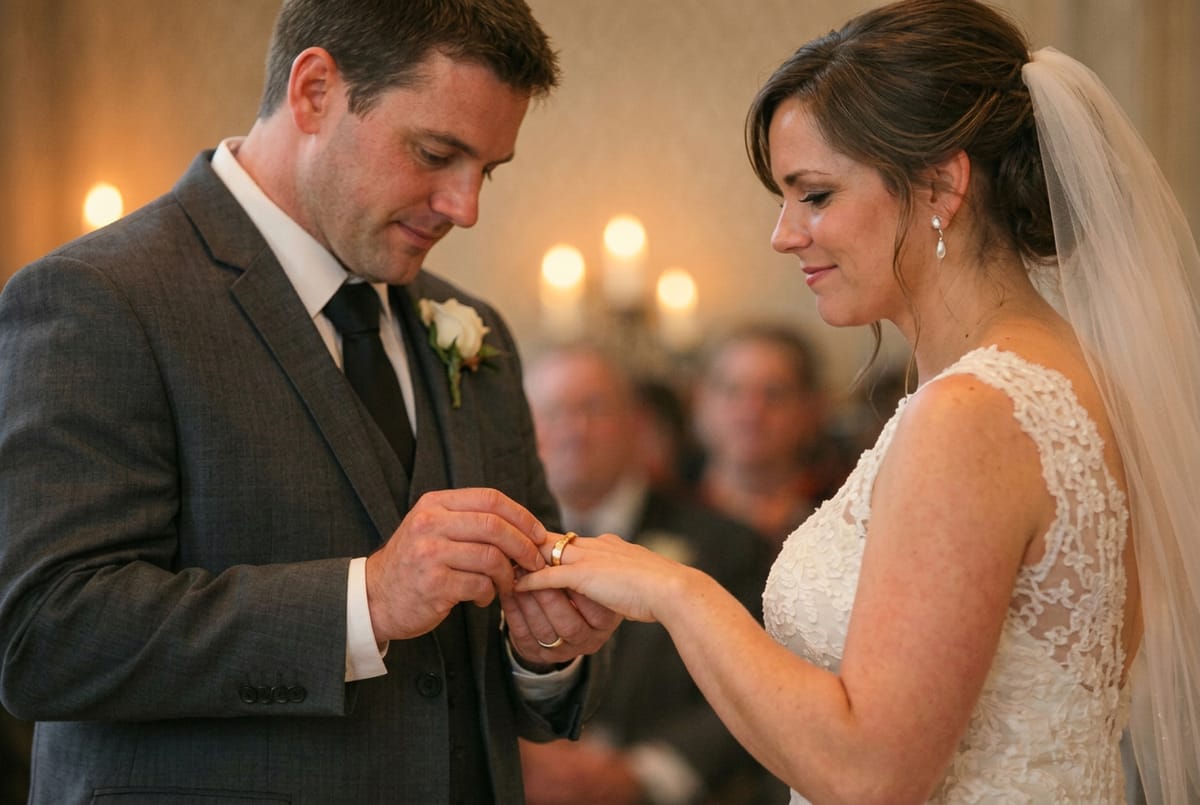
Sharpen Handheld Wedding Photos
Indoor ceremonies, low light, no flash — the conditions almost guarantee some softness. A ring exchange, a kiss, a first dance shot in flat or dim light can be unblurred and relit in sequence when the original didn't quite hold focus.
What Makes It Different
Face-Aware Sharpening to Unblur Photo Portraits
General sharpening filters apply the same effect across the whole image, which often makes skin look harsh and noisy. This tool recognizes faces and treats them differently from backgrounds, so eyes and skin come back natural instead of over-sharpened.
Works on Three Kinds of Blur
Most blurry photos fall into one of three buckets: missed focus, camera shake, and a moving subject. The tool handles all three — the situation most users actually have when a phone shot comes out wrong.
One Step, No Settings
There are no sliders, no radius values, no strength dial. Upload, wait, download. The output is a working file, not a starting point for more editing. Runs in the browser, so you can unblur a photo online from a phone, tablet, or laptop without installing anything.