Hair Style Changer
AI hair style changer for portraits: upload a photo, try cuts, bangs, updos, length, and color before changing your real hair.
AI Hair Style Changer for Realistic Portrait Try-Ons
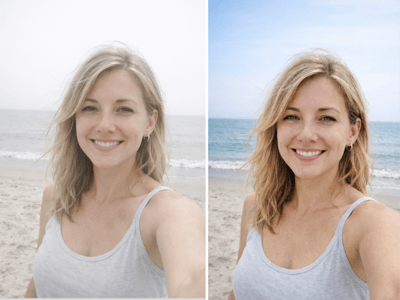
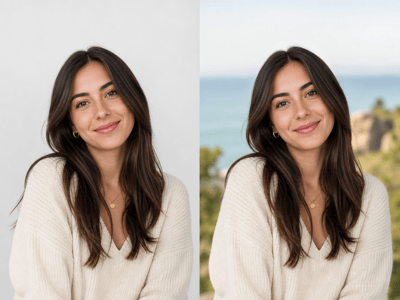
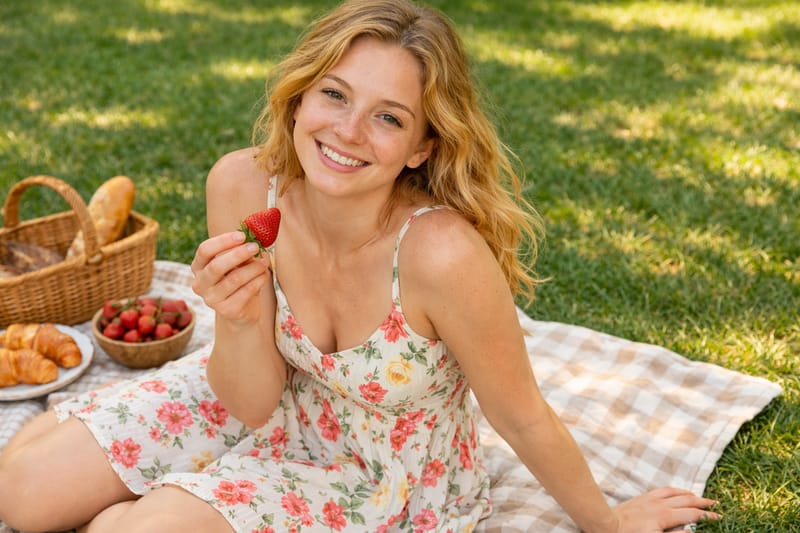
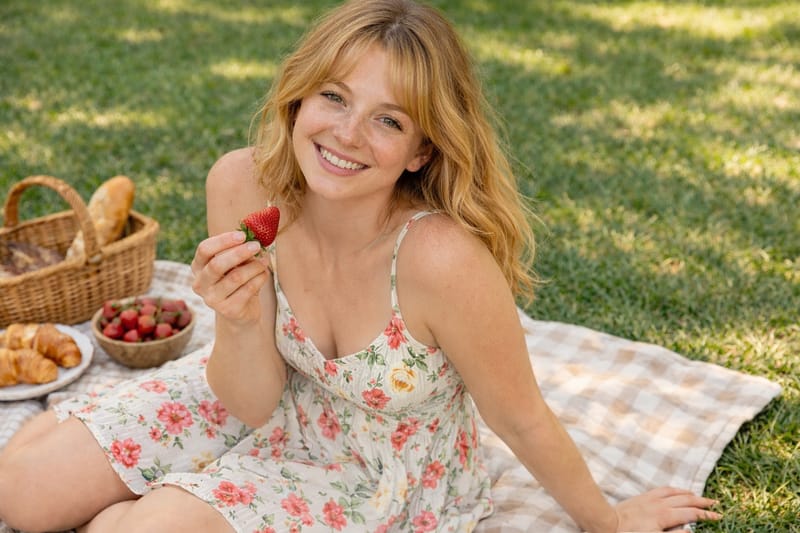
AI hair style changer tools are useful when you want to see a haircut on your own face, not on a model. Upload a clear portrait, then test length, color, bangs, updos, or a style match while keeping the face and photo believable.
Use Cases
Refine a Professional Headshot
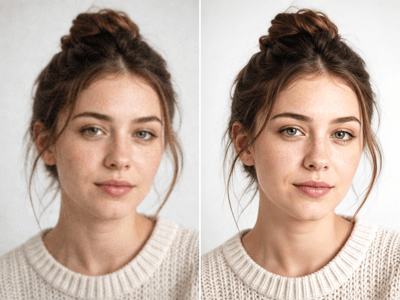
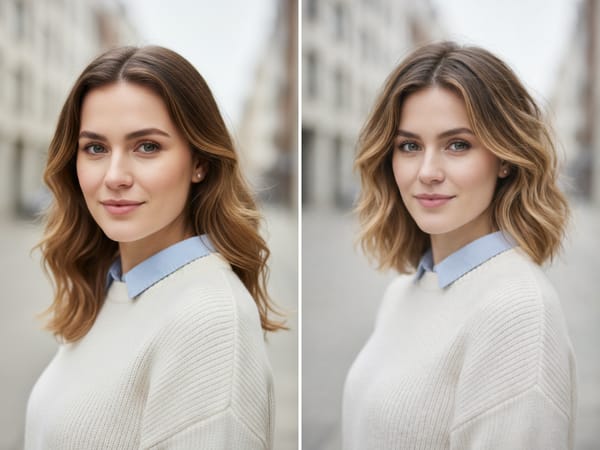
For resumes, bios, team pages, and LinkedIn-style portraits, the hairstyle should look tidy without pulling attention away from the face. Try a more controlled shape, a natural color adjustment, or a subtle style match before using the image professionally.
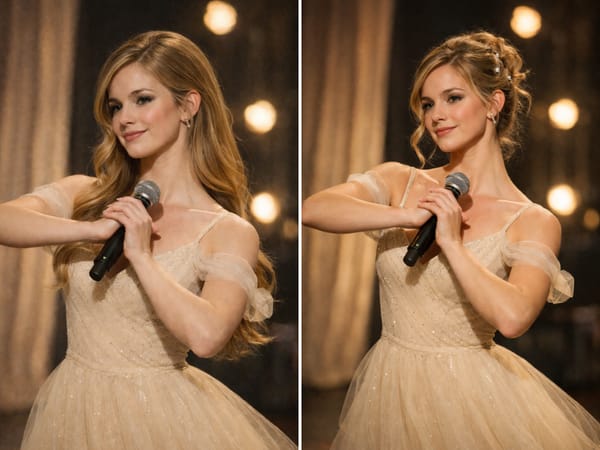
Shape a Personal Portrait Look
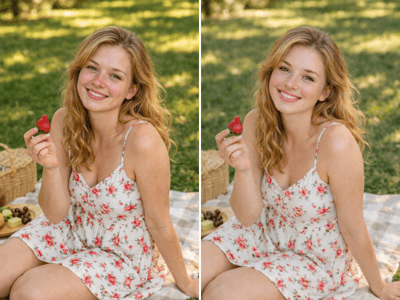
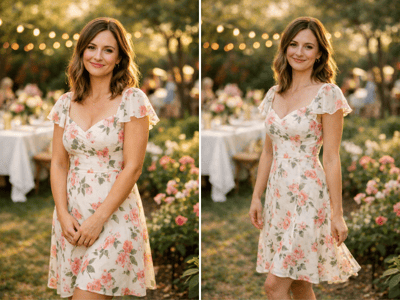
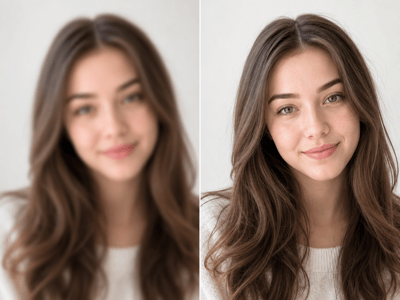
Use a virtual hair style changer to test softer layers, fuller waves, bangs, or a more styled shape for a personal portrait. This works well for birthday photos, graduation-style shoots, dating profile images, or creative portraits where the hair should support the mood of the photo.
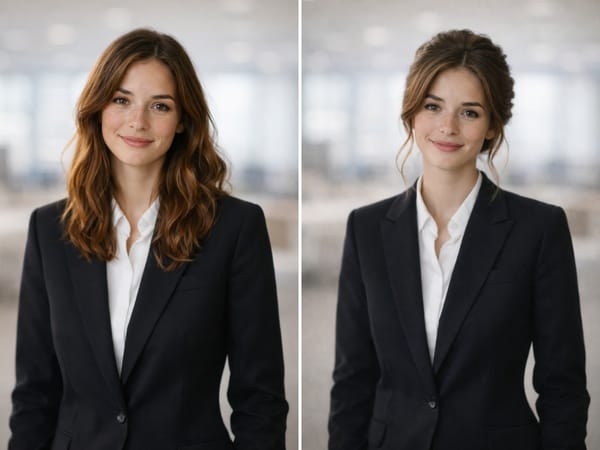
Change the Hairstyle After the Photo Is Taken
Sometimes the photo works, but the hairstyle does not match the look you wanted. Use the hair style changer editor as a post-production step to change flat, messy, too-short, or too-long hair while keeping the same face, clothing, background, and expression.
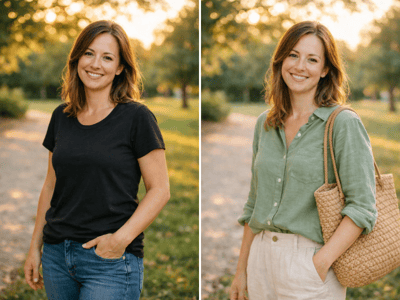
Change Hair Color While Keeping Skin Natural
Upload Your Photo
Choose a clear, well-lit portrait with visible hair, an unobstructed face, and enough resolution for detail.
Set the Style
Pick a hairstyle, length, color, bangs, updo, or style-match prompt, then adjust the aspect ratio and image count.
Generate Options
Create one or more versions and choose the result that keeps your face, hairline, and lighting most natural.
What Makes It Different
An AI Hair Style Changer Built for Real Faces
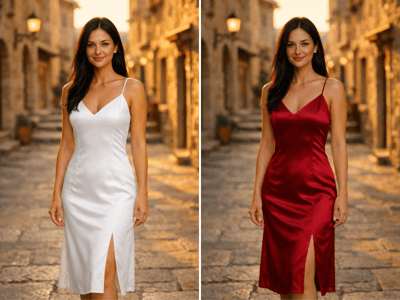
The edit should keep the person recognizable while changing the hair. Good results preserve face shape, skin detail, expression, and the lighting already in the portrait.
More Than One Hair Direction
The visible prompt options cover general haircut changes, bangs, updo try-ons, and style matching. That makes the hair style changer editor useful for both everyday profile updates and event portraits.
Controls That Match Real Decisions
Hair length, hair color, bang style, occasion, updo style, and lifestyle all describe choices people actually make before changing their look. The controls keep the prompt focused instead of relying on a vague style request.
Fits Portrait Editing Workflows
Use it on a selfie, headshot, profile image, or event portrait after the face is already clear. If the photo is dim, Portrait Relight can make the face and hair easier to read before the hairstyle pass.