Portrait Relight
AI photo lighting editor that changes light direction, style, and skin tone on any portrait. Fix flat or harsh lighting in any photo.
Relight Any Portrait Photo Without Reshooting
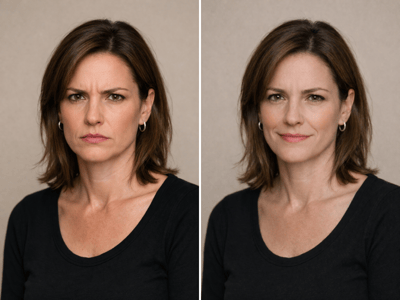
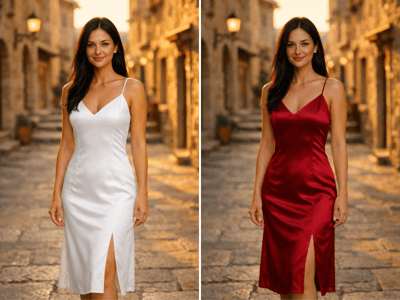
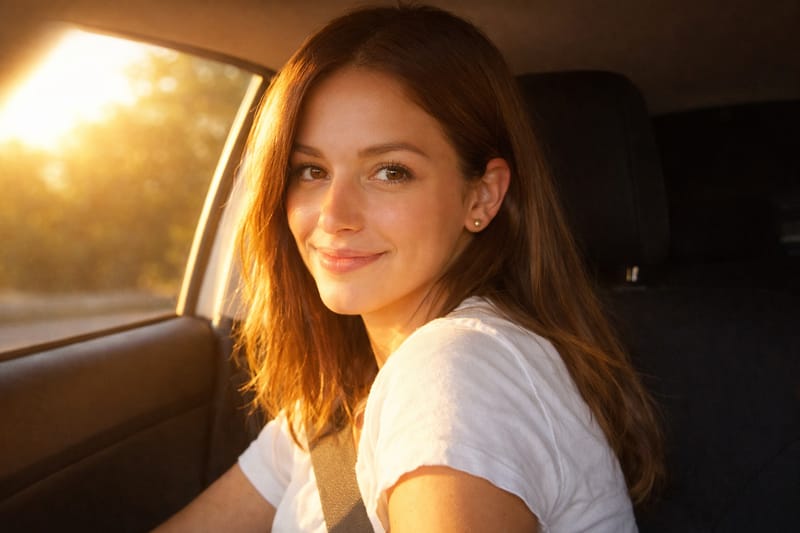
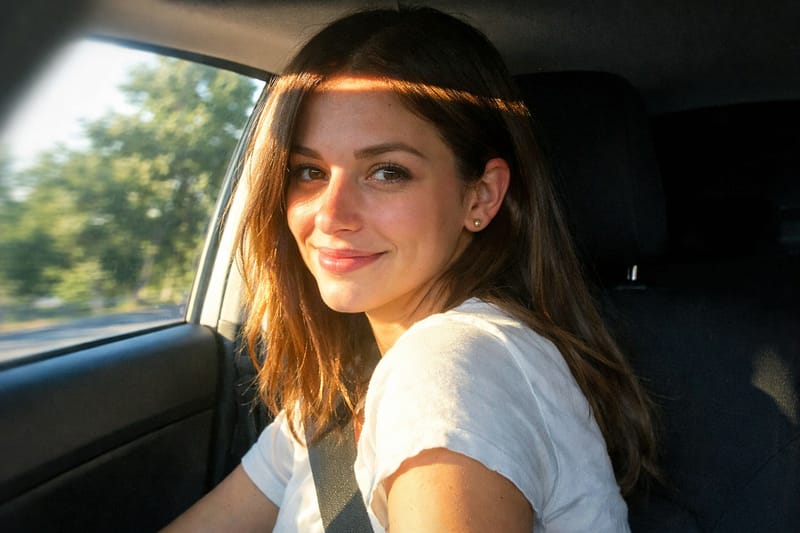
A lot of portraits don't work because the lighting is wrong — flat fluorescents, harsh midday sun, or just the wrong mood for what you wanted. Our AI image relighter rebuilds the light on your photo from scratch, so you can change light direction, switch the style, and reset the atmosphere without reshooting. Upload one shot and try natural daylight, golden hour, studio, candlelight, overcast, or neon.
What People Use It For
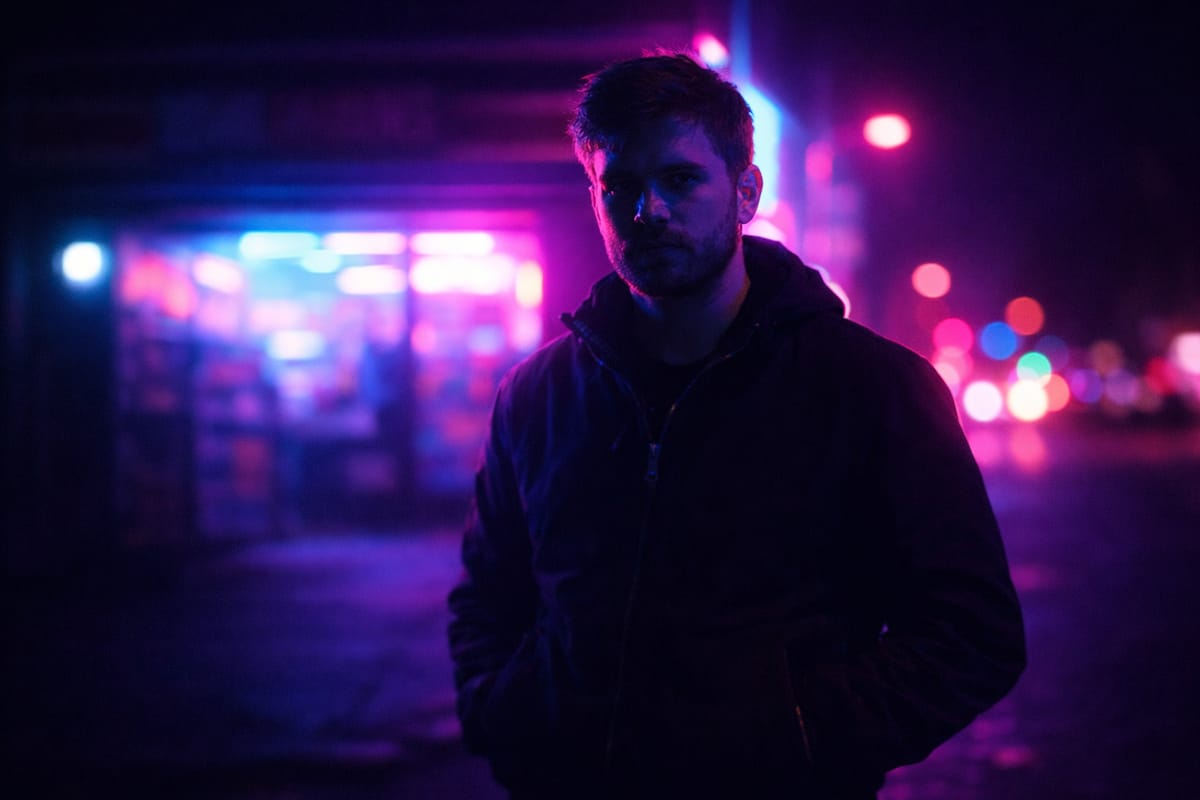
Style a Night Portrait With Cinematic Neon Light
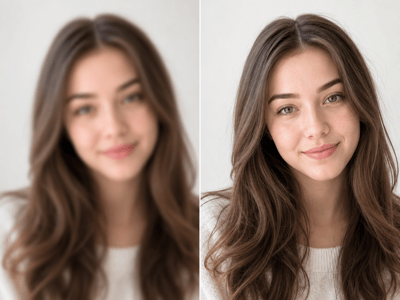
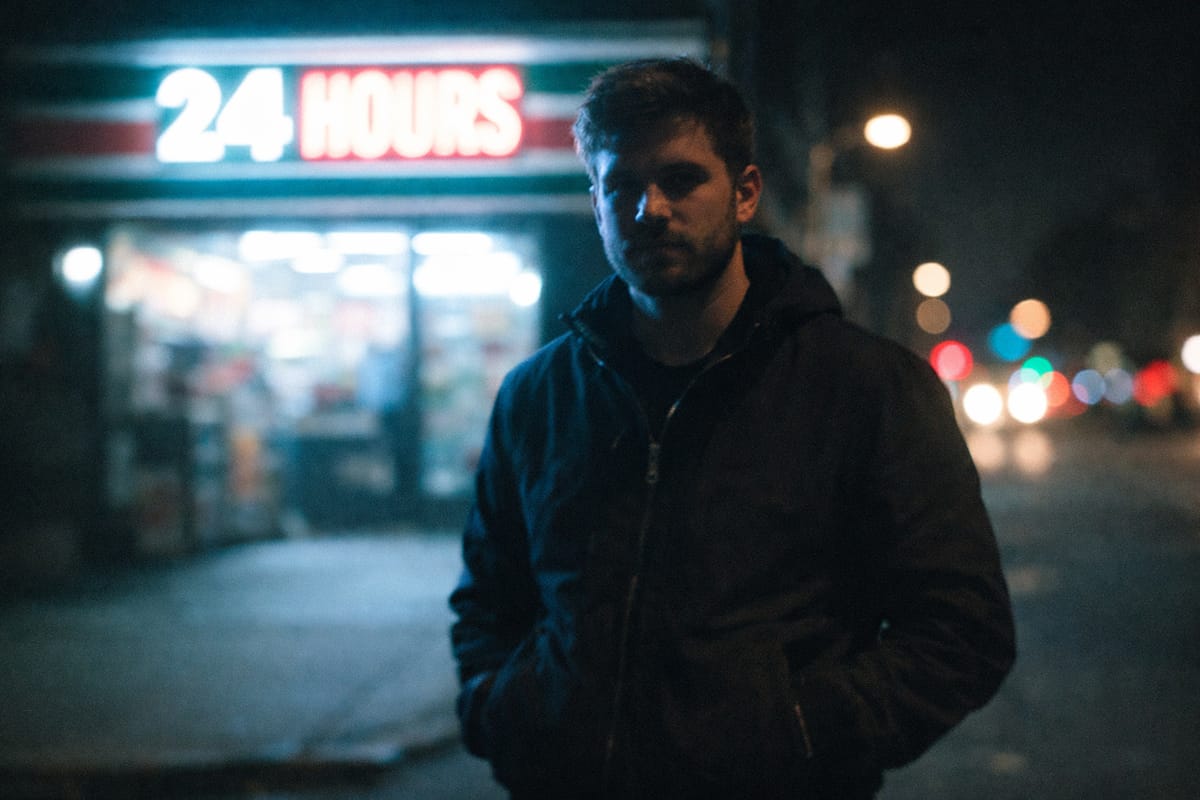
Night street shots usually come out underexposed and lifeless. Instead of pushing exposure sliders until the noise takes over, relight it as a cinematic neon scene — red and blue light wrapping the subject, the background reading as moody rather than dark. If the original is also soft or slightly blurred, run an unblur pass first before relighting.
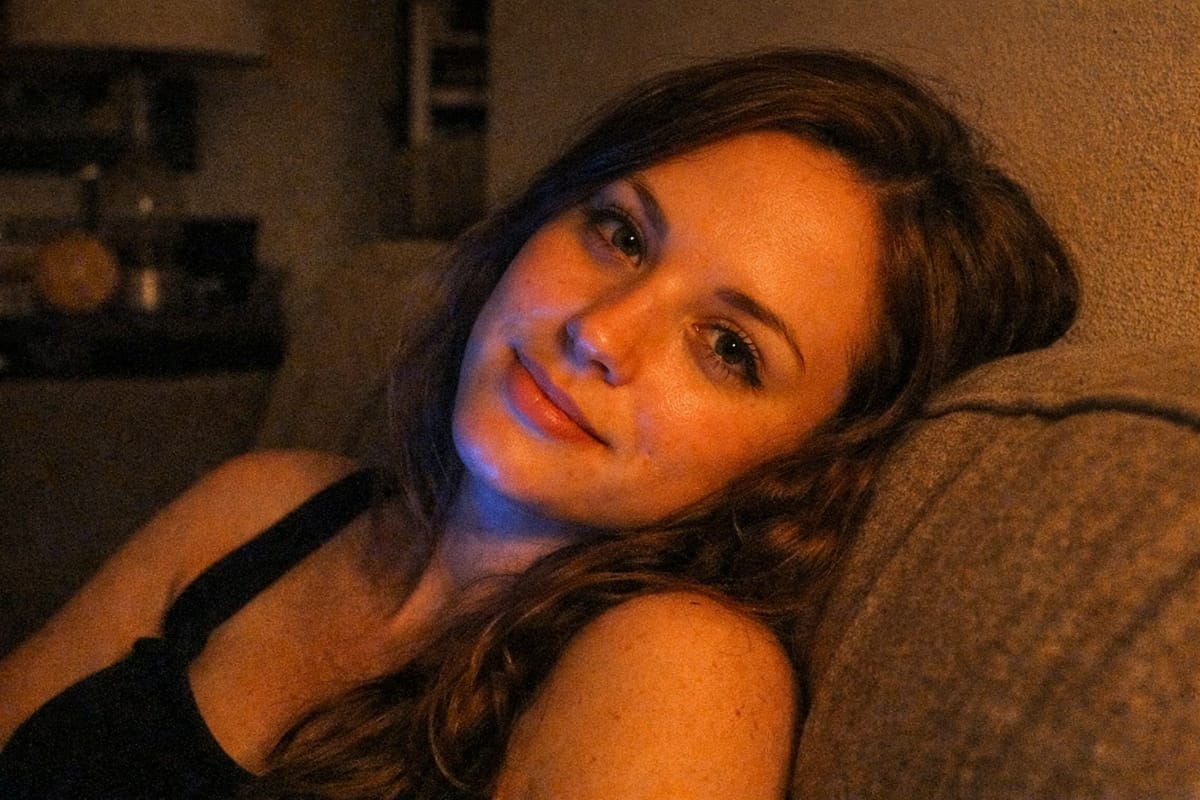
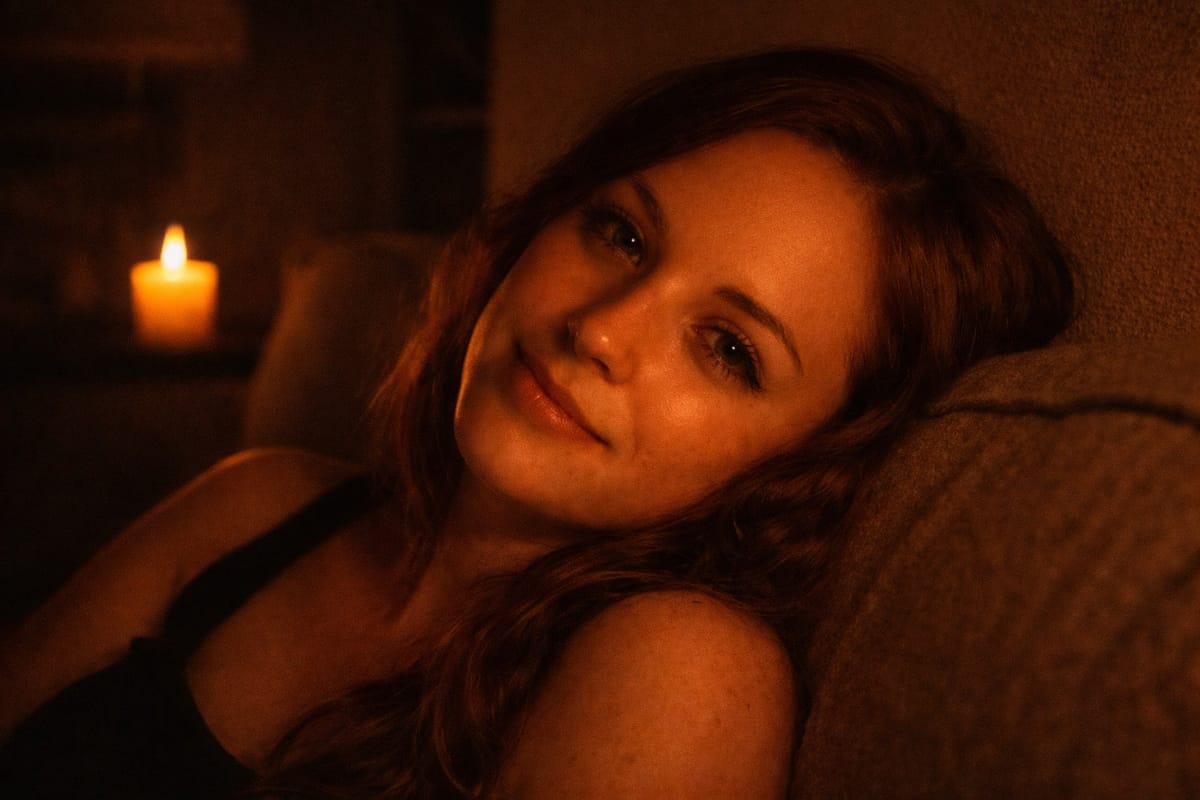
Push a Casual Photo Into a More Atmospheric Mood
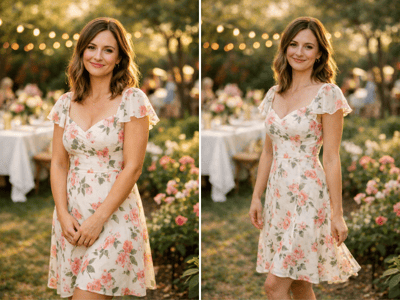
Same shot, different feeling. A relaxed snap at home under a table lamp can become a candlelit, romantic frame without restaging the scene or finding new light sources. The Mood control gives you Warm, Cool, Bright, Cinematic, Romantic, and Mysterious as one-click directions — useful when the photo is fine but the vibe isn't.
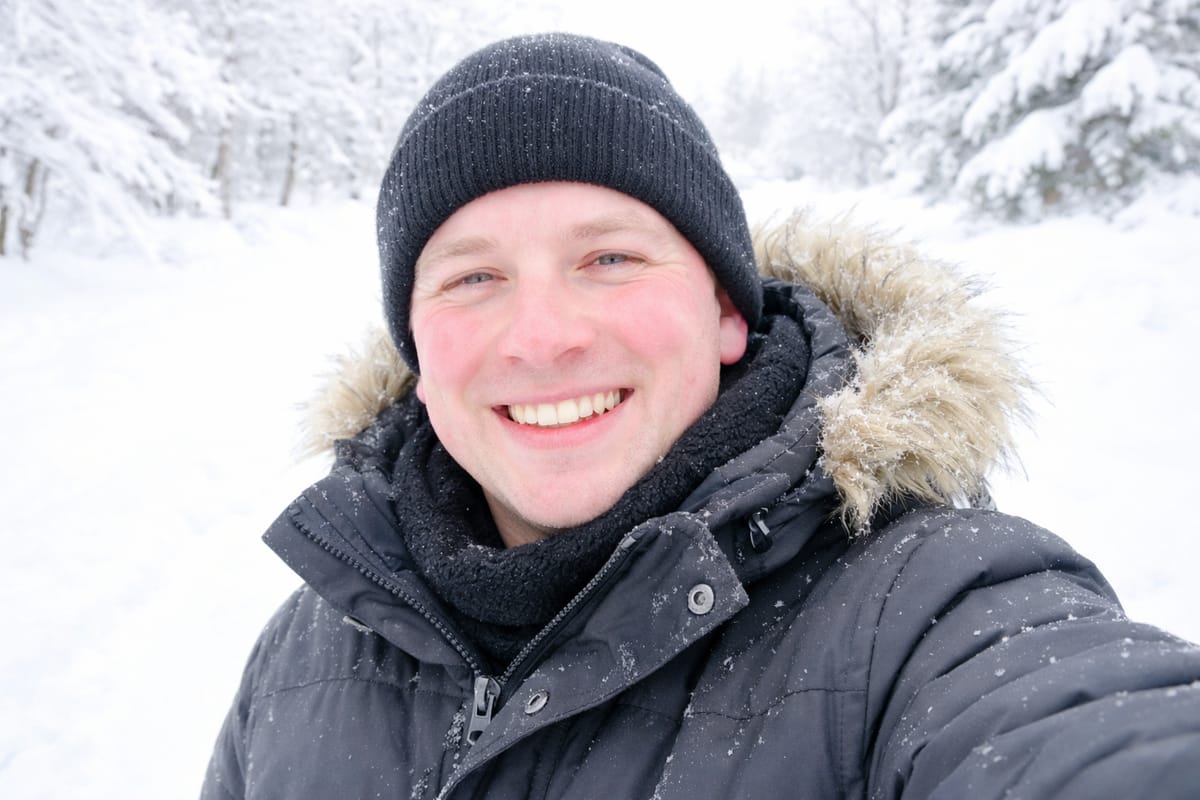

Switch the Weather in an Outdoor Portrait
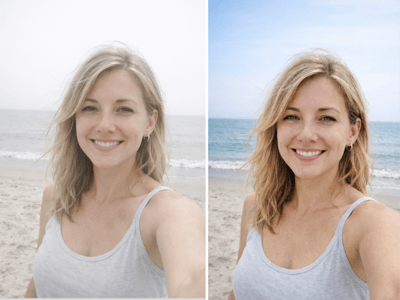
Outdoor lighting is the one thing you can't reshoot — if the day was overcast and flat, you can't bring back the sun. The AI image relighter swaps the lighting condition itself, turning a gray winter selfie into a bright sunlit shot with a clear blue sky behind you. Overcast shots often come with a cool color cast too — the relight handles the light, color correction handles the tone.
How to Use the AI Image Relighter
Upload your portrait
A sharp, clearly-framed face gives the best results. Avoid photos where the face is blurry, heavily cropped, or mostly in shadow.
Set the light direction and style
Choose where the light comes from and the mood: depth, flat, split, editorial, warm, dramatic, and more. Both dropdowns include Custom.
Select skin tone and generate
Match Skin Tone to the subject for accurate results. Use Number of Images to compare versions at once.
What Makes the AI Image Relighter Different
Directional Light Control, Not Just Filters
Most "relight" tools are global filters — they tint the whole image warm or cool. This one lets you set the actual light direction. Front, side, top, back — the shadows fall accordingly, which is what makes a portrait look photographed rather than filtered.
Mood as a Separate Dial
Lighting and mood are two different decisions, and the tool treats them that way. You can keep the same Studio lighting and switch the Mood from Cool to Romantic without rebuilding the shot. It's the difference between a relight ai that gives you one look and one that lets you iterate.
Preserves the Subject's Features
The relighter changes how light falls on the face, not the face itself. Skin texture, hair detail, expression, and identity stay intact — only lighting, color, and shadow shift. That's what keeps the output from looking AI-generated.