Photo Editor
Edit portraits with this online photo editor. Fix skin, change backgrounds, adjust styling and expressions — upload up to 10 photos at once.
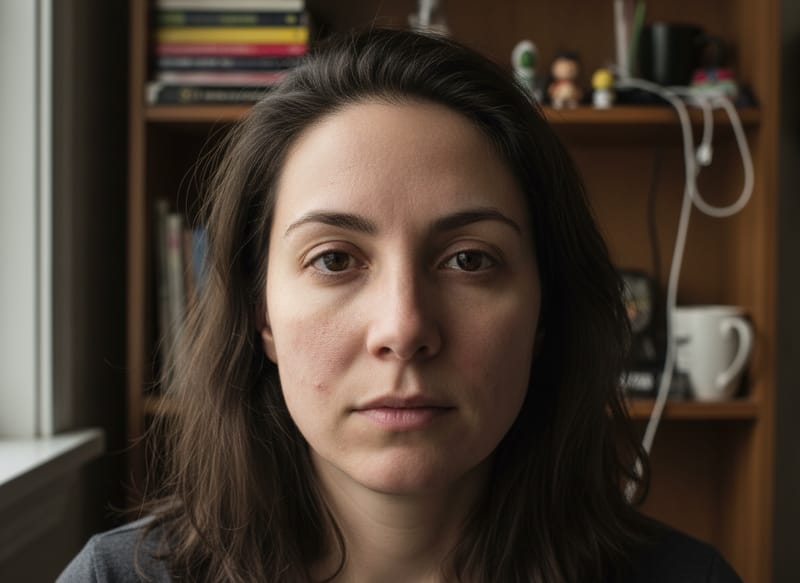
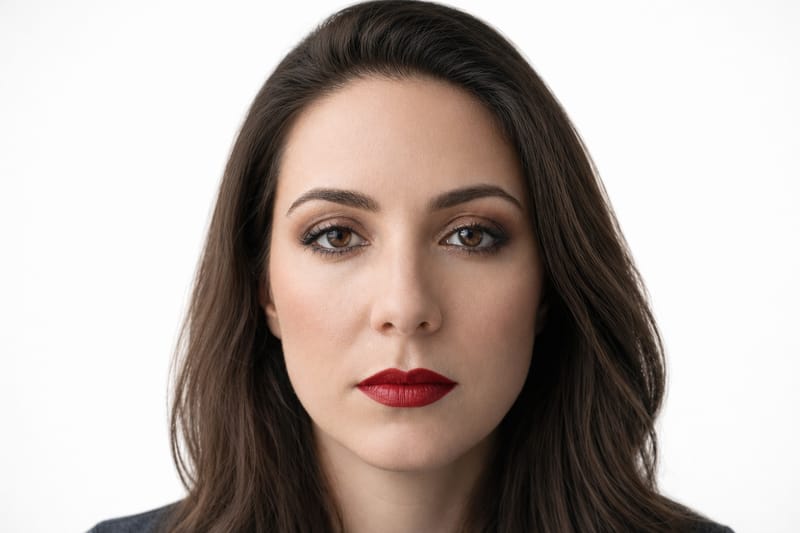
Edit Any Portrait Photo Without Photoshop
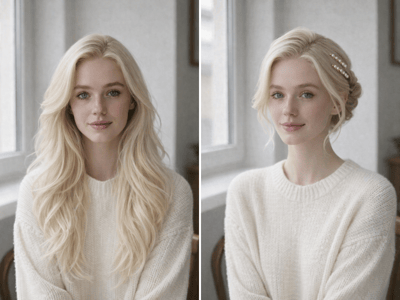
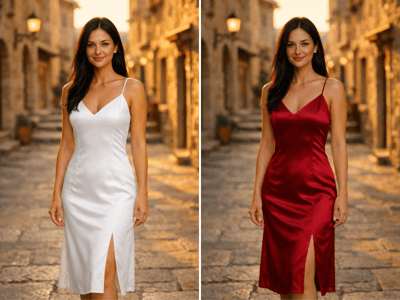
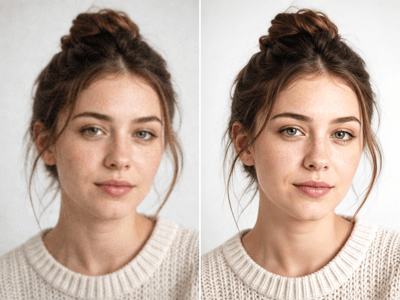
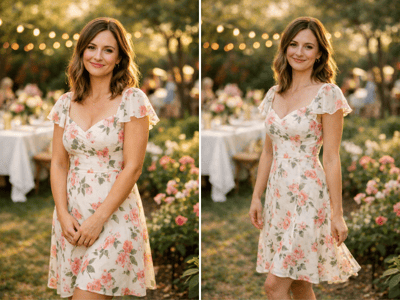
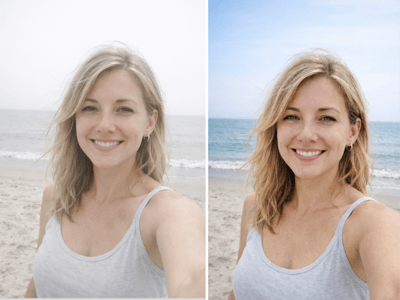
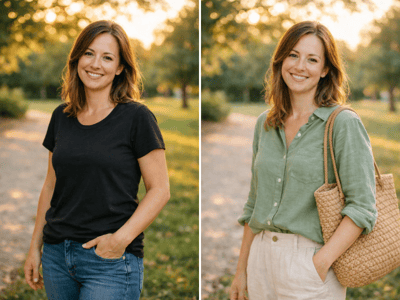
This photo editor lets you retouch skin, swap backgrounds, update outfits, and adjust expressions on any portrait — no design skills needed. Upload up to 10 photos at once and apply the same edits across all of them.
What You Can Do With It
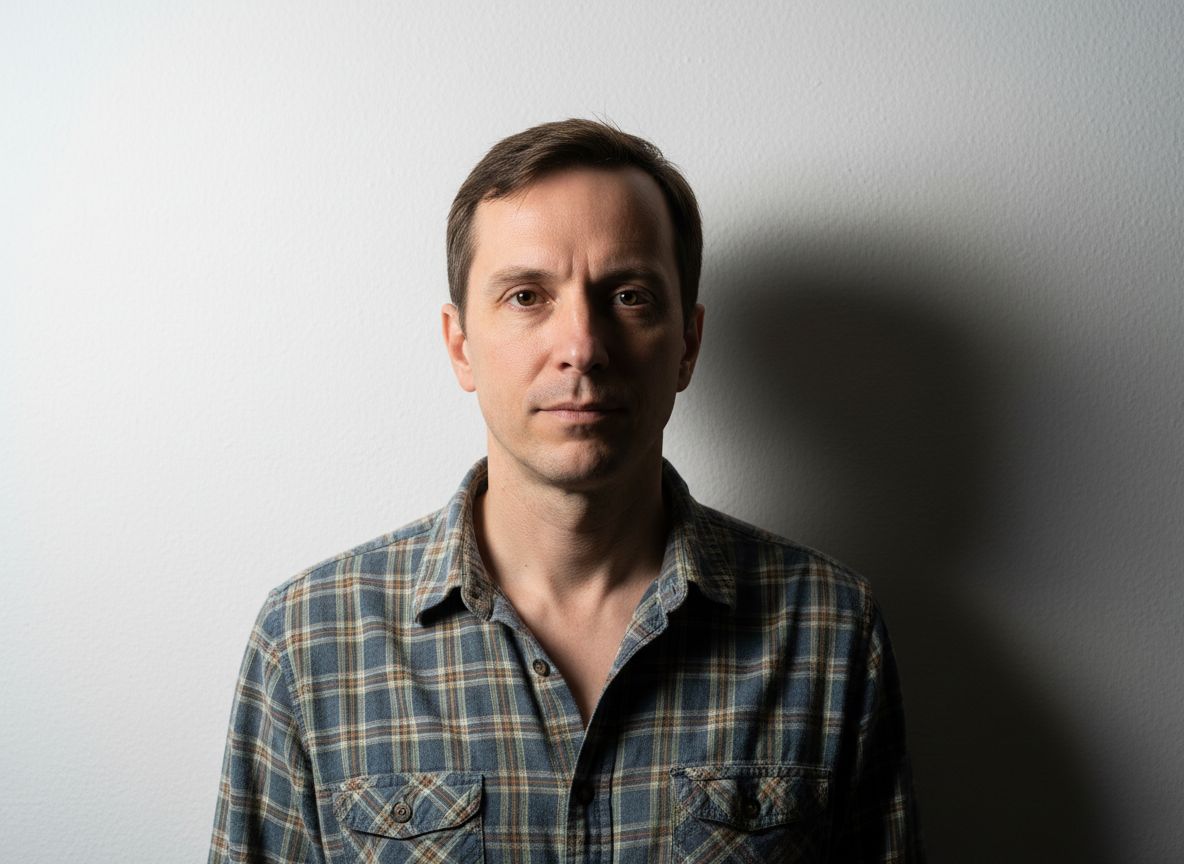
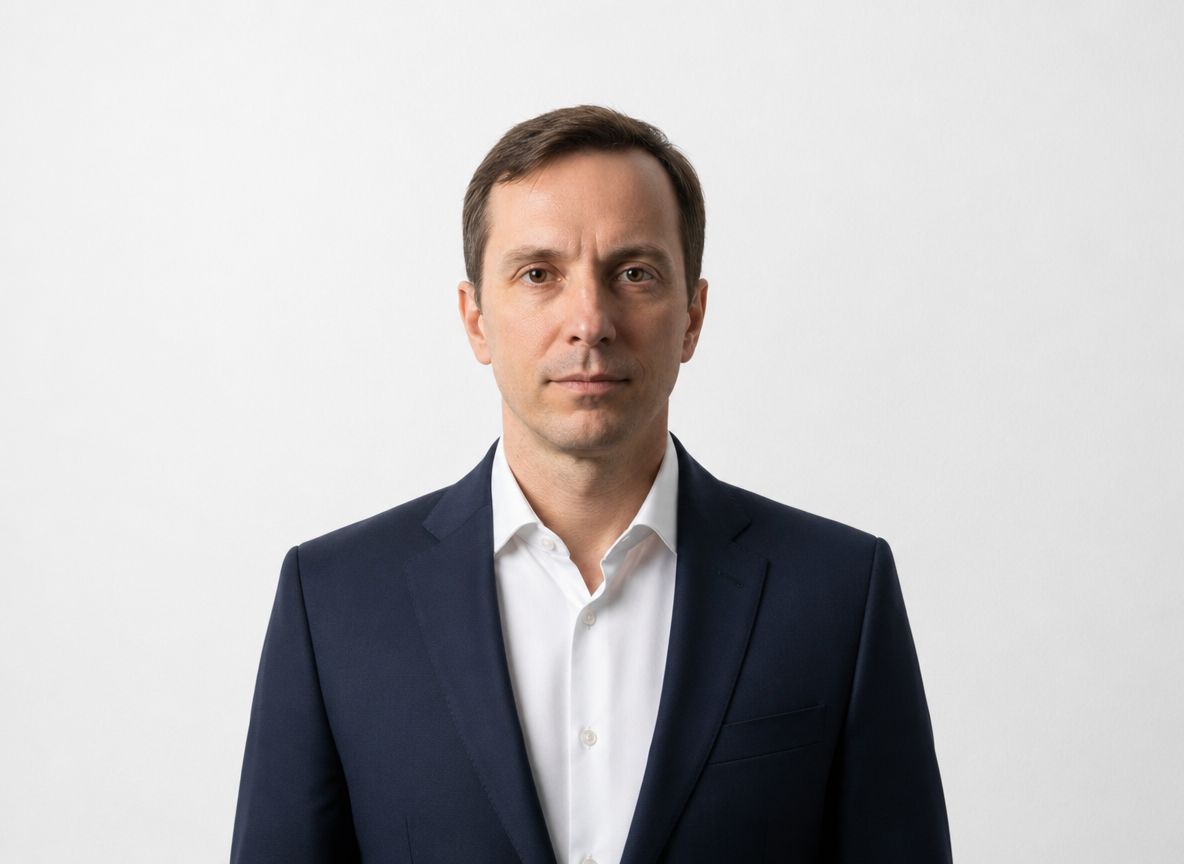
Your Headshot Needs a Tweak?
Got your headshot back but the skin retouching is too heavy, the background isn't quite right, or the expression feels off? Upload it here and fix just the part that bothers you — without redoing the whole shoot or starting over. Need a headshot from scratch? Try AI LinkedIn Headshots first.
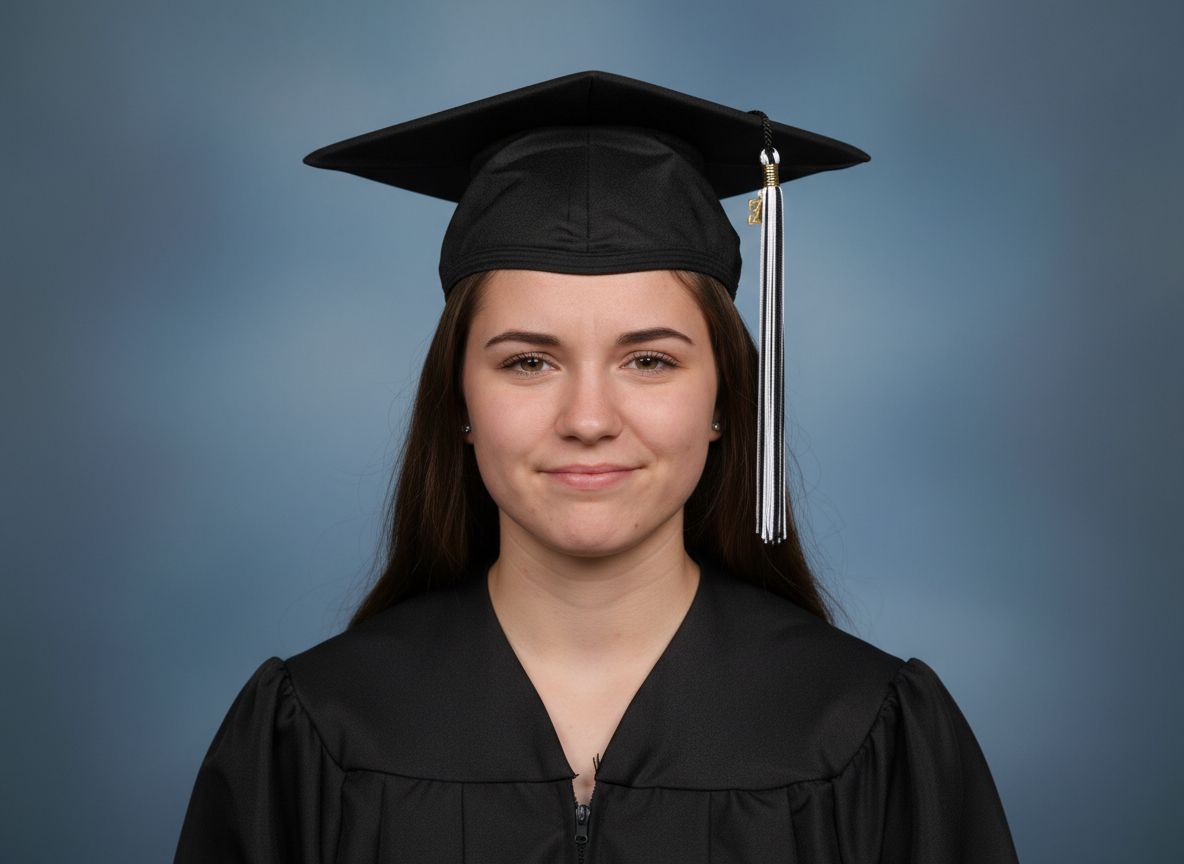
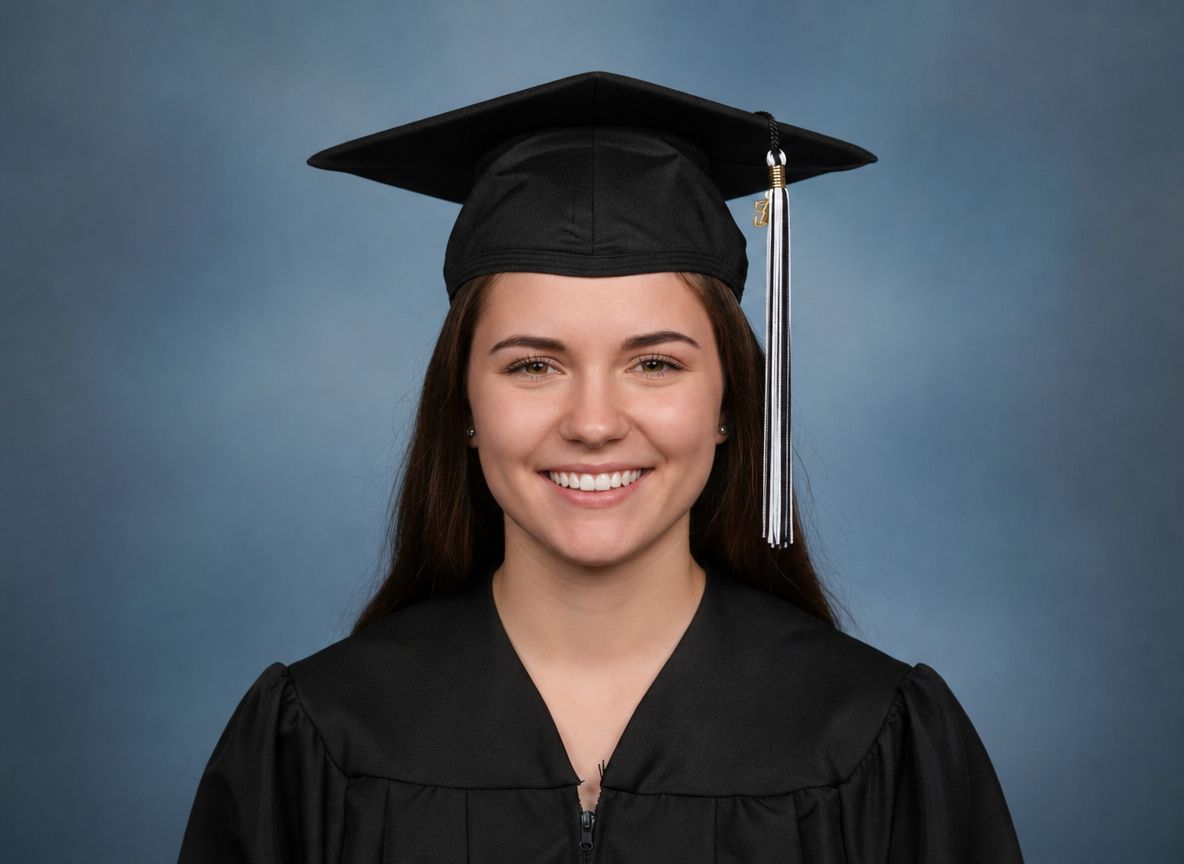
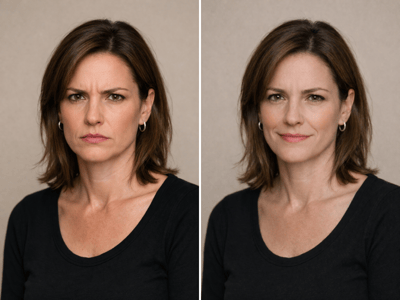
Not Quite the Right Expression?
The photo came out fine, but the smile looks a little stiff. Upload it, describe the expression you want, and clean up any skin issues at the same time — no need to go back for a reshoot.
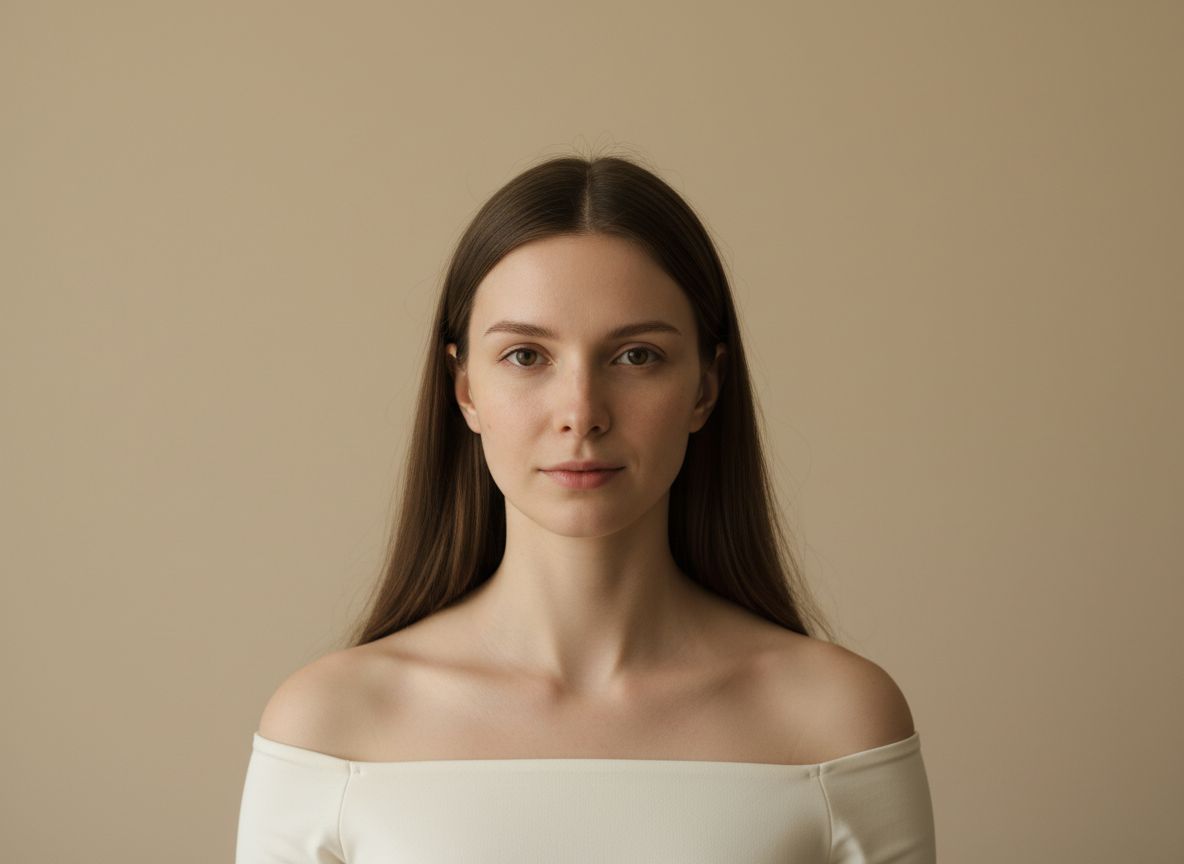
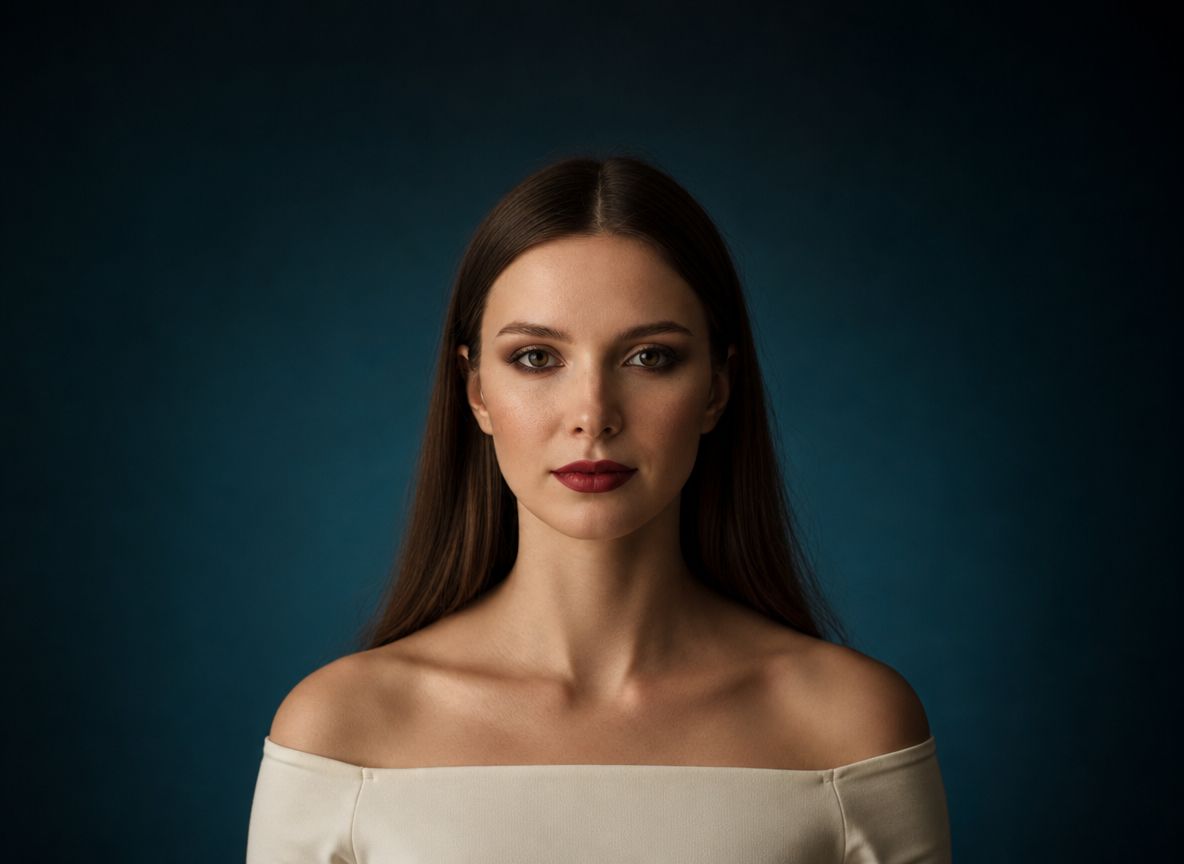
Upgrade a Flat Studio Portrait
A technically fine photo can still feel flat. Add full glam makeup, swap in a dramatic background, and adjust the expression — the same photo can go from passport-level to magazine-level. Use the Full Glam preset as a starting point, then describe any specific look you want.
How It Works
Upload your photos
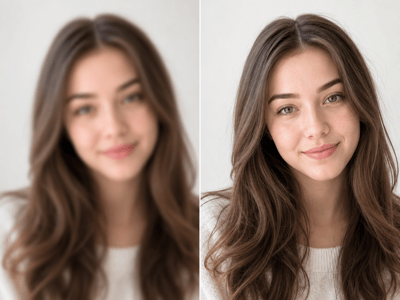
Up to 10 at once. Sharp lighting and a clearly visible face give better results — heavily blurred or shadowed photos will limit the output.
Describe your edits
Fill in the fields that apply — use presets as a starting point, or type your own. Use Other Instructions for anything else.
Generate and review
The tool applies all edits together. If one part of the result needs adjusting, revise that field and generate again.
What Makes This AI Photo Editor Different
Edit Multiple Photos With the Same Settings
Most online photo editors process one image at a time. Upload up to 10 portraits and apply the same background, retouch, and styling instructions across all of them — useful when you need consistency across a team page, a photo series, or multiple versions of the same shot.
One Tool for Skin, Style, and Expression
Most dedicated tools handle one thing: a blur photo editor blurs backgrounds, a skin retoucher fixes skin. This image editor handles face retouching, makeup, outfit styling, background replacement, and pose adjustments in a single pass — without switching between apps.
Presets That Actually Work
The preset buttons — Quick Cleanup, Full Glam, Confident, Soft — aren't generic labels. Each one fills in a detailed, tested instruction designed to produce a specific result. You can use them as-is or edit them to fit your photo.
Describe Exactly What You Want
Unlike tools with fixed sliders or limited style options, every field here accepts free text. If you want to remove a specific mole, change lip color to a specific shade, or describe a specific outfit, you can. The tool reads your description and applies it.