Team Headshots
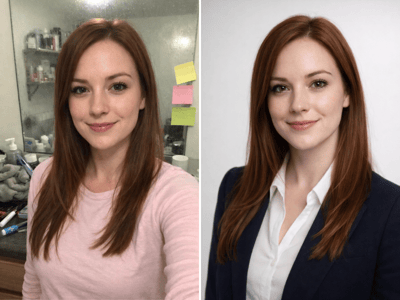
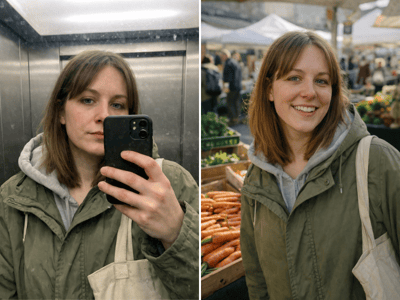
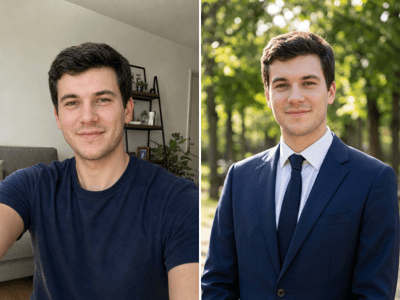
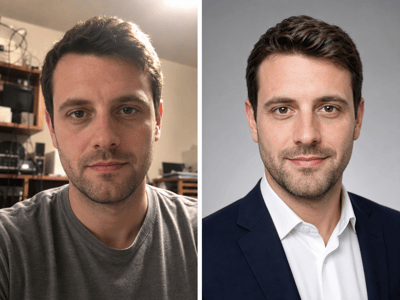
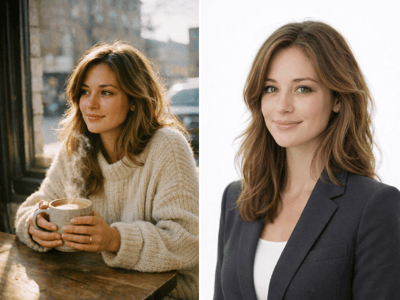
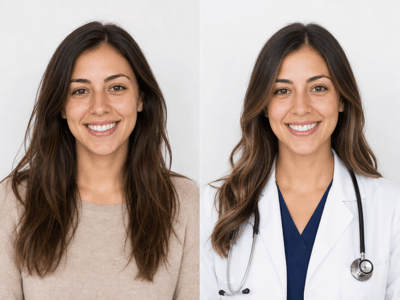
Generate matching team headshots from any photos your team already has. Same background, attire, and framing across everyone — no group shoot required.
Get Matching Team Headshots Without Coordinating a Group Shoot
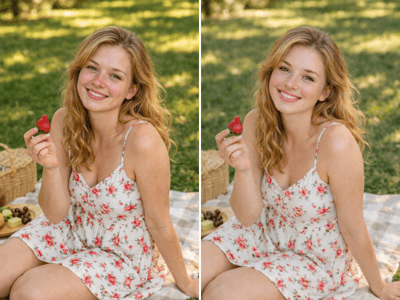
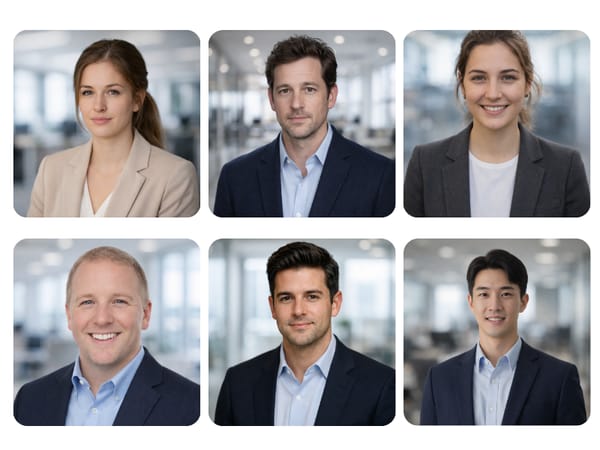
Getting a full team into a studio on the same day is a scheduling problem on its own, and the result still looks uneven when part of the team is remote. Team Headshots takes the photos your people already have and renders each one against the same background, attire, and framing. Upload up to ten at once and the AI team headshots come out looking like one photographer shot them on the same day.
When Teams Use It
Refresh Your Startup's About Page Overnight
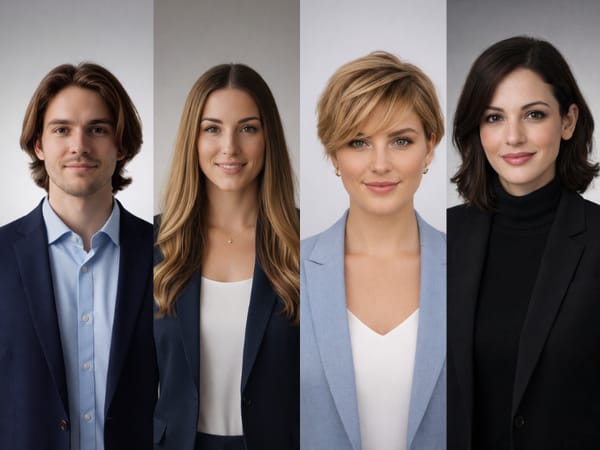
Your team page hasn't been updated since the company was three people, and now it's twelve. Drop everyone's existing photos into the batch, pick one background and one attire setting, and get a matching roster ready to publish. The team headshots in office style works well for early-stage companies that want a polished About page — or a full set of corporate headshots without the corporate stiffness.
Match Real Estate Team Headshots Across an Entire Agency
Real estate team headshots have to look the same on the agent roster page — a single odd photo undermines the whole agency. Use one background and one framing setting across all submitted photos so every agent's headshot reads as part of the same team, even when the source photos came from phones, old IDs, and last year's office party.
Onboard New Hires Without Reshooting Everyone
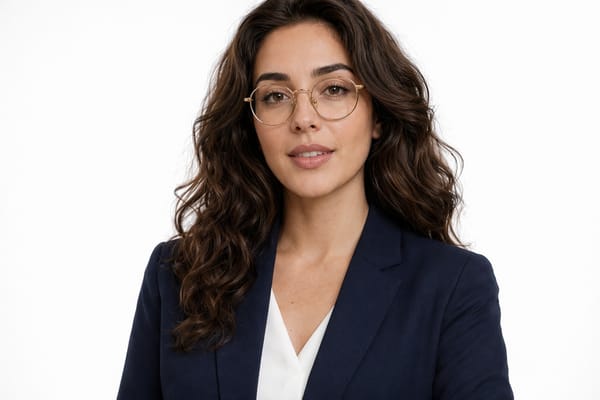
When a new person joins, you don't want their headshot to be the one obvious outlier on the team page. Generate their headshot with the same preset settings you used for the rest of the team, and it slots into the existing grid as if it had been there from day one.
How It Works
Upload up to 10 photos at once
Each face is processed independently. For teams over 10, run more batches with the same settings.
Set the presets once
Pick one background, attire, framing, and aspect ratio — the fixed combination is what makes the headshots match.
Generate and download
Replace any single photo where the source was too dark or angled.
What Makes It Different
Batch Generation Keeps Team Headshots Consistent
Up to ten photos process in one batch with the same background, attire, and framing applied to all of them. That fixed-preset approach is what makes the set look unified — not retouching each photo separately, but generating everything against the same baseline.
AI Team Headshots from the Photos People Already Have
No one has to take a new photo. Old company event shots, LinkedIn pictures, and phone selfies all work as source material — useful for remote teams, contractors, or anyone you can't schedule a shoot with.
Preset Backgrounds That Match Real Team-Page Styles
Clean white, soft gray, blurred office, dark navy, and gradient neutral cover the visual styles used on most company About pages. Pick one for the whole team and the headshots drop straight into your existing layout without looking patched-in.
One Bad Source Photo Doesn't Drag the Batch Down
Each team member's photo is processed independently, so a low-quality source affects only that one result — not the rest of the batch. The preset settings stay locked across the upload, so independent processing doesn't break visual consistency.