Photo Upscaler
Use our AI photo upscaler to enlarge images to 2K, 4K, or 8K with sharper detail and clean edges. Upload a JPG, PNG, or WEBP to start.
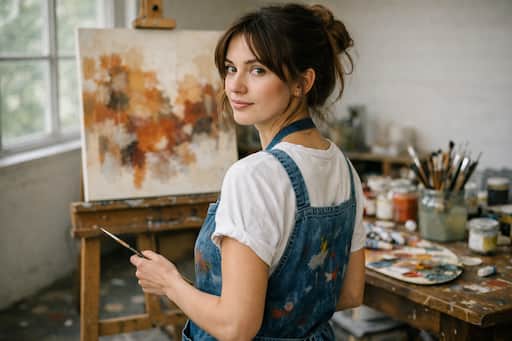
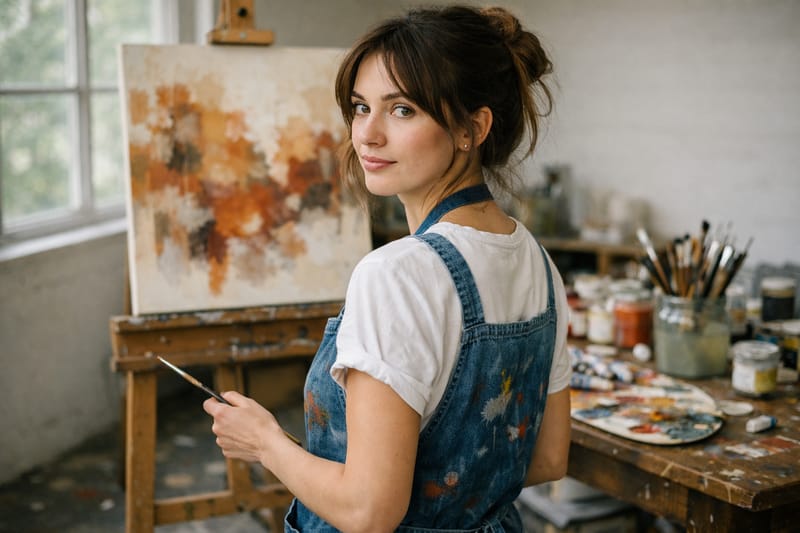
AI Photo Upscaler That Sharpens Detail Instead of Faking It
When the photo you need is too small, too soft, or saved at the wrong size years ago, a photo upscaler is the fastest way to get usable resolution back. This AI photo upscaler enlarges your image to 2K, 4K, or 8K and rebuilds detail — hair strands, fabric texture, edges — so the result looks like it was shot at a higher resolution, not stretched.
When the Photo Upscaler Earns Its Keep

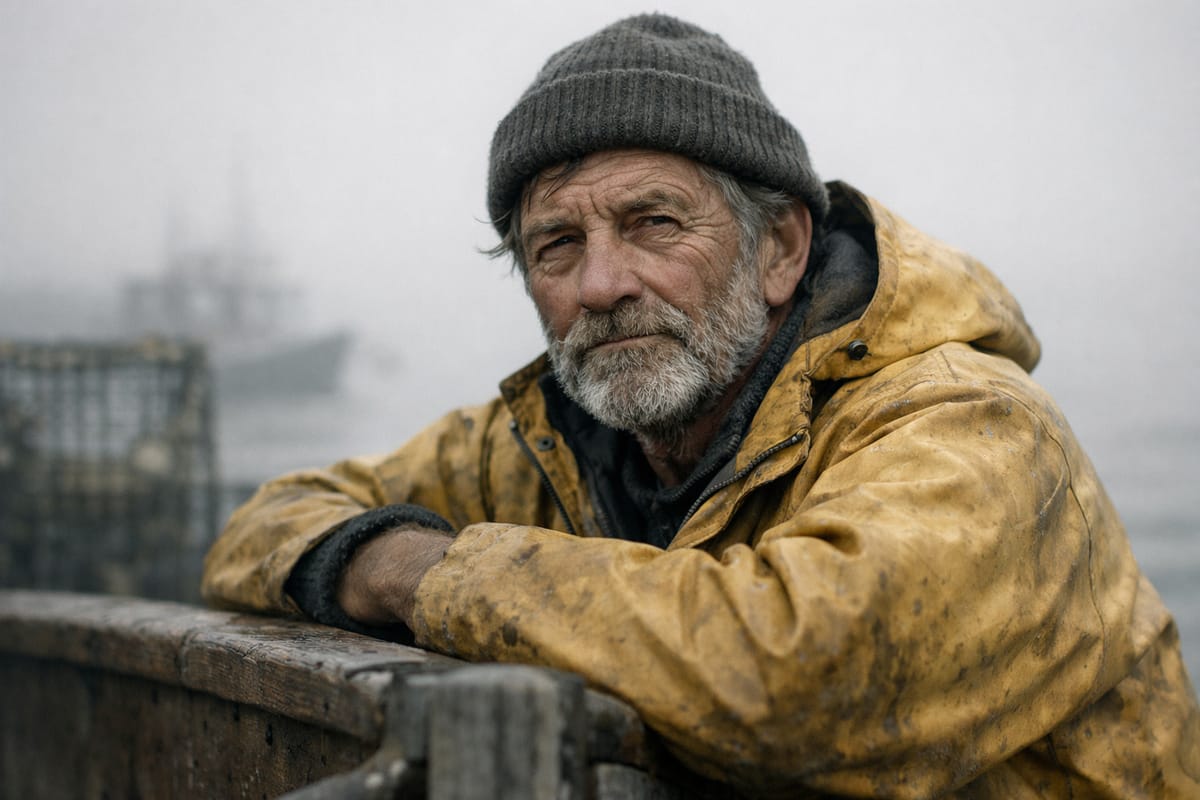
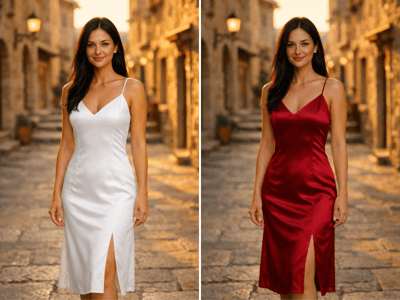
Print a Phone Photo at Frame Size
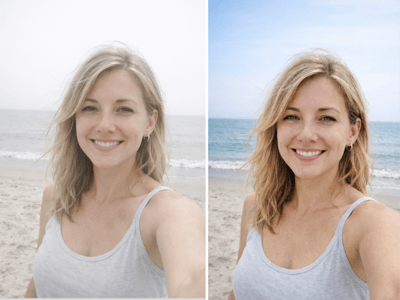
The phone snap from a trip looks great on a screen, but at 8x10 inches it goes soft. Upscaling to 4K or 8K gives it enough pixels to print sharply, and the AI cleans up the compression artifacts a simple resize would amplify.
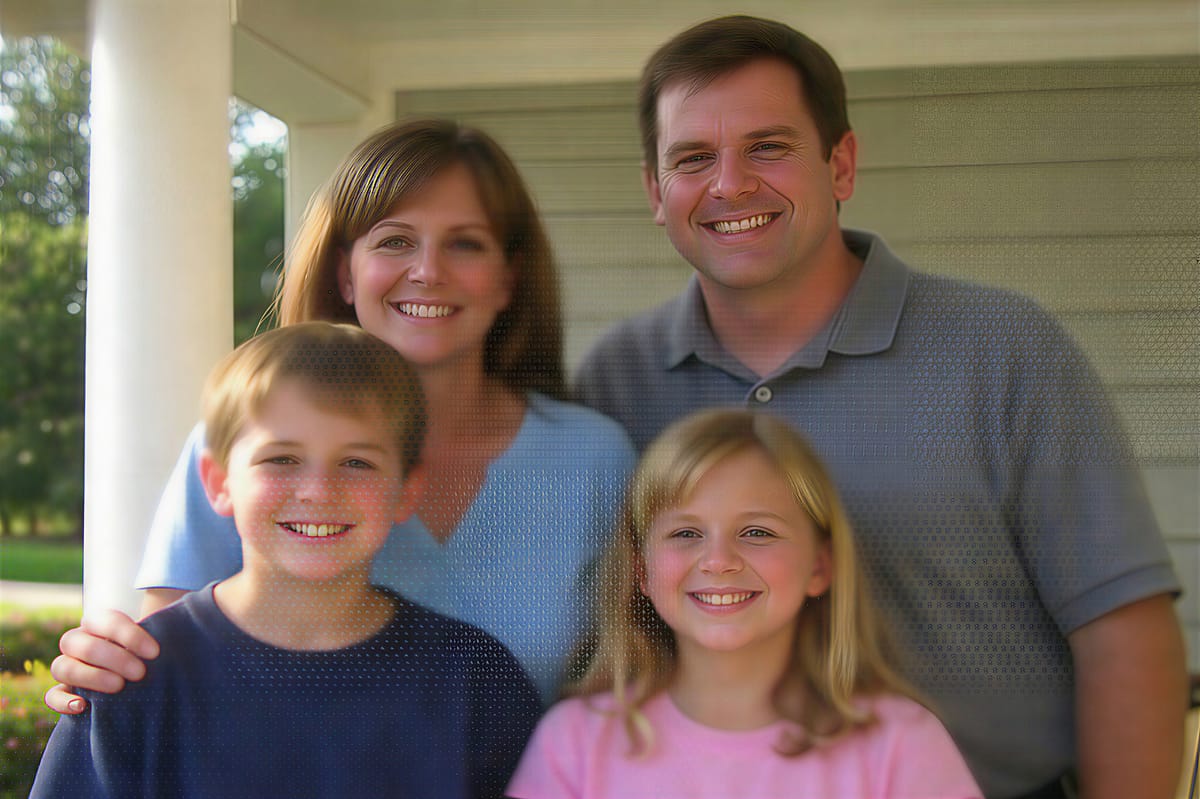
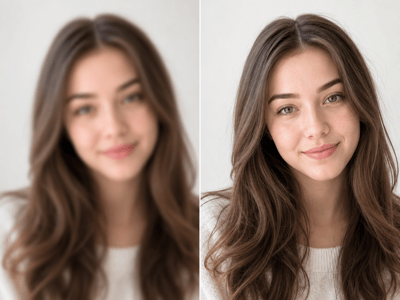
Rescue a Small Photo You Saved Years Ago
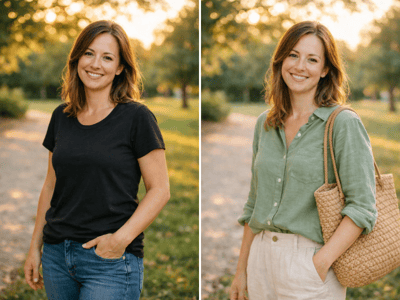
Old digital photos saved at tiny sizes — a 600px portrait, a 800px family shot — usually look fine until you try to use them today. If the original is also soft or blurry, an unblur pass before upscaling gives the algorithm more to work with. The upscaler recovers usable detail from the existing pixels so the photo holds up at modern screen sizes.

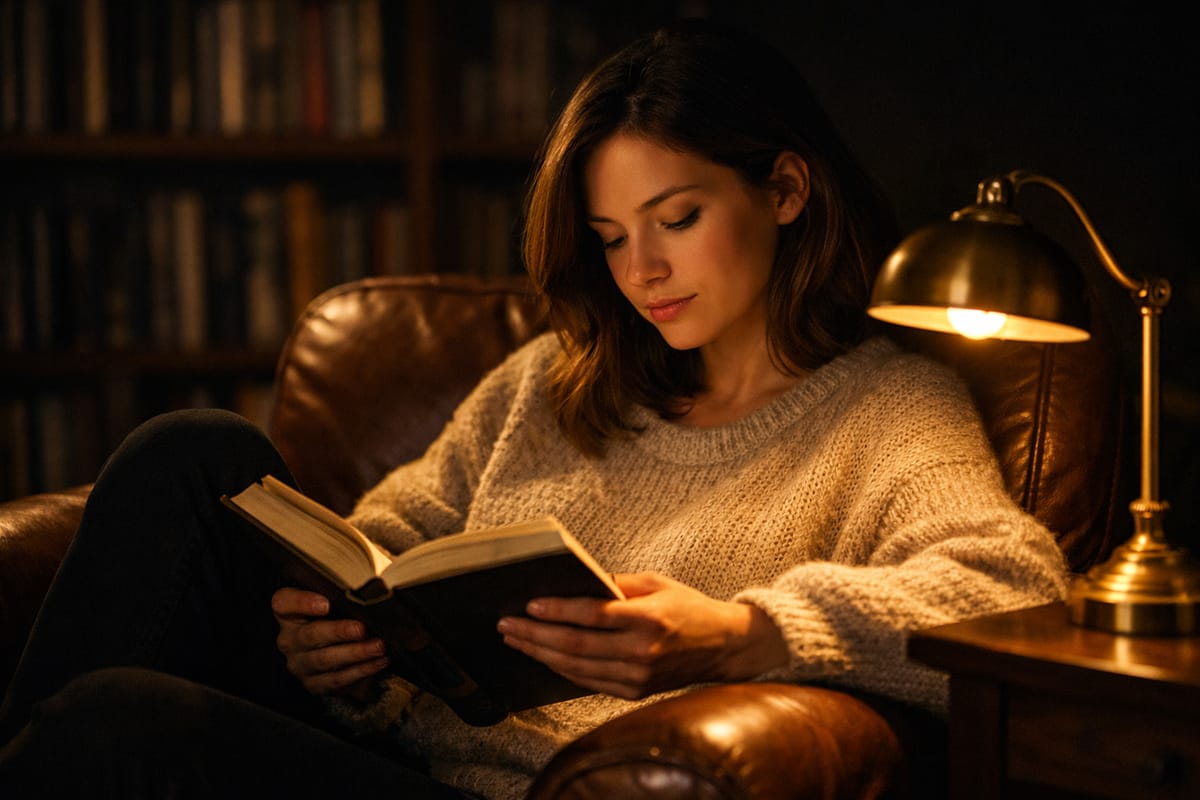
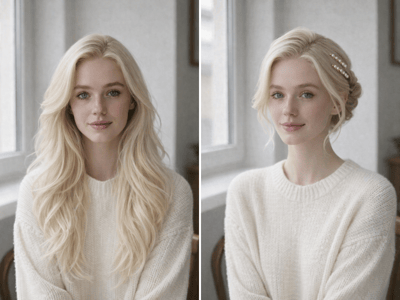
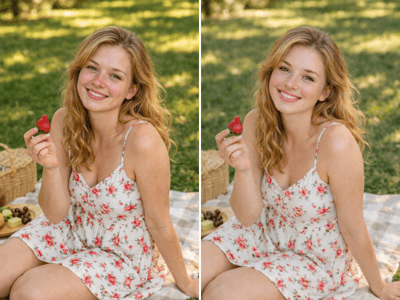
Sharpen Lifestyle and Portrait Photos
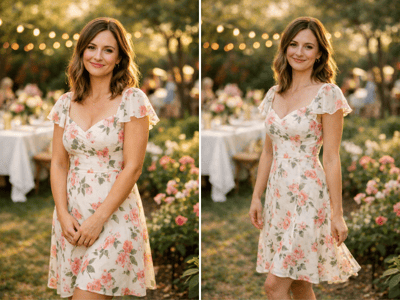
Indoor shots taken in low light or on a phone often look fine on the screen you captured them on, but lose detail the moment you crop, print, or repost them. Upscaling brings back the texture in hair, knit fabric, and warm lighting, so the mood survives at the new size.
How It Works
Upload your photo
JPG, PNG, or WEBP up to 10 MB. A small but clean source upscales better than a larger but blurry one.
Pick a target resolution
2K for screen use, 4K for prints and large displays (where the 4k photo upscaler shines), 8K for billboards or gallery work.
Run it and review
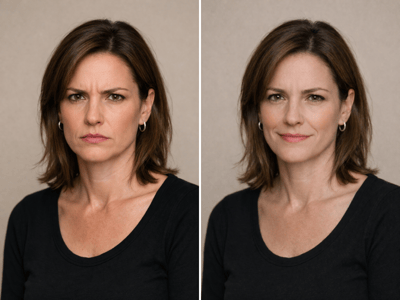
Check the result at 100% before downloading. The upscaler preserves your original style — no smoothed skin, shifted colors, or altered expressions.
What Makes This Photo Upscaler Different
Detail Reconstruction, Not Pixel Stretching
Most basic resize tools just interpolate — they make the image bigger and softer. The AI photo upscaler rebuilds edges, textures, and fine structure from the pixels you already have, so hair, fabric, and small features come back as detail rather than blur.
One Click Between 2K, 4K, and 8K
The Target Resolution dropdown does the work — no scale factors, no pixel math, no guessing what "200%" or "400%" actually means for your image.
Preserves the Original Look
Skin tones, lighting, color, and expression stay as they were. The tool sharpens and resolves; it doesn't restyle the photo or smooth out texture that was there on purpose.