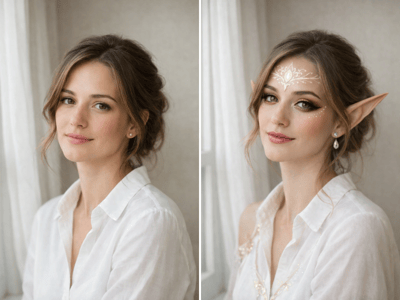
Color Correction
Fix dull, overexposed, or color-cast photos with AI color correction. Balance white balance, exposure, and saturation in one click. No manual sliders.


AI Color Correction That Fixes Photos in One Click
You took the photo, but the colors came out wrong — too yellow, too washed out, or just lifeless. This AI color correction tool analyzes the exposure, white balance, and saturation in your image and rebalances all three at once. The result is a photo that looks the way the scene actually did, without manual sliders to figure out.
Three Photo Problems This Tool Fixes


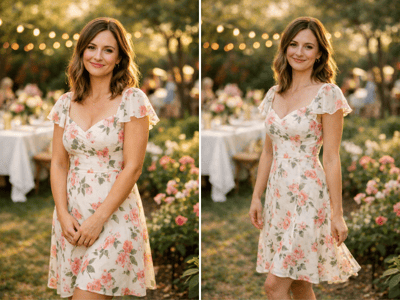
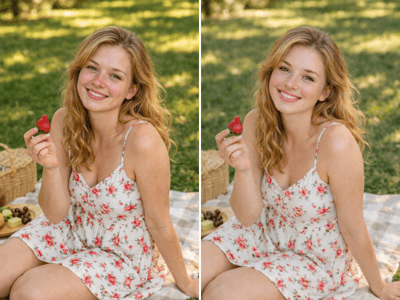
When Midday Sun Blew Out an Outdoor Shot
Bright sun washes out clothing colors, blows highlights to pure white, and flattens contrast. The tool pulls back overexposure and recovers detail across the frame — useful for travel photos and outdoor portraits taken into harsh light. Low-resolution source photos benefit from upscaling before correction.


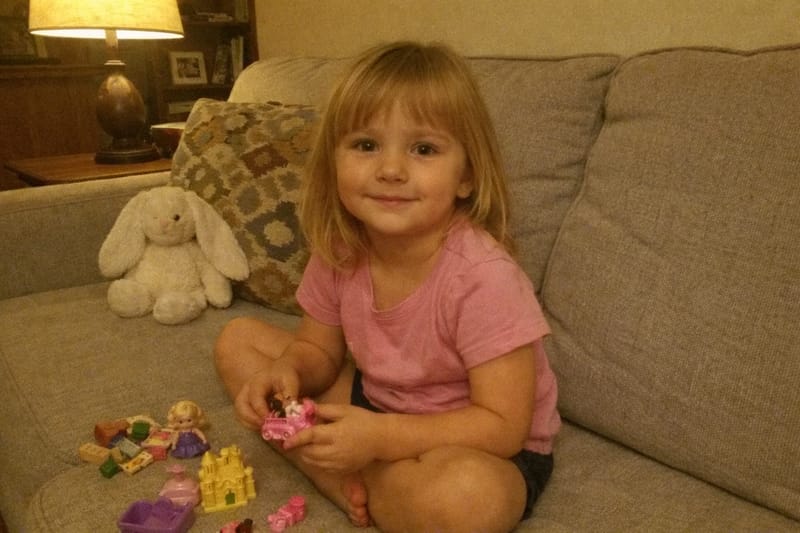
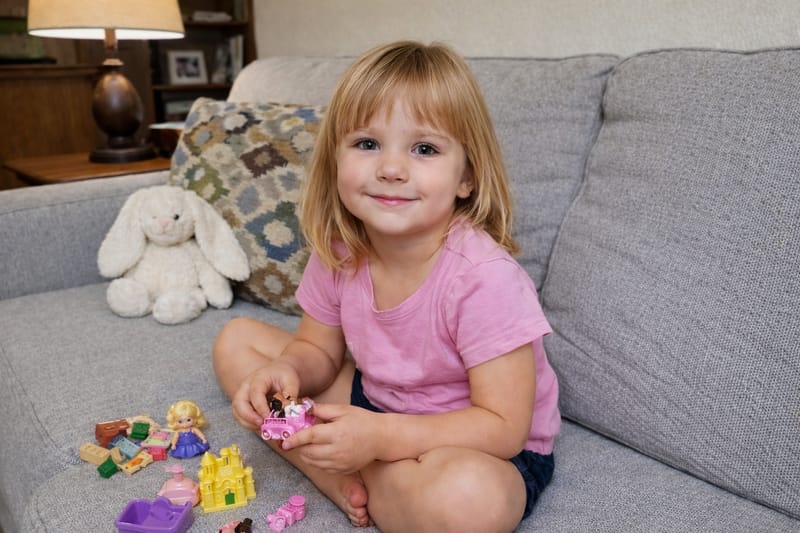
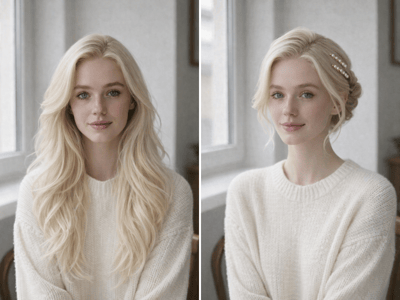
When Indoor Lighting Turned Skin Orange and Whites Cream
Lamps, tungsten bulbs, and warm LEDs leave a yellow or orange cast across the whole frame. AI photo color correction neutralizes the cast so faces look natural and white objects read as white again.


When the Photo Just Looks Flat and Lifeless
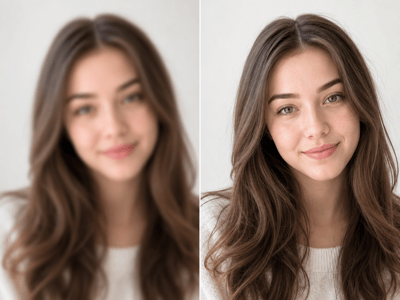
Some phone cameras render scenes with muted color and low contrast, especially on cloudy days. Photo color correction online adds back natural saturation and depth without making the result look fake or over-processed.
How It Works
Upload a photo
JPG, PNG, or WEBP up to 10MB. A clear original gives a cleaner correction.
Set the aspect ratio
Keep the original framing or pick a preset if you need a specific crop.
Run the correction
The output appears in History. Fully blown highlights or crushed shadows can't be rebuilt.
What Makes It Different
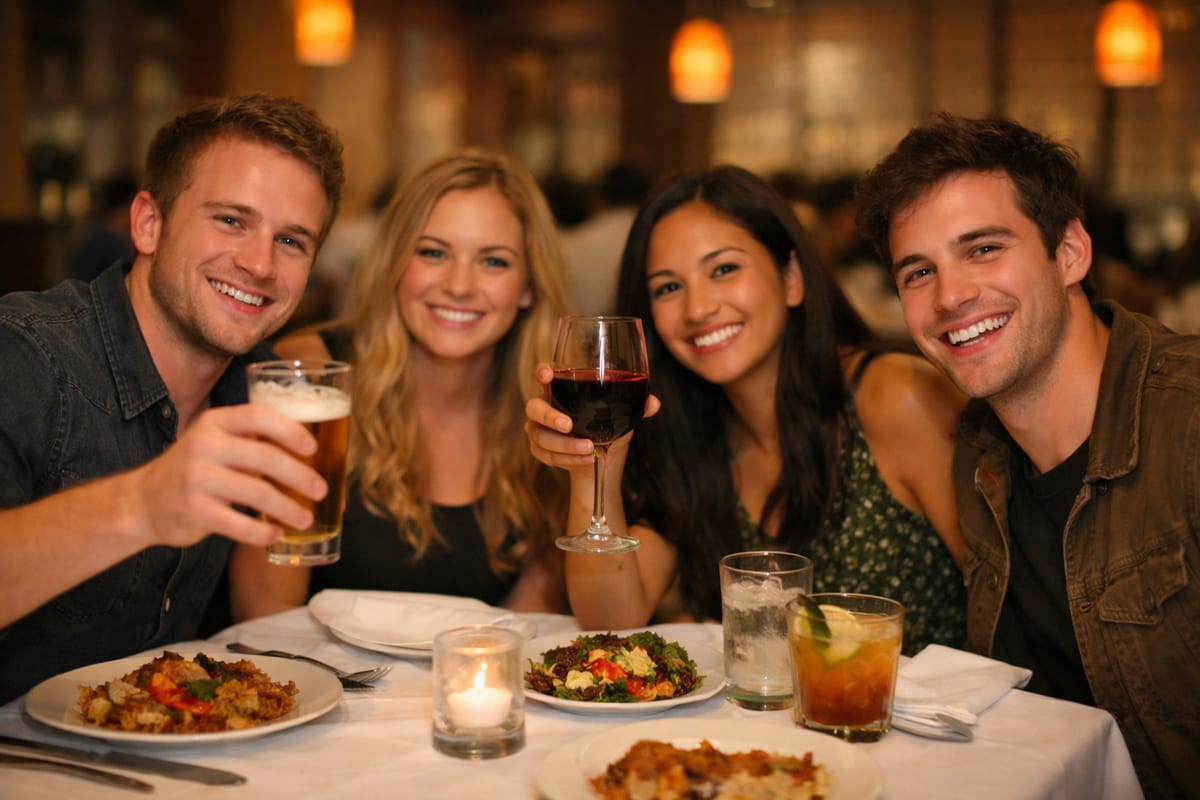
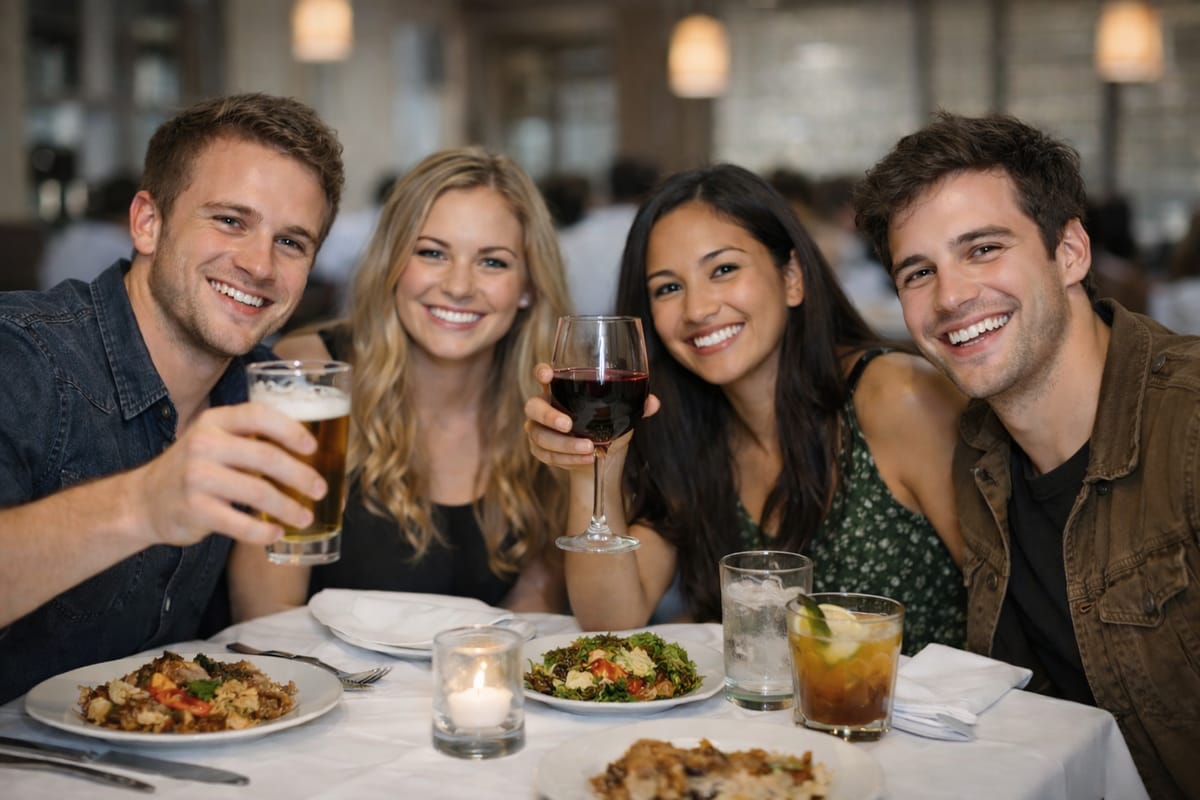
Handles Mixed Lighting Where Manual Correction Usually Fails
Photos with two different light sources — like a candle plus overhead LEDs, or window light plus indoor lamps — are the hardest cases for manual sliders, because warming one area cools another. The AI evaluates the whole frame together and balances both ends at once.
One-Click AI Color Correction Without Manual Sliders
No white balance dials, curves, or saturation channels to figure out. The AI evaluates exposure, white balance, contrast, and color cast together, then applies a balanced correction. Most users get a usable result on the first run.
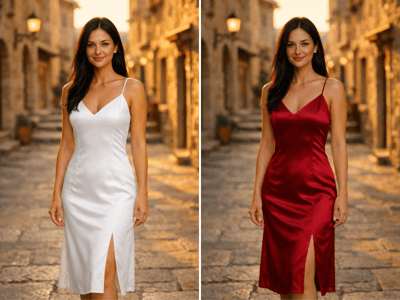
Skin Tones Stay Natural Across Faces, Landscapes, and Products
The AI handles skin tones carefully so portraits don't end up orange or magenta after correction. It also keeps landscapes from turning over-saturated and product photos from losing their true colors — important for anyone using corrected photos for e-commerce or listings. Portraits shot in mixed or uneven light often benefit from a relight pass alongside color correction.