Wedding Photos
Use the AI wedding photo generator to turn your own photos into styled wedding portraits. Pick a look, upload, and download in minutes.
Love in Every Frame
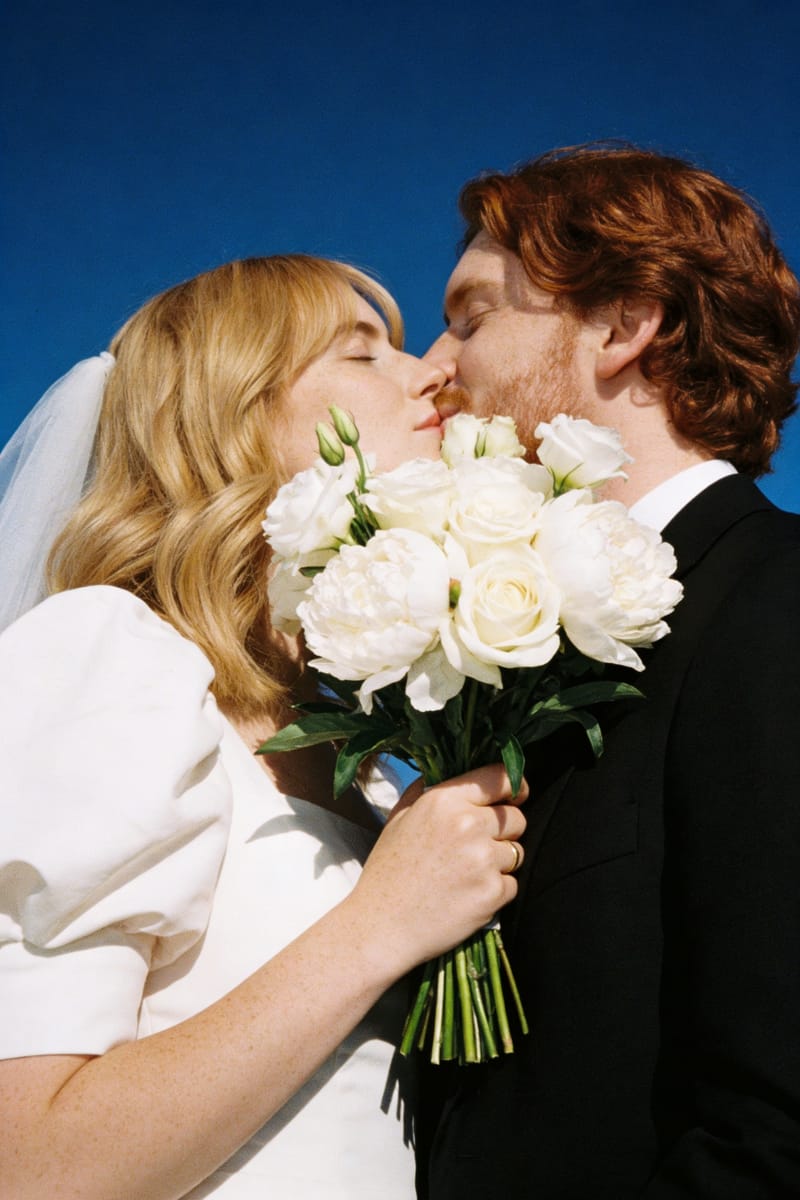
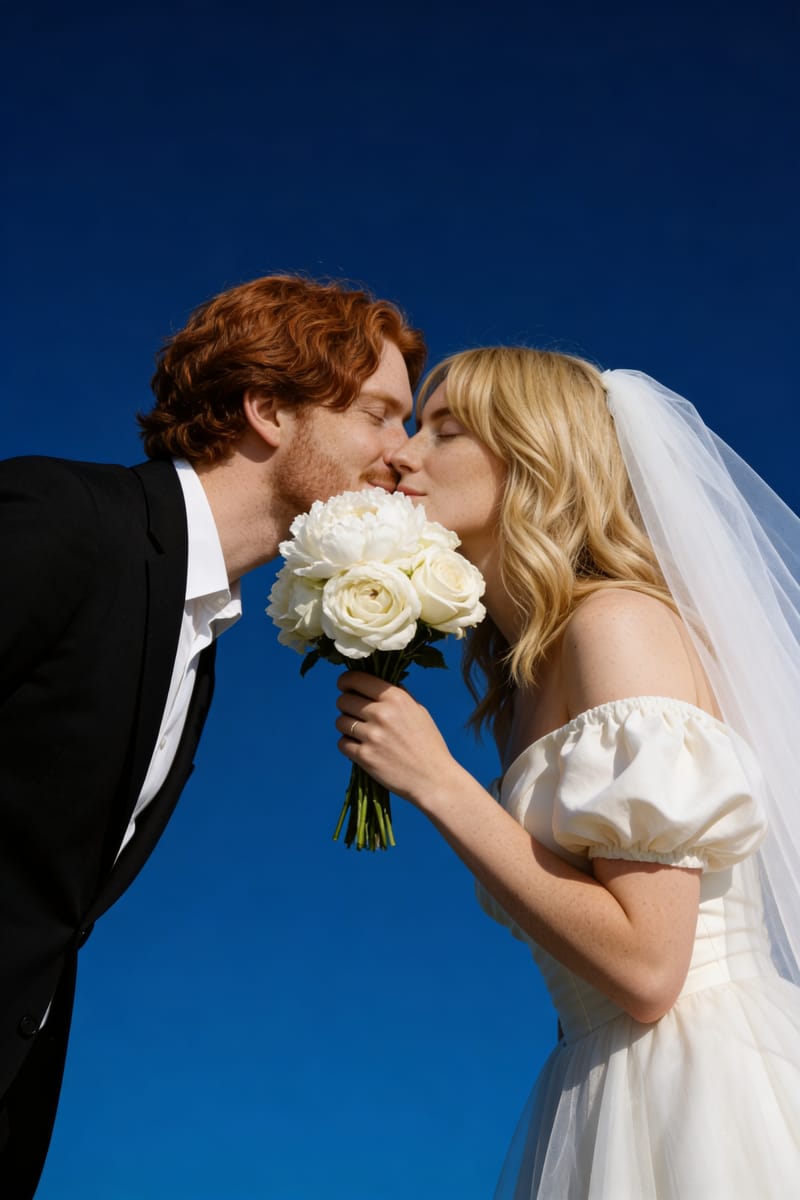
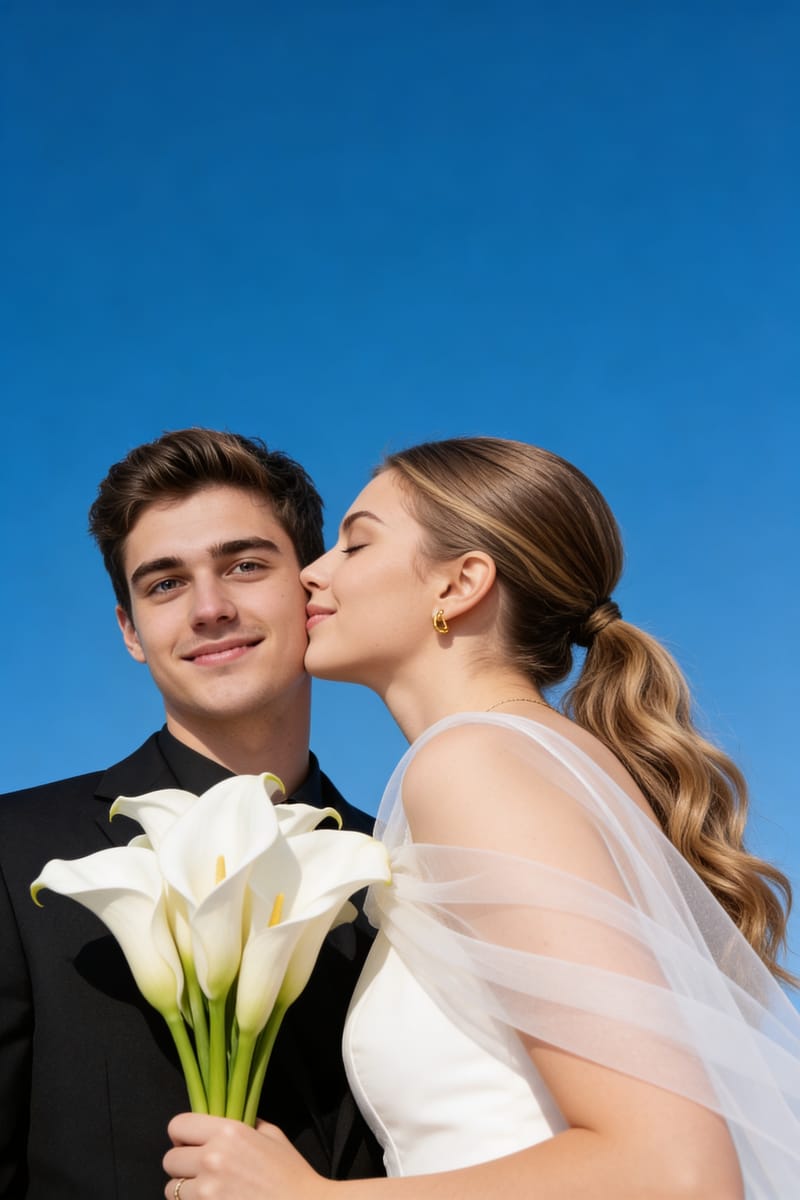
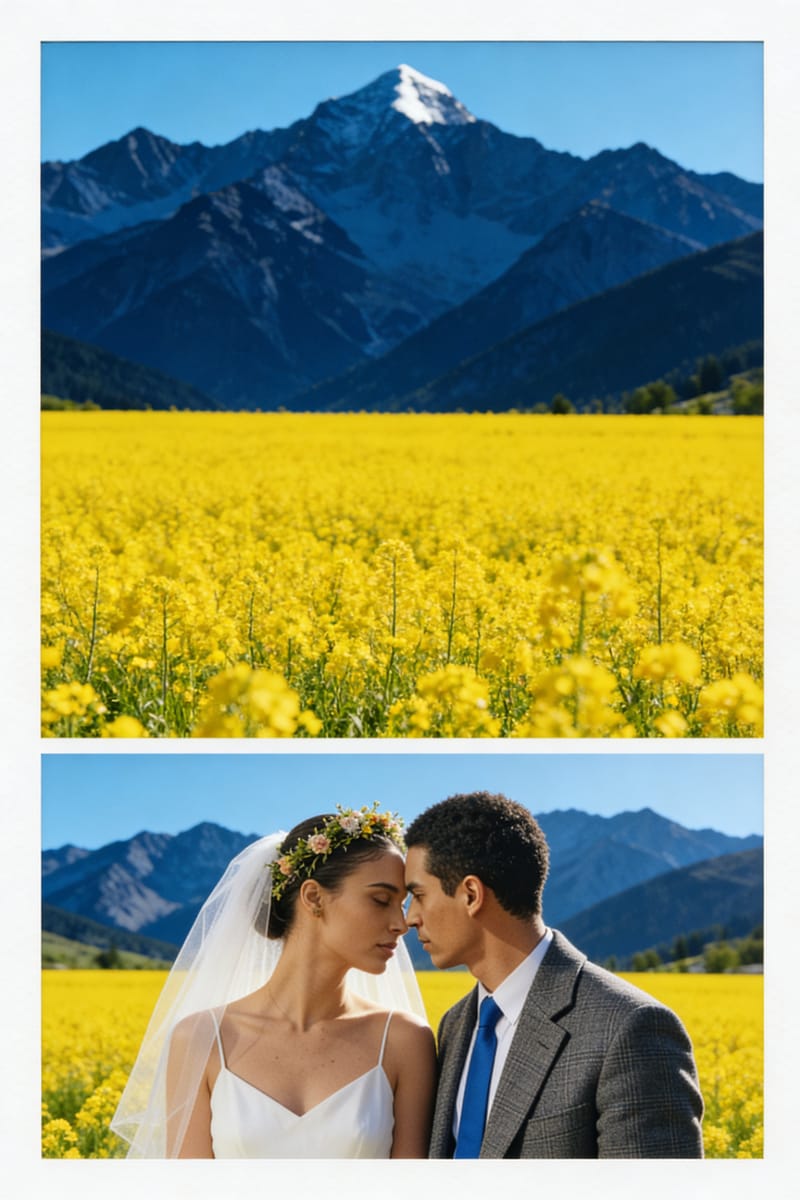
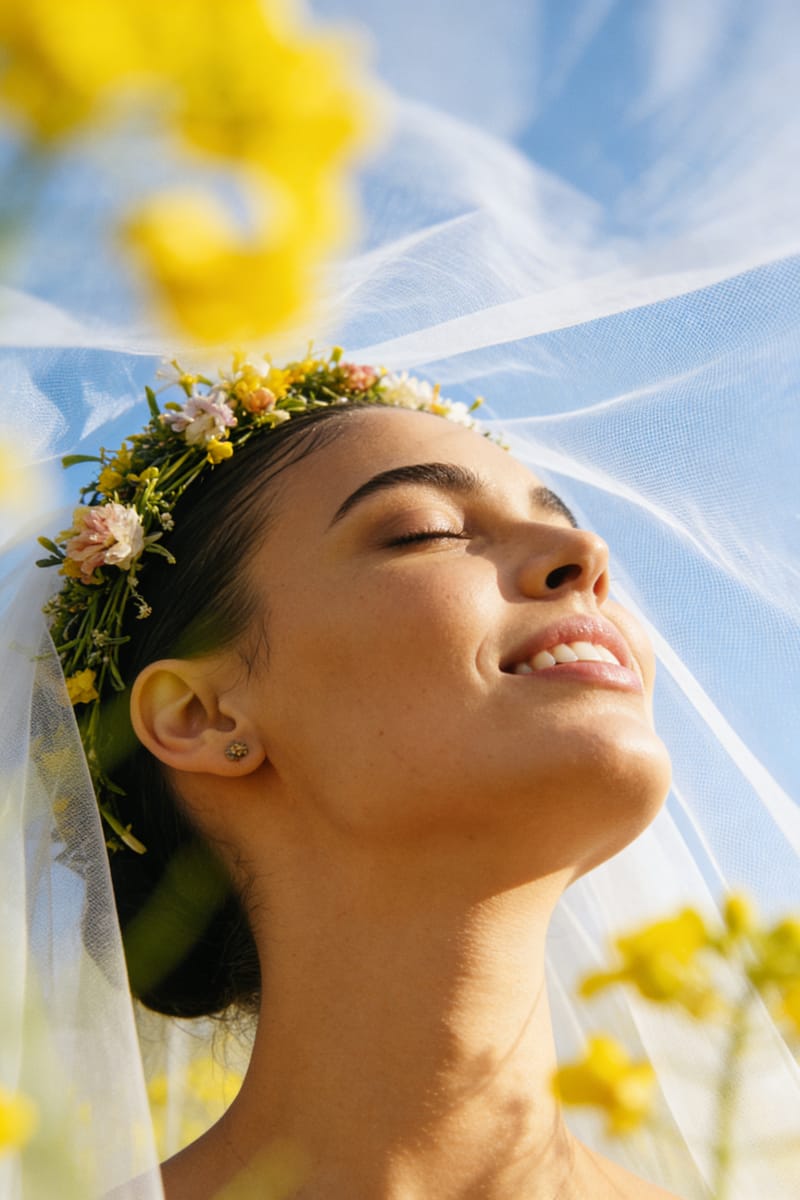
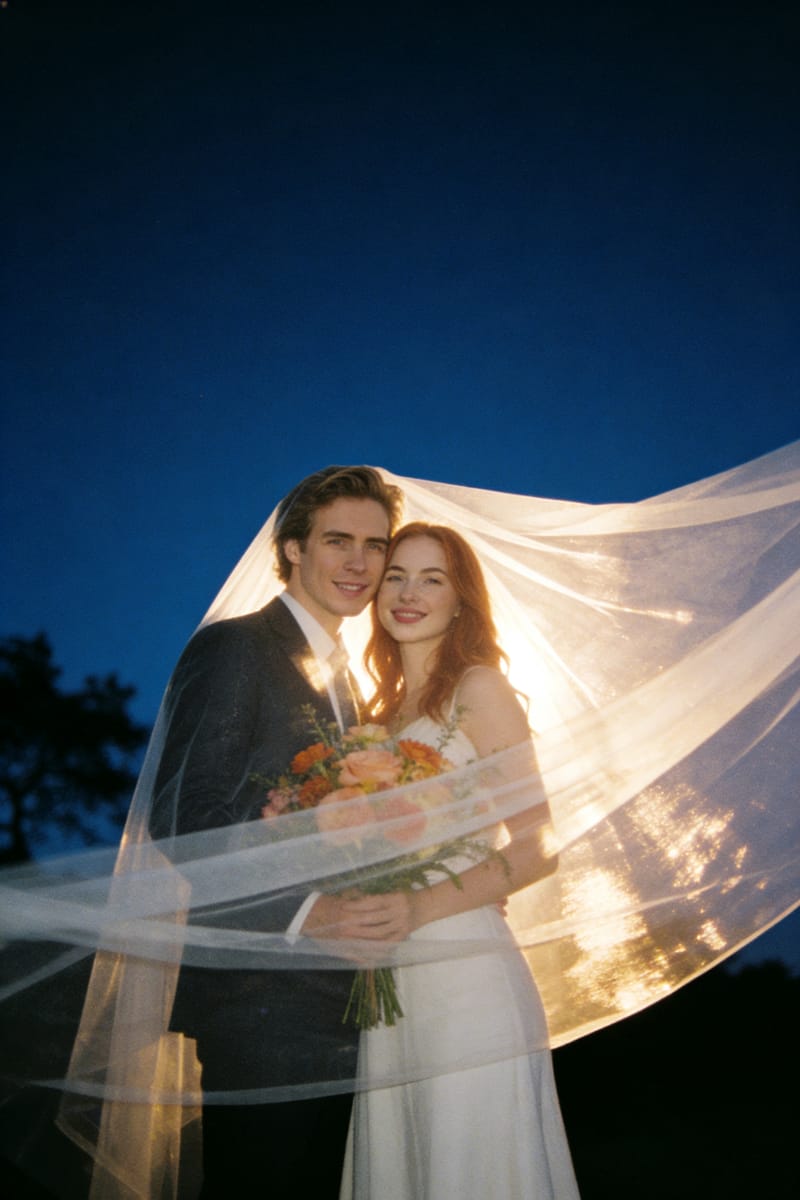
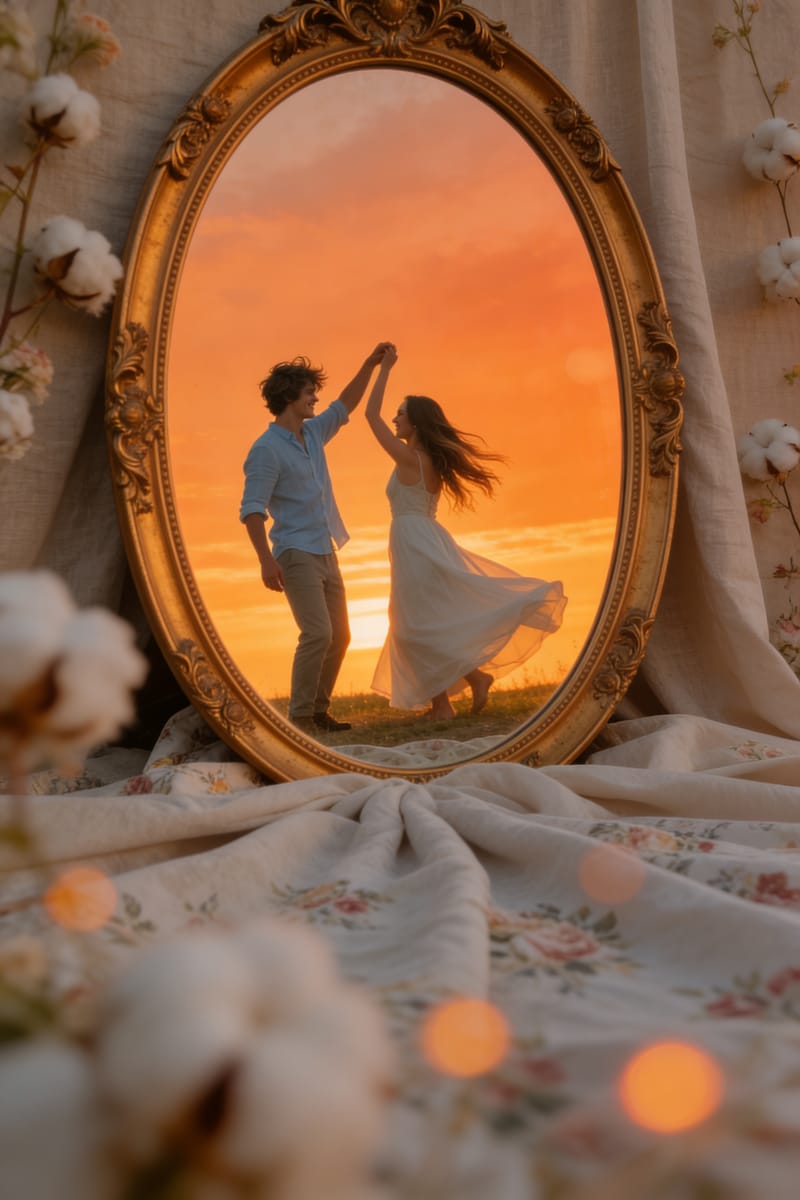
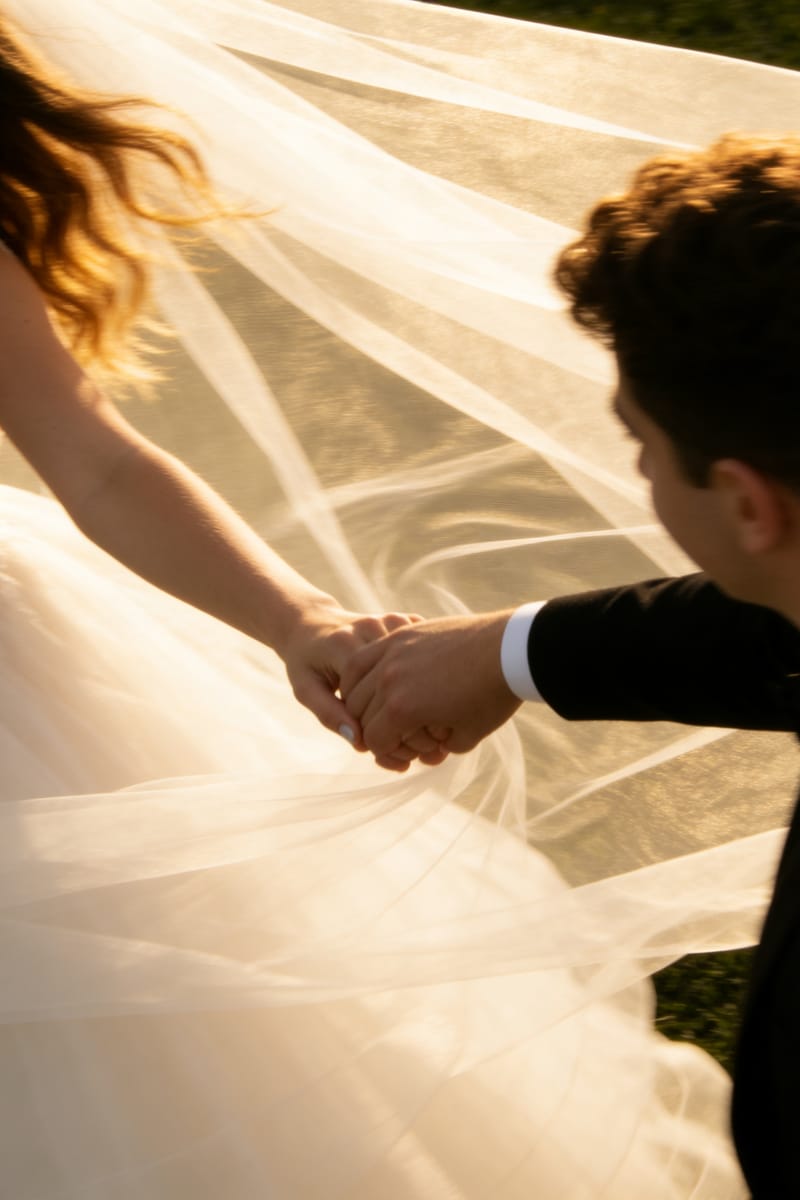
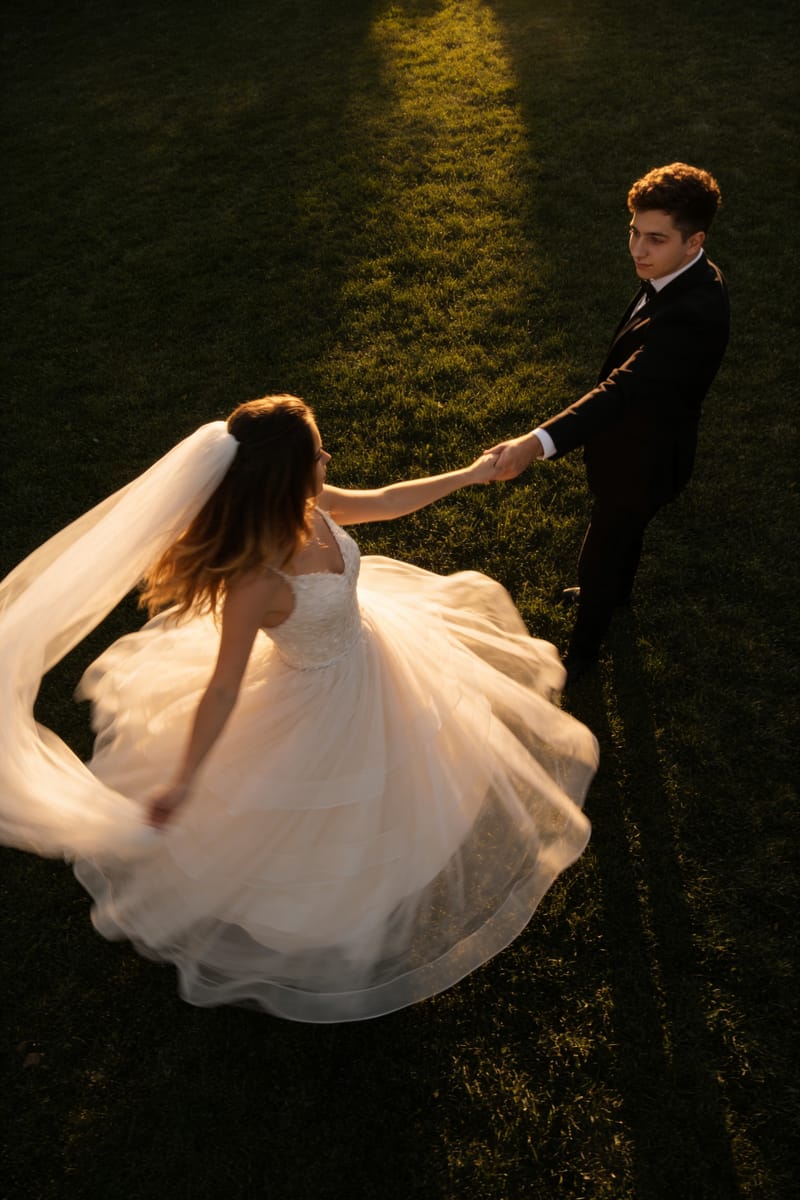
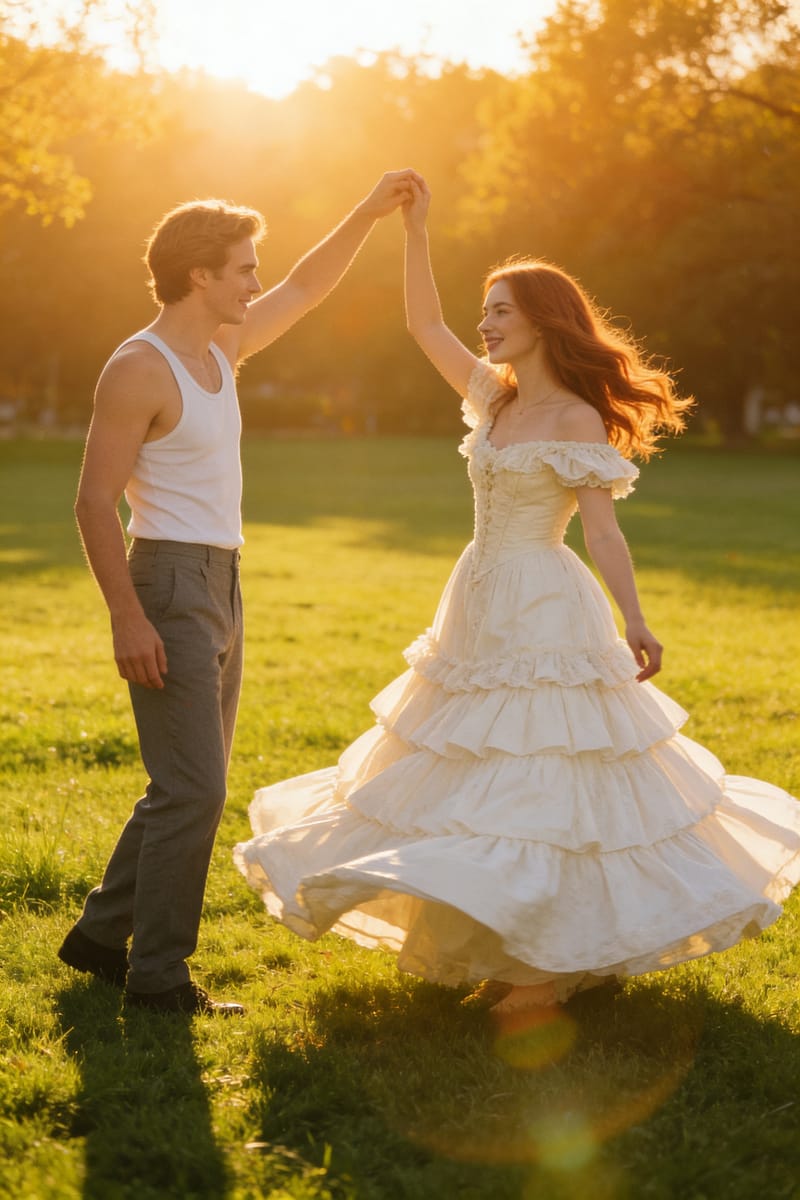
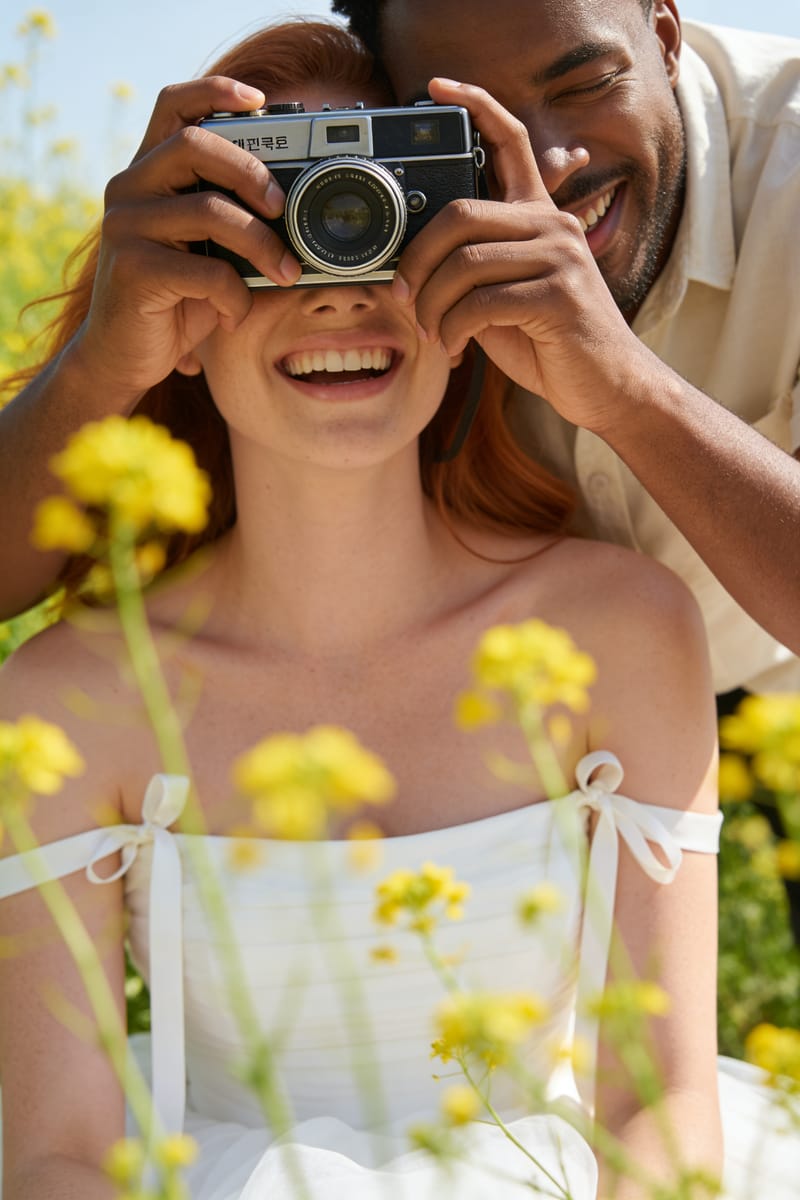
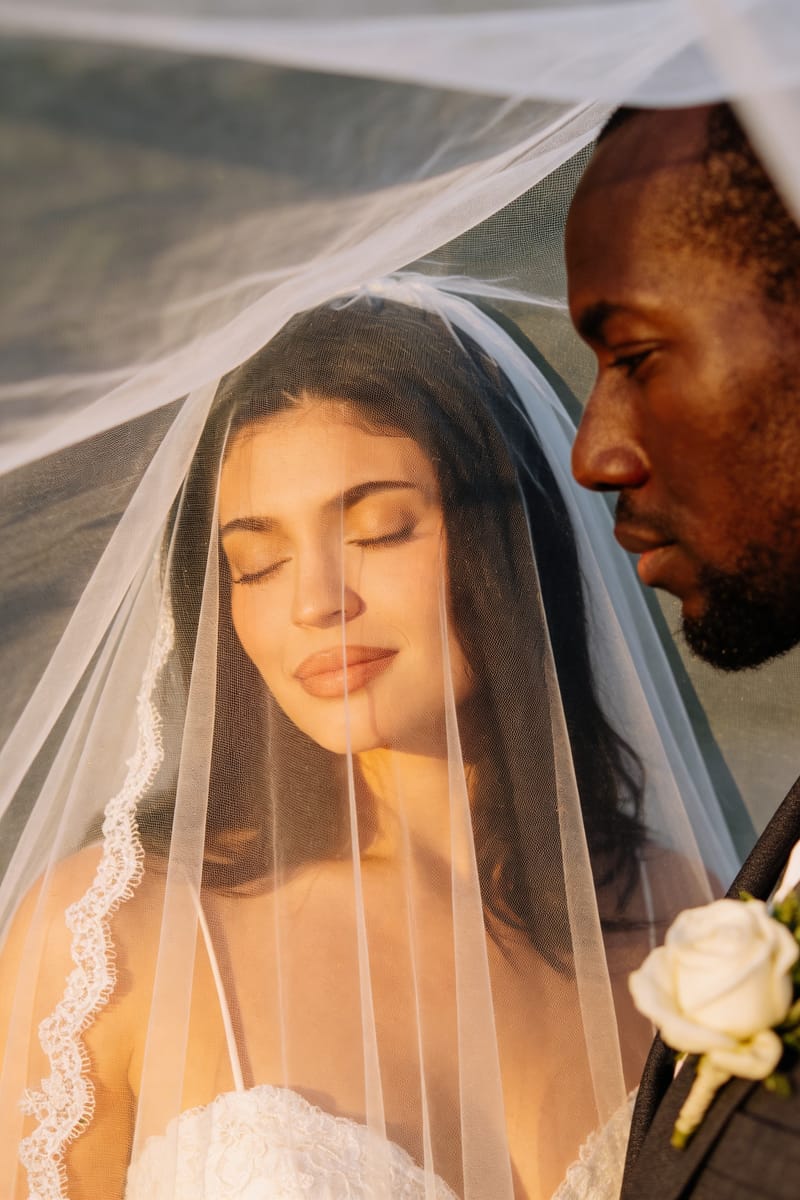
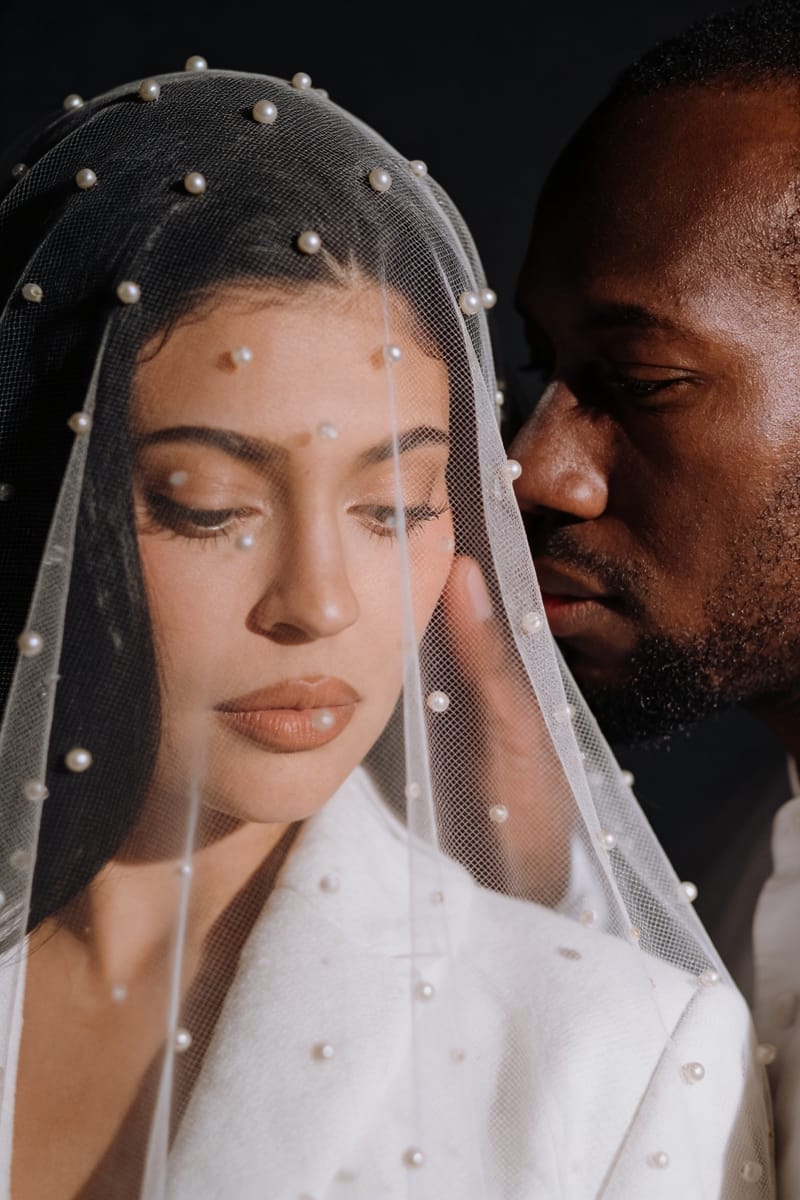
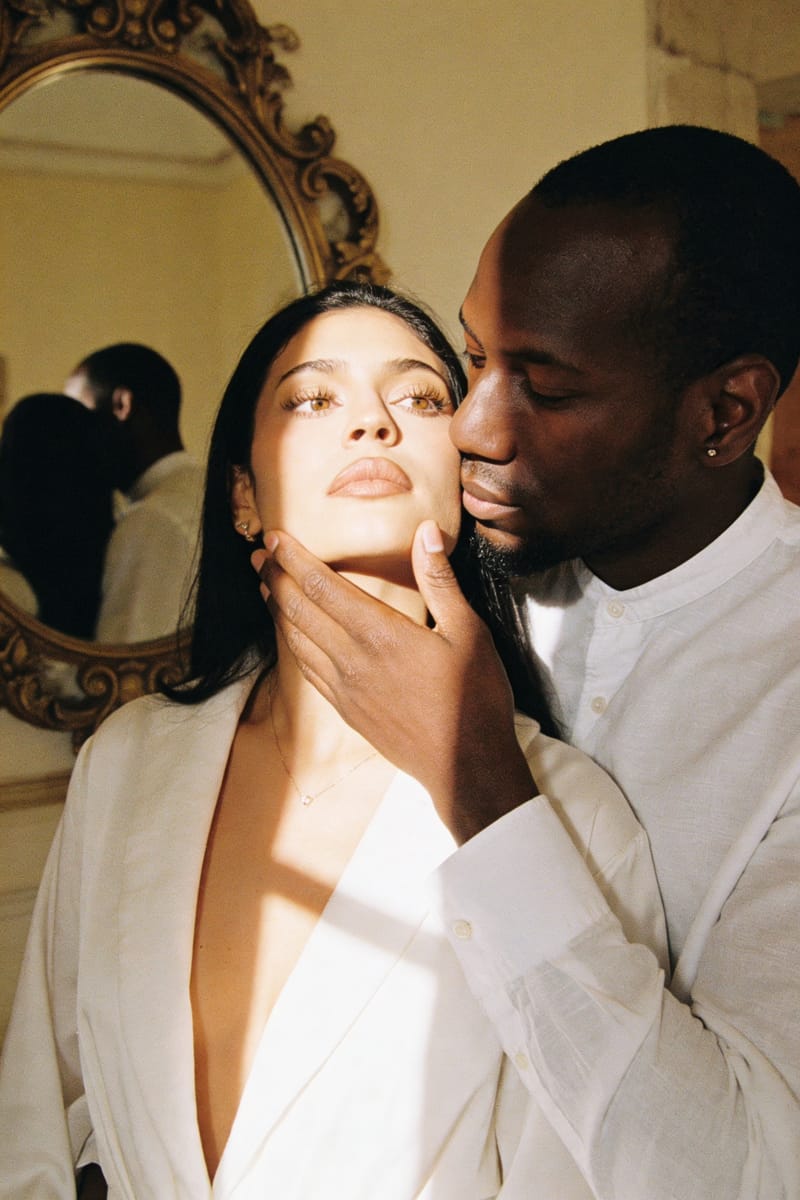
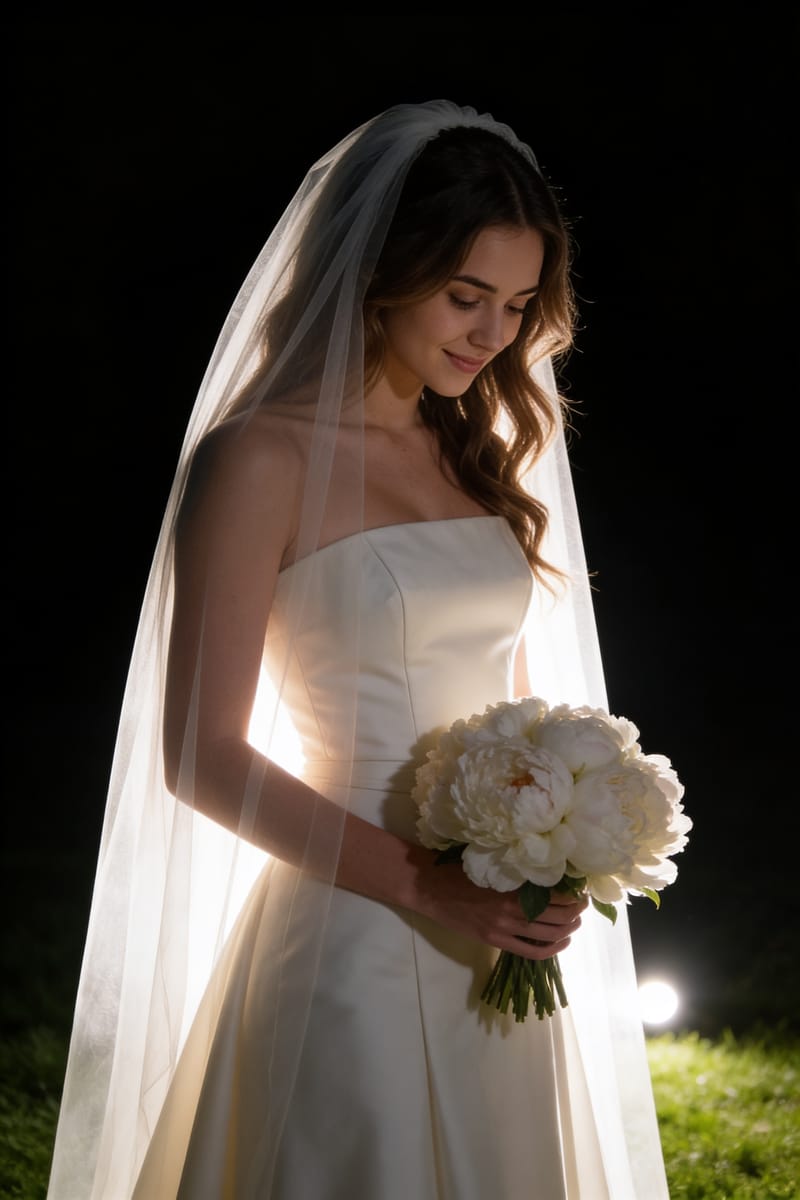
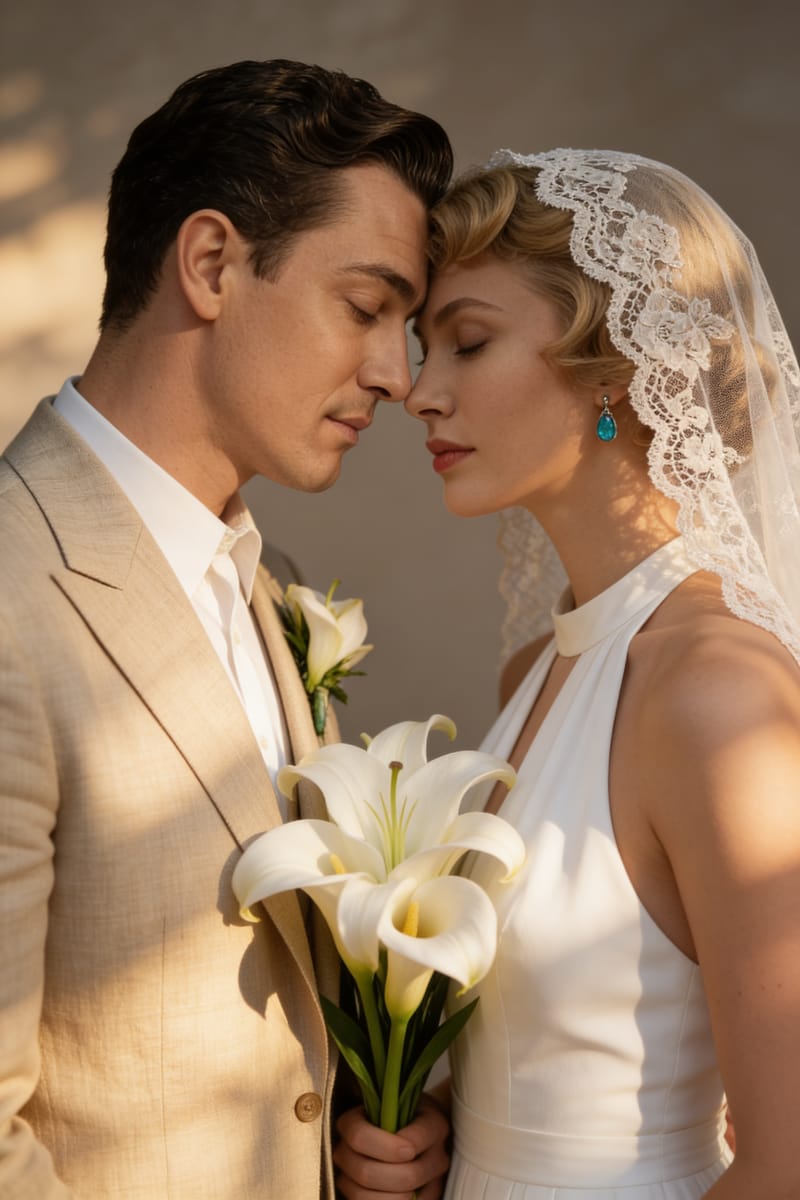
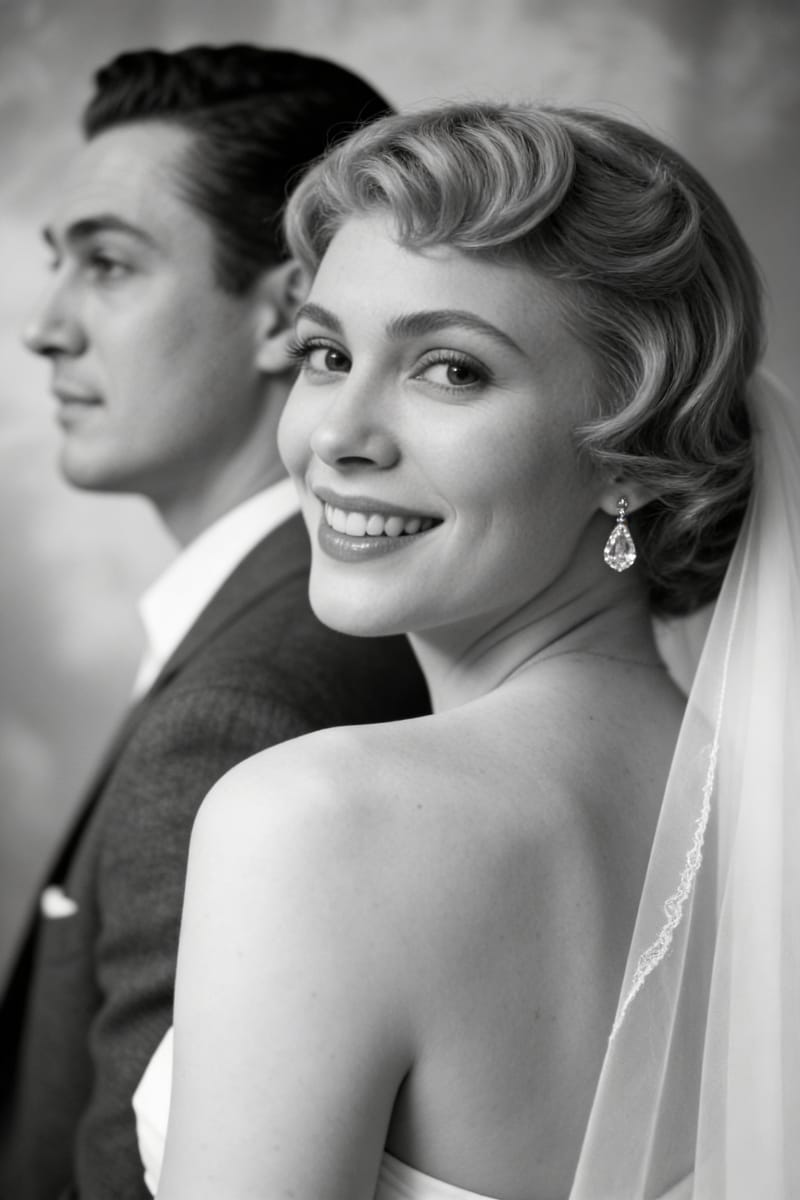
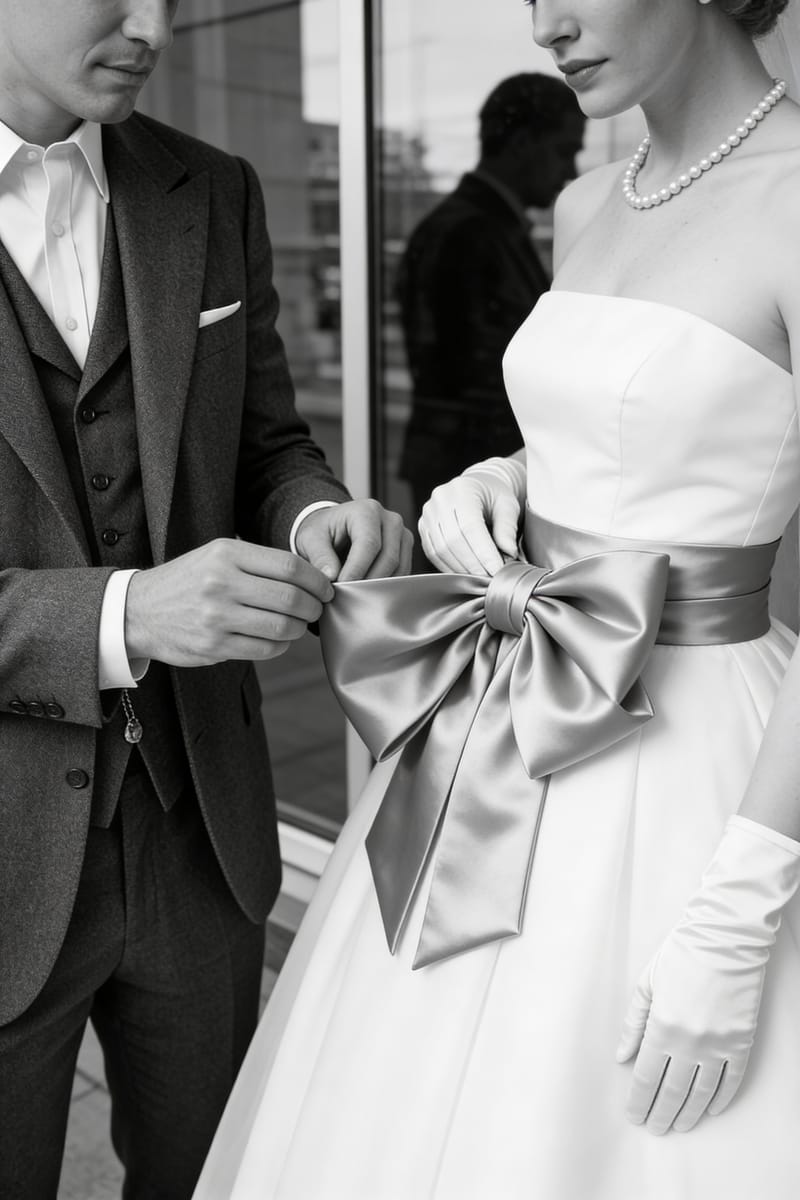
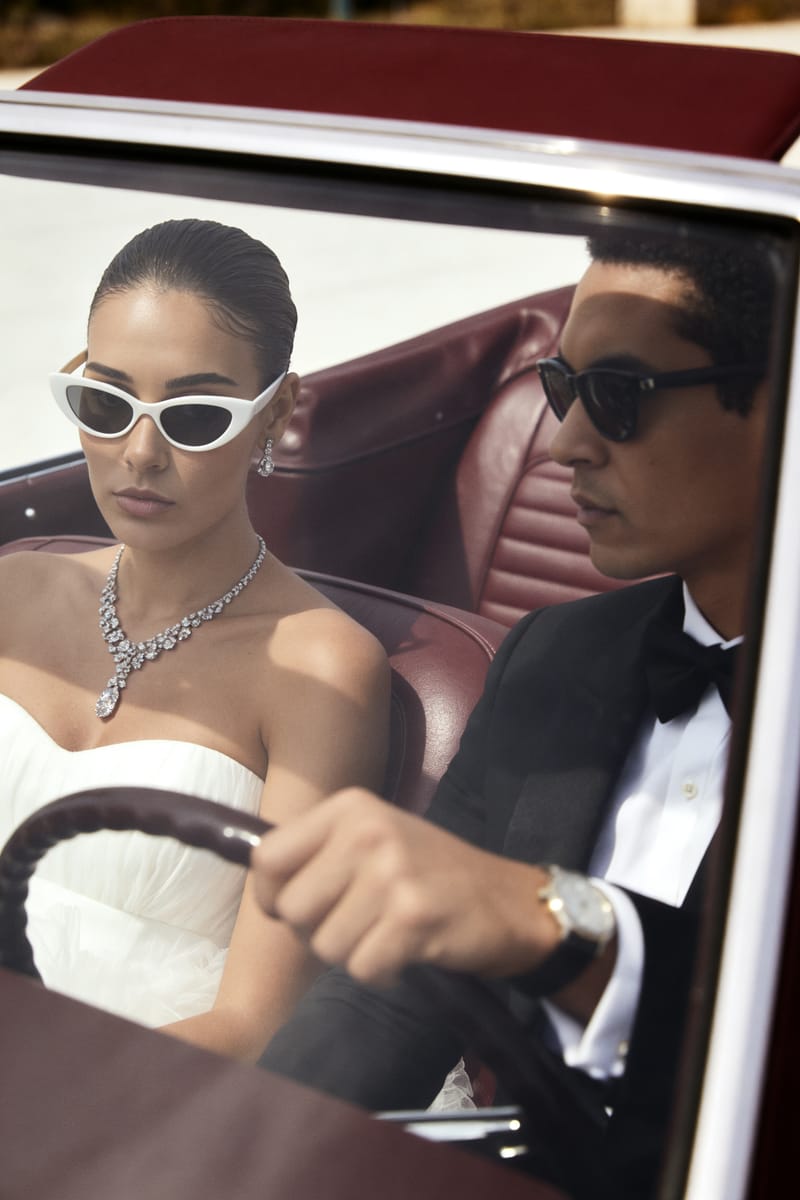
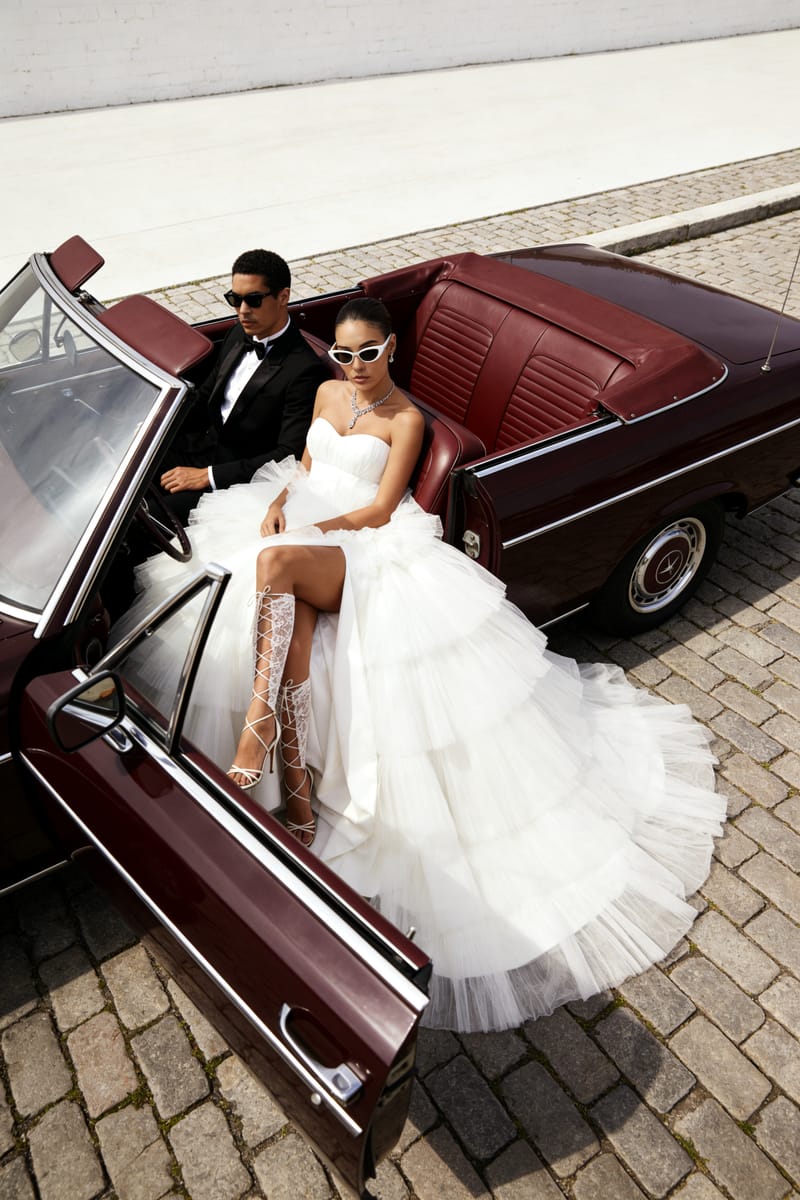
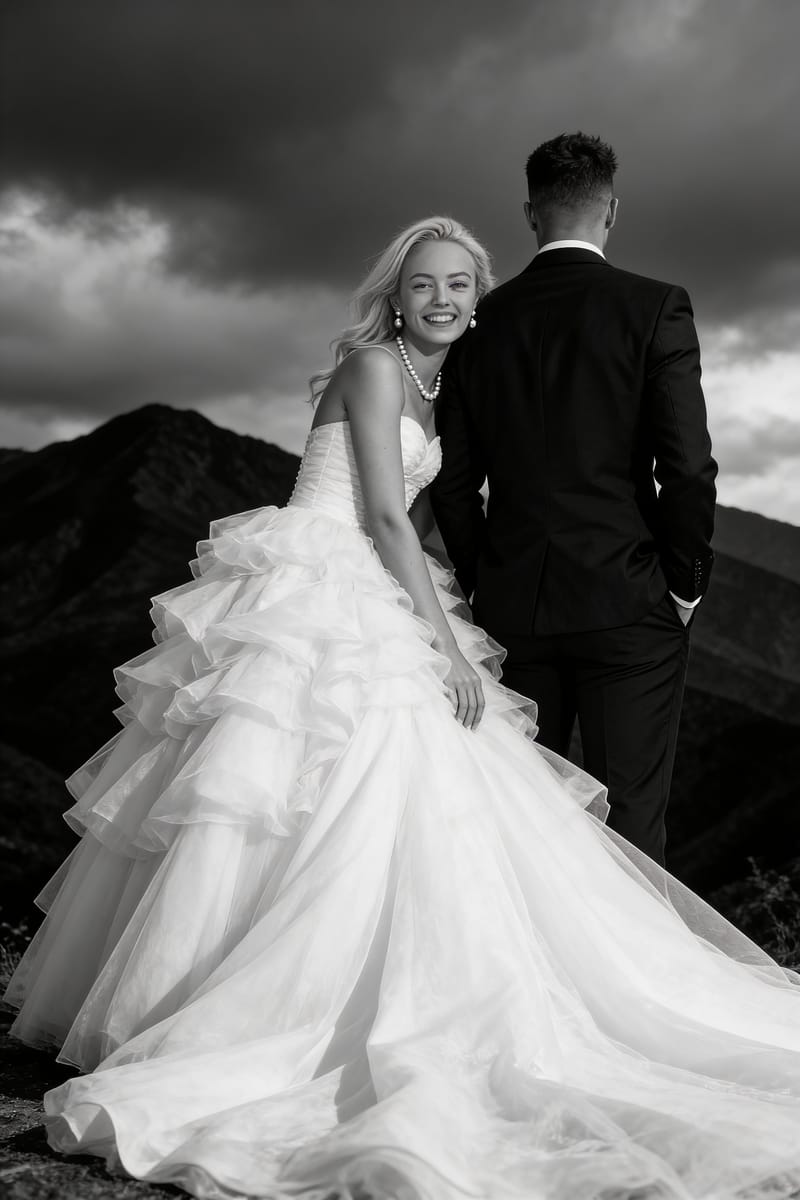
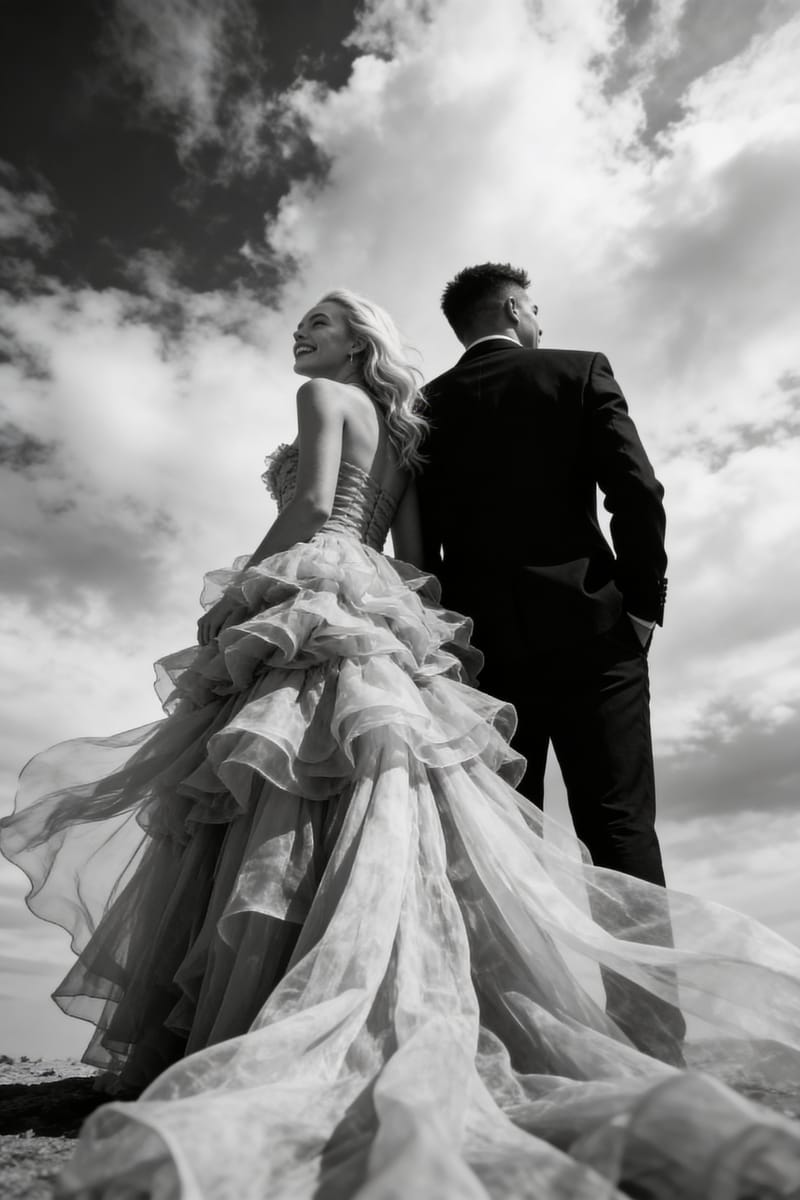
AI Wedding Photo Generator for Realistic Wedding Portraits
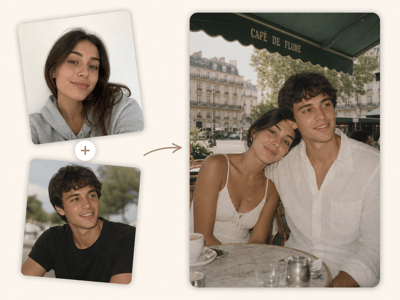
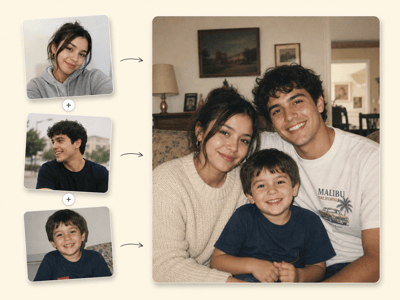
OmniPhoto’s AI wedding photo generator helps you turn everyday photos into styled wedding portraits, bridal pictures, and bride and groom photos. Pick a look, upload, and download finished ai wedding photos in minutes.
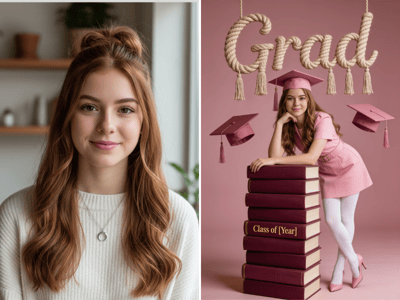
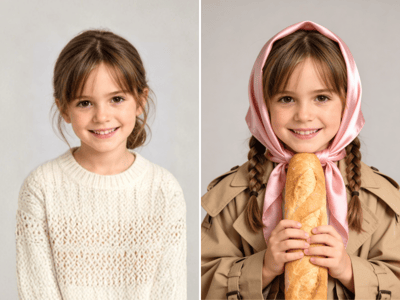
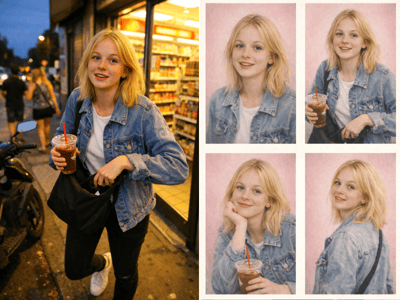
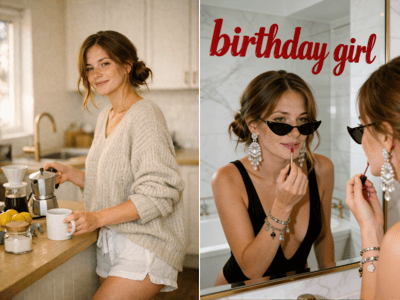
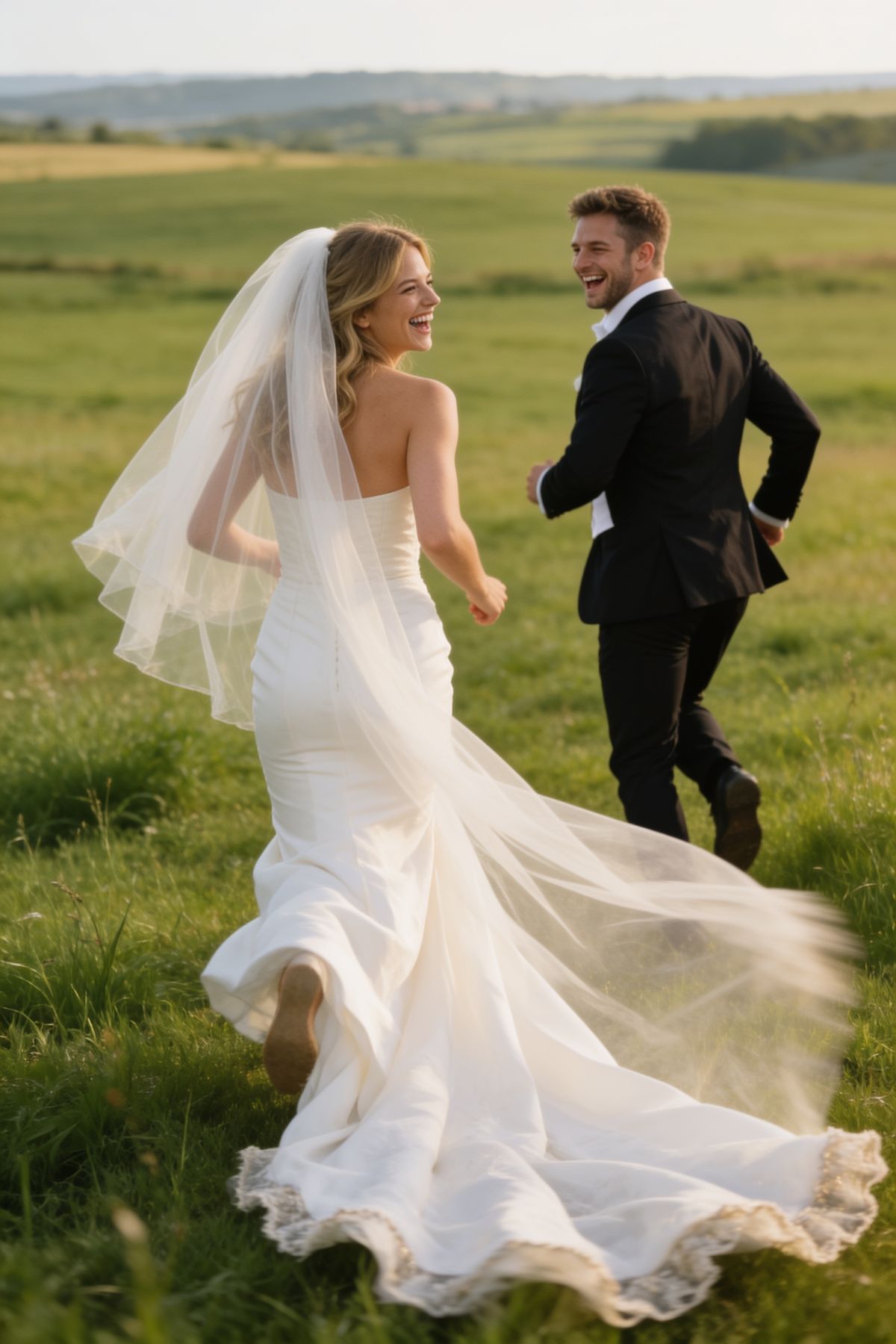
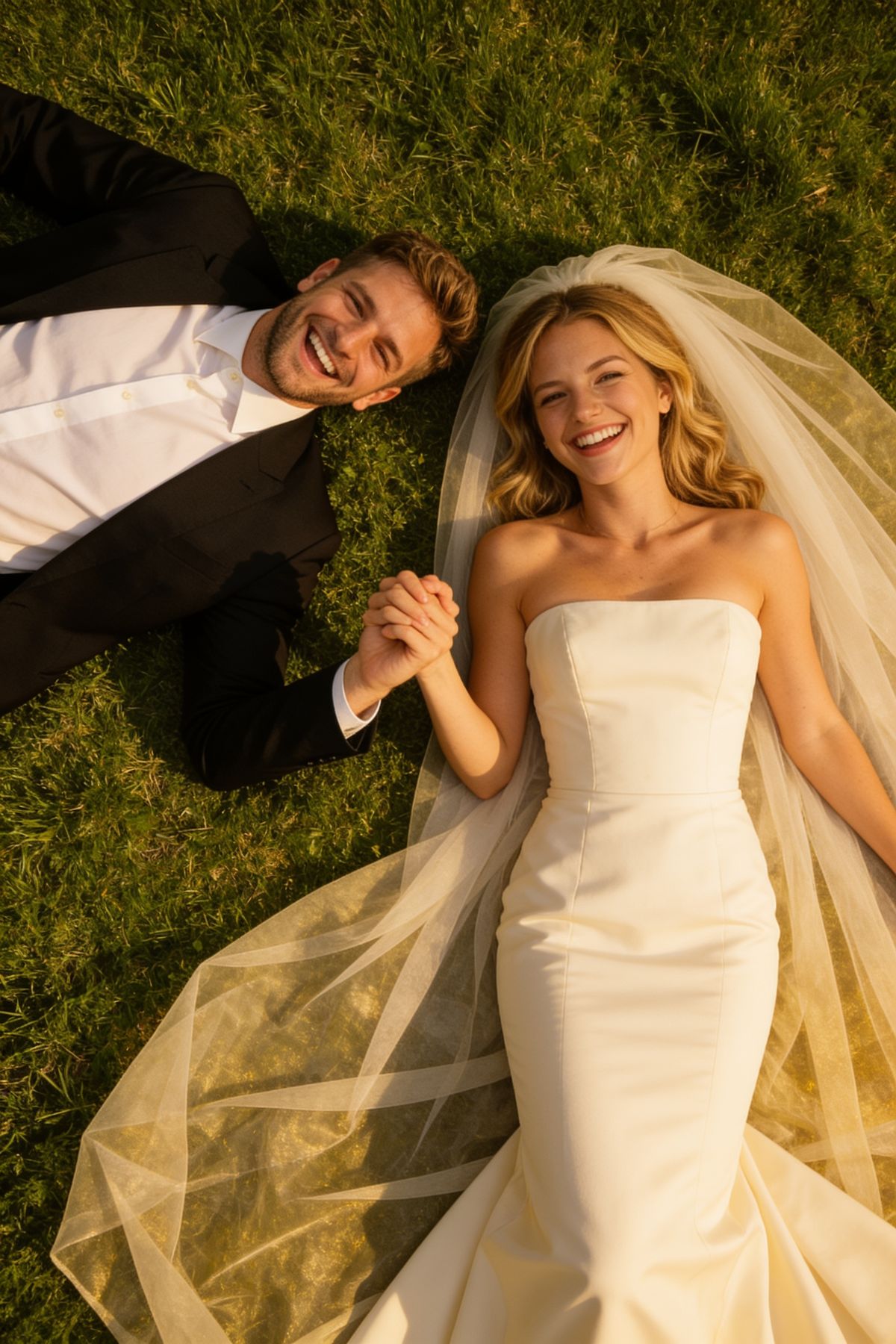
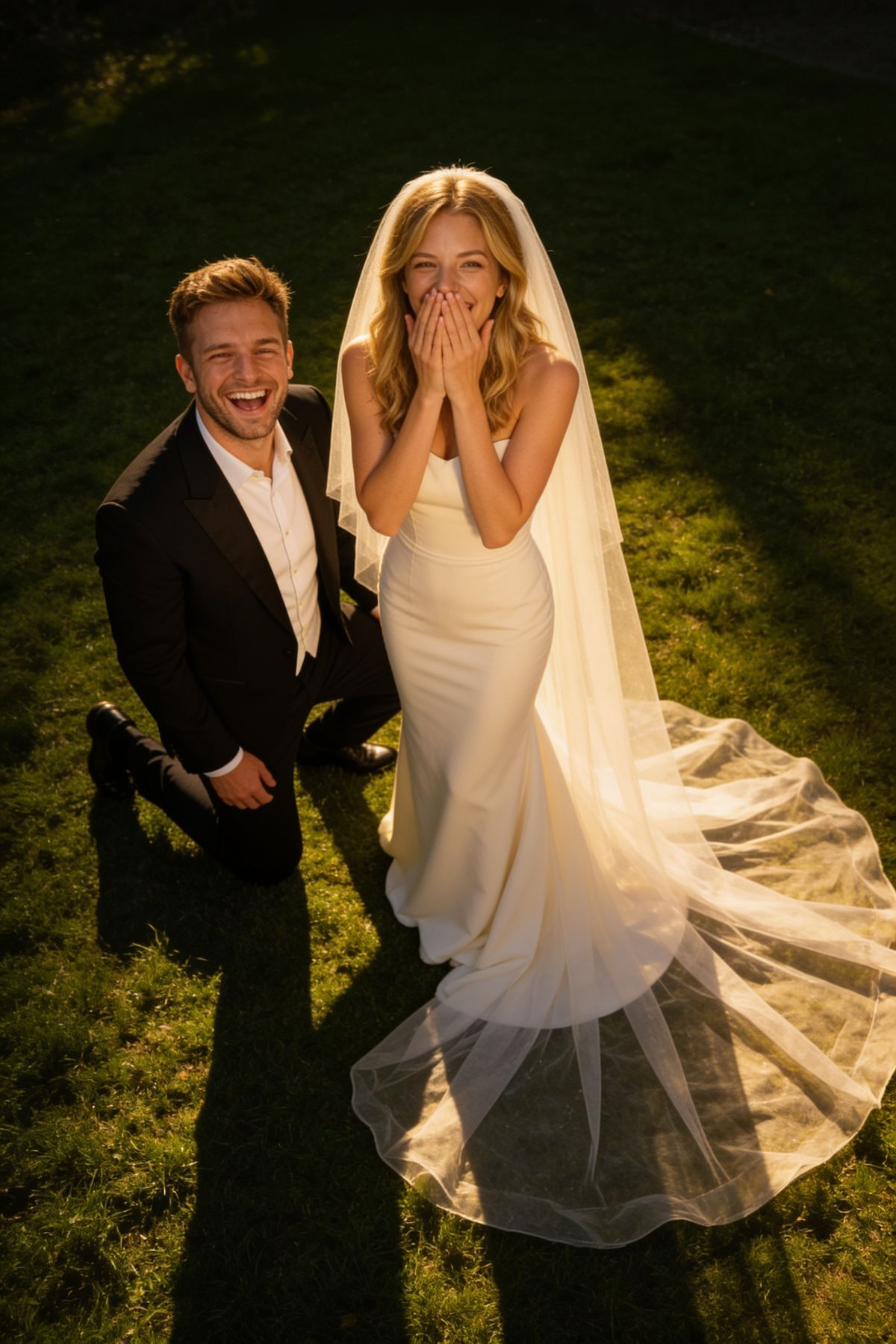
Each time you click Generate, OmniPhoto creates a set of 4 wedding photos in the selected style, so the results feel like a small wedding photoshoot rather than a single image.
How to Get the Best Wedding Photos
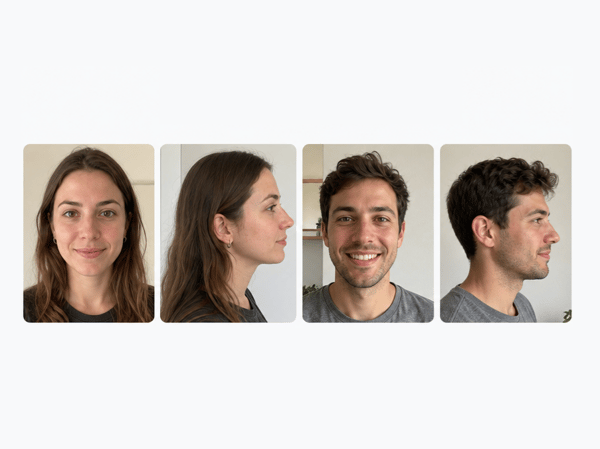
1. Upload Clear Photos
For best results, upload at least:
One front-facing photo of the bride and one of the groom
Side-profile photos if you have them
Avoid sunglasses, heavy filters, or covered faces.
2. Choose a Wedding Style
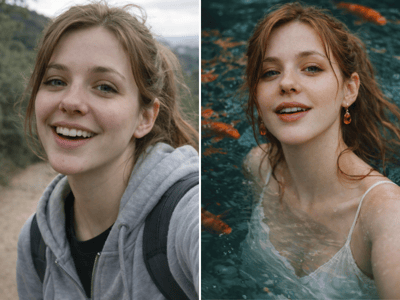
Pick a preset style based on the look you want. You can explore natural wedding photography, golden hour portraits, editorial wedding photos, destination wedding looks, or bridal portraits.
Preset styles are useful if you want fast wedding photo ideas without writing a long prompt.
3. Fine-Tune the Details
Use Fine-tune details to adjust the selected style. You can change details like:
Dress color or suit color
Hairstyle or veil style
Background mood
For example, you can keep the “Last Light, First Kiss” style but ask for a champagne dress, loose waves, softer makeup, or a more candid wedding photo mood.
4. Generate a 4-Photo Series
Click Generate to create a set of 4 wedding images. Each set gives you multiple angles and compositions, which works well for pre wedding photoshoot ideas, wedding inspiration boards, announcements, or keepsake portraits.
Wedding Style Ideas
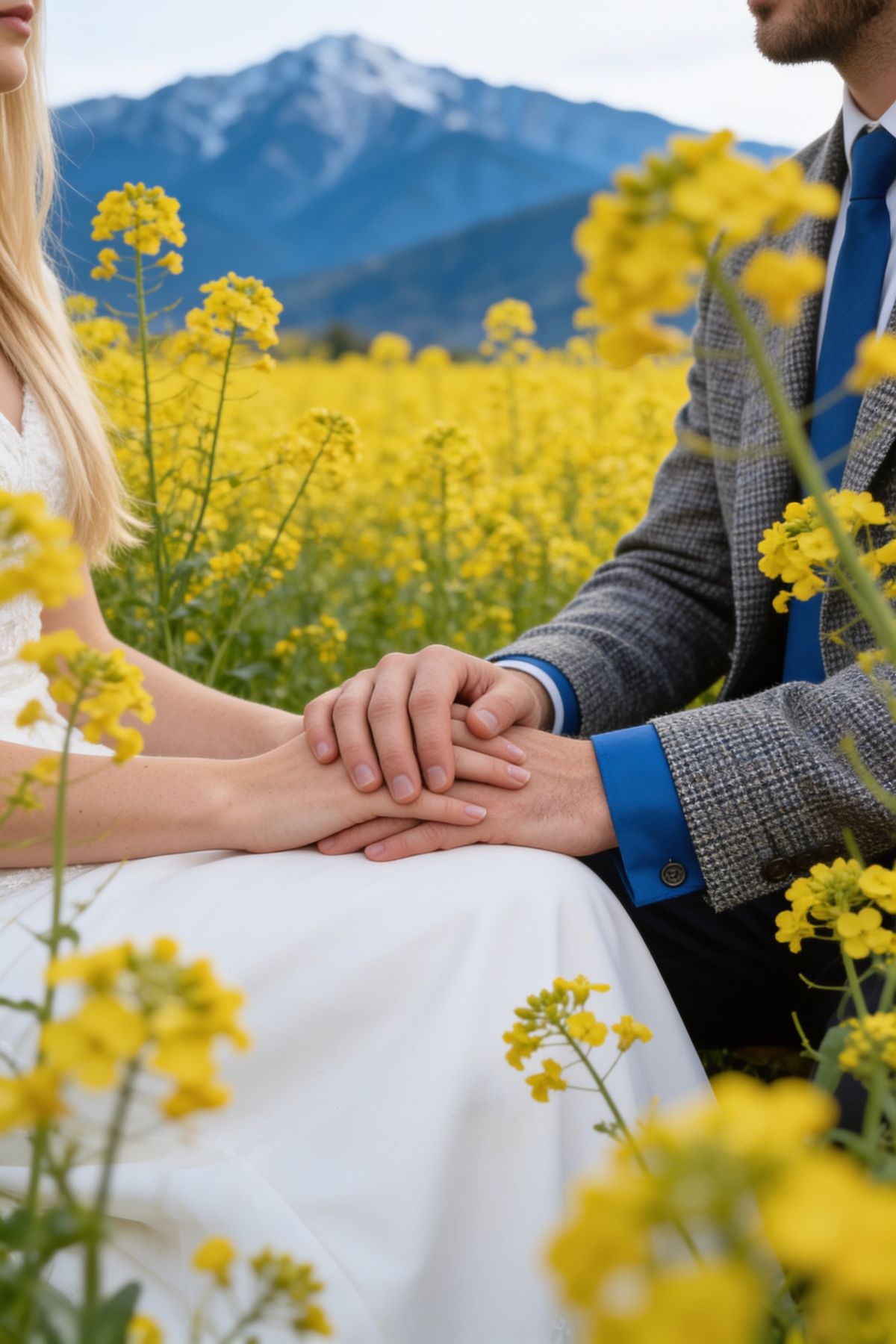
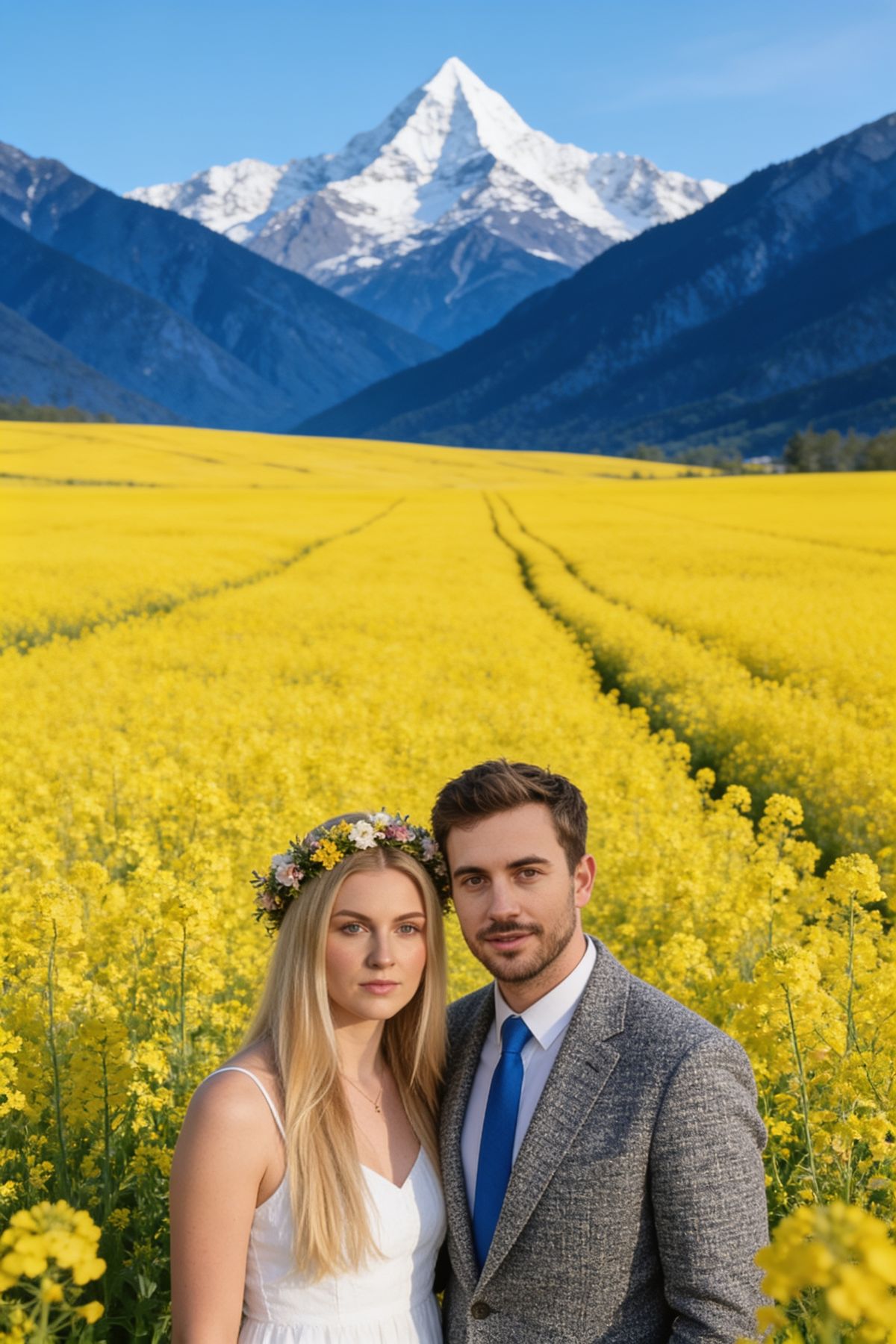
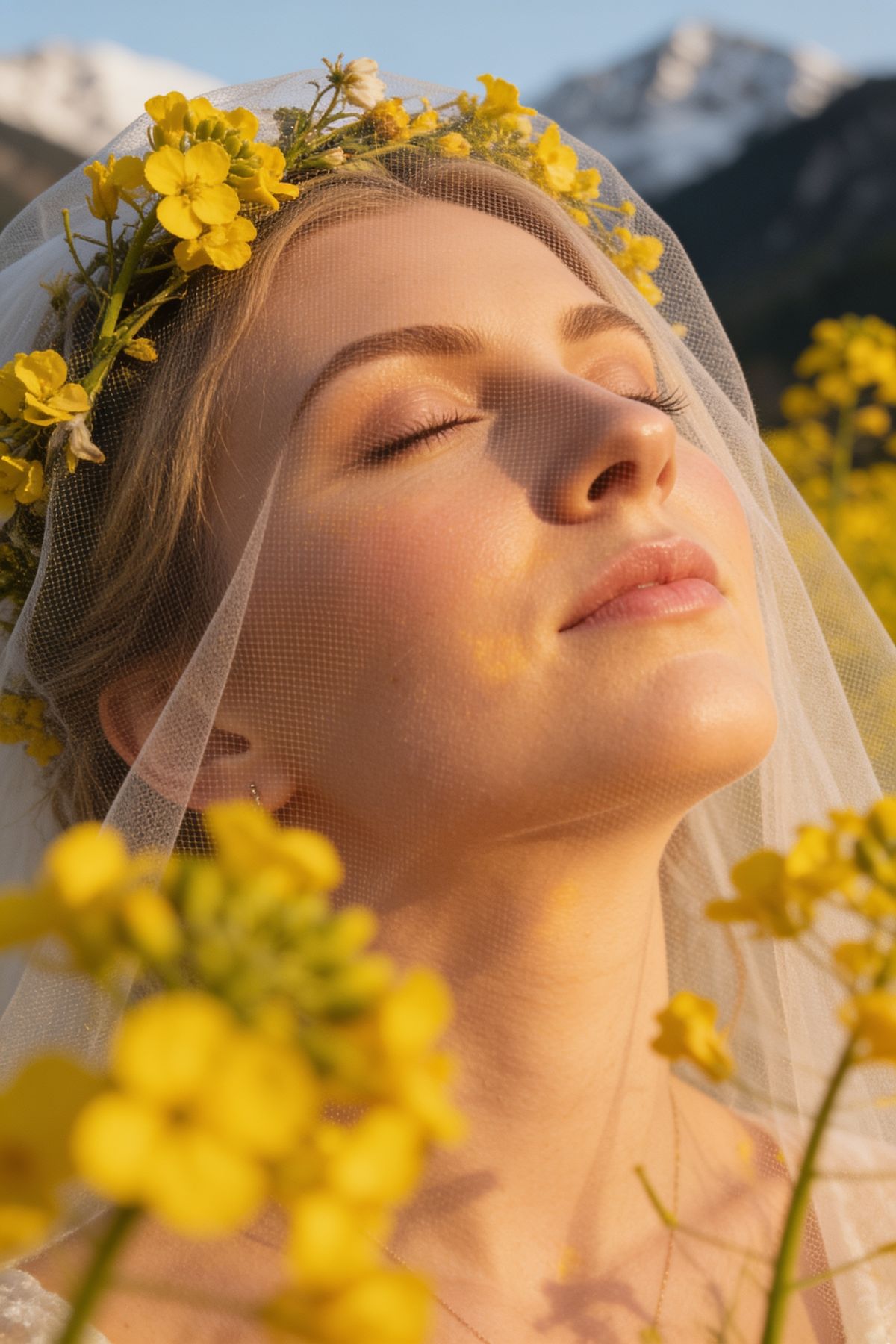
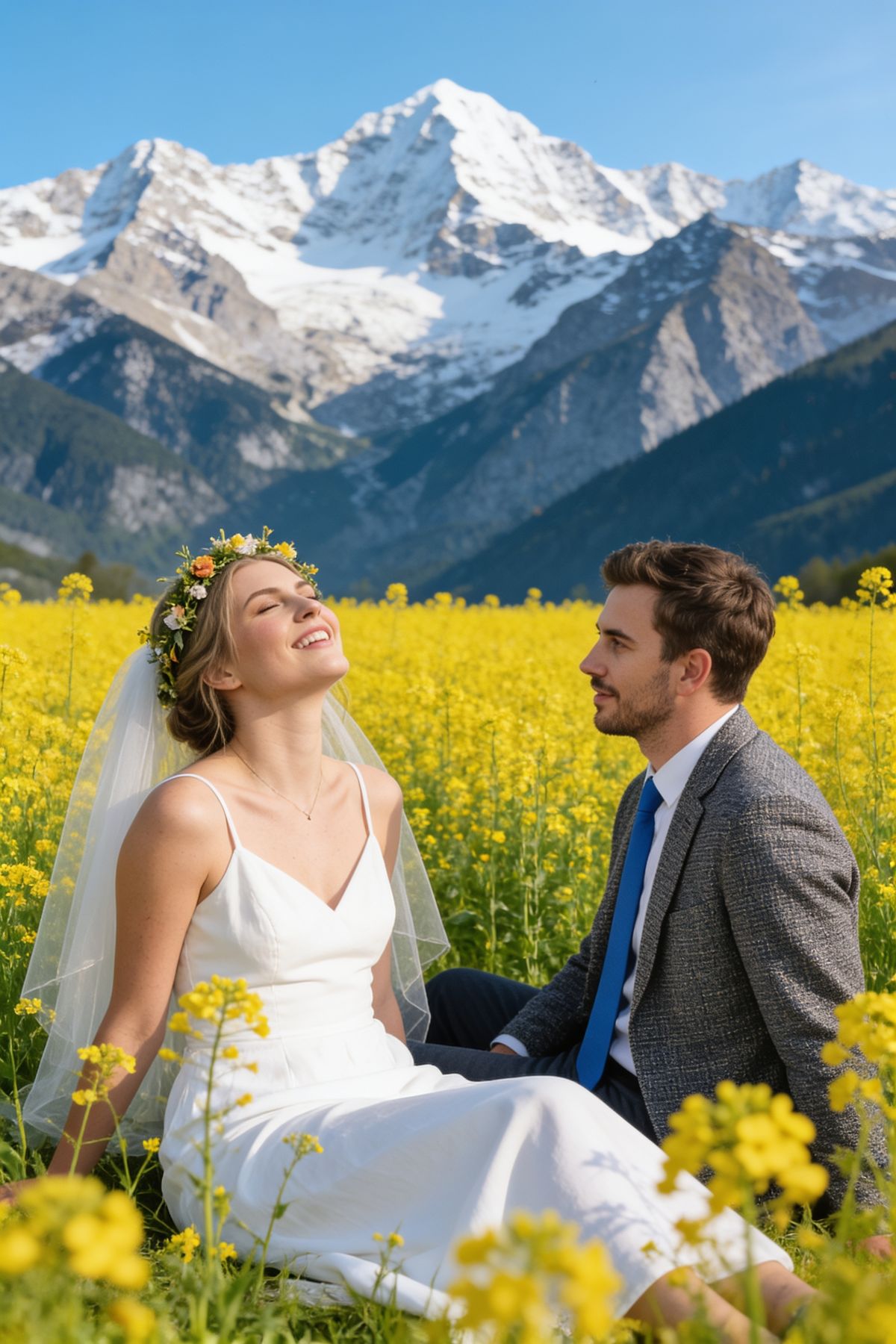
In Nature
Choose nature-inspired styles for soft, romantic wedding photos with outdoor light, greenery, flowers, fields, or open landscapes. These styles are great for natural wedding photography, candid wedding photos, and relaxed bride and groom pictures.
Recommended for:
Outdoor wedding pictures
Natural wedding photography
Romantic couple portraits
Pre wedding photoshoot ideas
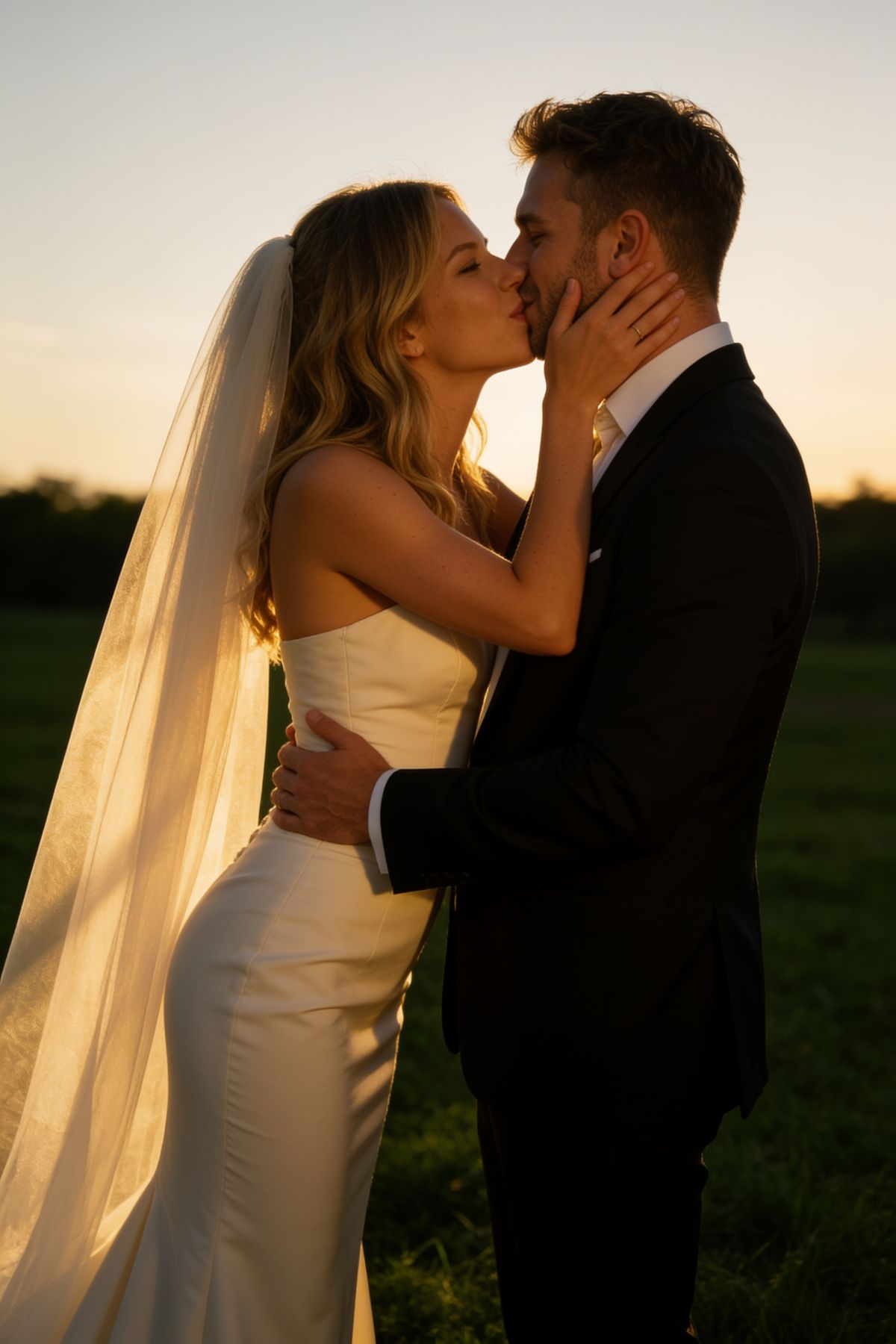
Golden Hour
Golden hour styles create warm, glowing wedding portraits with sunset light, soft shadows, and emotional atmosphere. They work well for couples who want cinematic wedding photos that still feel intimate and realistic.
Recommended for:
Candid wedding photos
Bride and groom photos
Romantic wedding photoshoot ideas
Warm outdoor portraits
Editorial
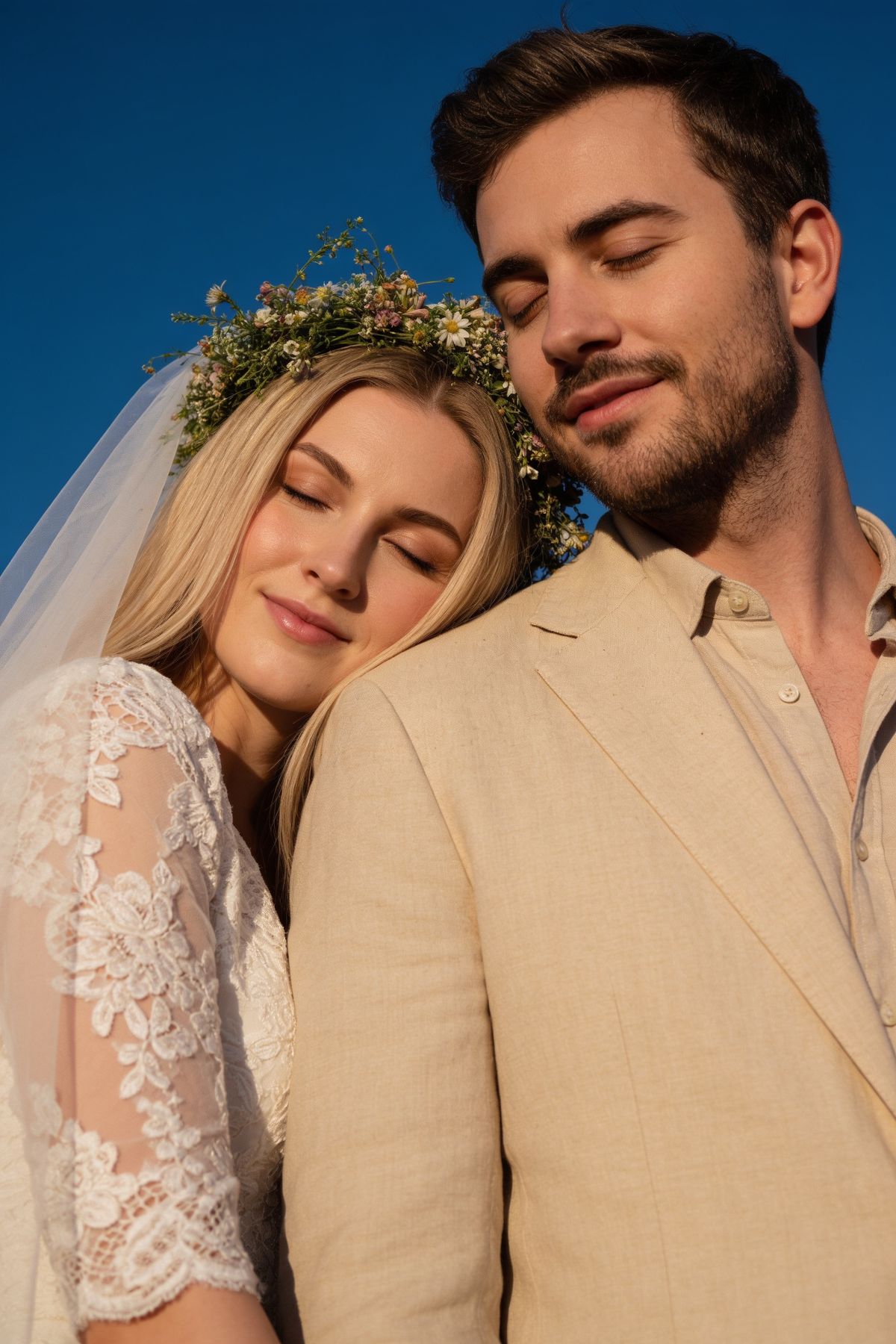
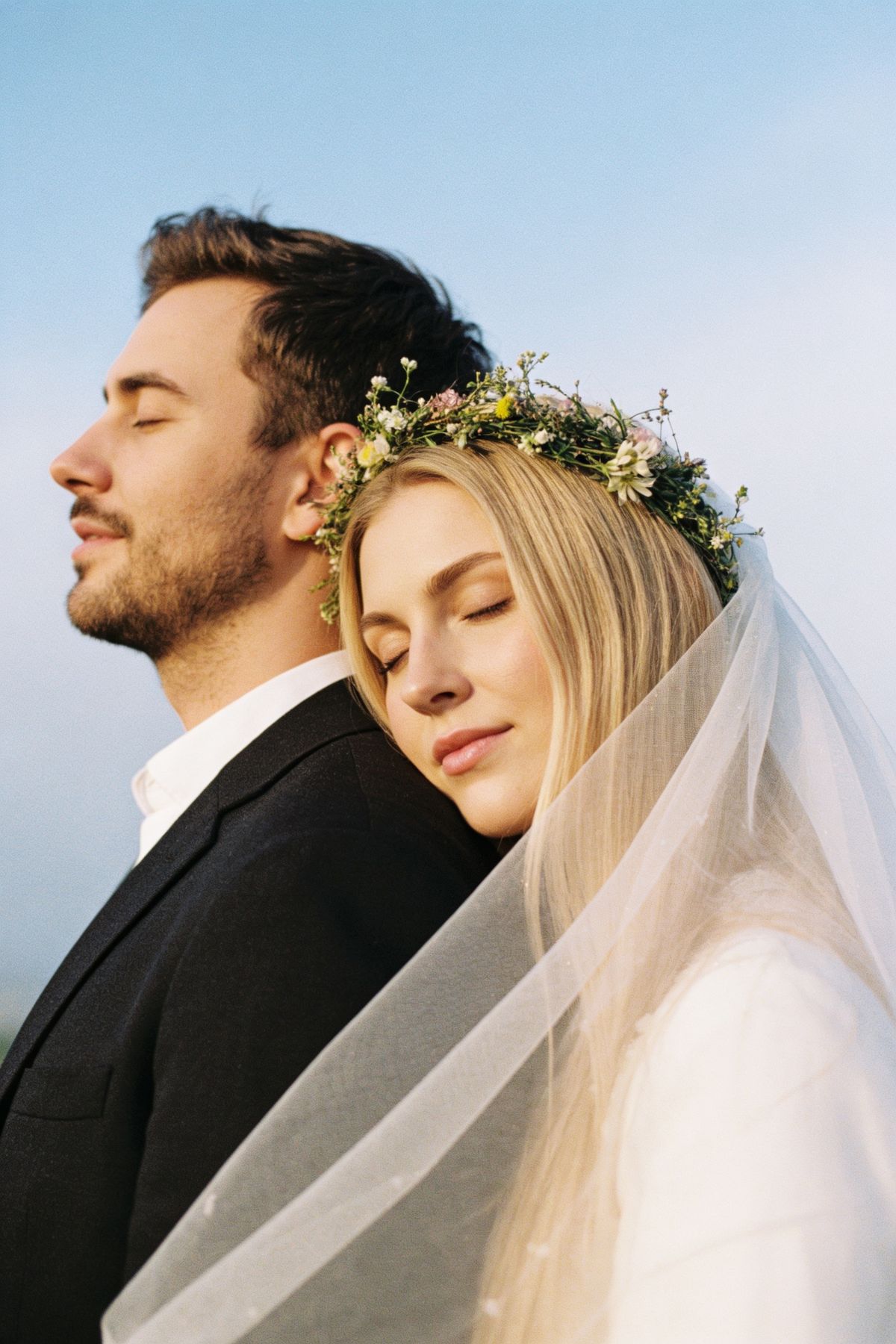
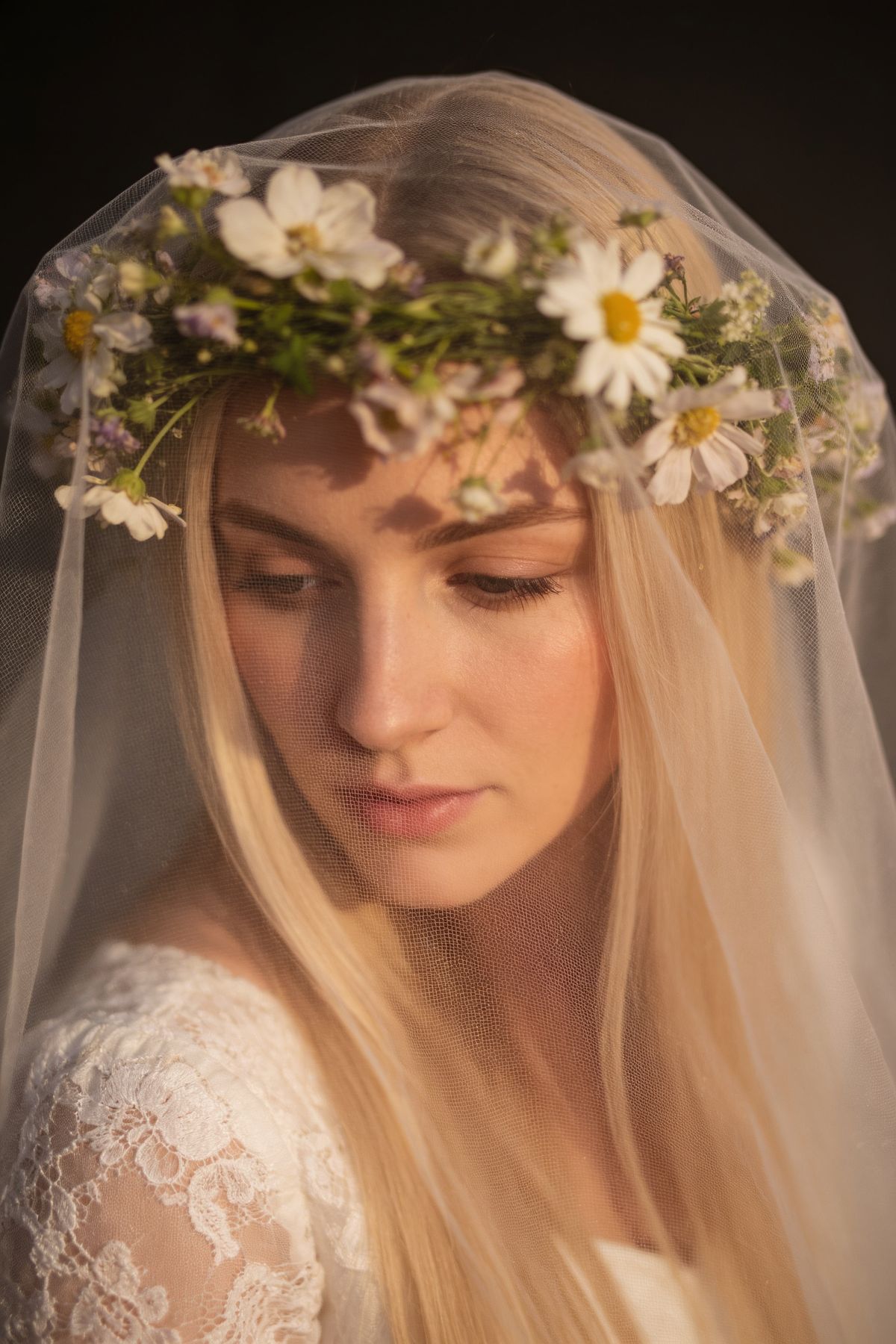
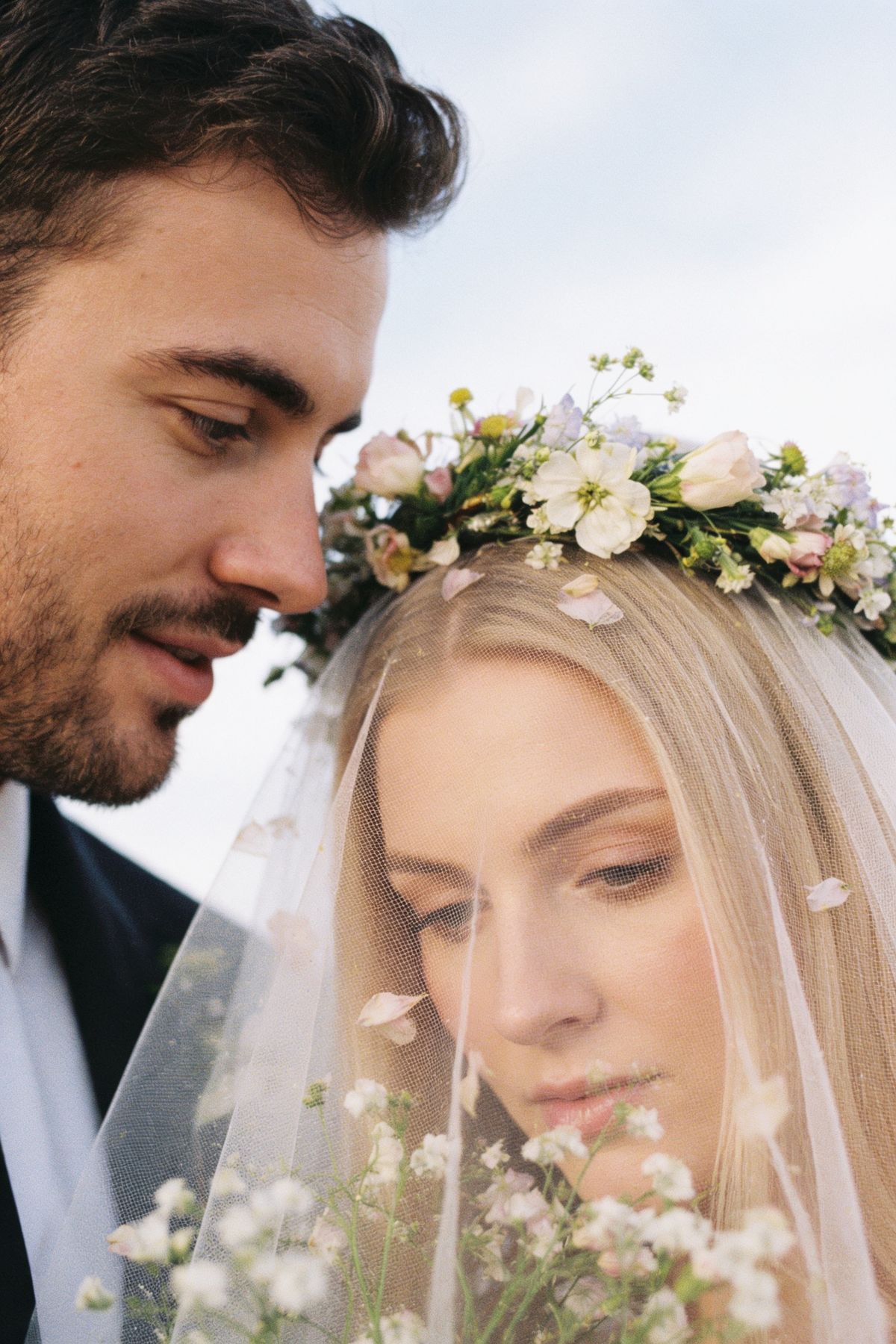
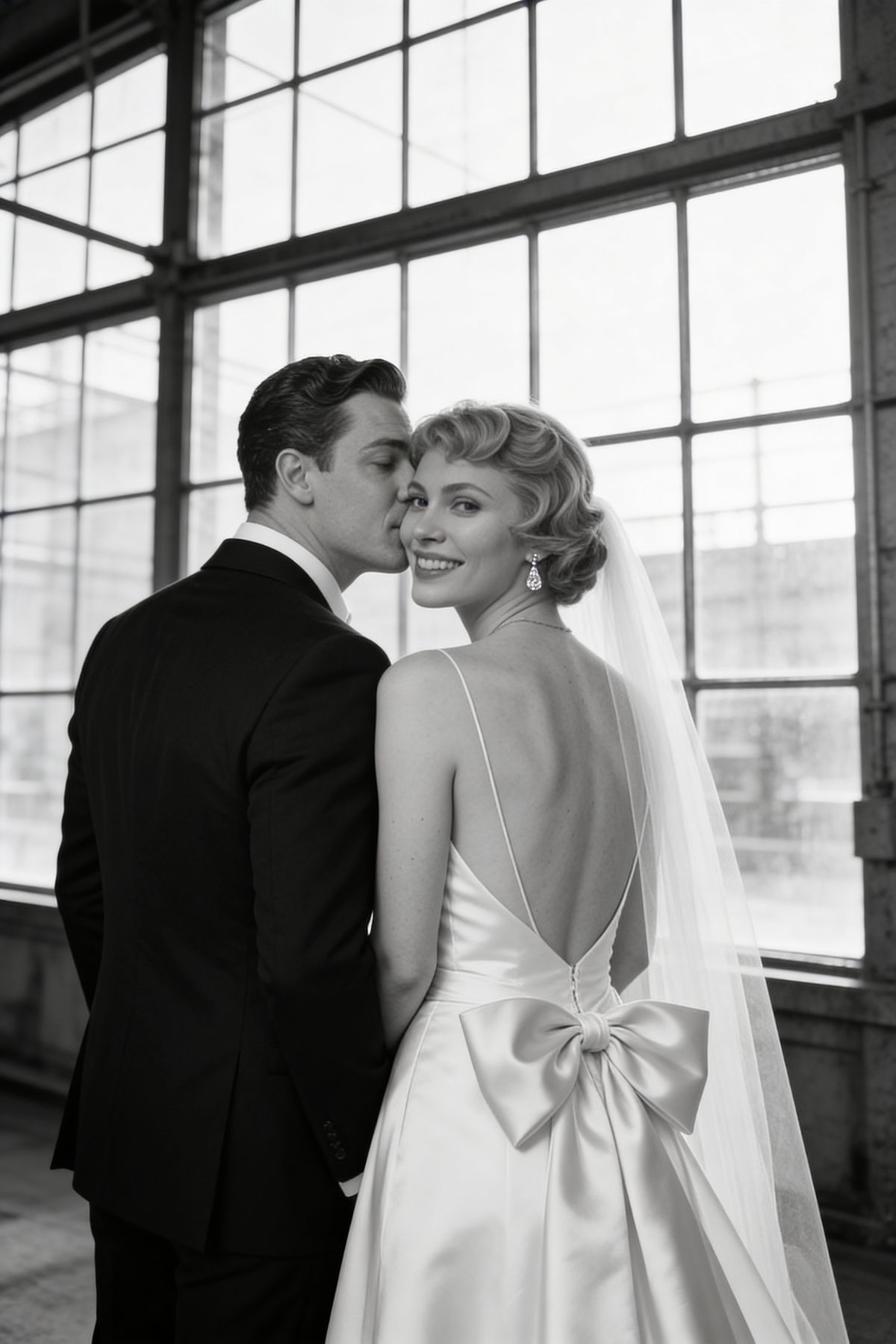
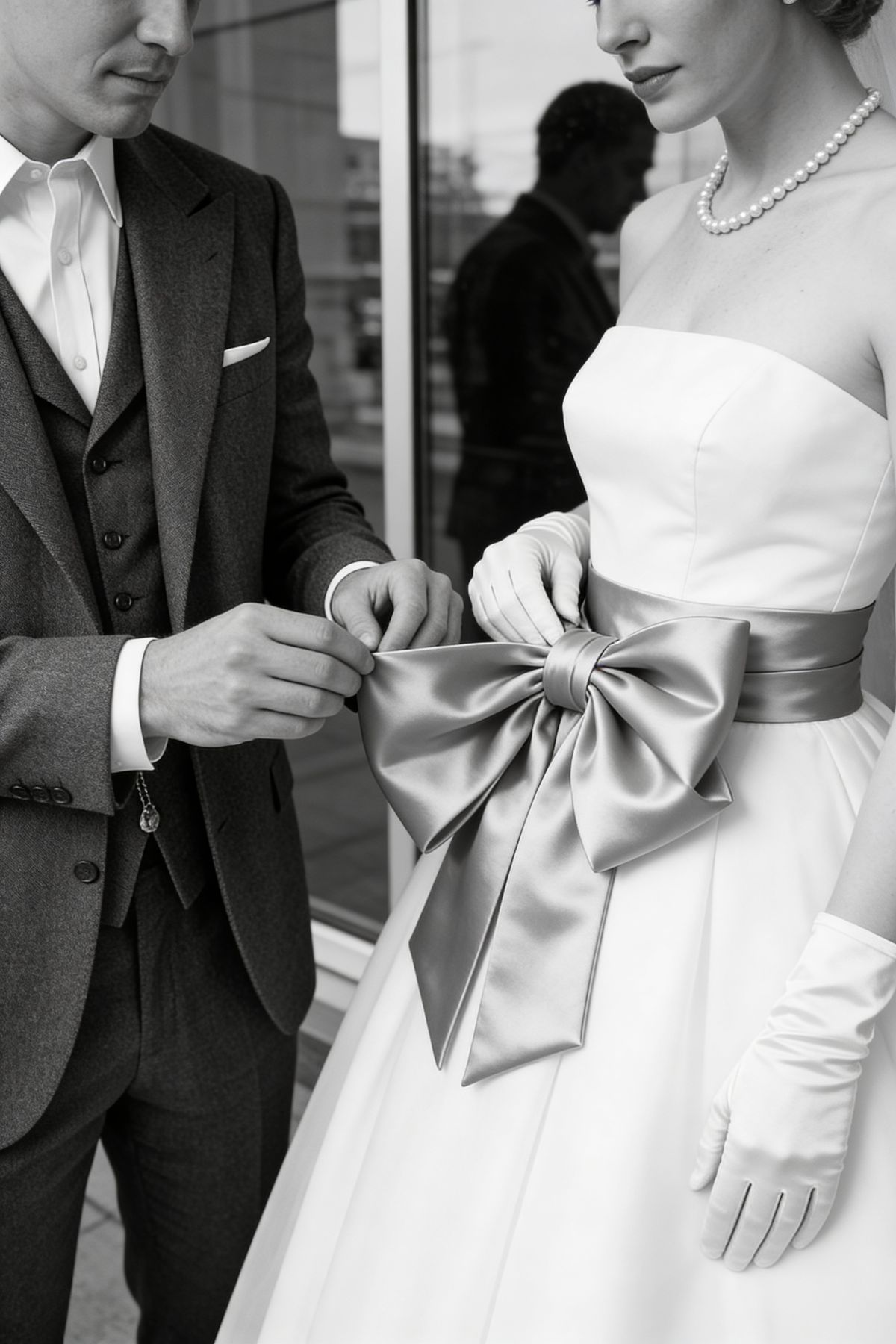
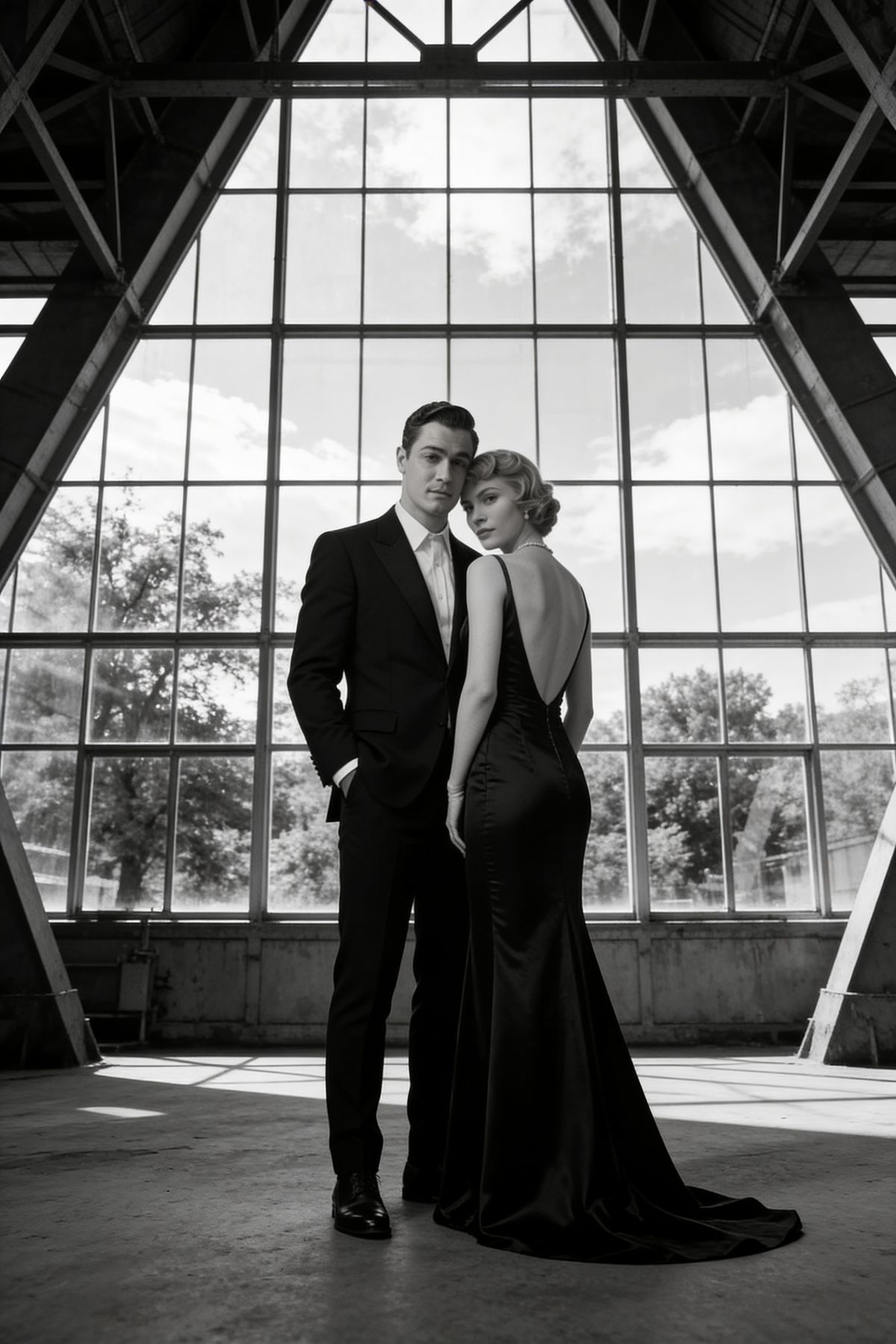
Editorial styles create more polished, fashion-inspired wedding images. These are ideal if you want unique wedding photos, creative wedding photography, or magazine-style bridal portraits.
Recommended for:
Editorial style photography
Creative wedding photos
Black and white wedding photos
Fashion-inspired bridal pictures
Destination
Destination styles add travel-inspired settings, elegant backdrops, and cinematic scenery. Use them for wedding photo ideas that feel like a destination wedding in Italy, the coast, the mountains, or a stylish city venue.
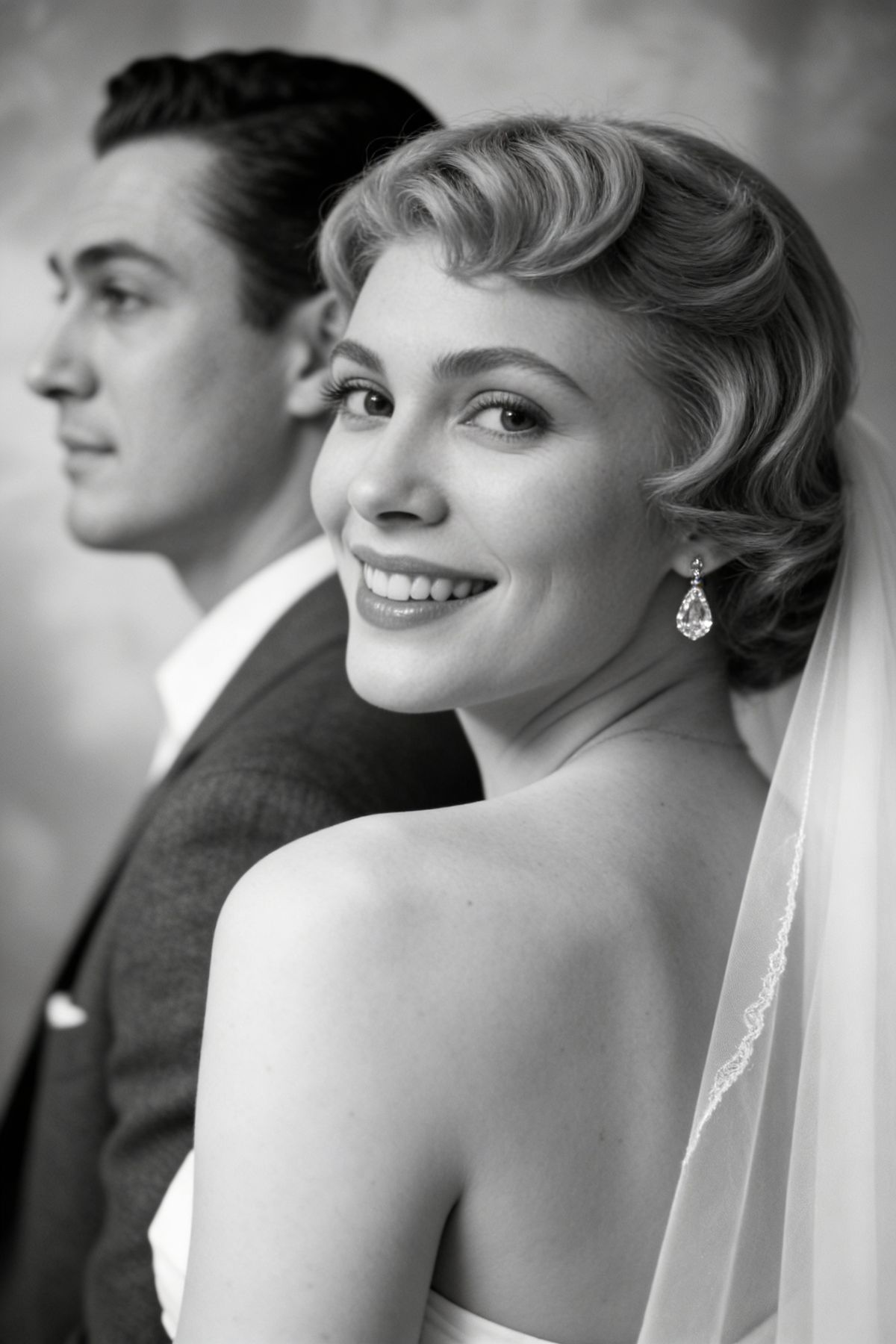
Recommended for:
Destination wedding photos
Elegant bride and groom pictures
Unique wedding photography
Wedding photo inspiration
The Bride
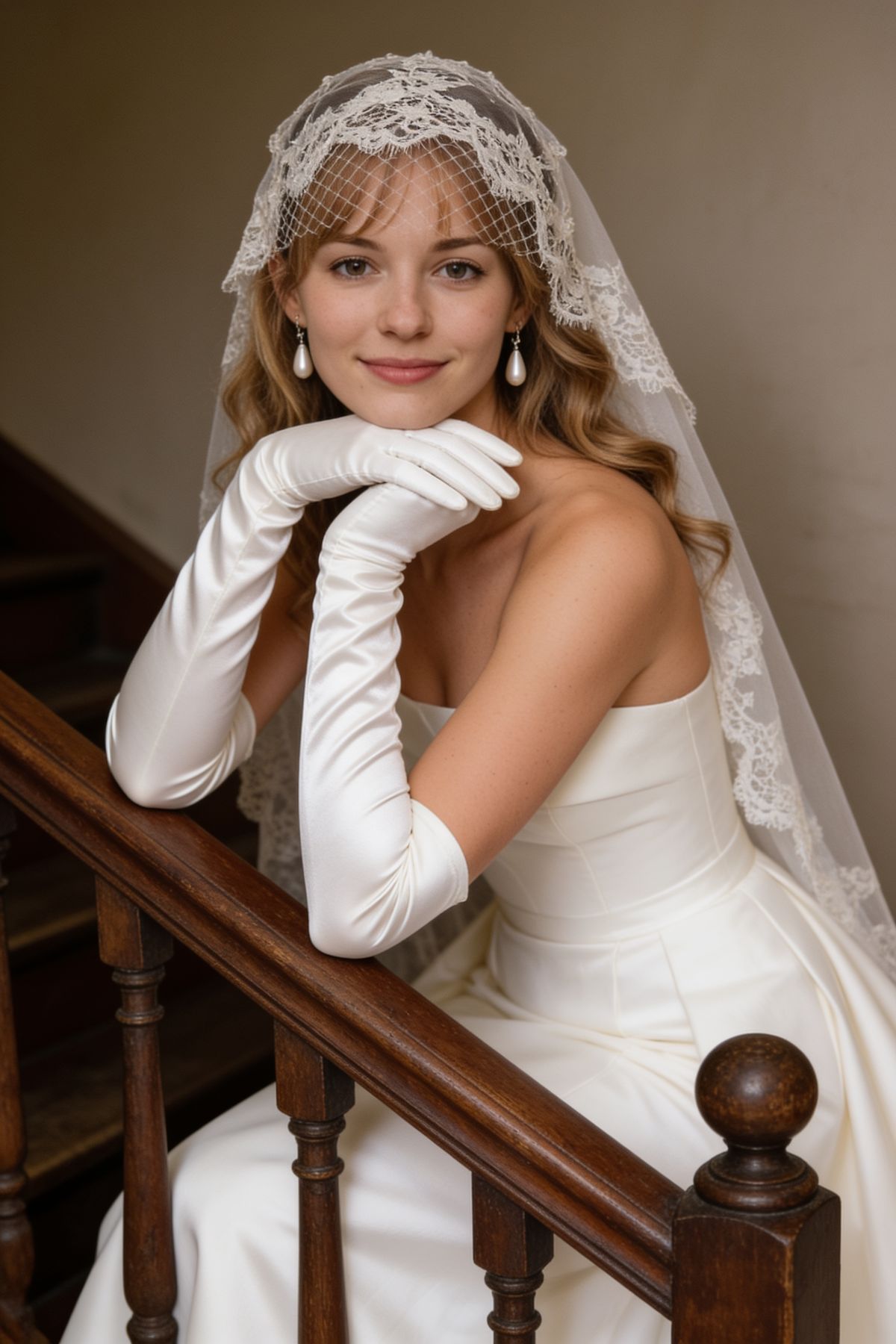
Bride-focused styles are made for bridal portraits, veil shots, beauty close-ups, and solo wedding pictures. They are perfect for exploring makeup, dress shape, hairstyle, veil movement, and portrait composition.
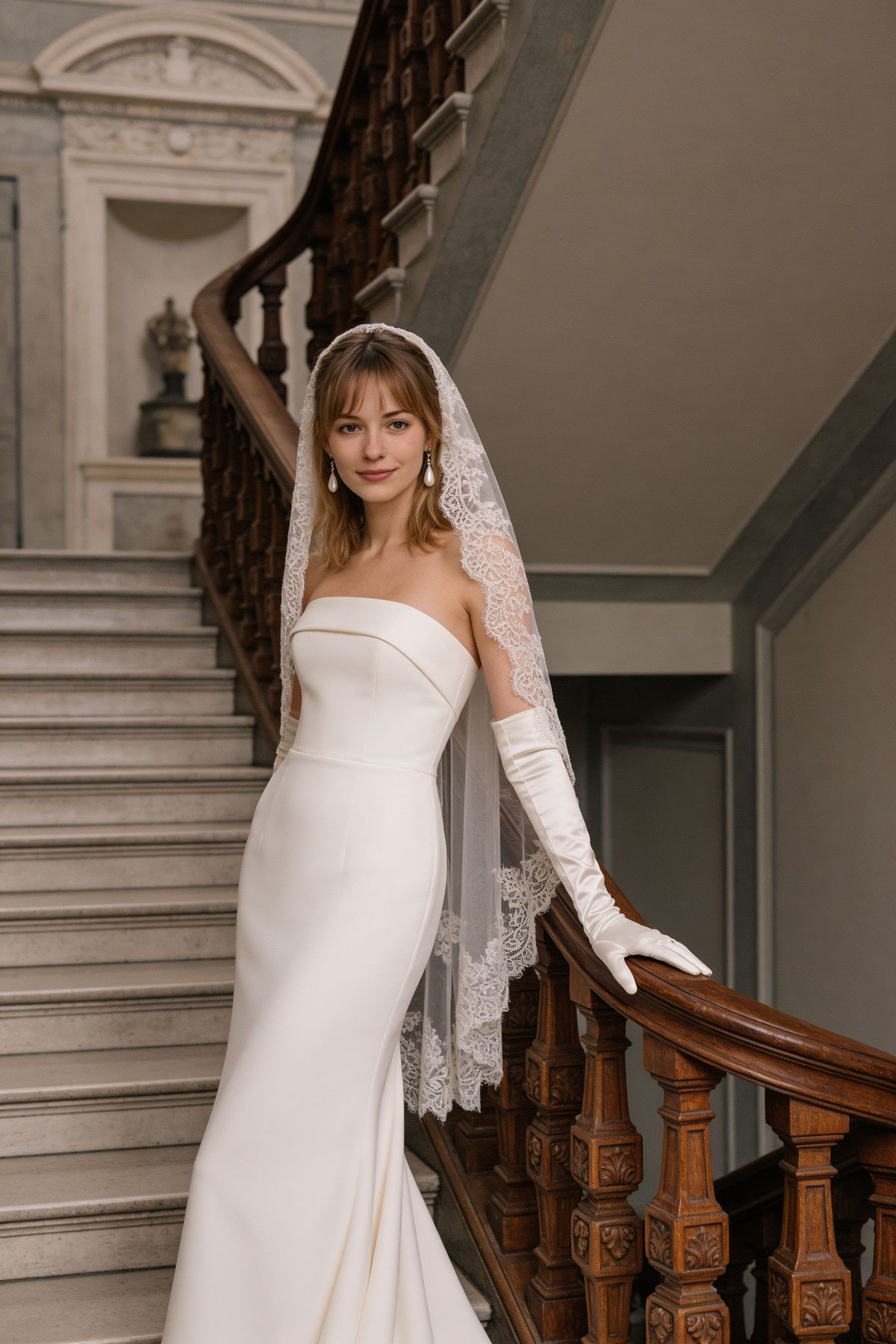
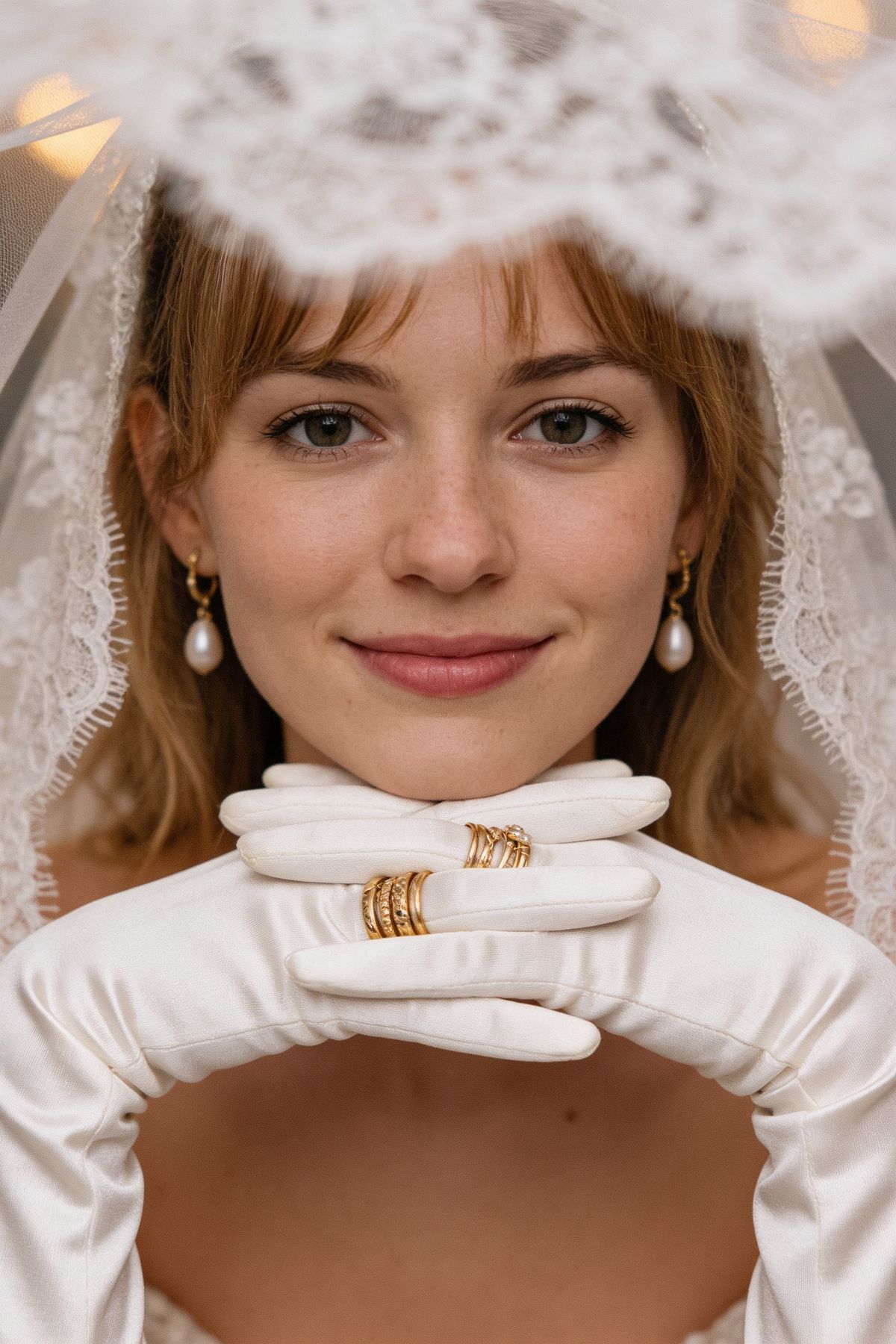
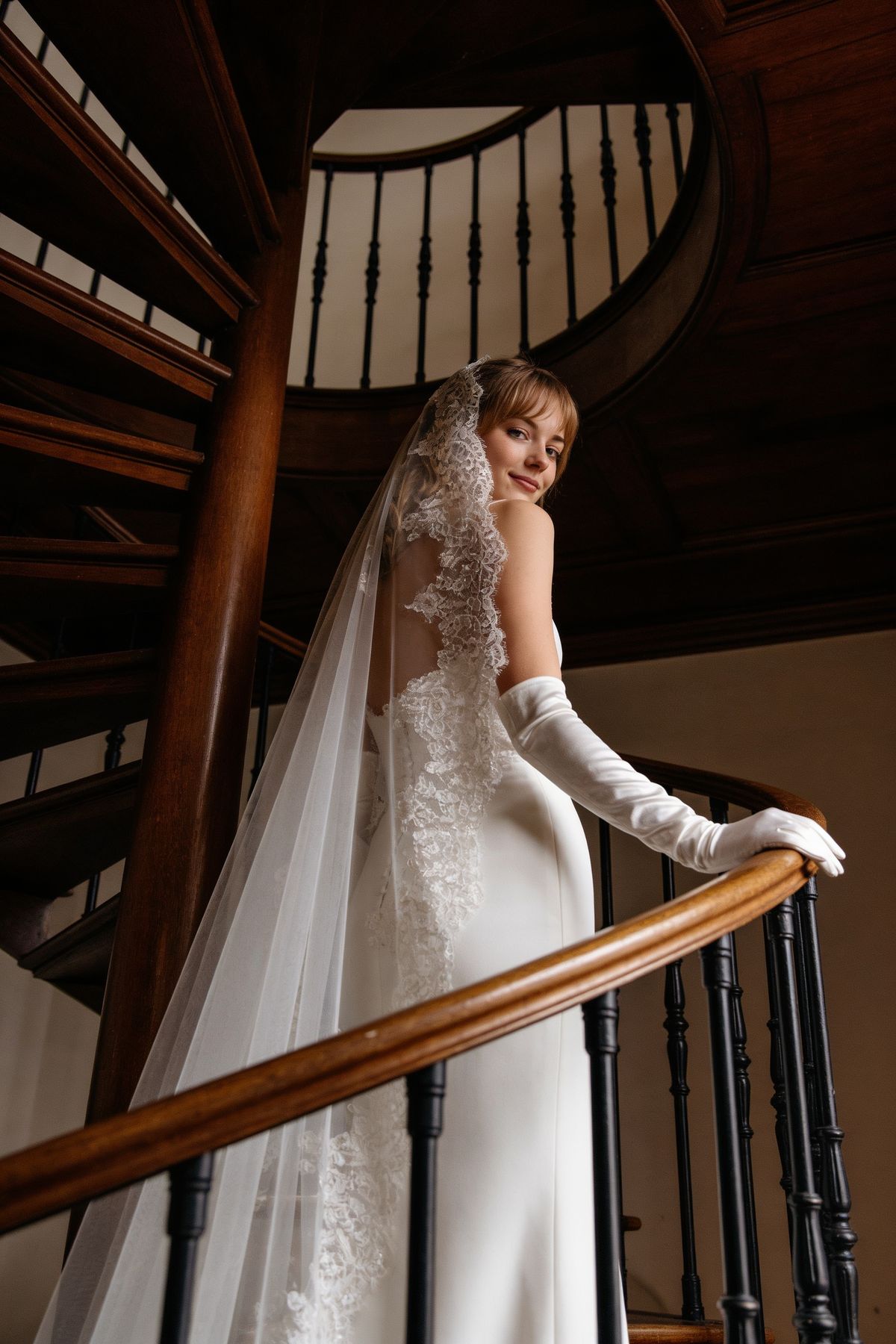
Recommended for:
Bridal pictures
Bridal portrait ideas
Bride photoshoot
Wedding portrait
Want a Custom Wedding Style?
If none of the presets fit your vision, choose Custom and describe the exact wedding photoshoot you want. You can write a structured prompt like this:
Outfit: flowing ivory satin wedding dress, off-shoulder, long veil; groom in classic black tuxedo
Setting: sunlit garden ceremony, golden hour, warm hazy light, soft flowers in the background
Photo 1: close-up three-quarter angle, bride and groom smiling softly, hands touching
Photo 2: full body, walking together, veil moving in the wind
Photo 3: bride looking directly at camera, groom standing slightly behind, editorial feel
Photo 4: candid side profile, couple laughing, natural wedding photography styleYou can also describe an overall mood instead of listing every shot:
film grain, muted earth tones, editorial wedding photography, soft golden hour light, candid romantic feeling
Custom style works especially well for unique wedding photos, black and white wedding photos, pre wedding photoshoot ideas, and creative wedding photography concepts.
What Can You Create?
Use this AI wedding photo generator to create:
Pre wedding photoshoot ideas
Bride and groom photos
Bridal portraits
Candid wedding photos
Black and white wedding photos
Editorial wedding photography
Destination wedding photos
Natural wedding photography
Unique wedding photo poses
Wedding pictures for inspiration boards
Romantic couple portraits before the wedding day
Tips for More Realistic Results
Use clear photos where the face is visible.
Keep custom prompts specific but not overloaded.
Mention the outfit, setting, lighting, and mood.
Use fine-tune details for small changes instead of rewriting the whole style.
Generate more than once if you want different wedding photo ideas from the same style.