Kids Photos
Create styled kids photos from two phone shots. Pick from 20+ looks, set your child's age, get a studio-style portrait in seconds.
Little Ones, Big Moments
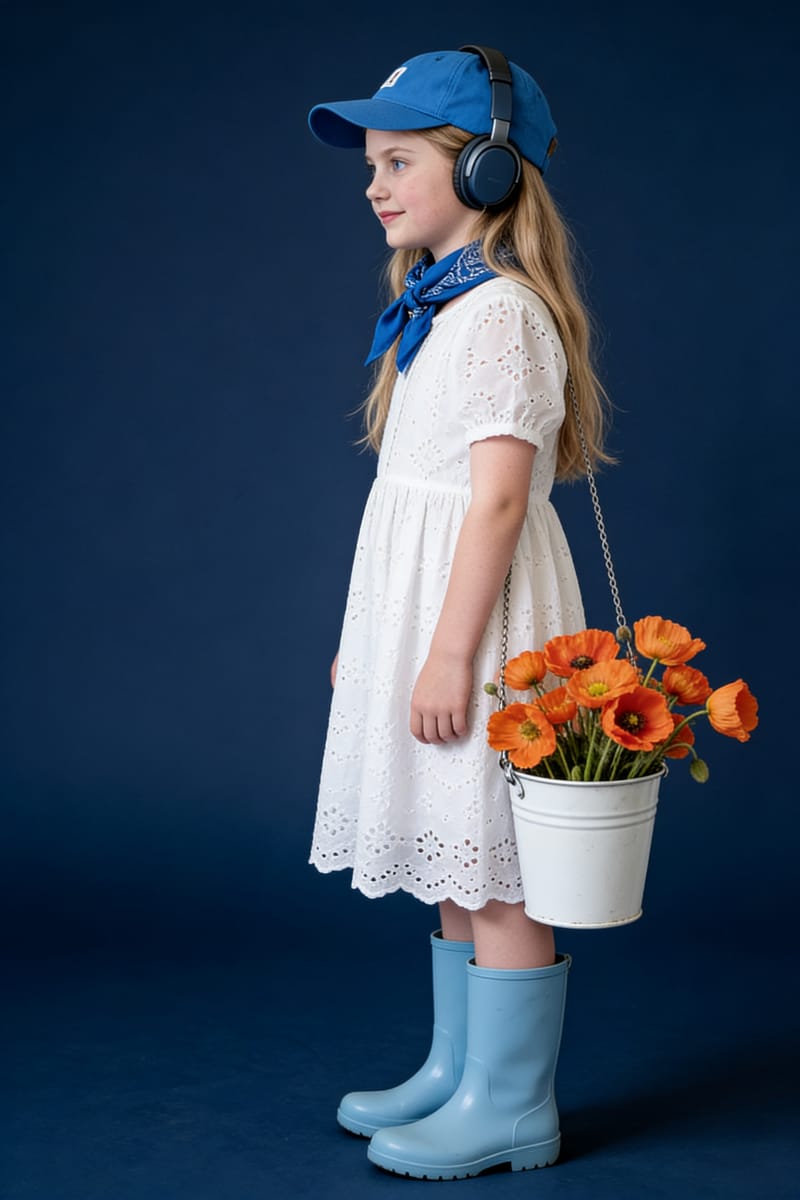
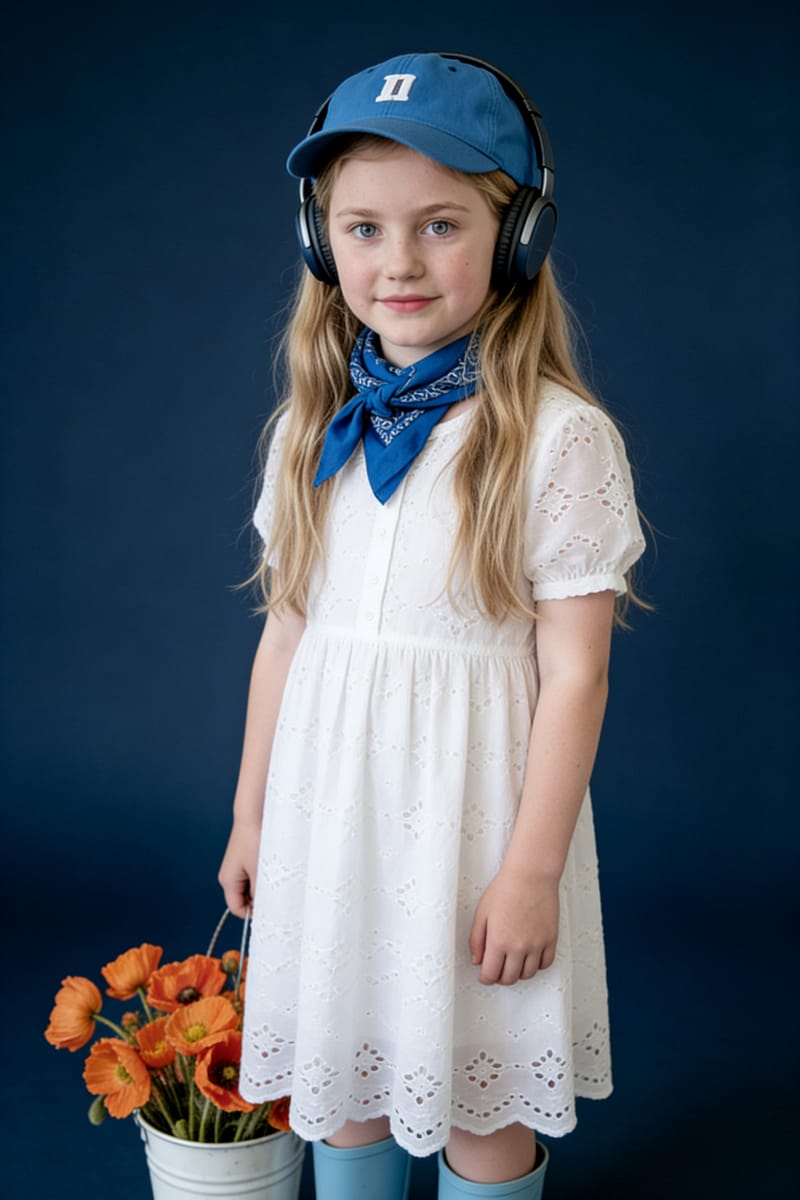
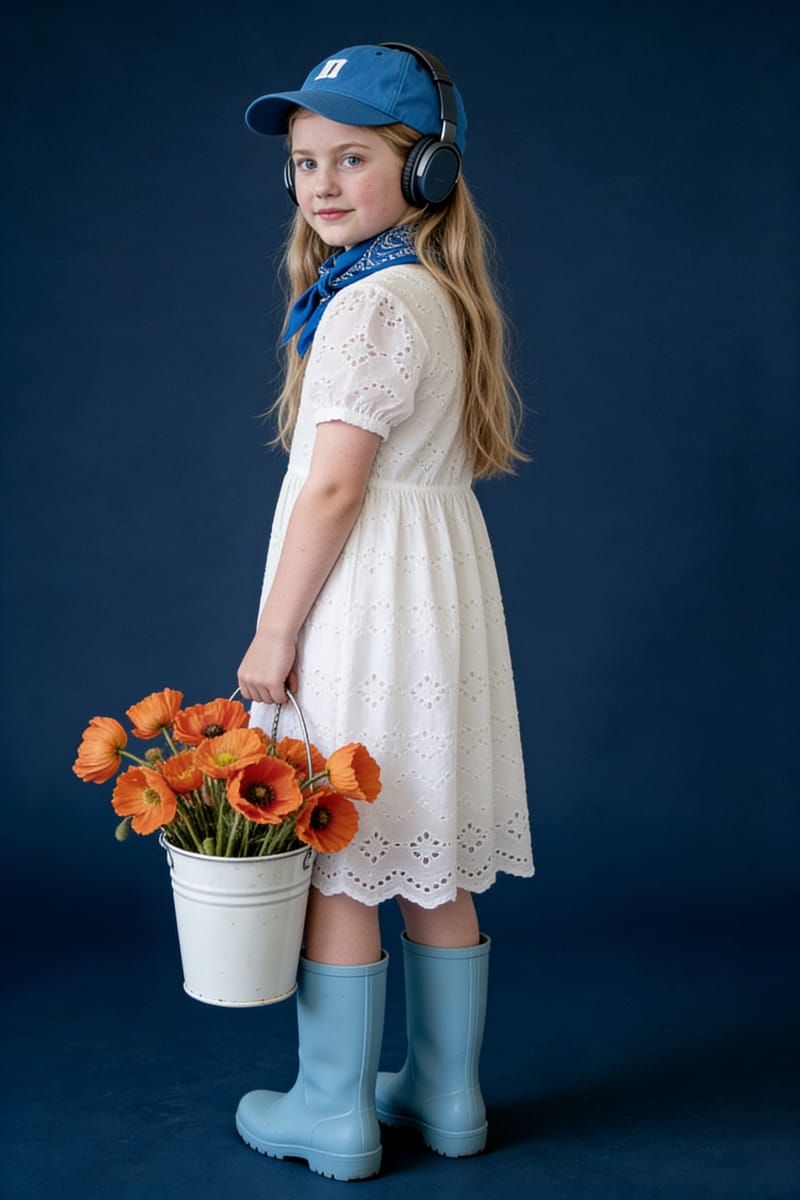
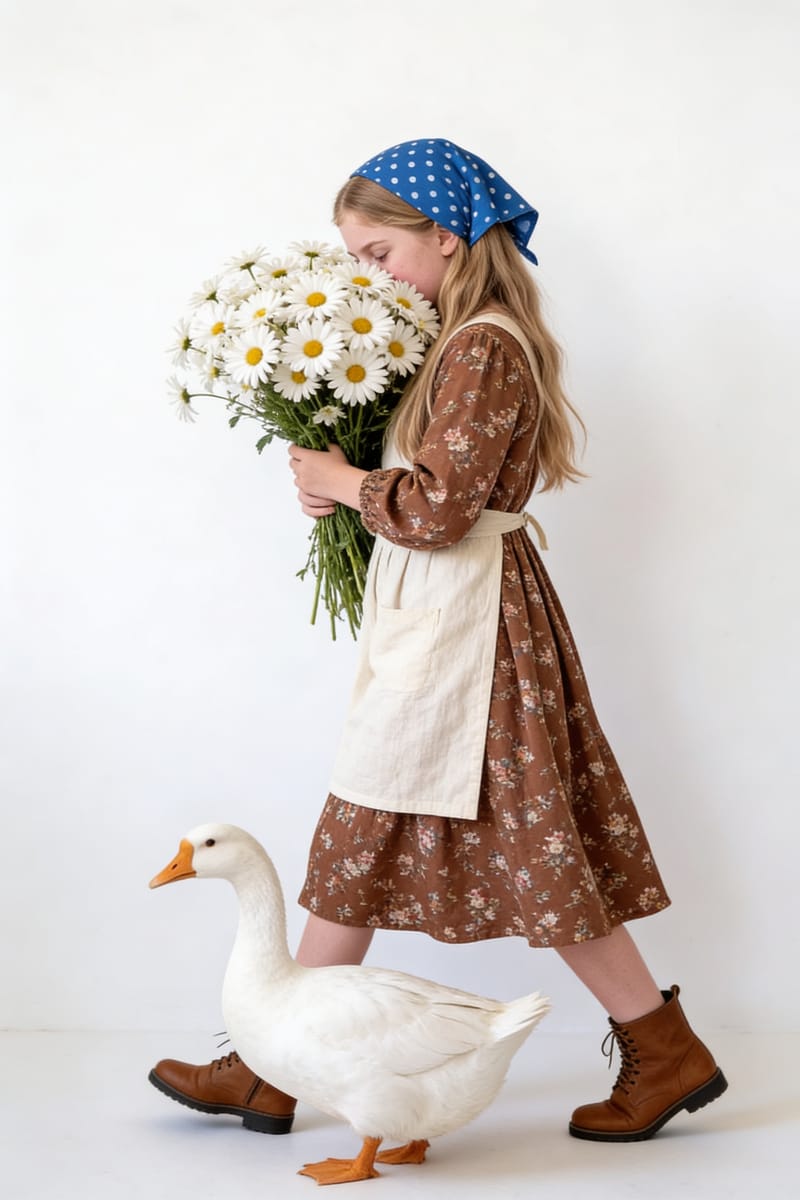
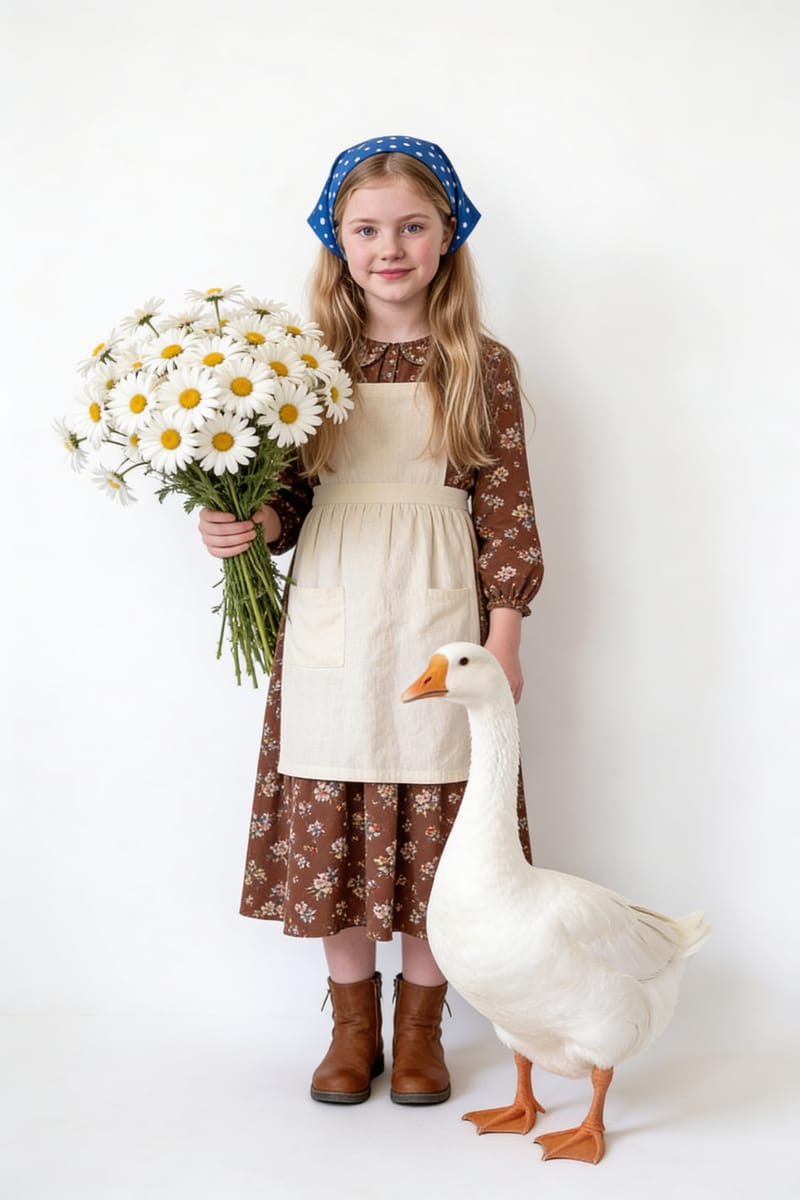
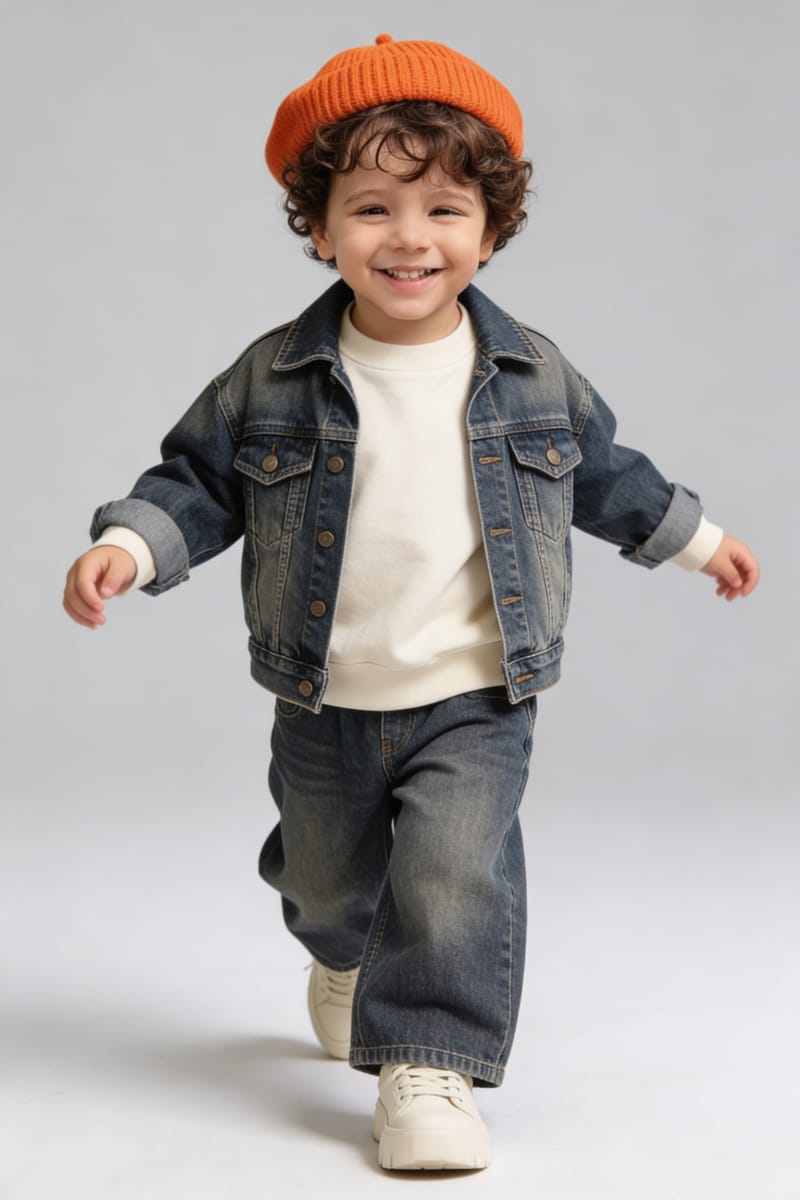
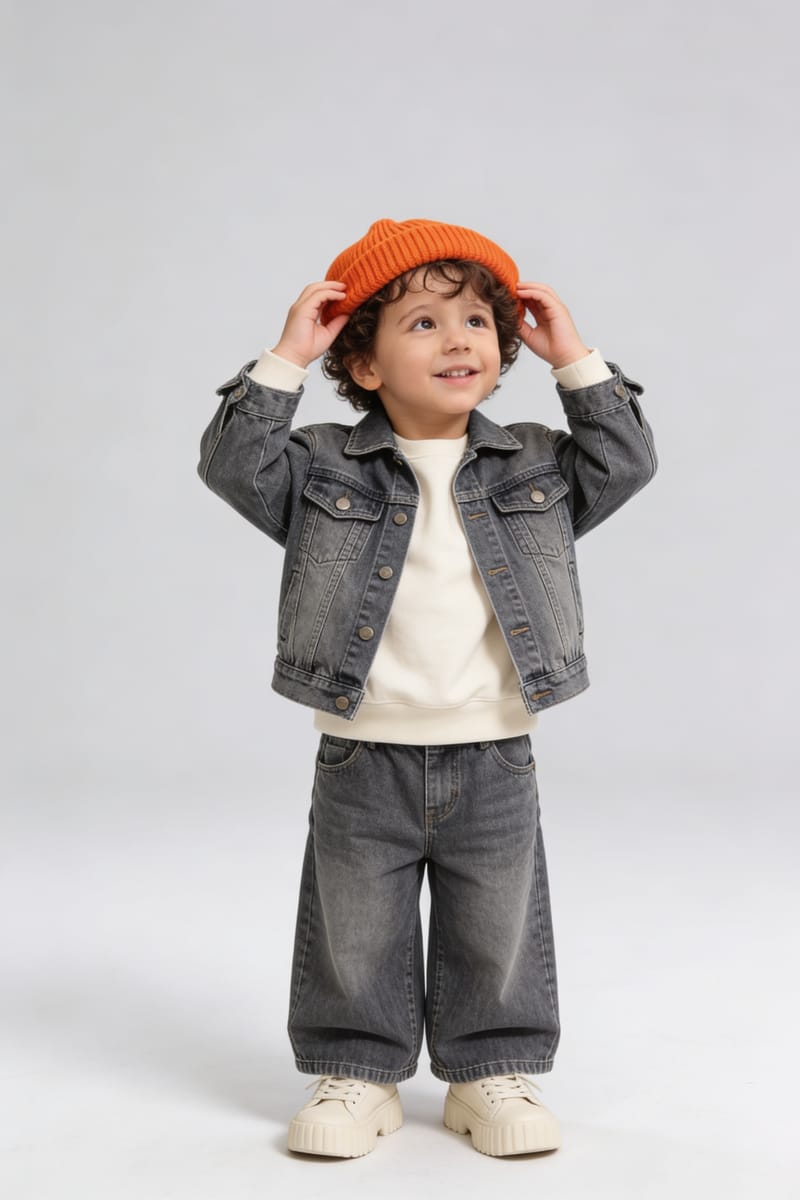
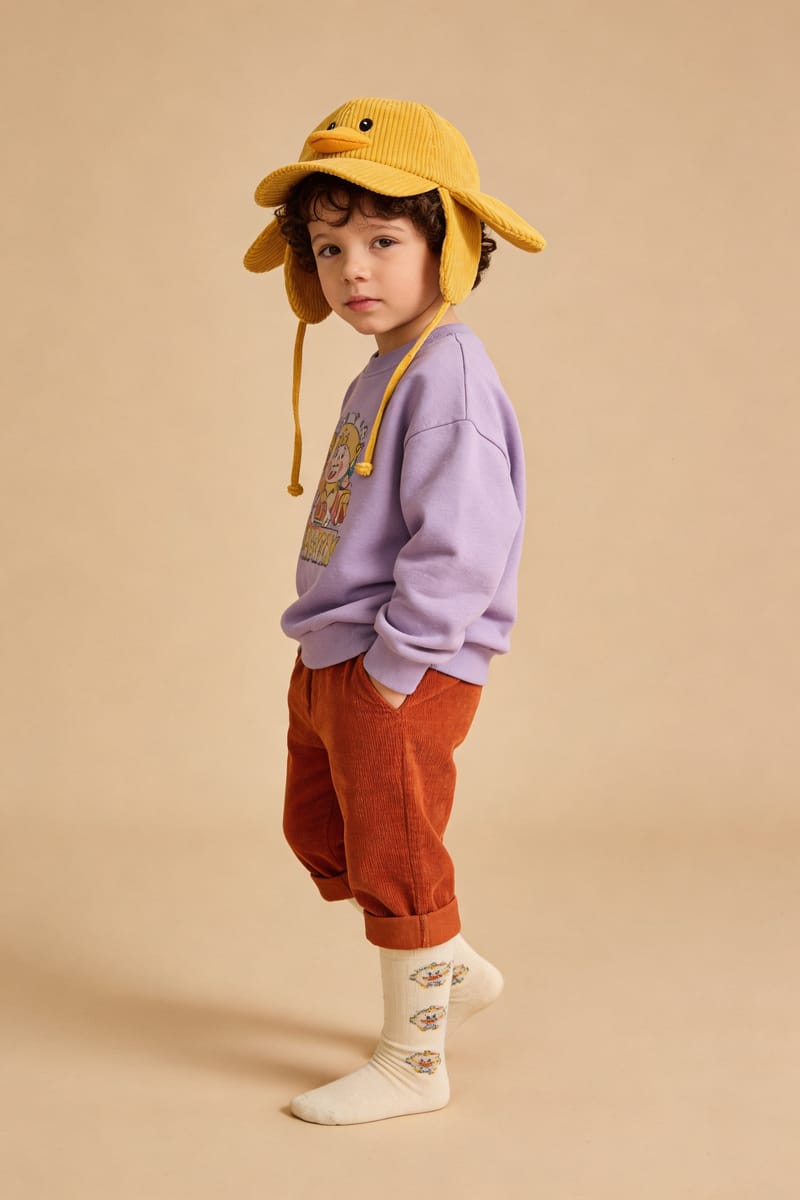
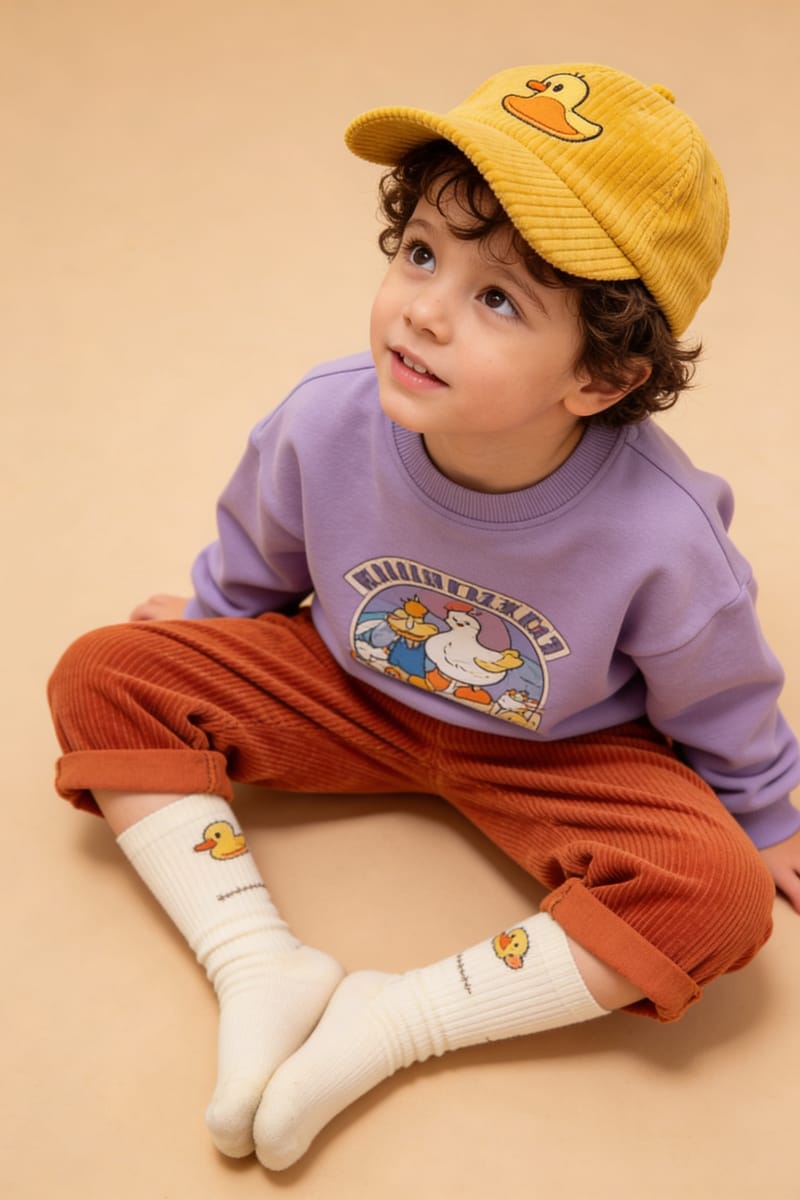
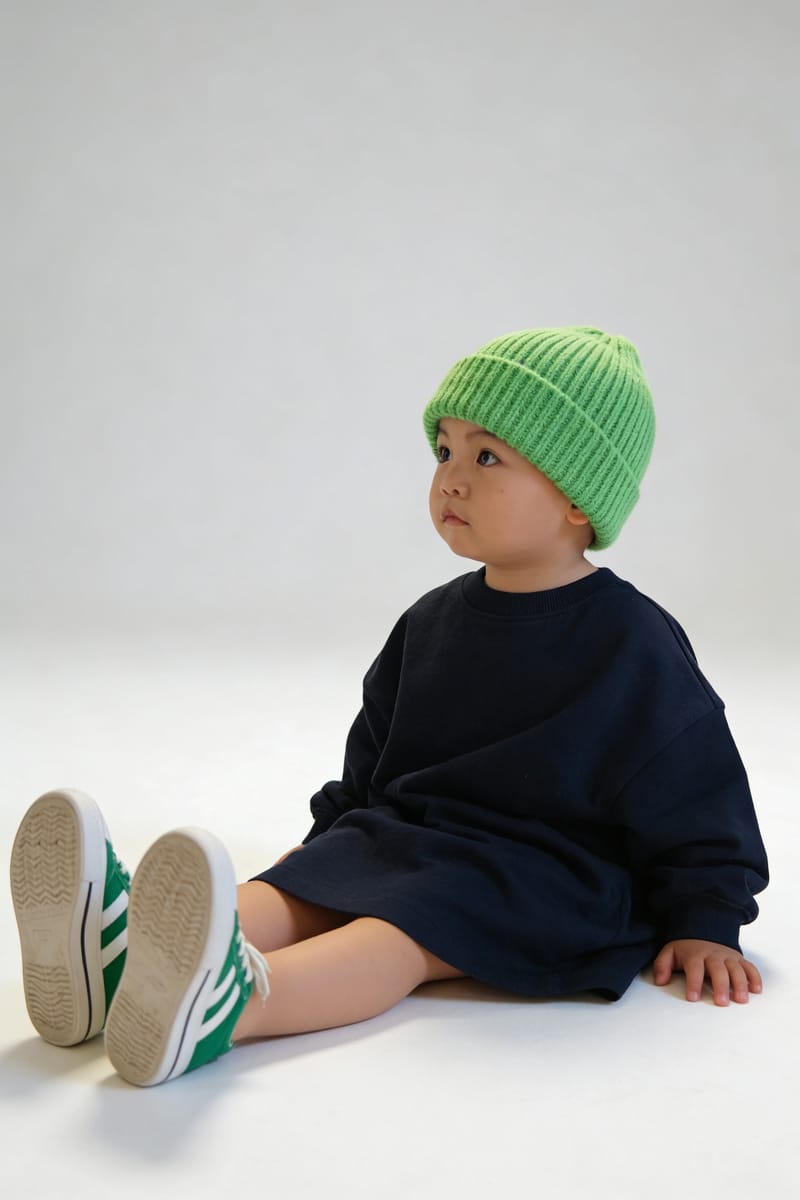
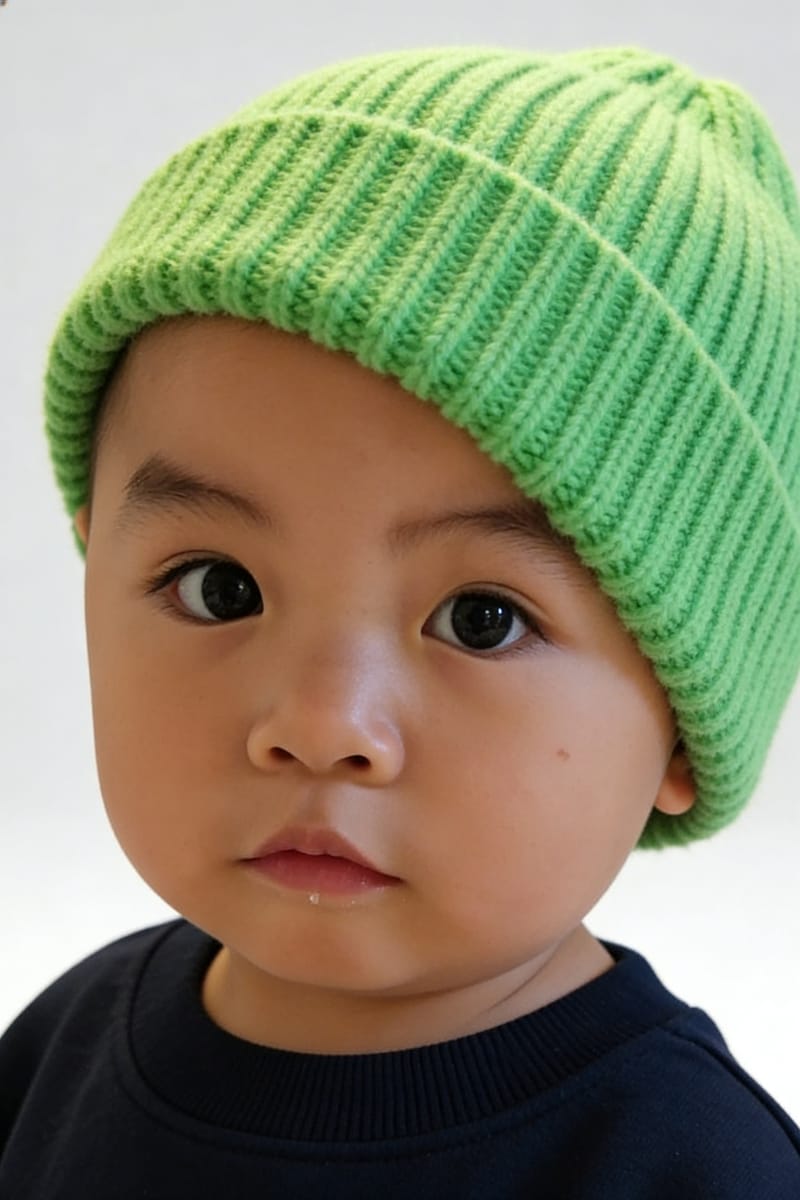
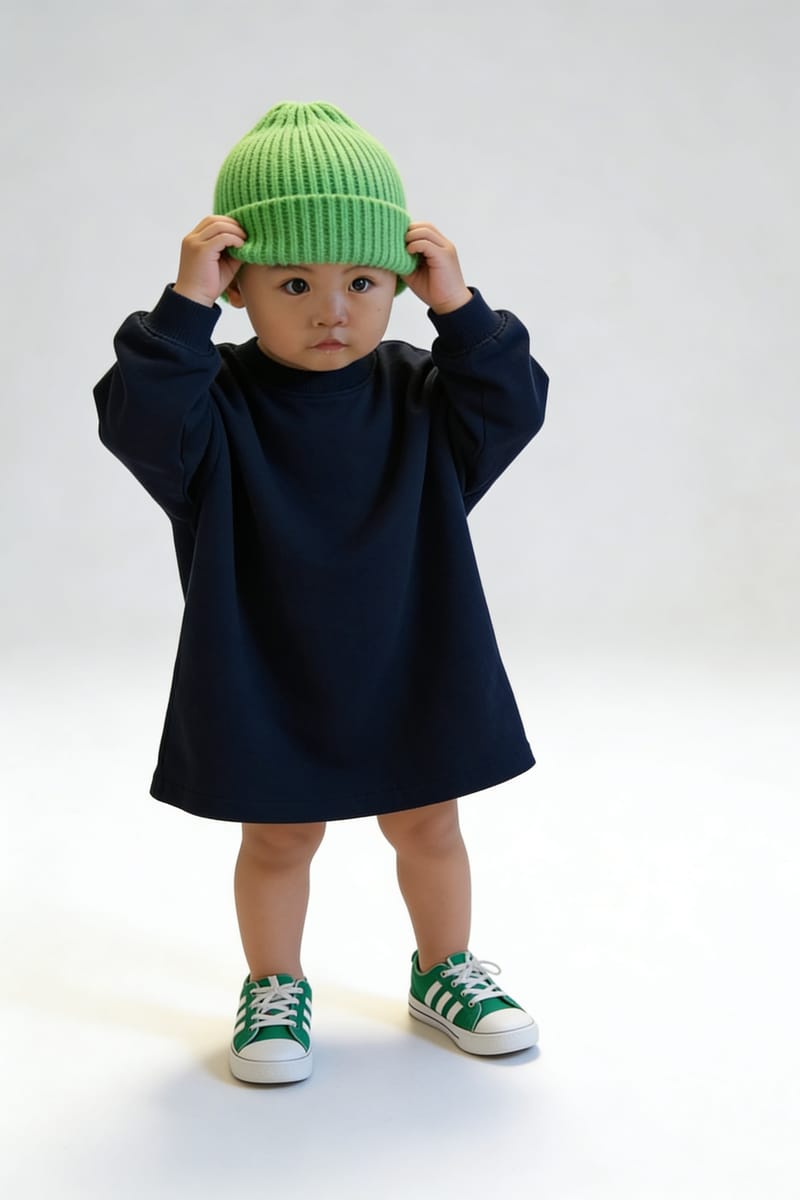
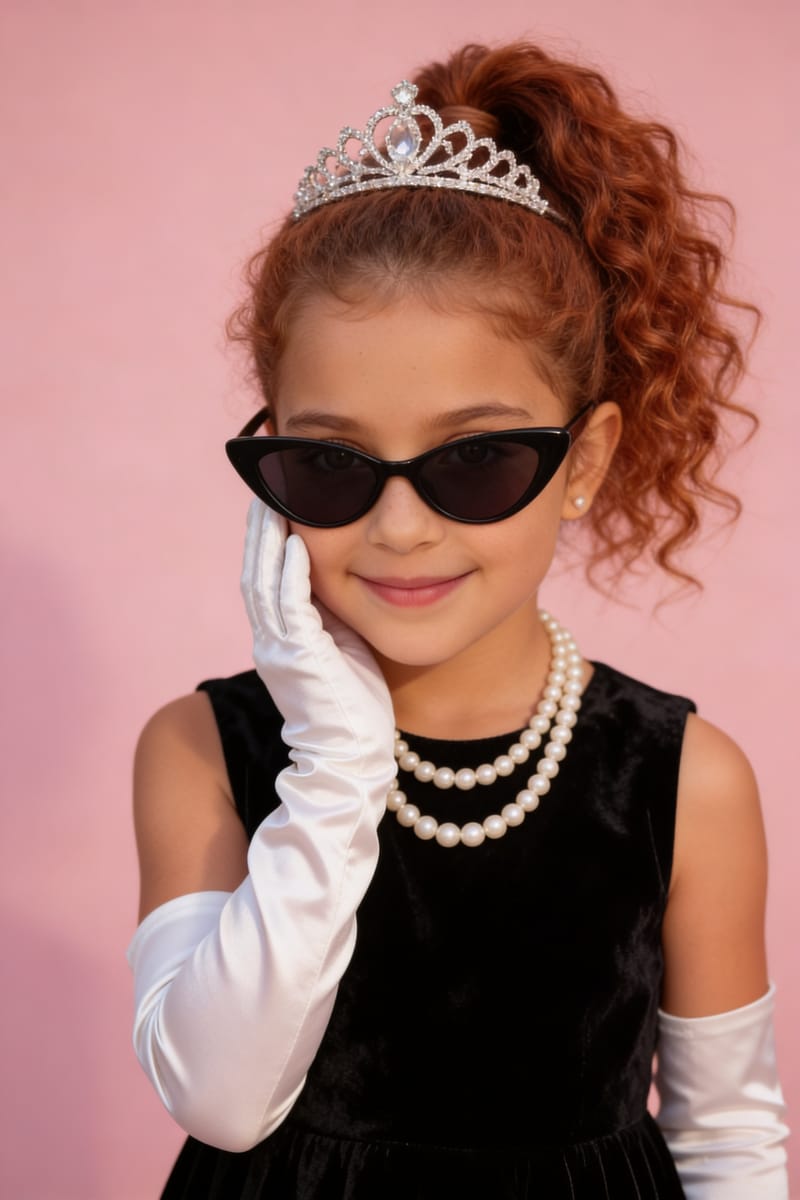
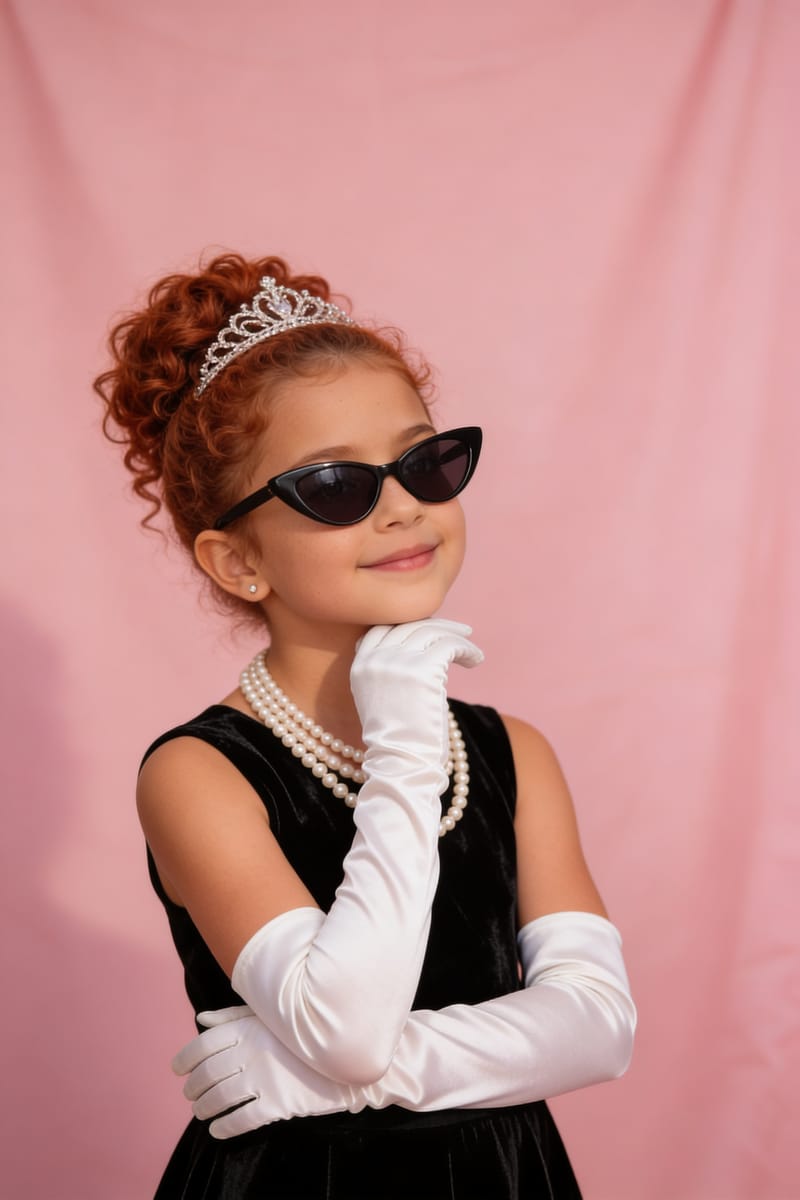
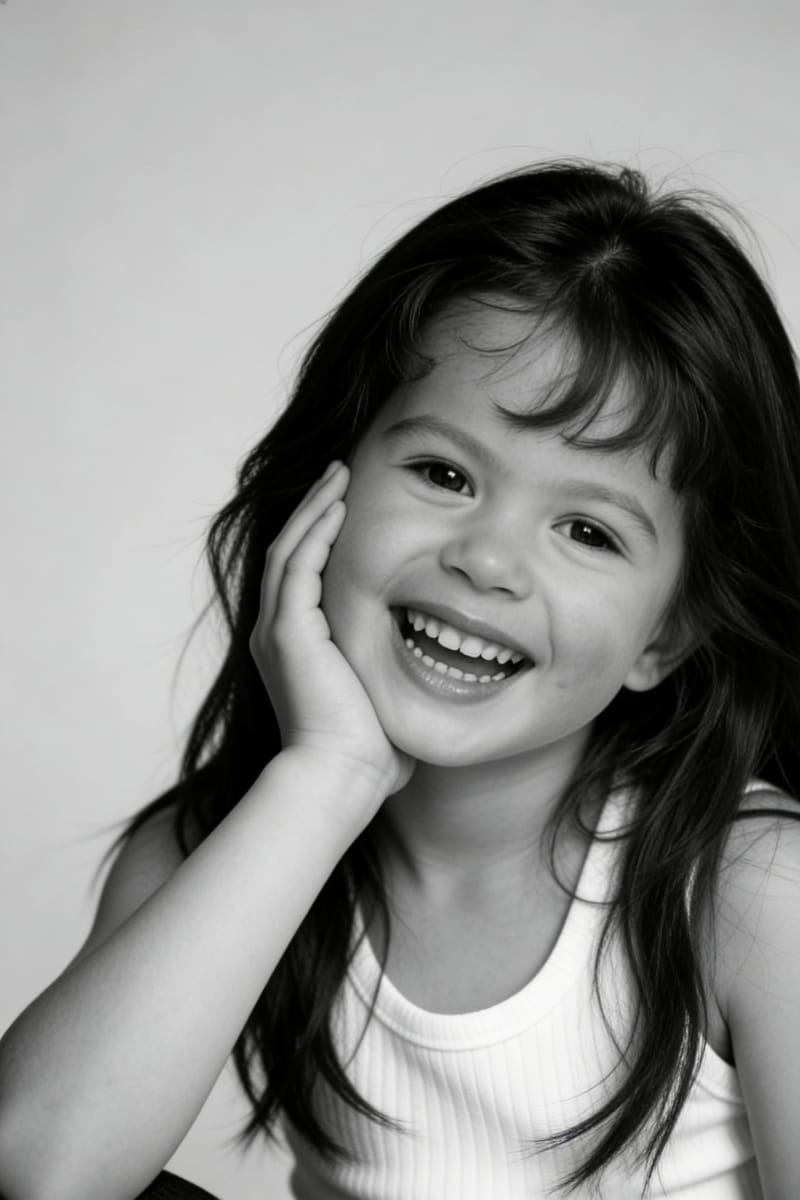
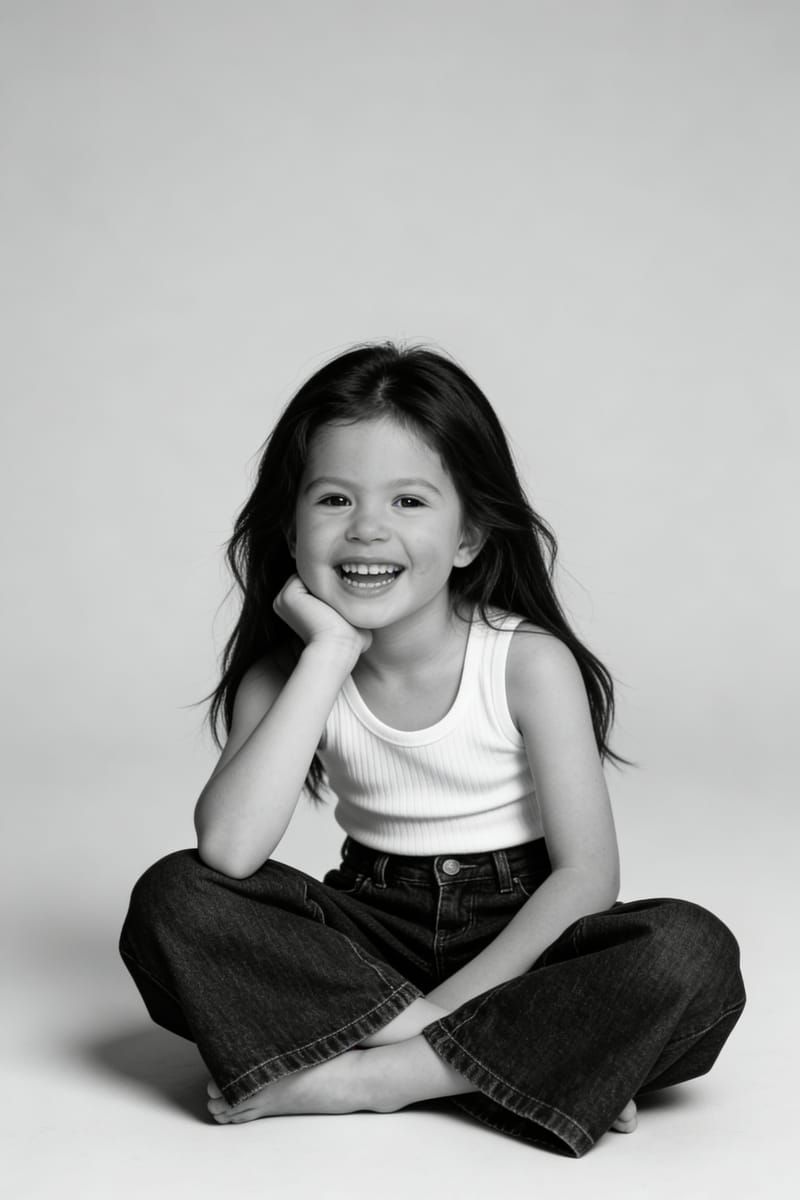
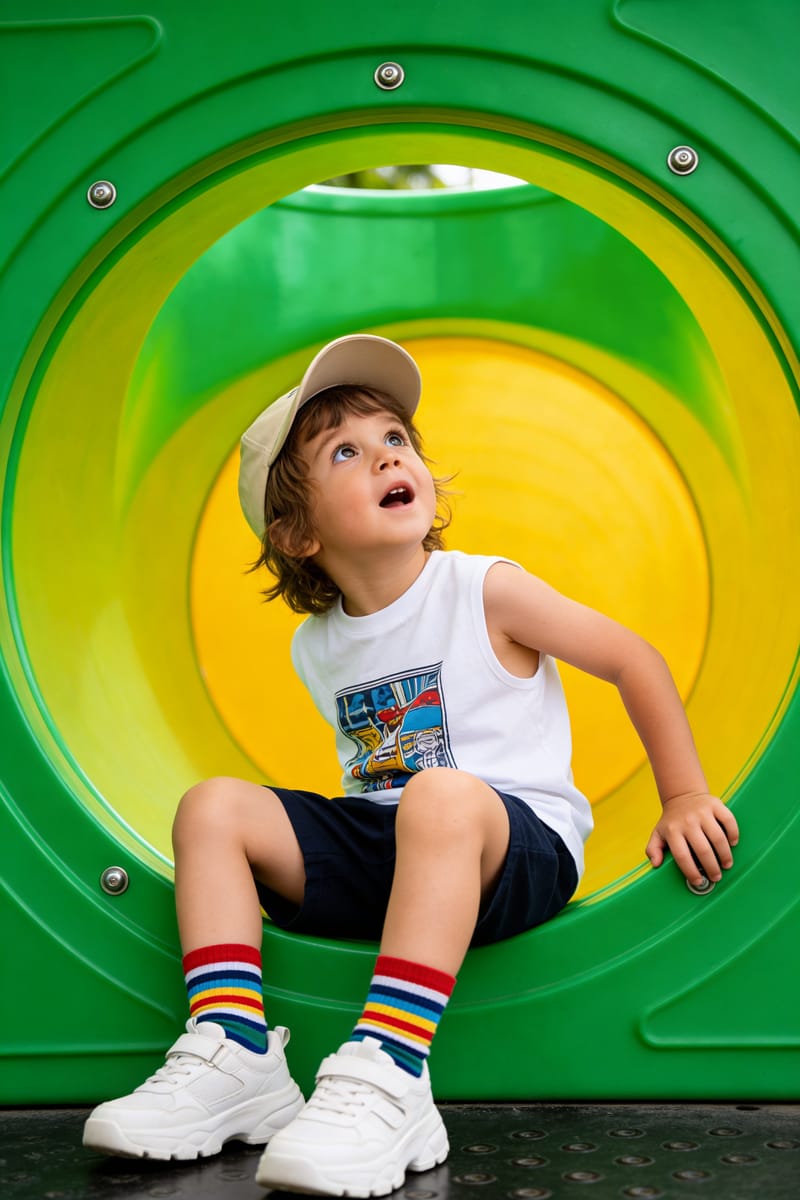
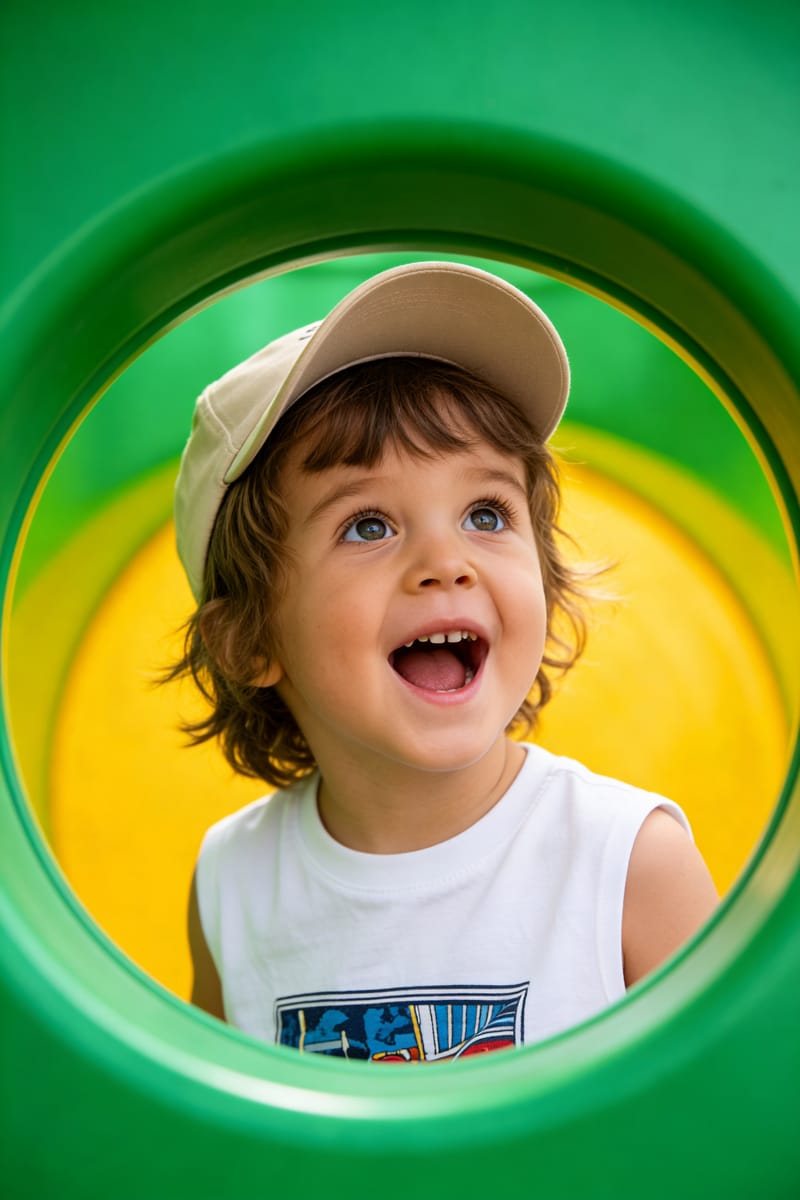
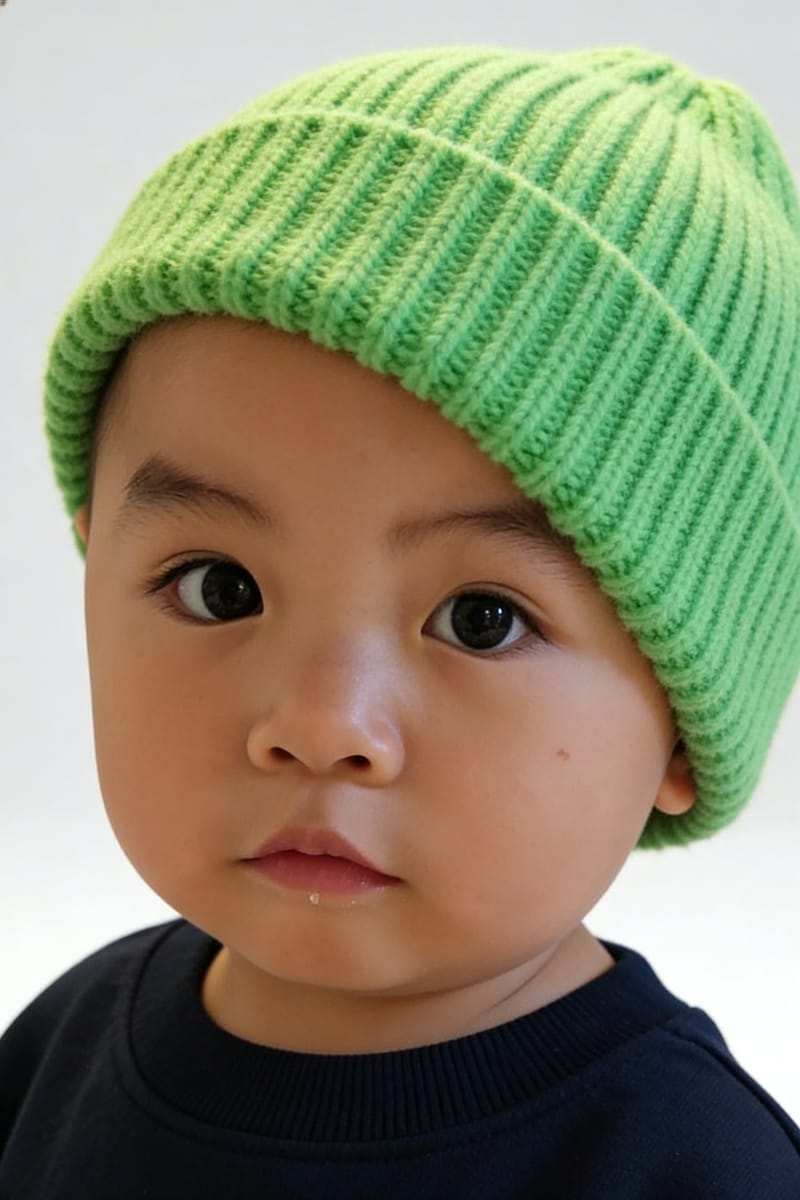
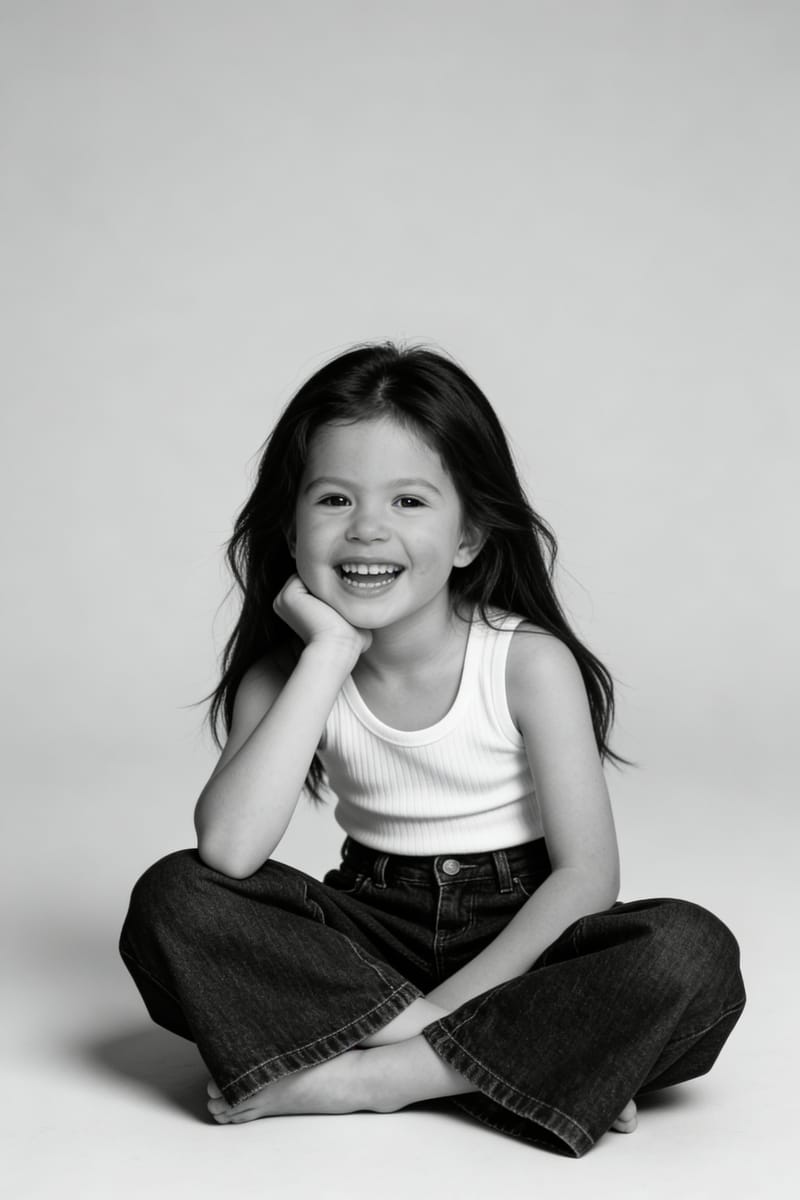
AI Kids Photos That Look Like a Real Studio Shoot
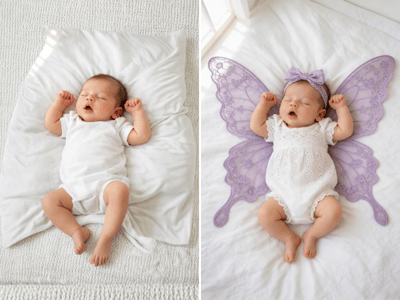
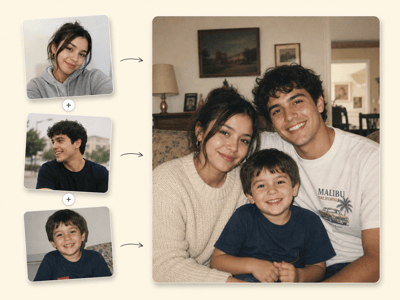
Booking a kids photoshoot takes a morning, a willing child, and a schedule you may not have this week. Kids Photos turns two ordinary phone photos — one front view, one side profile — into a styled studio portrait of your child, with 20+ looks across portrait, birthday, creative, and fashion themes. Pick a style, set their age, generate.
What You Can Make With It
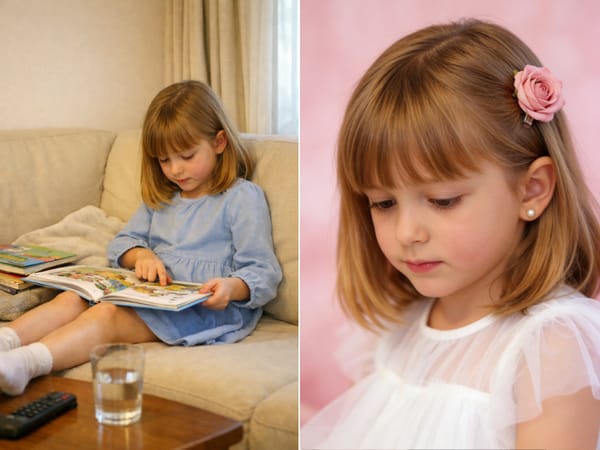
Studio Portraits Without the Studio
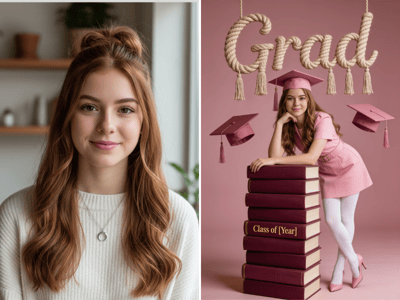
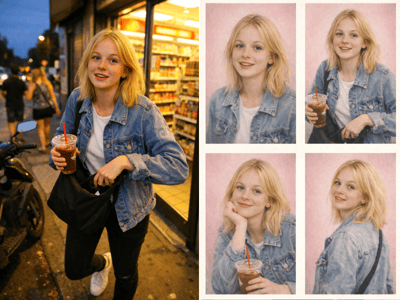
Upload two recent phone photos and get back a clean, well-lit portrait with proper backdrop and professional framing — the kind of shot you'd usually book a photographer for. Useful for school-year keepsakes, grandparent gifts, and prints for the wall.
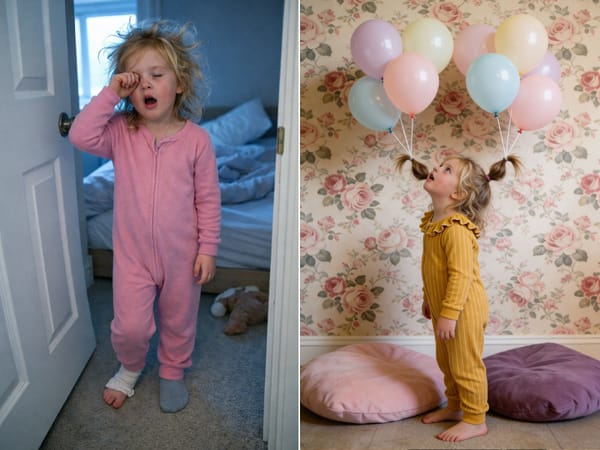
Birthday and Themed Photos for the Family Album
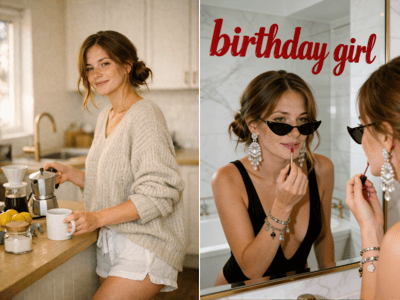
The birthday-themed presets (Red Bow Birthday, Monochrome Birthday, Surprise Moment, Black Balloon) turn a quick cake-table snapshot into a portrait worth printing. Useful when you forgot to plan a real shoot, or when the actual party photos came out blurry.
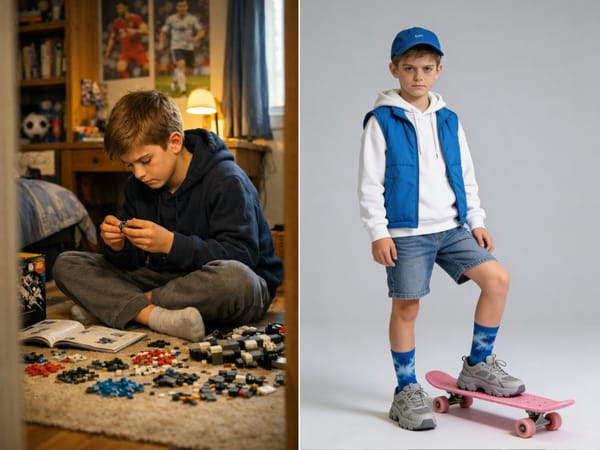
Creative Styles Beyond the Usual Headshot
Most kid portrait tools give you one "nice" look. This one has 20+ — from soft and romantic (Vintage Floral, Pink Dreamy, Wonderland) to confident and editorial (Street Cool, Monochrome Fashion, Blue Editorial). Good for cute kids photos that don't look like every other one on social.
How It Works
Upload a front view and a side profile
Don't skip the side profile — it's the biggest reason results disappoint. Use clear shots with the face well-lit and unobstructed.
Pick a style and enter your child's age
Browse Portrait, Birthday, Creative, or Fashion presets, or use Custom. The age field shifts proportions, posing, and styling — it's not cosmetic.
(Optional) Fine-tune, then generate
Add outfit, hair, or prop notes in the text box. If the result feels off, try a different style preset before re-uploading.
What Makes It Different
Two-Angle Input for Consistent Faces
Single-photo kid portrait tools often drift — the generated face looks "close" but not quite right, which is unsettling in a portrait of someone you love. Asking for both a front view and a side profile gives the model real geometry to work from, so the result reads as your child, not a lookalike.
A Style Library Built for Kids Photos
Twenty-plus presets across four categories, each designed and tested specifically for child subjects — meaning proportions, expressions, and styling all read age-appropriate. You're not adapting an adult portrait style and hoping it works.
Age-Aware Generation
The Child's Age field changes the model's output in real ways — outfit choices, posing, prop scale, and expression all shift to match. A toddler portrait doesn't get adult-styled, and a nine-year-old doesn't get baby-styled.
Custom Slot for Anything the Presets Don't Cover
If you want a portrait that doesn't fit any preset — a specific cultural outfit, a school uniform, a particular setting — the Custom style lets you describe it directly. The fine-tune details field stacks on top of any preset for smaller adjustments.