Background Changer
Use the AI background changer to replace any photo background with a clean studio, custom scene, or solid color in seconds.
A Photo Background Changer That Keeps the Subject Looking Real
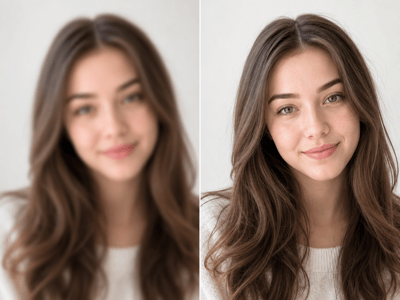
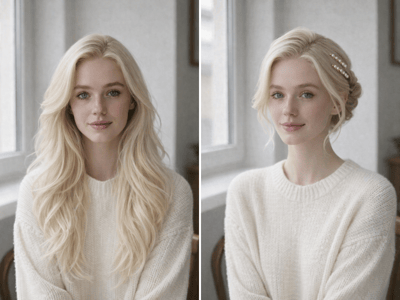
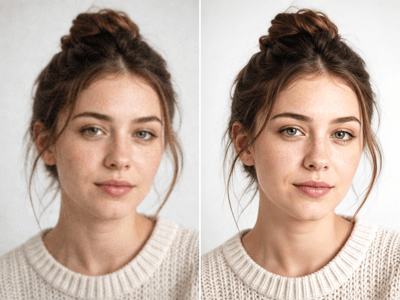
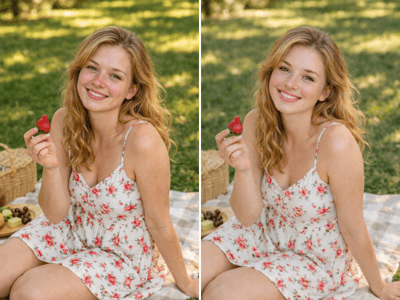
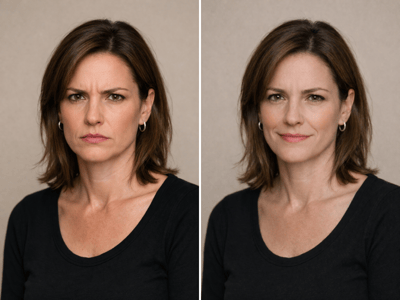
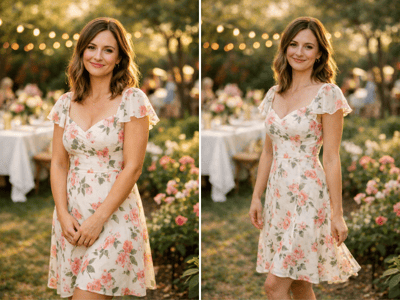
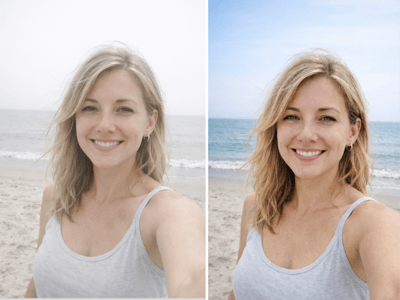
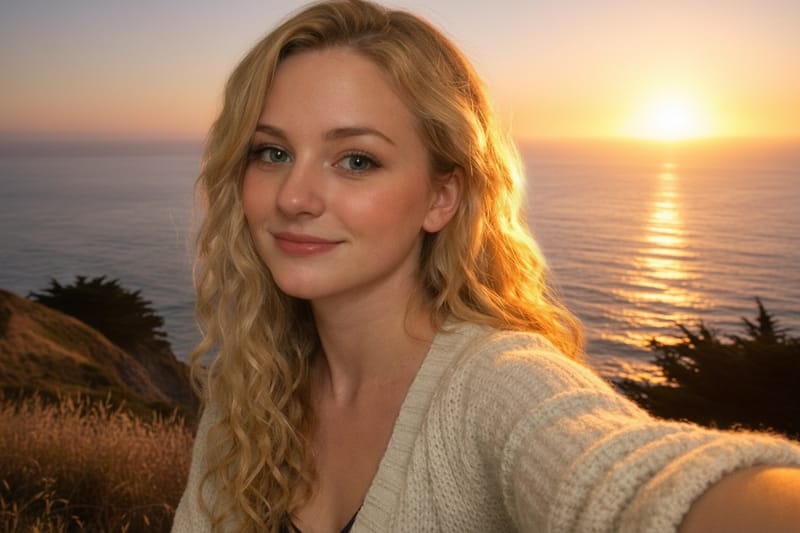
A clean photo with a distracting background usually doesn't need to be retaken — it needs the background swapped. The background changer keeps the subject exactly as shot (same lighting, same pose, same expression) and replaces only what's behind. The AI background changer reads the edges of the subject precisely, so hair, glasses, and clothing don't end up with that cut-out look.
What People Use It For


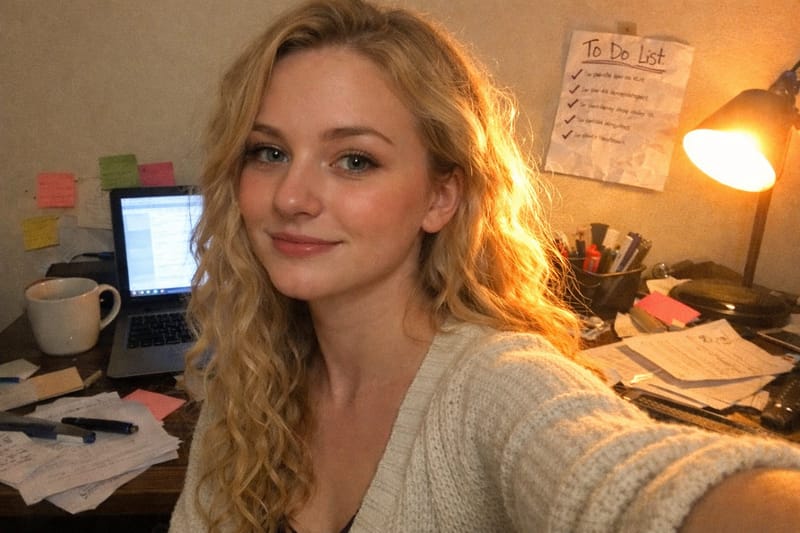
Fix a Headshot Without Reshooting
You took a clean photo at home, but a messy bookshelf and laundry pile are behind you. For a full professional headshot rather than just a background swap, the headshot generator rebuilds the whole look from the same selfie. Either way, your face and lighting stay untouched.

Style a Product Photo for Listing
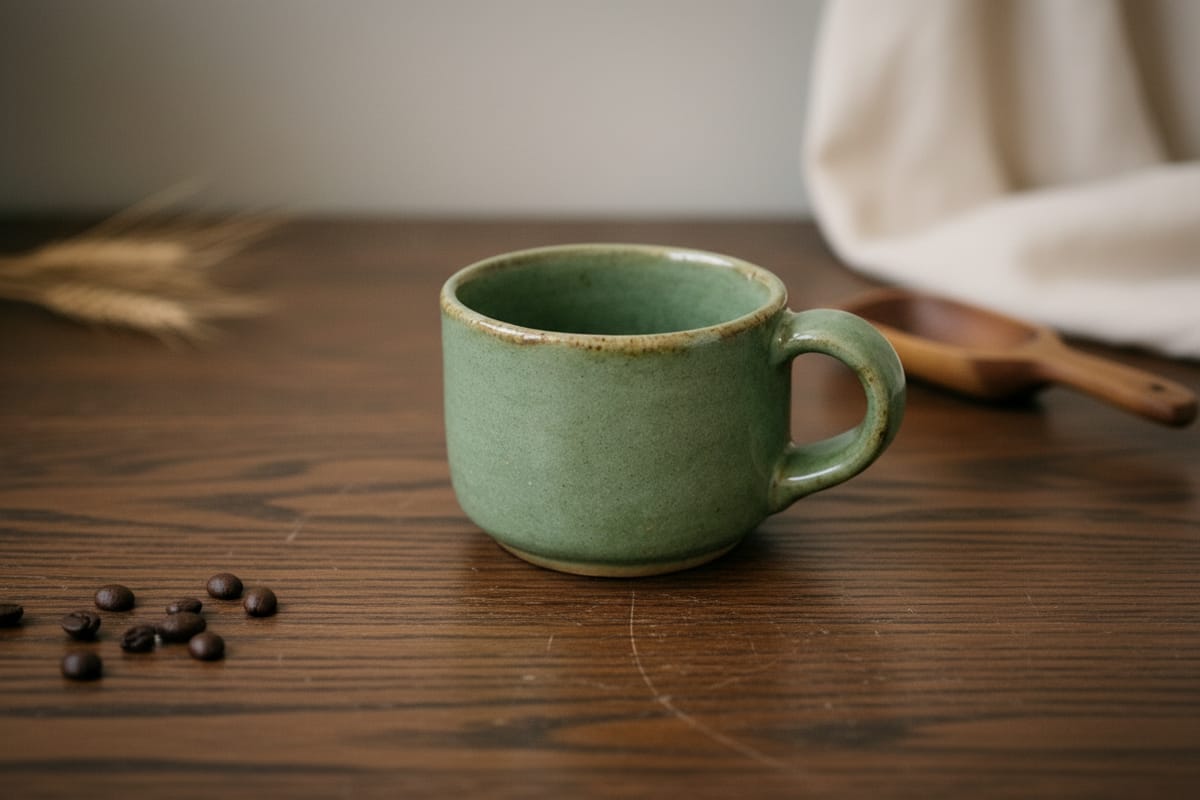
Sellers shooting handmade goods rarely have a proper backdrop — usually it's a cluttered desk full of cables and receipts. Drop the product onto a styled lifestyle scene that fits the brand, whether that's a clean white studio or a warm wooden tabletop with natural props. The product itself stays exactly as photographed.

Give Your Pet Photo a Better Setting
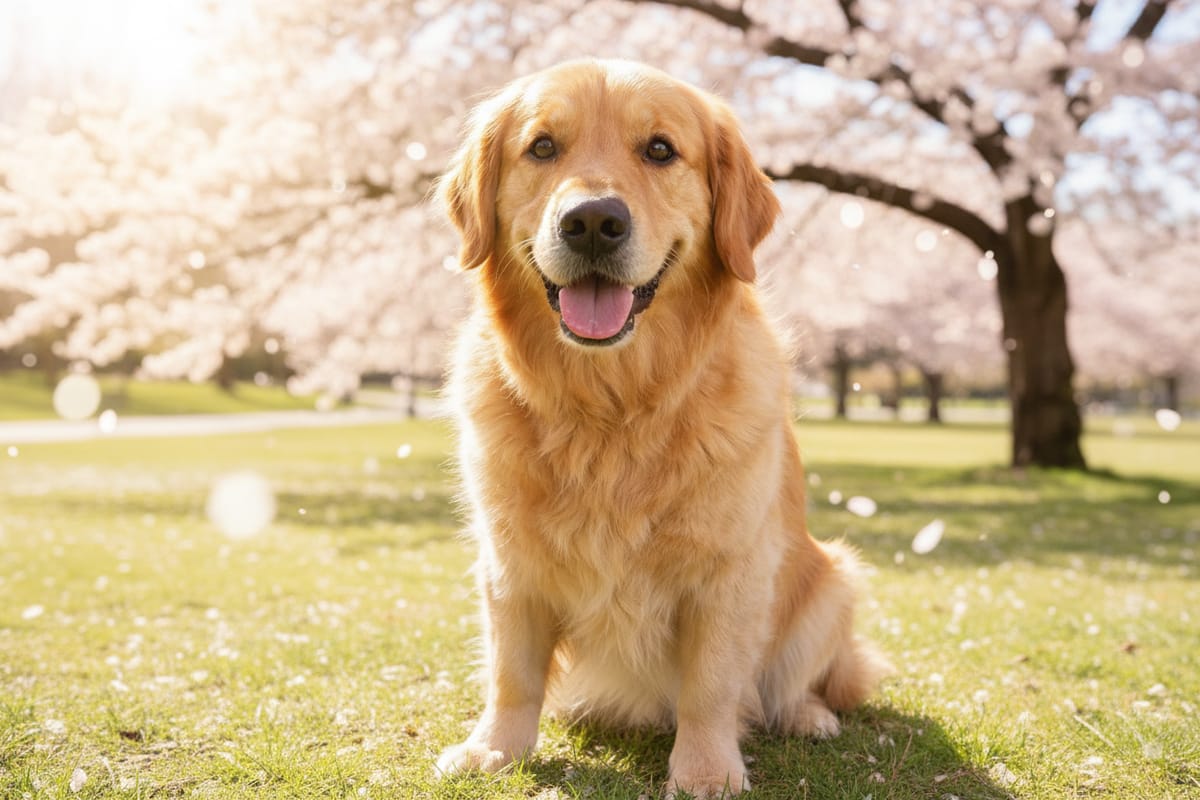
Your pet looks great, but the messy couch behind them ruins the shot. Move the same pet — same fur, same expression, same pose — into a sunlit park, a blossoming spring scene, or any setting that suits them. Useful for adoption listings, social posts, and prints you actually want to frame.
How to Use the Background Changer
Upload a photo with a clearly visible subject edge
Even, soft lighting works best — heavy shadow behind the subject can confuse the edge detection.
Pick a background type
Choose a solid color, a studio preset, or describe a custom scene. Plain backgrounds are most predictable; custom prompts give the most range.
Generate, check the edges, and download
Look at hair, glasses, and held objects — regenerate if anything looks off. Run the result through the photo upscaler to enlarge.
What Makes This Background Changer Different
Edge Detection That Handles Hair and Glasses
Most background swaps fail at the same place: a hard outline around glasses, a missed strand of hair, a clean cut where there should be a soft edge. The background changer keeps soft edges soft and hard edges sharp, so the subject doesn't look pasted on.
An AI Background Changer That Matches Lighting
The new background is rendered to match the direction and color of the light on the subject. A face lit from the right gets a background where the light reads as coming from the right too — which is what makes a swap actually look believable.
Custom Backgrounds From a Text Prompt
Beyond solid colors and presets, you can describe the scene you want — "soft blurred office windows," "outdoor café in afternoon light" — and the AI builds it. This is what makes the difference between a basic remove-and-replace tool and a perfect photo background changer.