Photo Recolor
Photo Recolor changes clothing, backgrounds, and portrait color details while keeping the person natural.
Photo Recolor for Natural Portrait Color Changes
Photo Recolor helps when one color detail makes an otherwise good people photo feel off. Change clothing, a headshot background, or a visible detail in the scene while keeping the person, lighting, texture, and expression intact.
What People Use It For
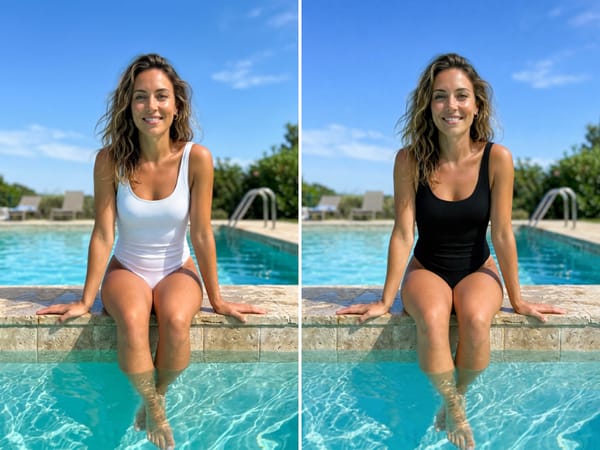
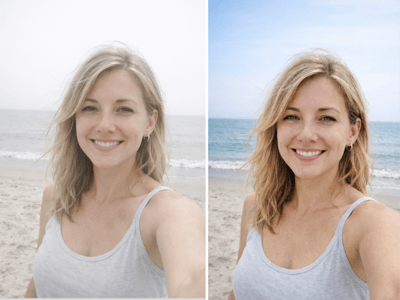
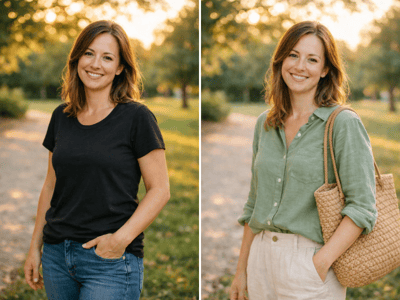
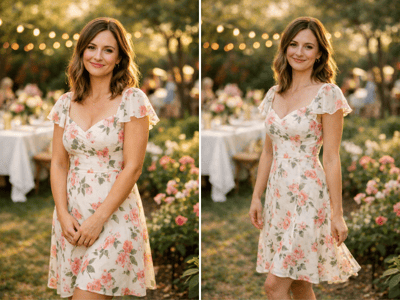
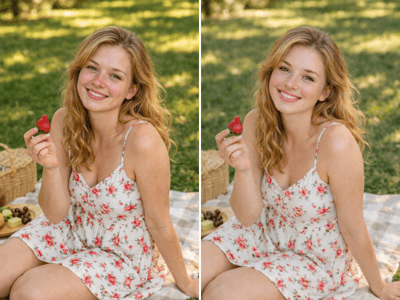
Try a Different Clothing Color
See how a portrait changes when one outfit color shifts. Turn a white swimsuit, shirt, jacket, or dress into another shade while keeping the same pose, skin tone, lighting, and fabric texture.
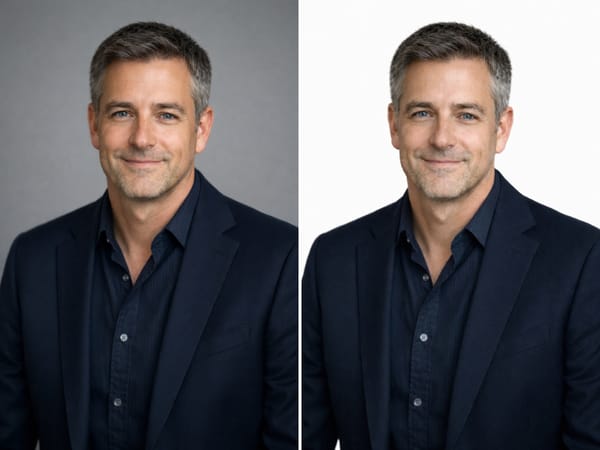
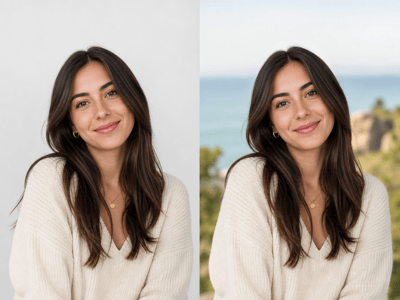
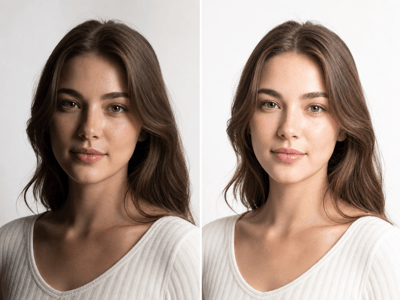
Clean Up a Headshot Background
A background color can make a headshot feel too dark, too flat, or less polished. Recolor it to a cleaner shade like white, gray, or another neutral while keeping the face and clothing unchanged, especially when you already have a LinkedIn headshot you like.
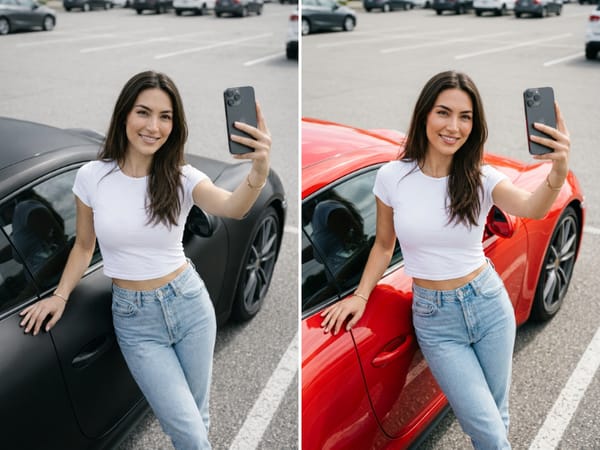
Change a Scene Detail Without Changing the Person
Sometimes one strong color in a lifestyle portrait pulls attention away from the subject. Recolor that visible detail while preserving the person, camera angle, shadows, and overall photo structure.
How It Works
Upload your photo
Choose a clear people photo where the person and target area are easy to see.
Describe the Area
Name the part to recolor, like "white swimsuit," "gray background," or "black car."
Choose the Color
Enter the new shade and generate a few versions to compare.
What Makes It Different
Photo Recolor Is Built for People Photos
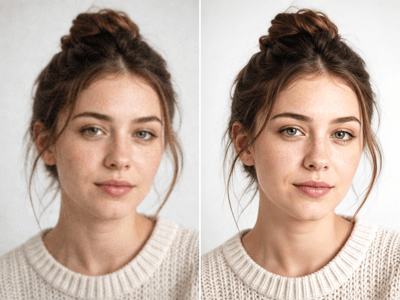
The tool focuses on portrait edits where the person still needs to look natural. It changes the selected color without flattening facial detail, skin tone, or lighting.
Keeps Texture and Shadows
Fabric folds, hair edges, background depth, reflections, and shadows stay part of the image. The result should feel like the color belonged in the original photo.
No Manual Masking
You describe the area instead of tracing around it by hand. This makes small portrait color changes faster than traditional editing software.
Better for One Color Detail
Use Photo Recolor when the photo is already good and only one visible color needs changing. If the whole image needs more natural warmth, contrast, or skin tone balance, use color correction instead.