Makeup Editor
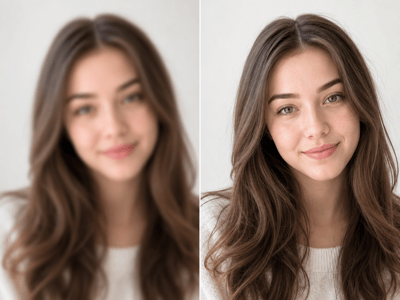
Makeup editor for portraits: upload a photo, choose a style, set eyes, lips, or balanced focus, and preview natural makeup online.
Makeup Editor for Natural Portrait Looks
Makeup editor tools are most useful when they help a portrait still look like the same person. Upload a clear selfie, profile photo, or headshot, then choose a style that fits the face, lighting, and final use, from Everyday Office to 90s Grunge or Bronzed Goddess.
Makeup Looks for Every Portrait Moment
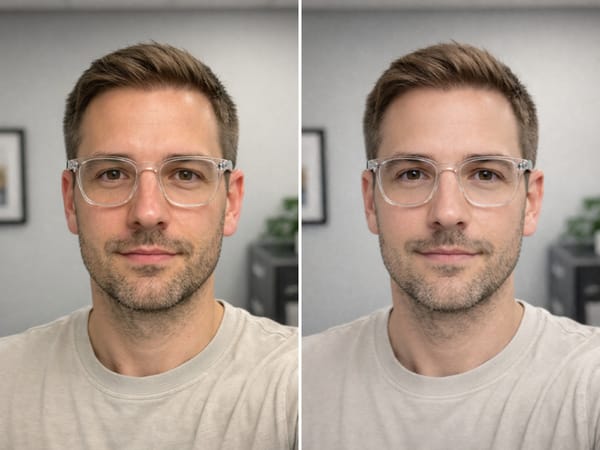
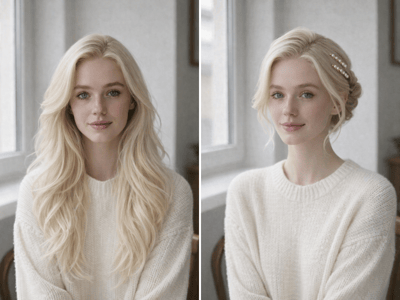
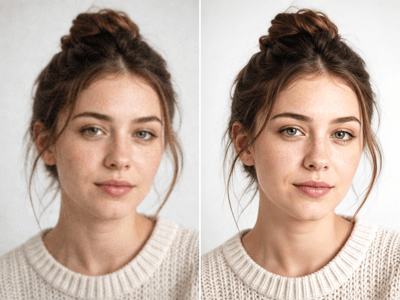
Refresh a Profile Photo Without Changing Your Face
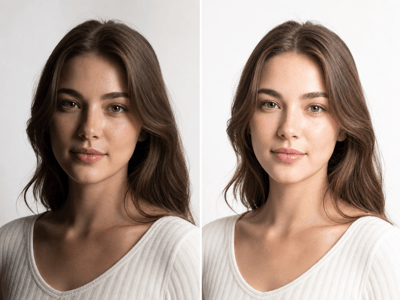
Give a selfie or headshot a more polished finish while keeping skin texture, expression, and face shape believable. This works well when the photo is already framed well but needs clearer eyes, softer lips, or the kind of overall refinement users expect from a focused photo editor.
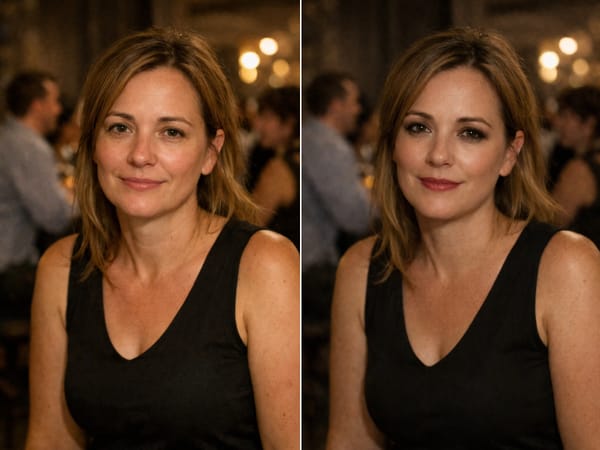
Test a Look Before a Portrait Session
Try clean, glam, smoky, bridal, bronzed, neon, or chrome makeup directions on the same photo. Seeing the style on your own face makes it easier to choose a look that fits the lighting and mood.
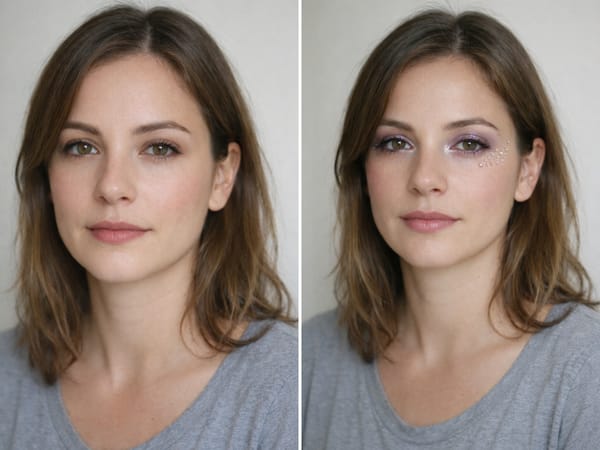
Create a Bold Beauty Shot That Still Looks Polished
Use Neon Editorial for butterfly-shaped color-block eyes and glossy berry lips, or Crystal Chrome for silver-lavender shine and carefully placed crystal accents. Both are designed to look dramatic on purpose, with cleaner color harmony and a more finished beauty-shot feel.
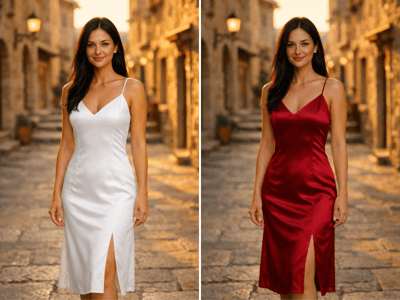
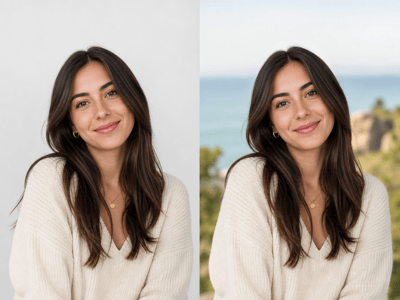
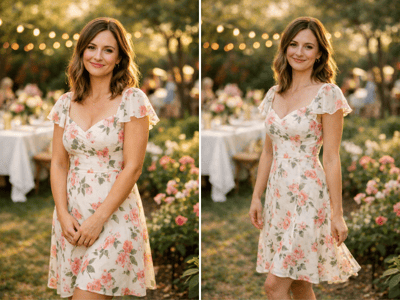
Make Event Photos Feel More Finished
Upload Your Photo
Choose a clear, well-lit portrait with an unobstructed face and enough resolution for detail.
Set the Look
Pick an overall style, choose eyes, lips, balanced, or custom focus, then add special features if needed.
Preview and Save
Adjust intensity and aspect ratio, compare the original, then download the version that looks most natural.
Keeps the Person Recognizable
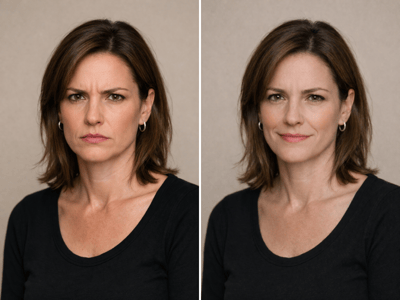
The goal is not to reshape the face or make the portrait look artificial. The makeup should enhance the eyes, lips, and complexion while preserving expression, skin detail, and identity.
Covers Daily Looks and Creative Makeup
Choose a restrained style for profile photos or a more expressive look for beauty portraits. The range works best when the source photo is clear and the chosen style matches the lighting.
Lets You Guide the Focus
Pick eyes, lips, balanced, or custom focus so the edit does not overwork the whole face. This is especially helpful when only one part of the portrait needs more definition.
Fits a Portrait Editing Workflow
Use it after the image already has a usable crop and face detail. If the portrait is too dark or color-shifted, Portrait Relight or color correction can make the makeup result feel more natural.