Pose Editor
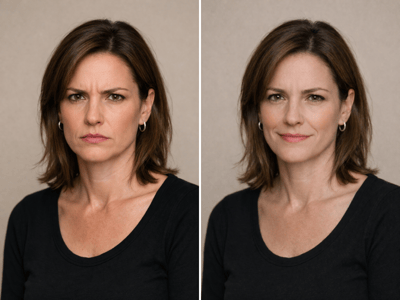
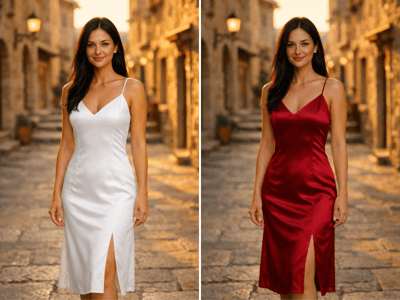
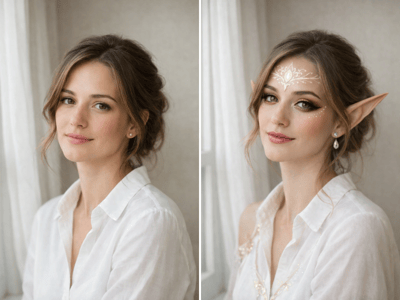
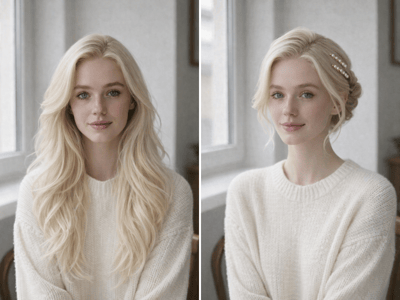
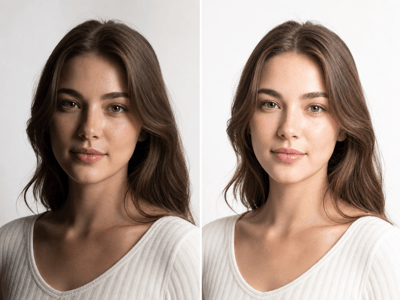
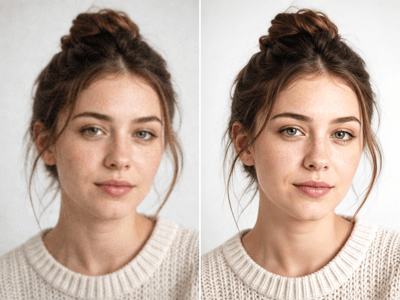
Pose editor helps change one person's pose in a real photo while keeping their face, clothing, and background natural.
Pose Editor for Realistic AI Photo Pose Changes
Pose editor helps when one person in a photo looks too stiff, awkward, or slightly off for the image you need. Upload a portrait or full-body photo, describe the target pose, and generate a version where the posture feels more natural while the person still looks like themselves.
What People Use It For
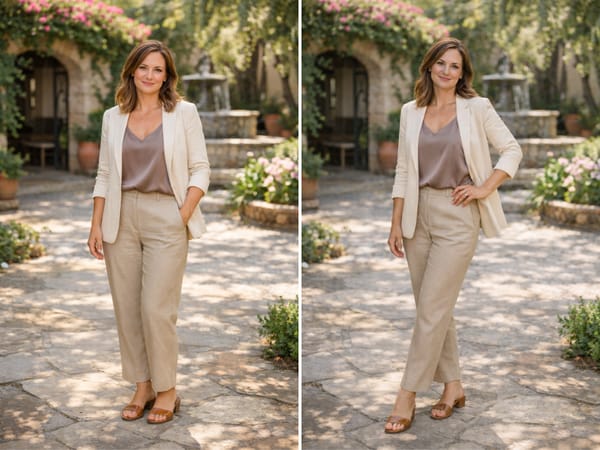
Make a Portrait Feel More Confident
A good portrait can lose impact when the shoulders, hands, or stance feel tense. Use the AI pose editor to describe a more relaxed posture while keeping the face, outfit, and lighting consistent.
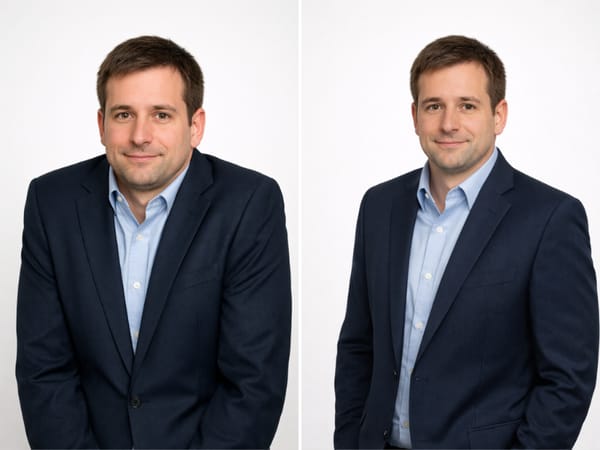
Adjust a Professional Profile Pose
Small pose changes can make a LinkedIn headshot feel more open and approachable. Ask for a straighter posture, a slight shoulder turn, or a calmer hand position without rebuilding the whole photo.
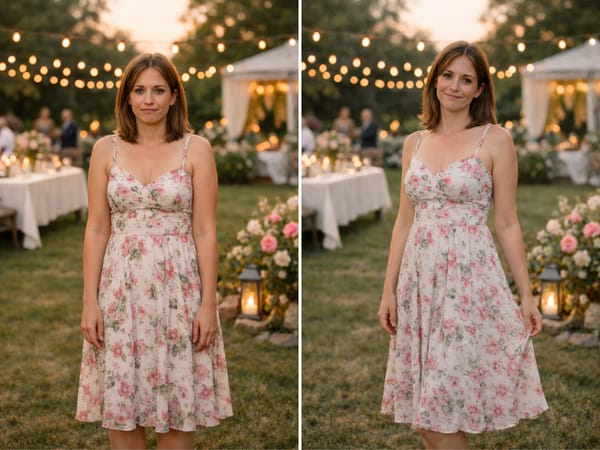
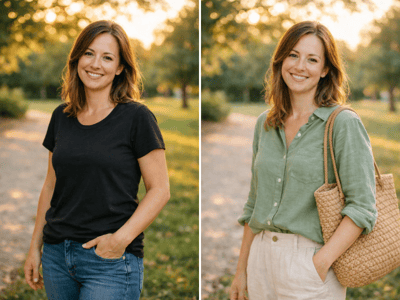
Improve a Lifestyle Photo Pose
A casual photo can have the right face, outfit, and setting but still feel awkward because of body position. A pose editor online helps refine a single person's posture while preserving the original scene and expression.
What Makes It Different
AI Pose Editor for Real Photos
This is not a 3D mannequin or drawing reference tool. It edits the pose of one person in an existing photo while keeping the image grounded in the original scene.
Keeps Identity and Style Consistent
The tool is built to preserve the person's face, clothing, lighting, and background as much as possible. The pose changes, but the photo should still feel like the same person and moment.
Better Control Through Description
The pose description field lets you guide the result in plain language. Specific requests like "hands at sides, relaxed shoulders" work better than vague prompts like "better pose."
Useful for Single-Person Portrait Workflows
Pose Editor fits people-photo edits where one person's posture matters: profile photos, fashion portraits, lifestyle portraits, and creative portraits. It helps refine body language without starting over.
How It Works
Upload Your Photo
Choose a clear portrait or full-body image where one person's body is visible.
Describe the Pose
Write the target pose, like "standing with relaxed shoulders" or "turn slightly toward camera."
Set Output Options
Pick the image count and aspect ratio, then generate versions to compare.