Preview Your AI Wedding Look
Before You Book
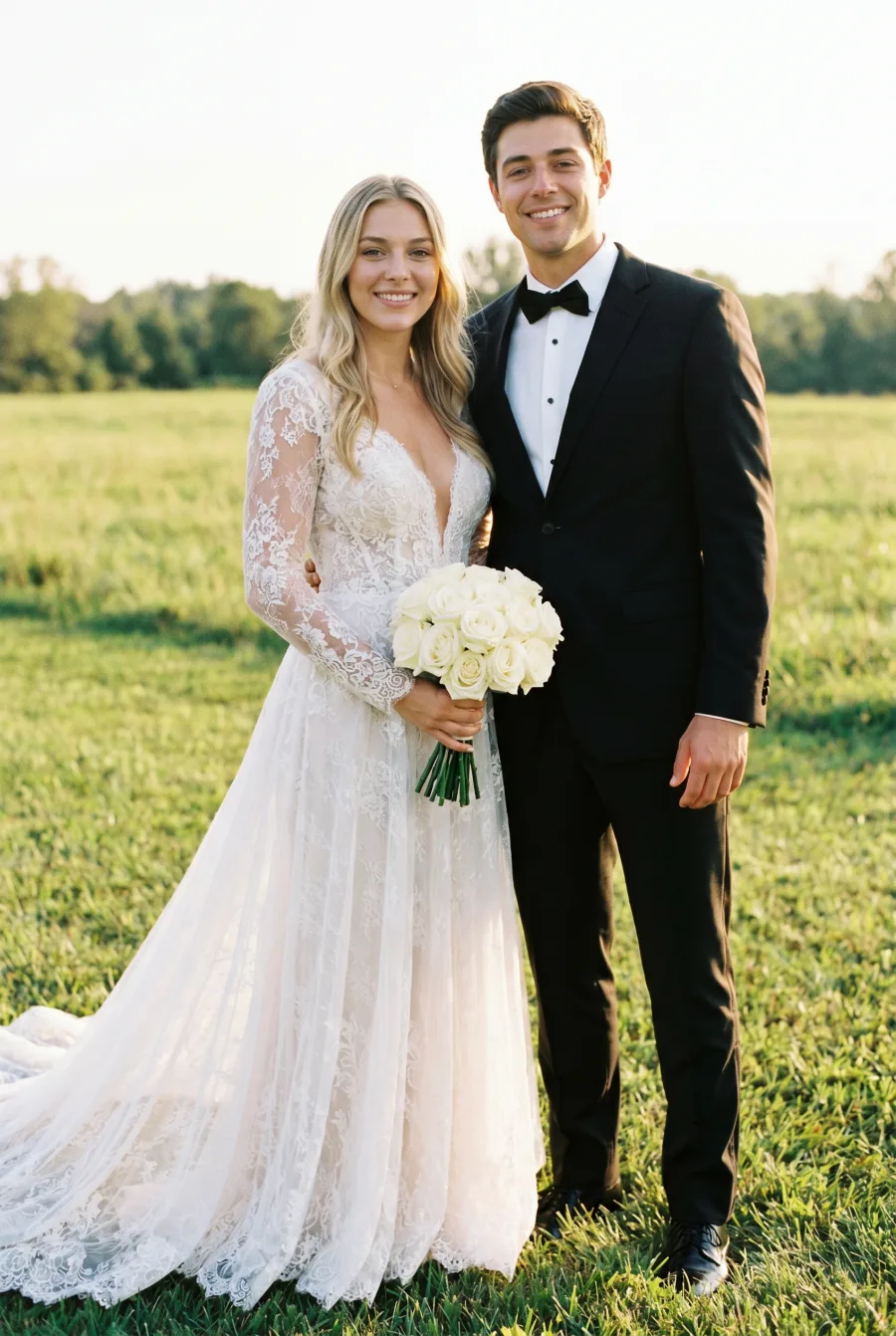
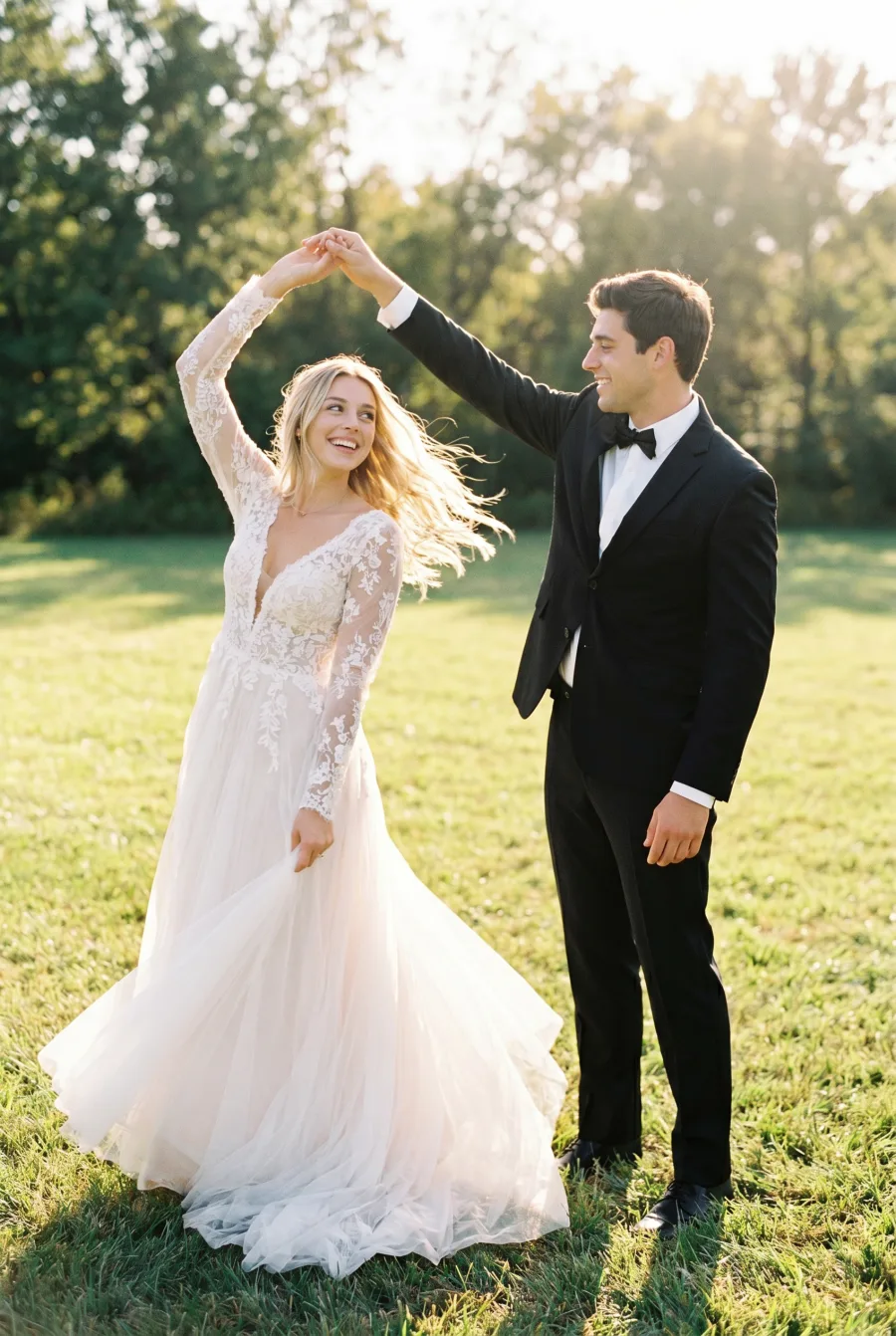
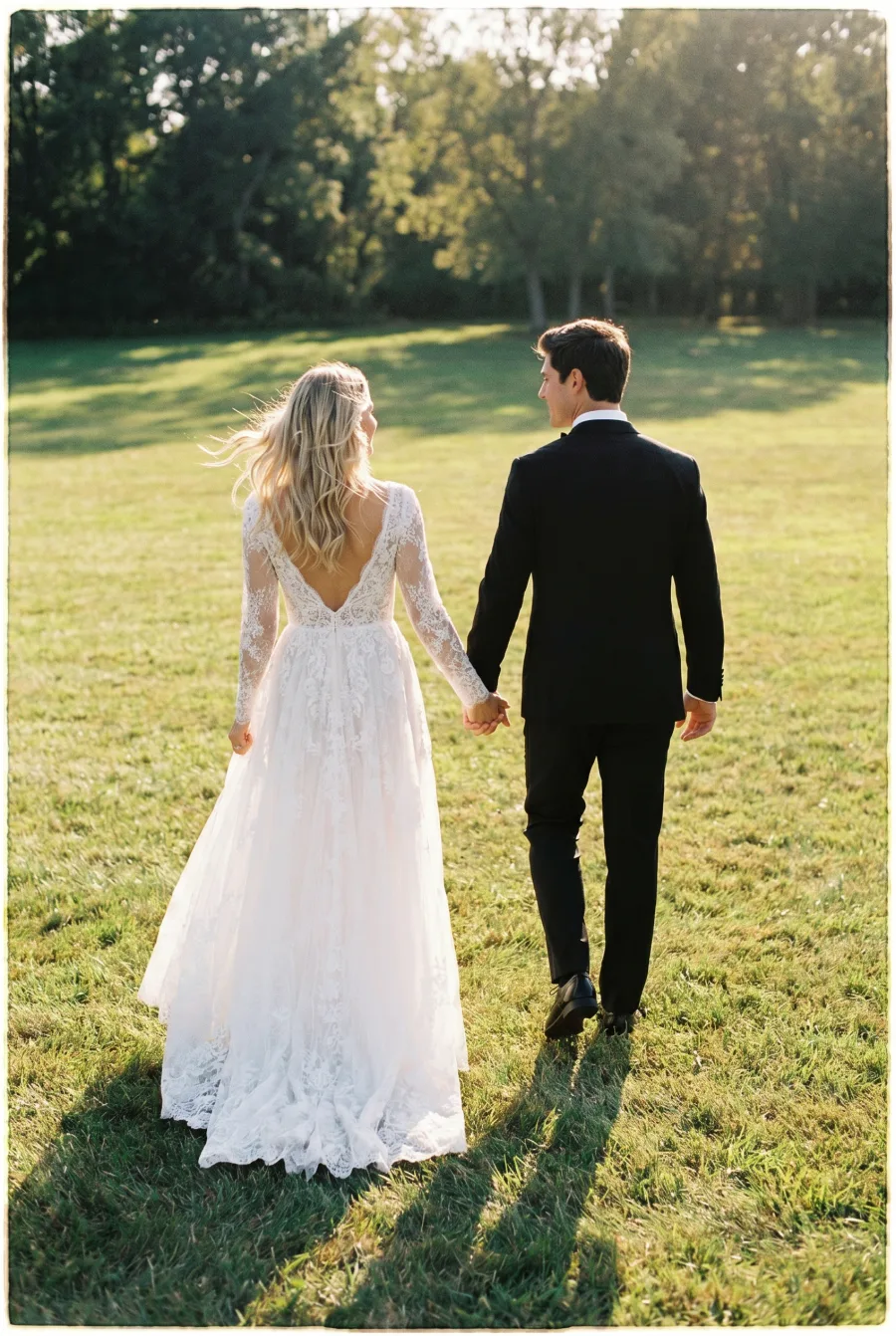
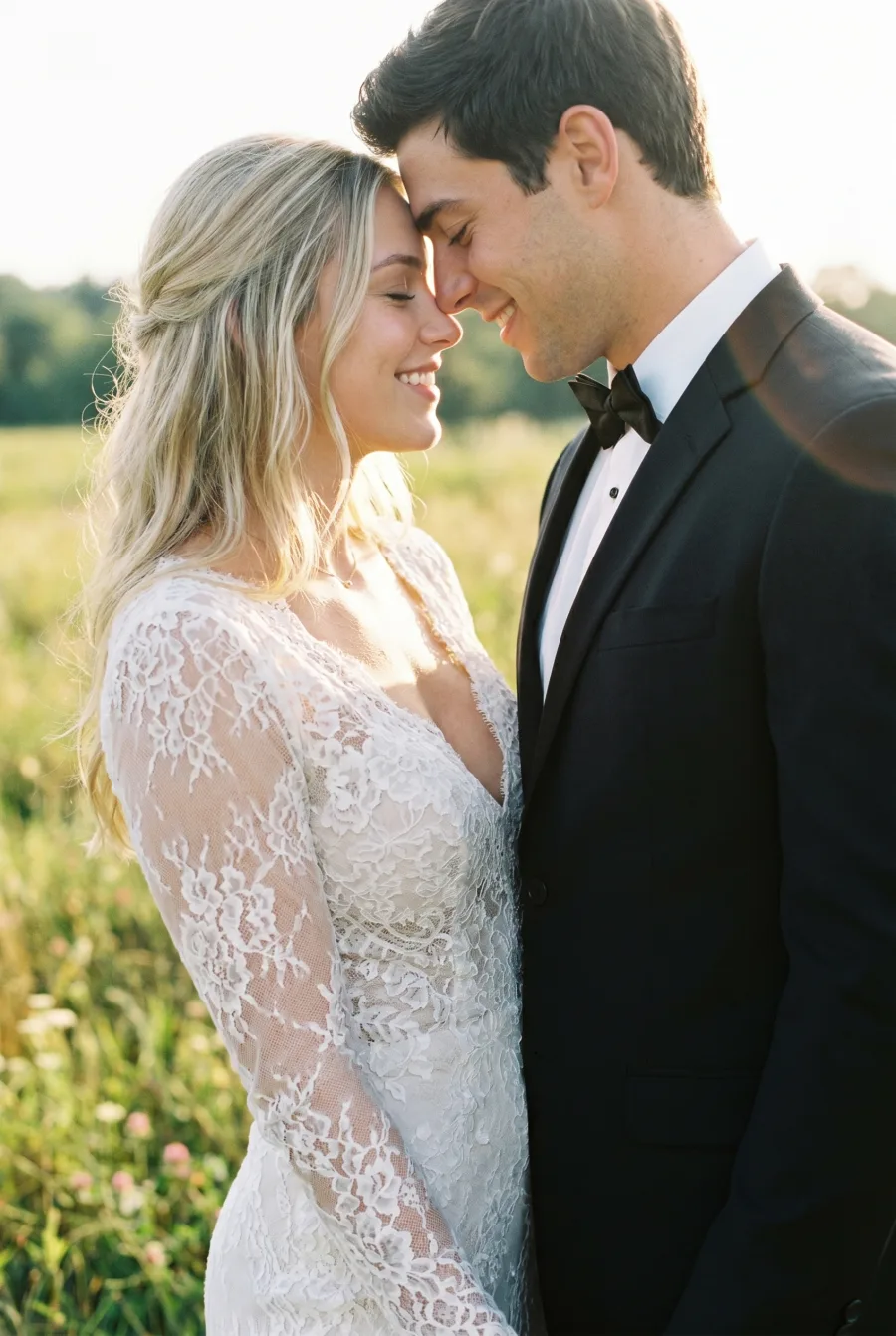
From your own photos. Upload a selfie or couple photo to preview realistic bridal portraits, bride and groom photos, and pre-wedding photoshoot ideas before choosing a style, outfit, or location for your real shoot.
Made for brides, couples, and anyone planning a beautiful pre-wedding photoshoot.
Explore Wedding Portrait Styles
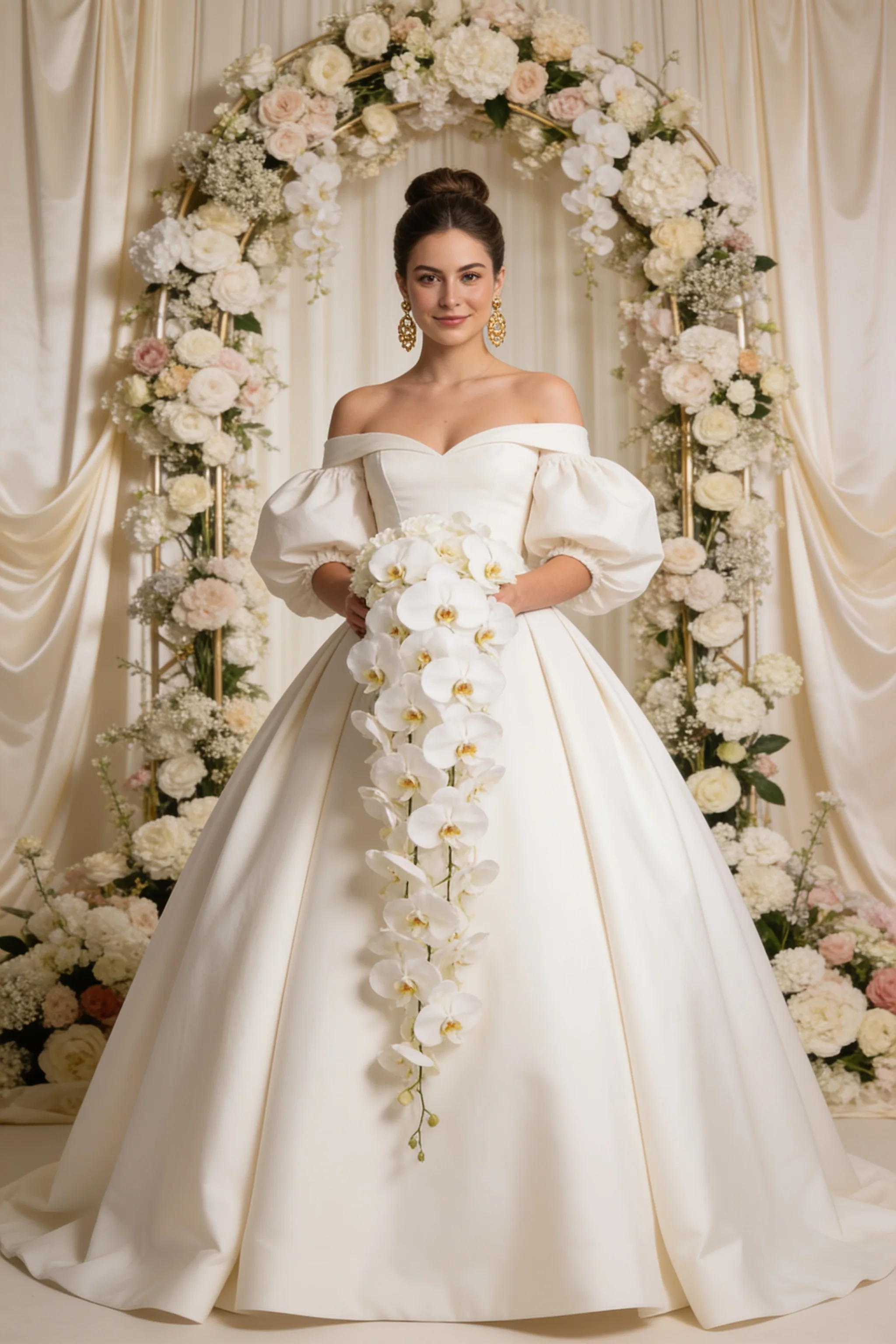
Try curated bridal, couple, outdoor, editorial, destination-inspired, and black-and-white wedding portrait styles from your own photos. You can also describe a custom scene when you want a more personal look.
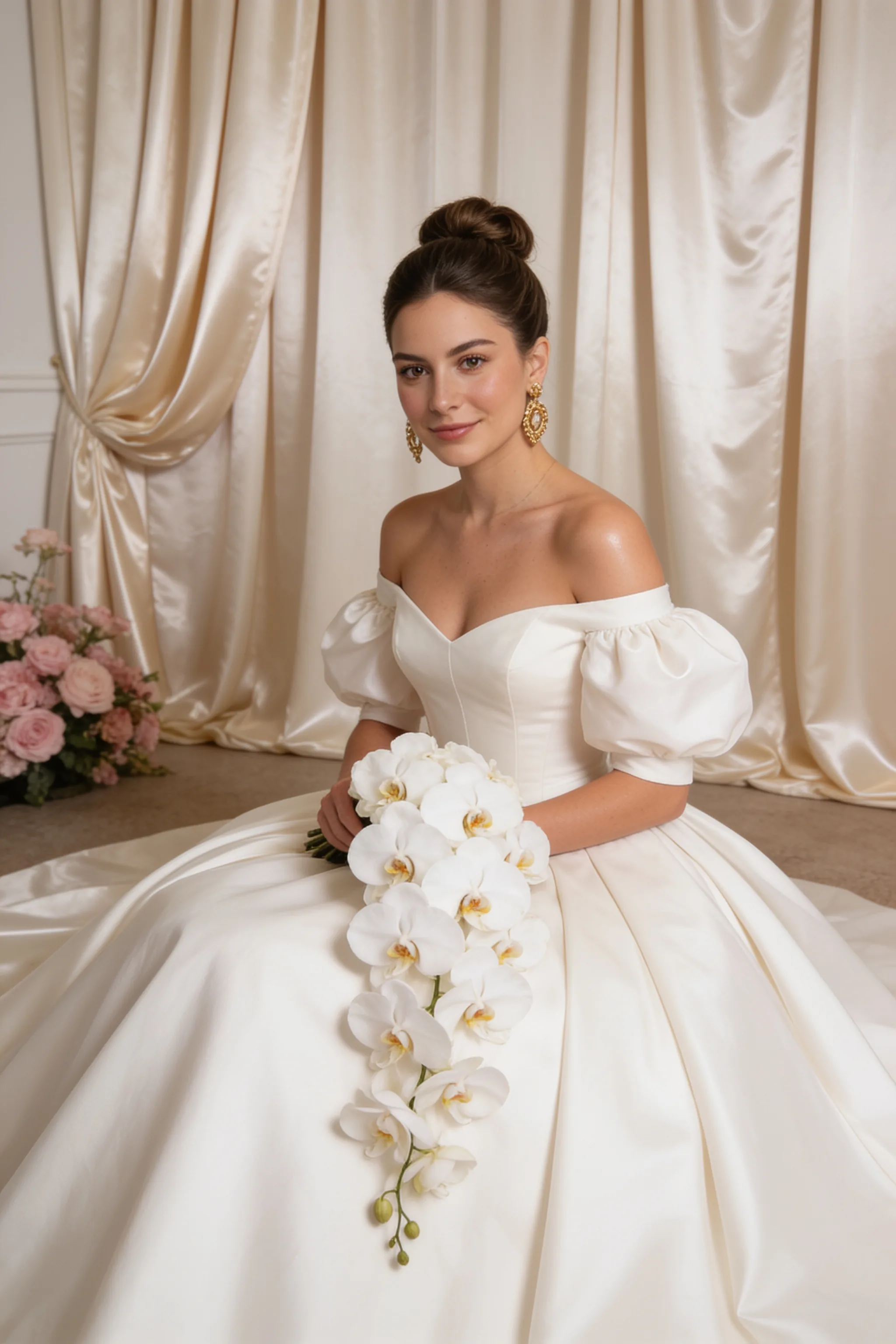
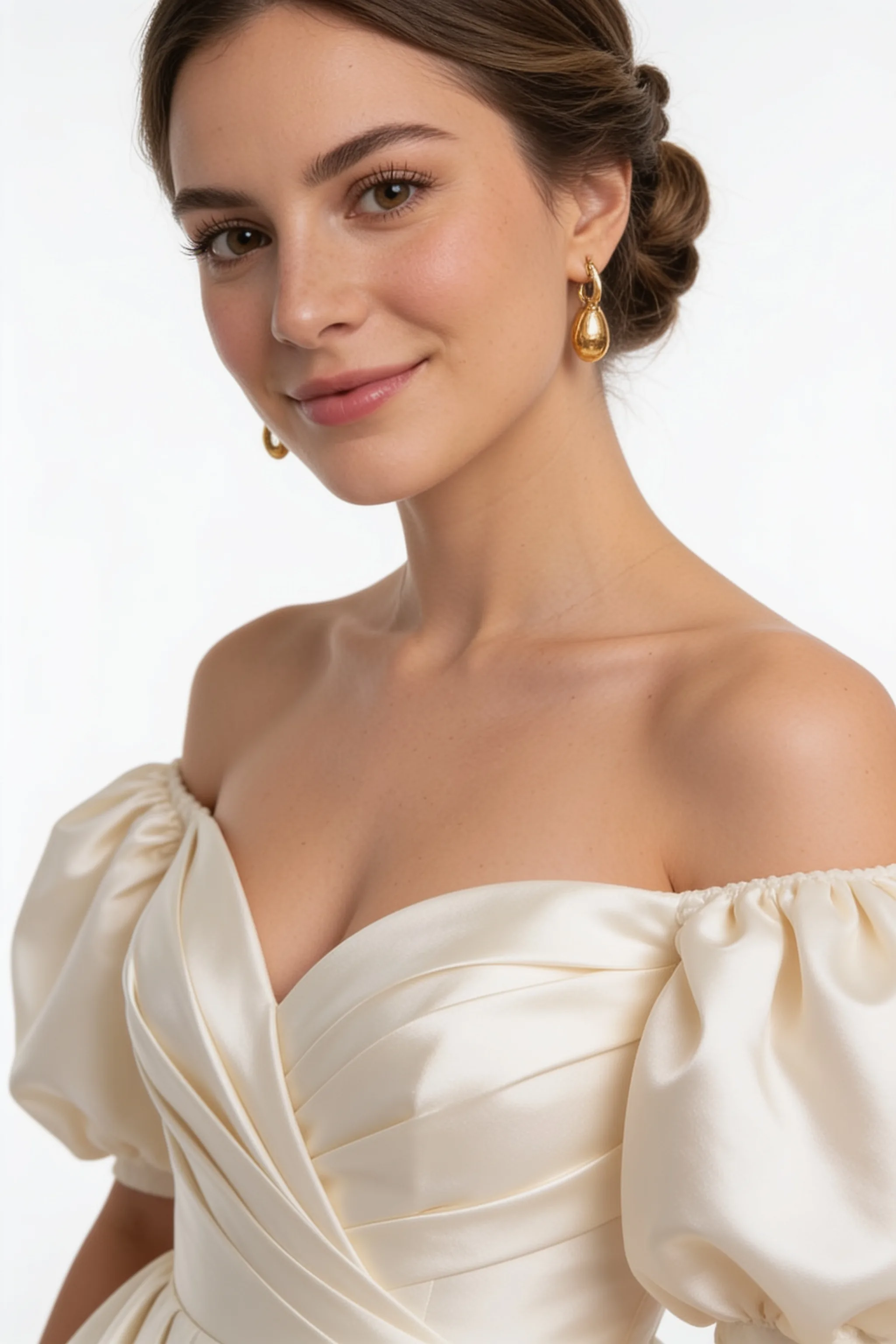
Soft light, relaxed posing, and true-to-life details for intimate bridal portraits that feel real.
Why Couples Choose OmniPhoto
Preview realistic wedding portraits from your own photos before choosing your real shoot direction.
Preview Your Look First
Pinterest shows someone else's style. OmniPhoto helps you preview wedding portraits with your own photo before planning the real shoot.
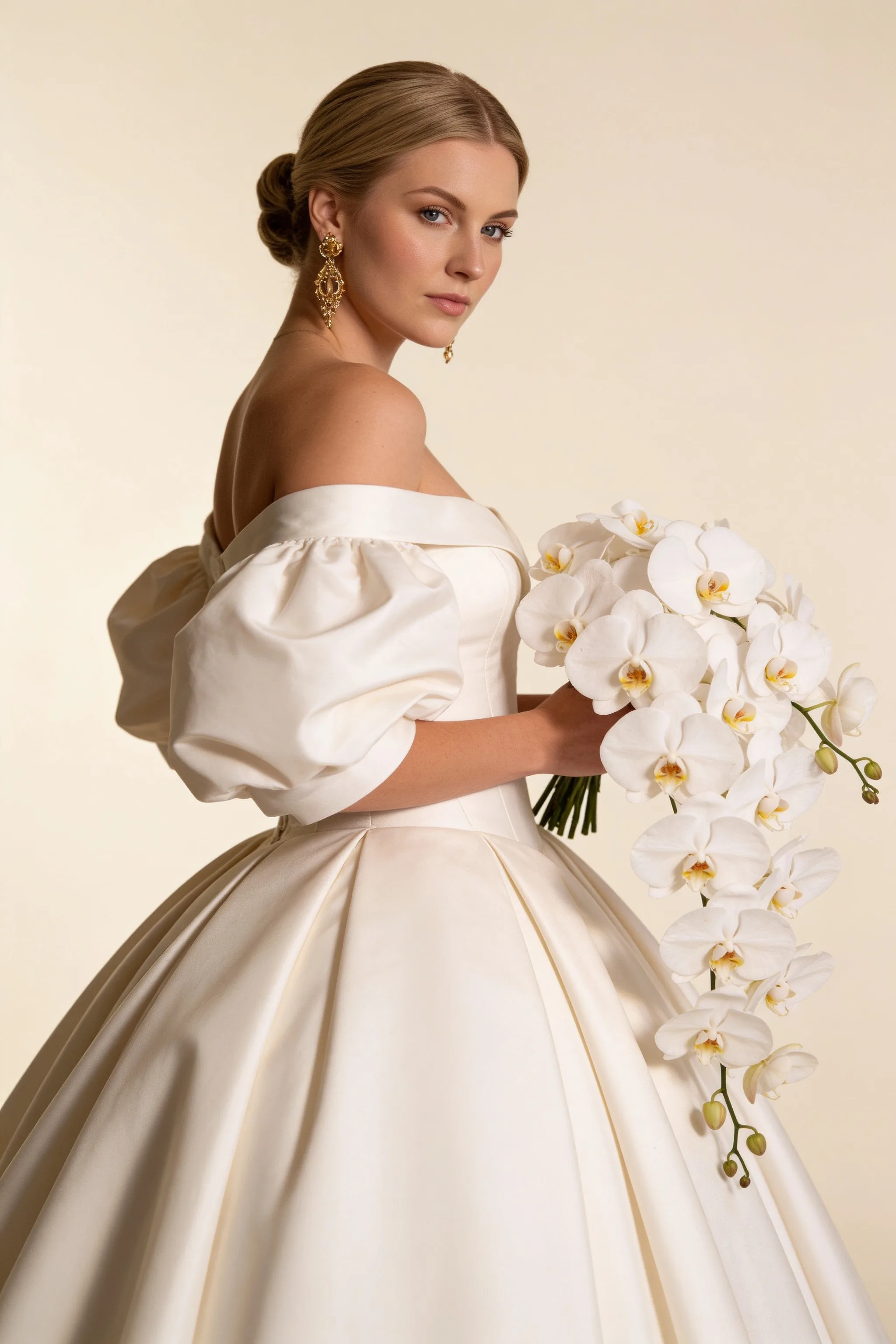
Start With Your Photos
Upload a clear selfie, couple photo, or photos of both partners to preview your wedding look.
Curated Wedding Styles
Explore curated romantic looks instantly.
Custom Scenes
Describe your ideal background or mood.
Natural Realism
Believable lighting, skin, and details.
Your face, your data.
100% Private.
We believe privacy is a fundamental right. Your uploaded photos are processed over encrypted connections and are automatically deleted after generation. We never use your personal images to train public AI models.
Your photos never leave your hands
We will never train AI on your face
A Better Way to Preview Your Wedding Look
Traditional shoots are beautiful but costly to test. Generic AI tools can feel random or unlike you. OmniPhoto gives couples a focused way to explore realistic wedding portrait styles from their own photos.
| Features | OmniPhoto | Photo Shoot | |
|---|---|---|---|
| Uses your own face | Yes, from your own photo | No | Yes |
| Preview before booking | Yes, with your own photo | Only for inspiration | No, only after booking |
| Style options | Curated styles | Unlimited browsing | Limited by shoot plan |
| Custom scene control | Curated + custom prompts | No | Depends on studio |
| Time to explore | Minutes | Hours of scrolling | Days of planning |
| Cost before deciding | Credit-based | Free | Expensive |
| Privacy & consent | Secure, consent-based | Public platform | Private |
Preview Your Style in Minutes
Upload Your Photo
Start with a clear selfie, portrait, or couple photo. Use images you own and have permission to edit.
Pick a Wedding Style
Choose a romantic scene or portrait style, from bridal pictures and couple portraits to destination-style wedding photos.
Generate and Download
OmniPhoto creates polished portraits you can save, share, or use as inspiration for a future photoshoot.
Preview Your Wedding Look From Couple or Solo Photos
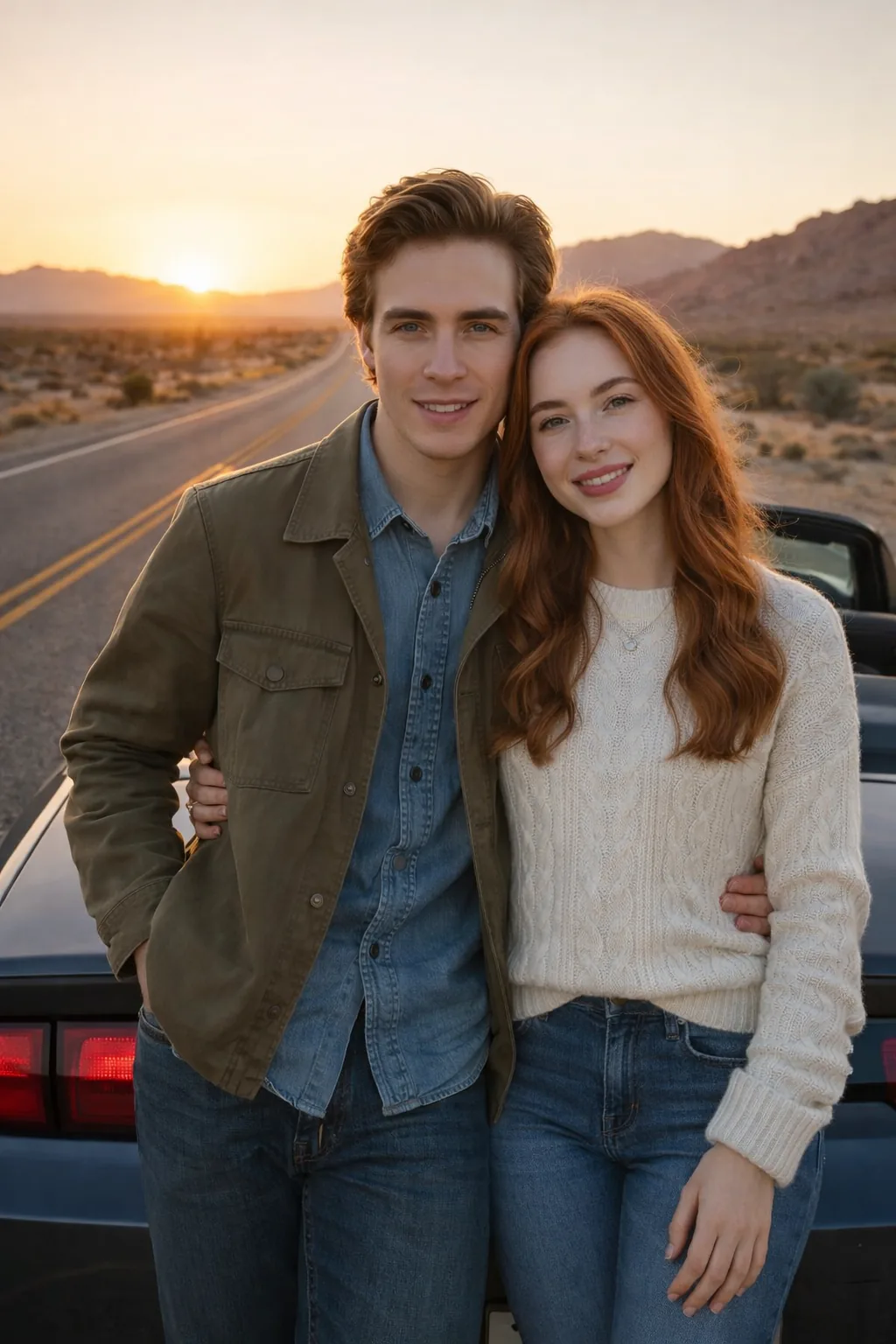
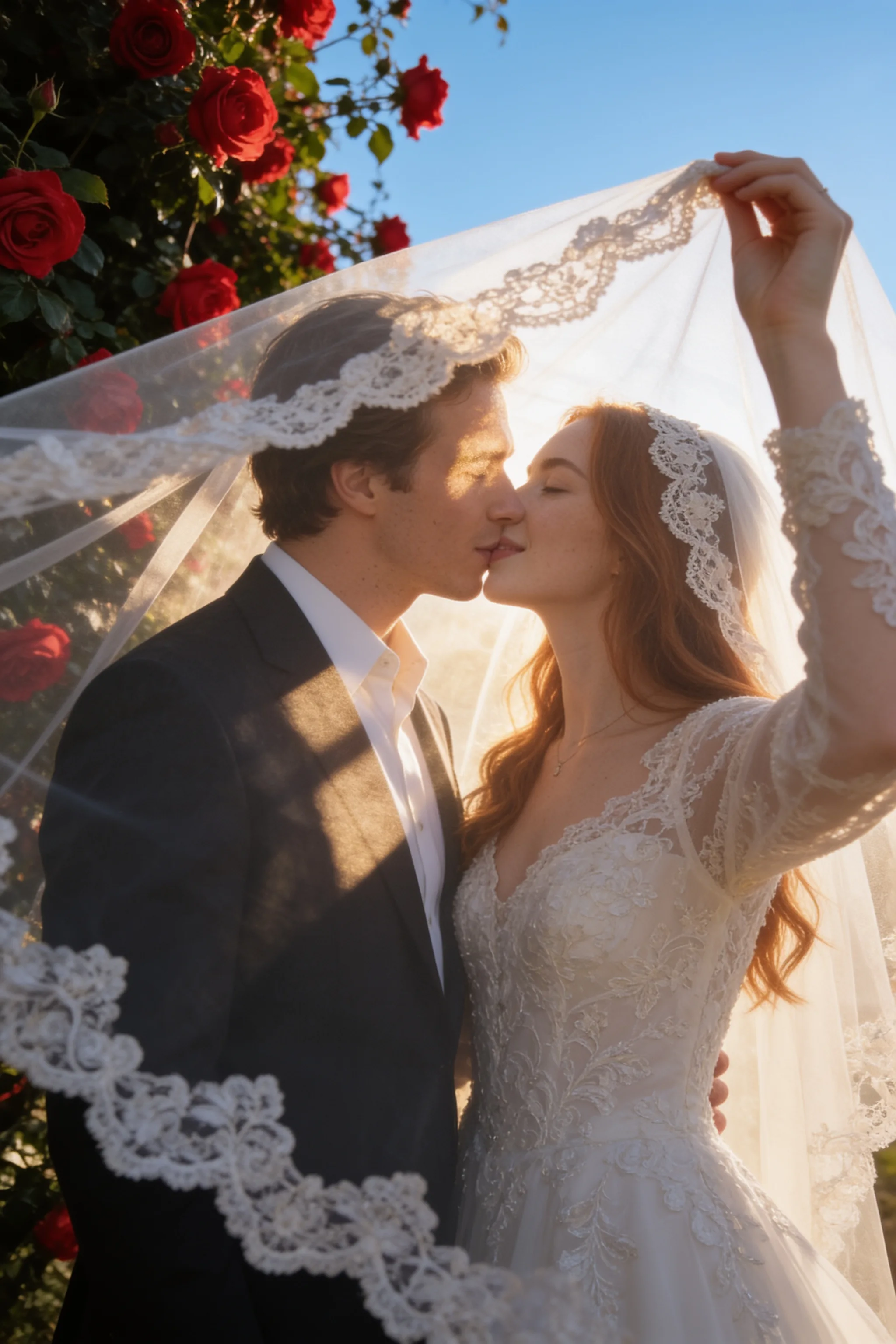
Upload a couple photo, or upload solo photos of both partners, to preview realistic bride and groom portraits before your real photoshoot.
Upload a Couple Photo
Use one photo where both partners are visible.
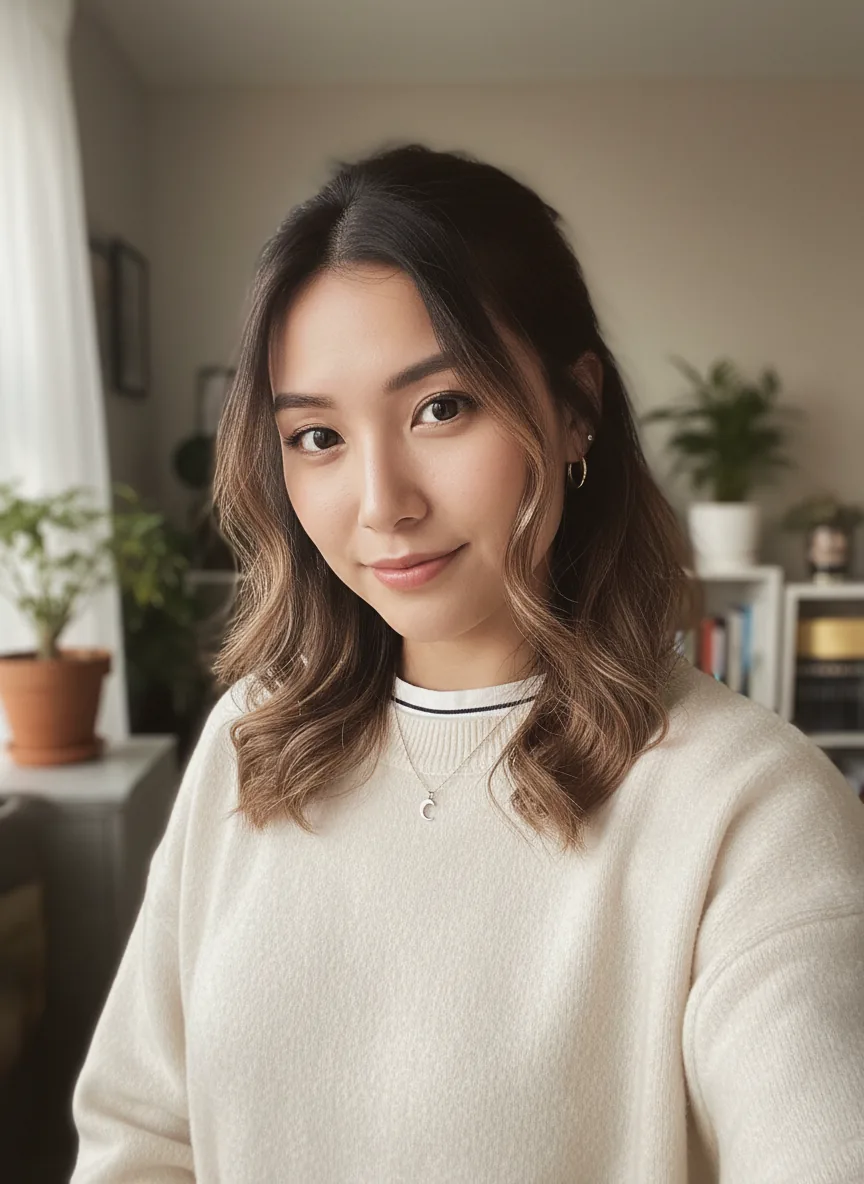
Upload Two Solo Photos
Use one clear photo of each partner.
How Couples Preview Their Wedding Look
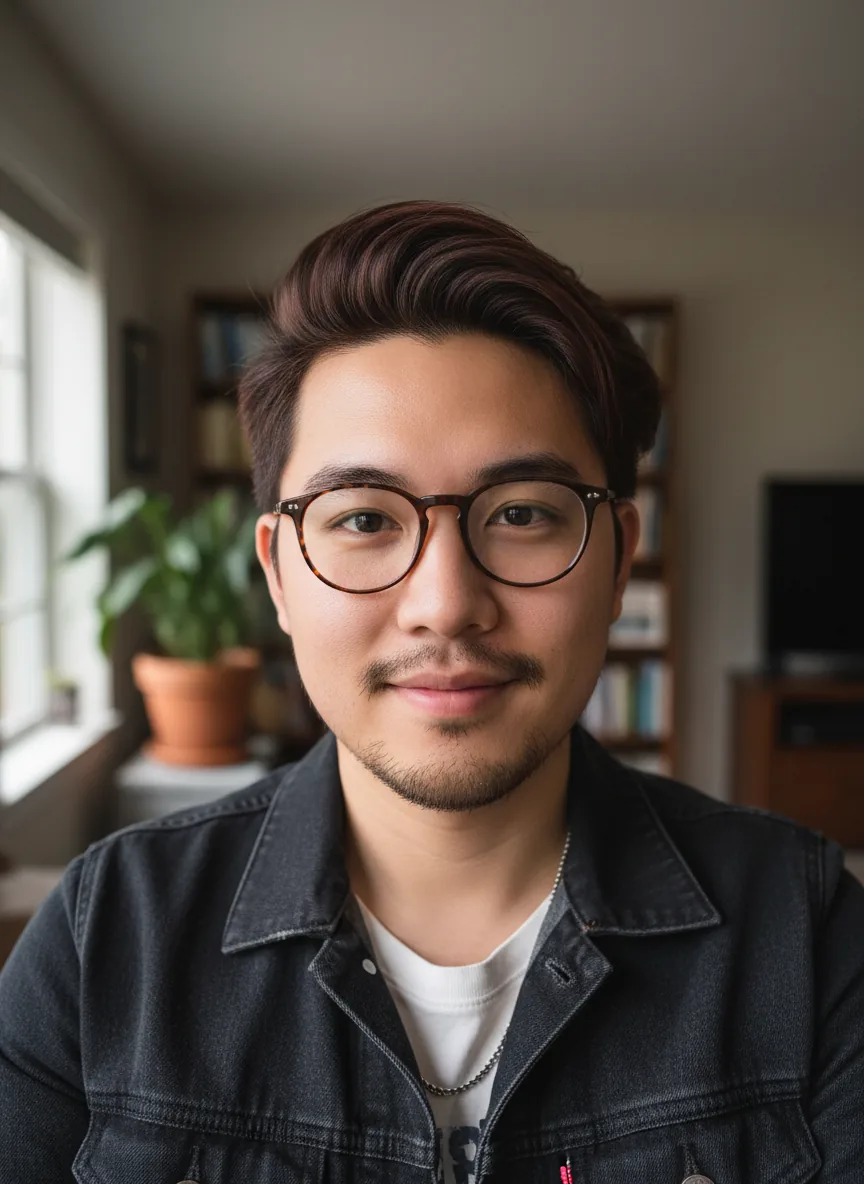
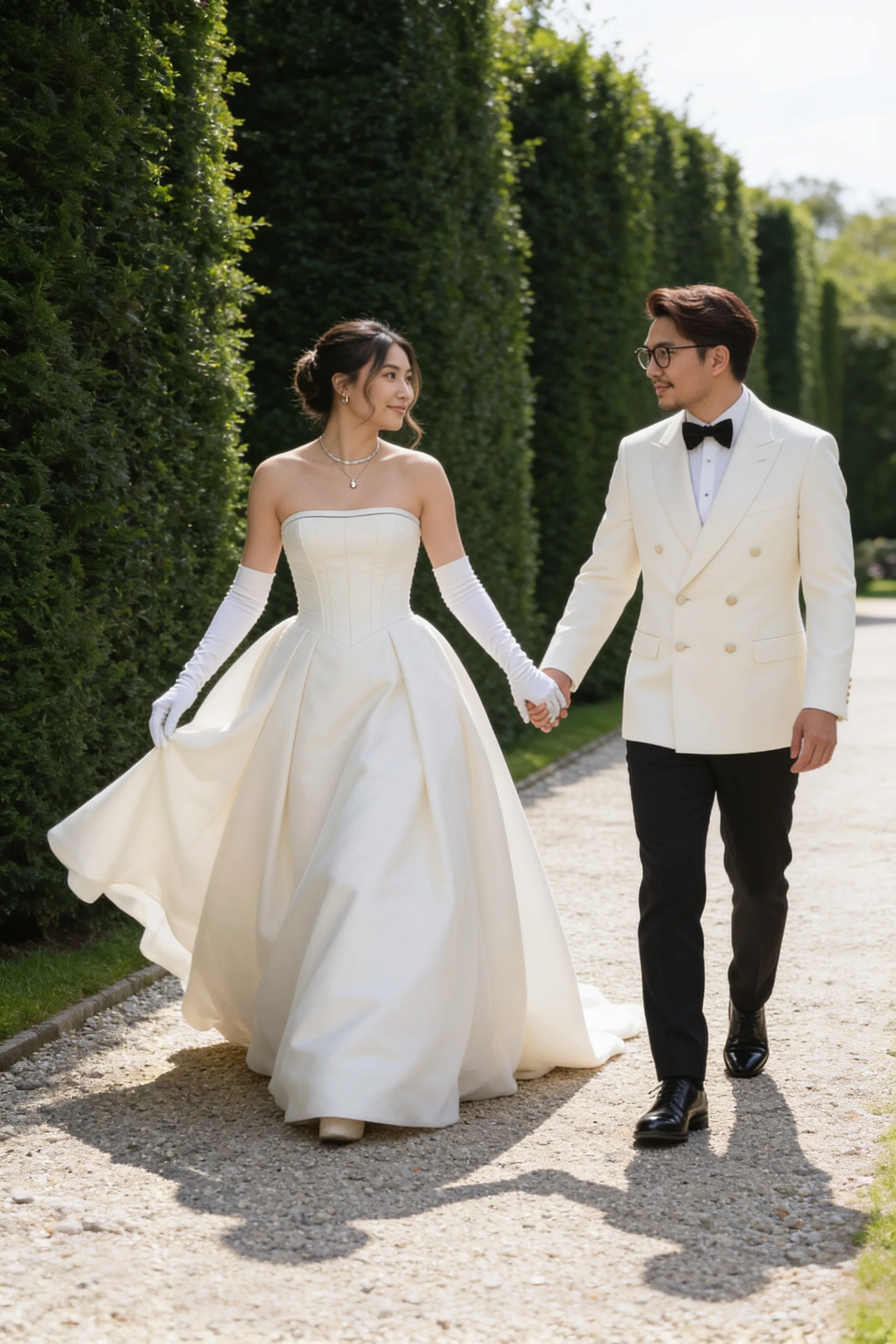
Emma & Lucas
They wanted romantic portraits but hadn't decided between a garden session, a city editorial shoot, or a destination style.
By uploading everyday photos to OmniPhoto, they instantly previewed multiple looks, allowing them to confidently choose their direction before their real shoot.
Explored multiple aesthetic directions
Compared locations before booking
Found a visual style that felt personal
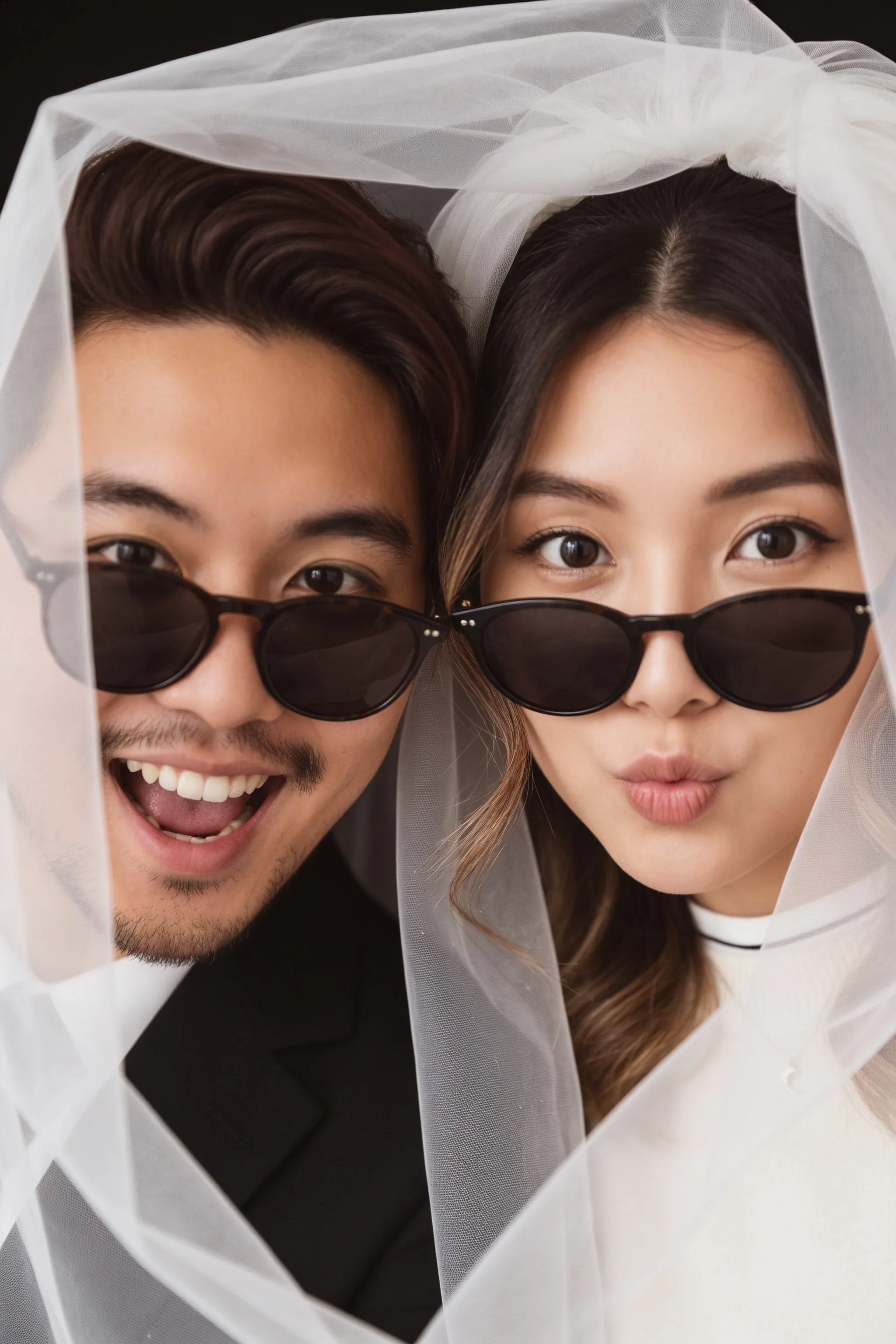
Emma & Lucas Preview Set
4 photoshoot directions previewed
Why OmniPhoto
What You Can Use It For
Photoshoot Ideas
Preview outfits, moods, scenes, and poses before planning a real shoot.
Bridal Portraits
Try elegant bridal looks from your own selfie before committing to a dress, makeup, or studio concept.
Bride & Groom Photos
Create romantic bride and groom photos from a couple photo with both people's permission.
Destination Looks
Try garden, beach, city, villa, or golden-hour settings before choosing the mood for your photoshoot.
Save-the-Date
Create romantic visuals for invitations, wedding websites, announcements, and personal keepsakes.
Mood Boards
Compare locations, lighting, dress styles, and photo moods before booking a session.
Compare Wedding Portrait Sets
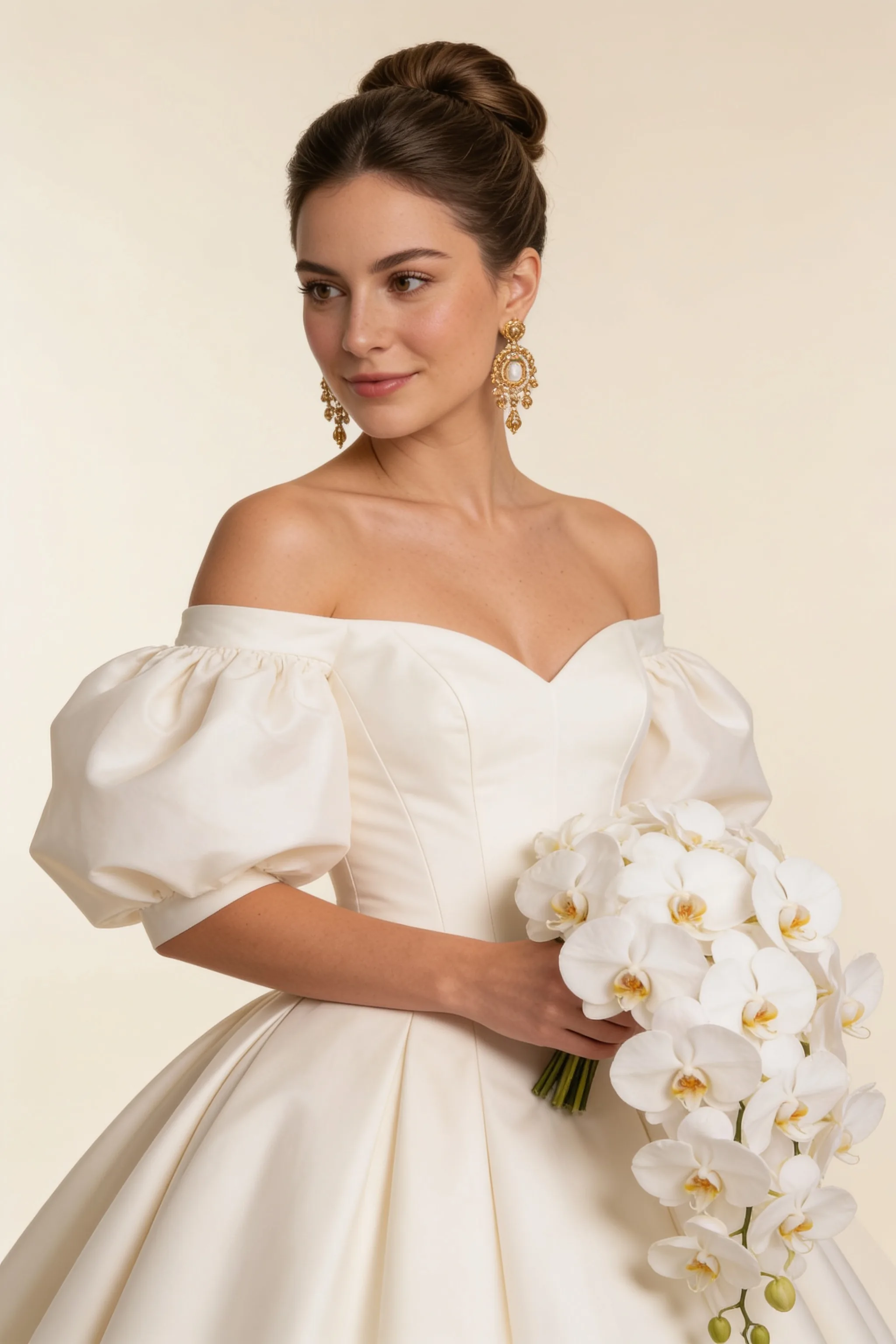
Each style is presented as a small portrait set, so you can compare poses, moods, and scenes before choosing the direction for your real photoshoot.
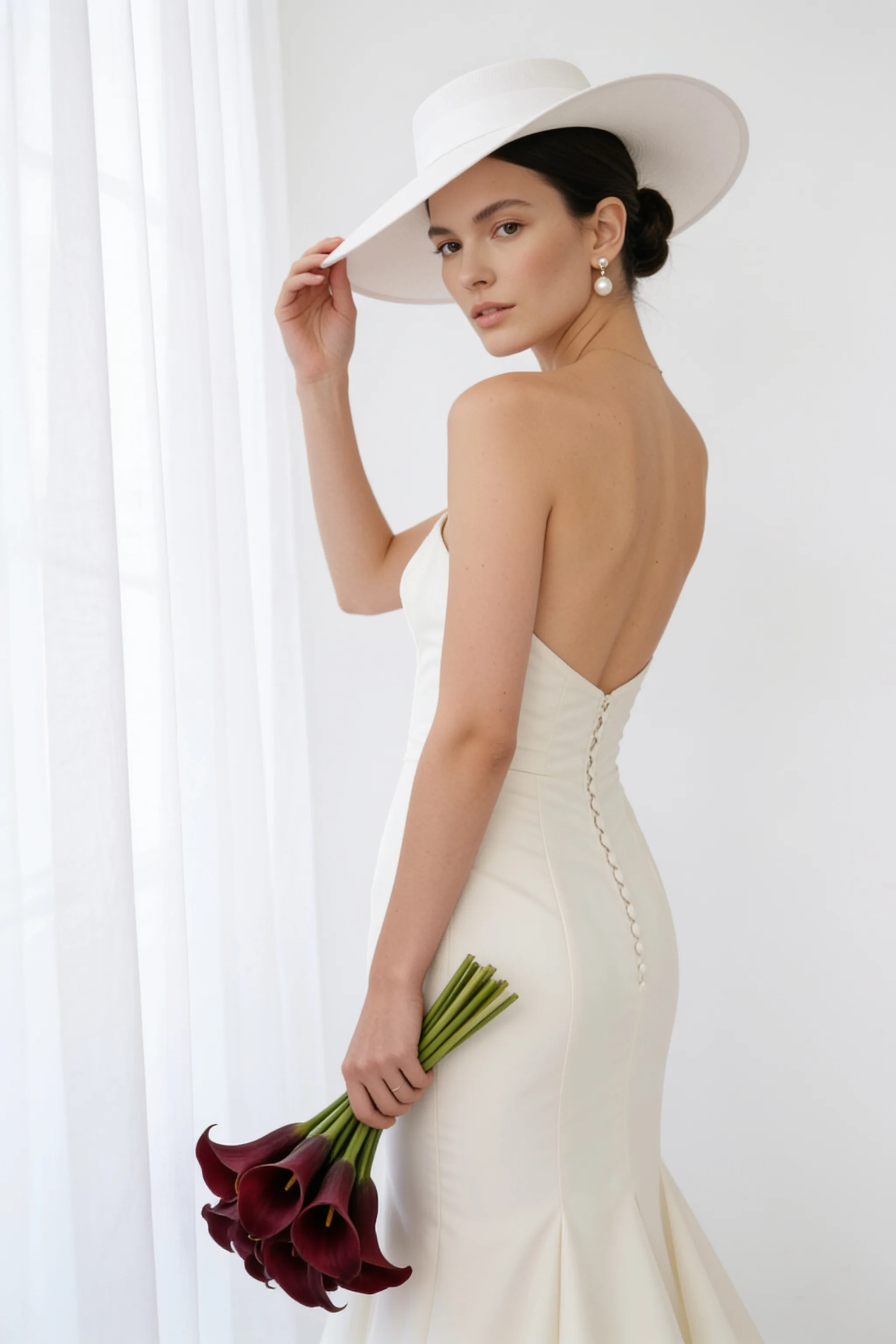
Bridal Portrait Set
A curated set of elegant solo portraits exploring soft makeup, graceful styling, and a polished mood.
Natural · Close-up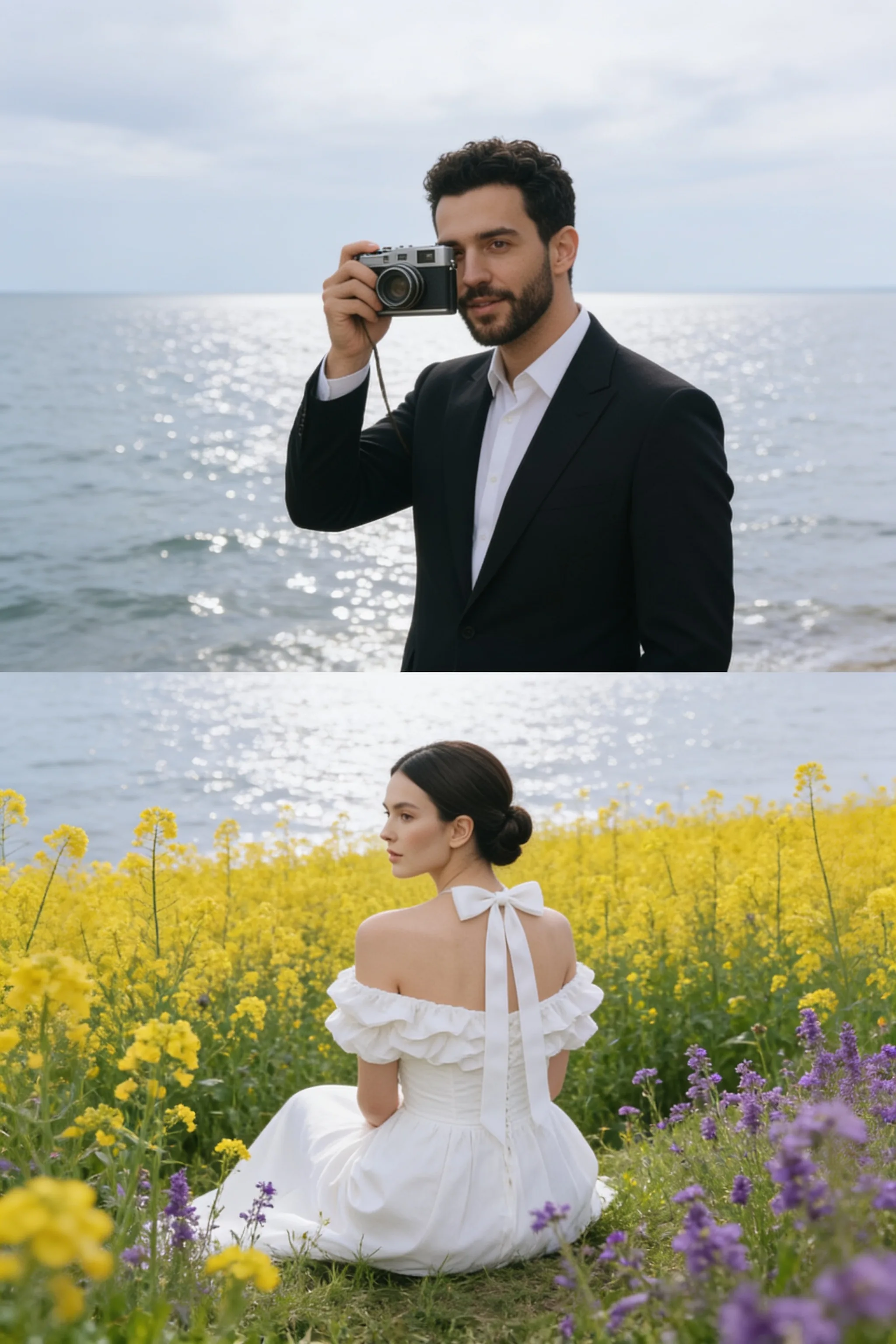
Bride and Groom Set
A set of romantic couple portraits focusing on natural connection, gentle posing, and beautiful details.
Romantic · Couple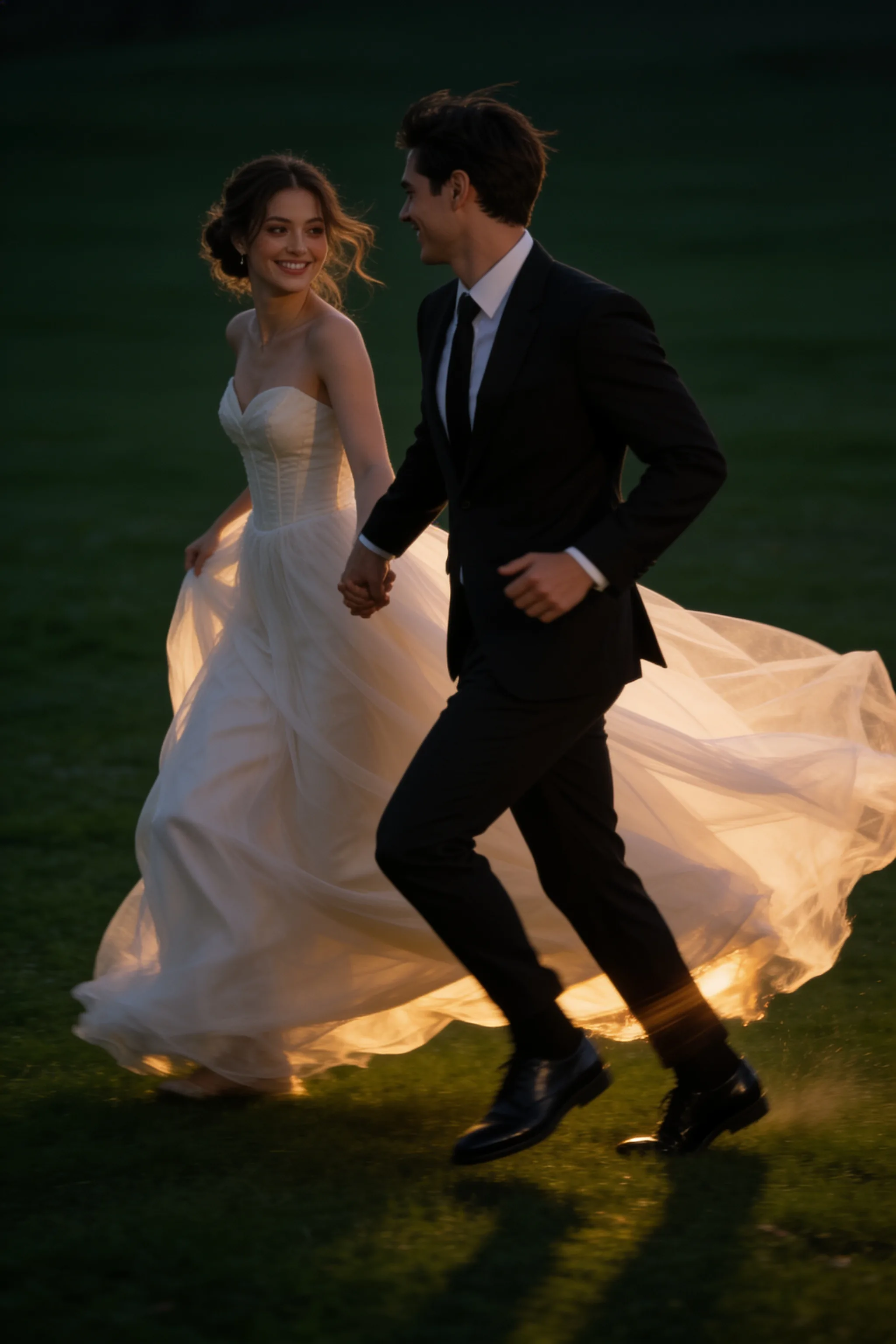
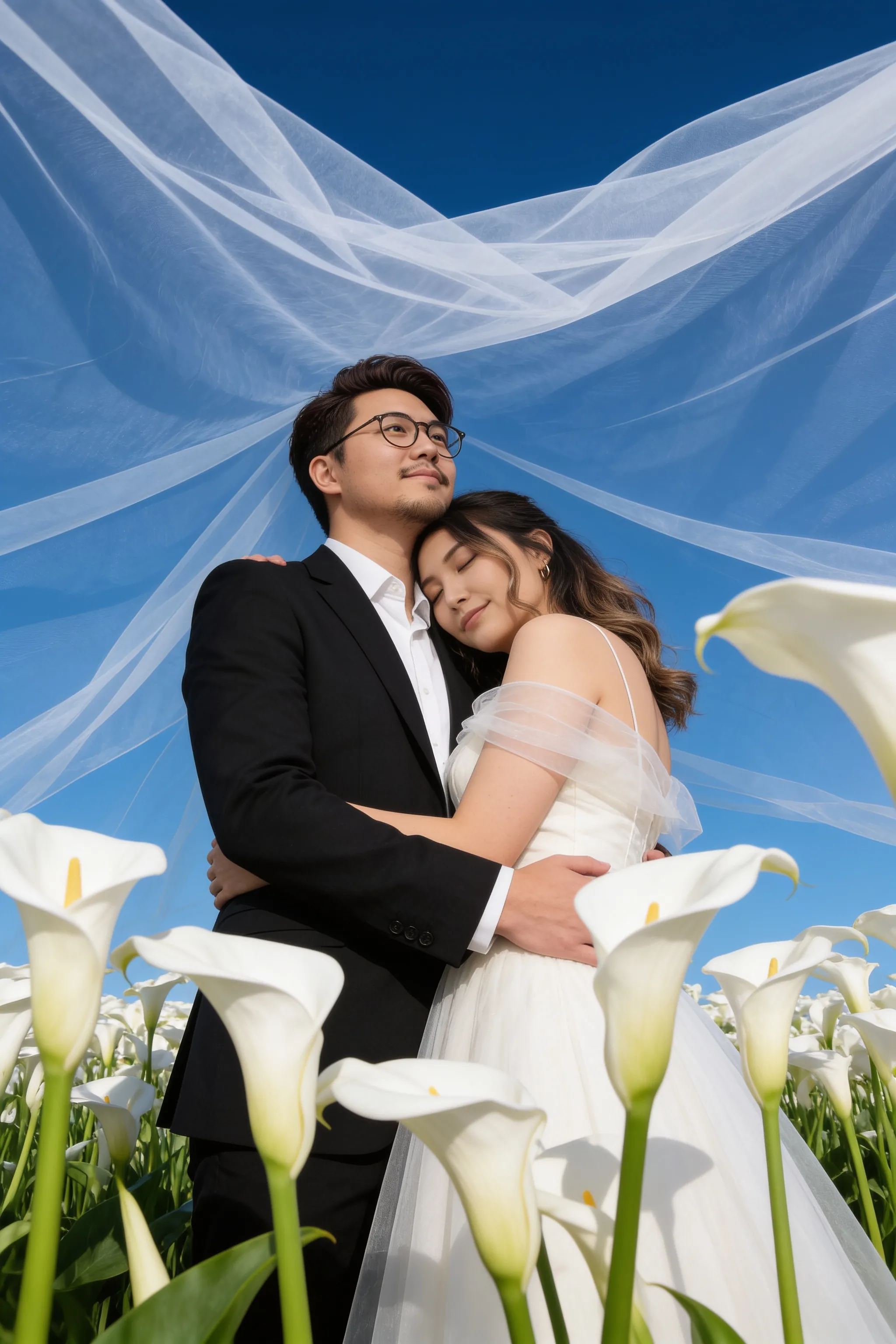
Outdoor Wedding Portrait Set
A collection exploring gardens, beaches, golden-hour fields, villas, and destination-inspired settings.
Outdoor · Scenic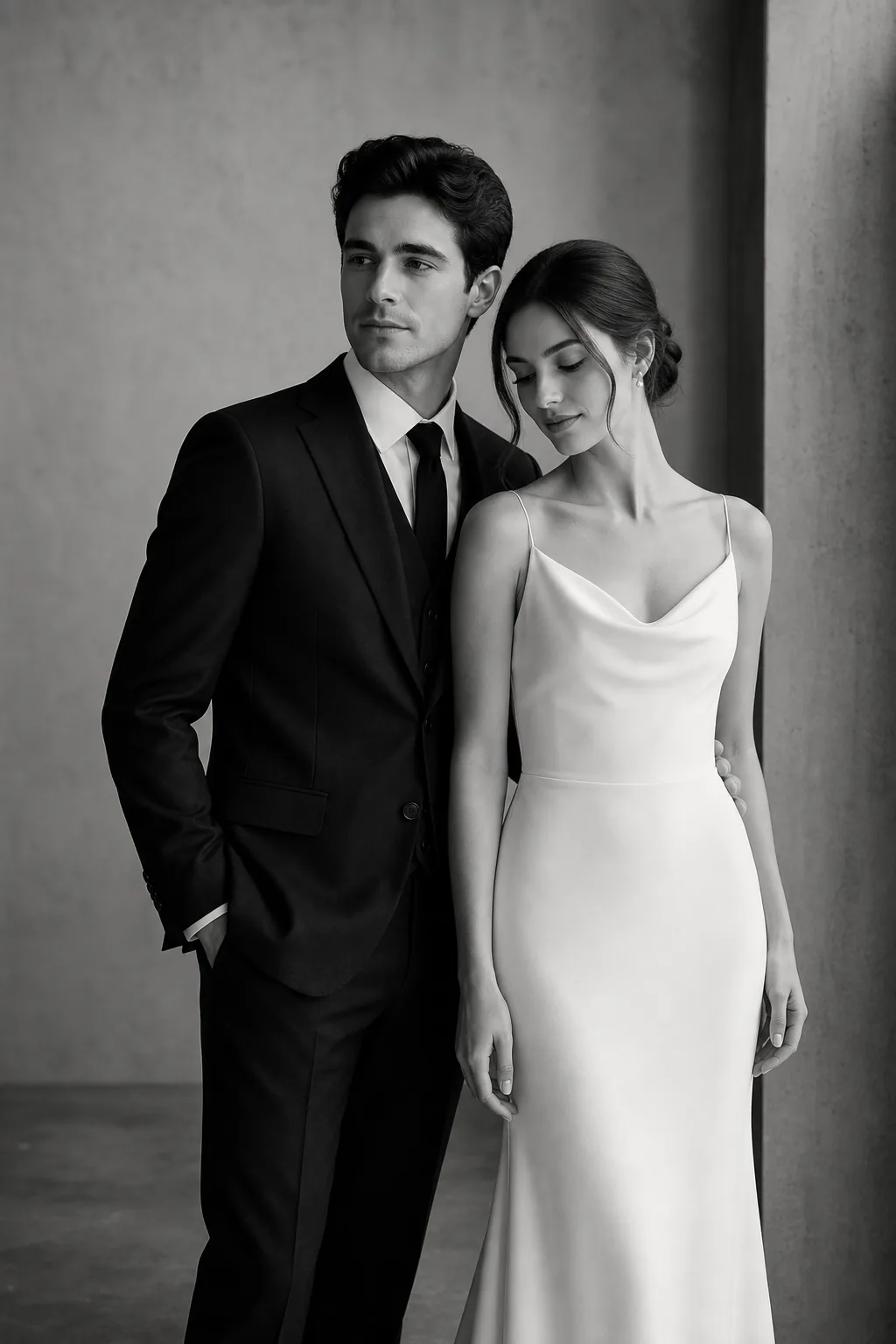
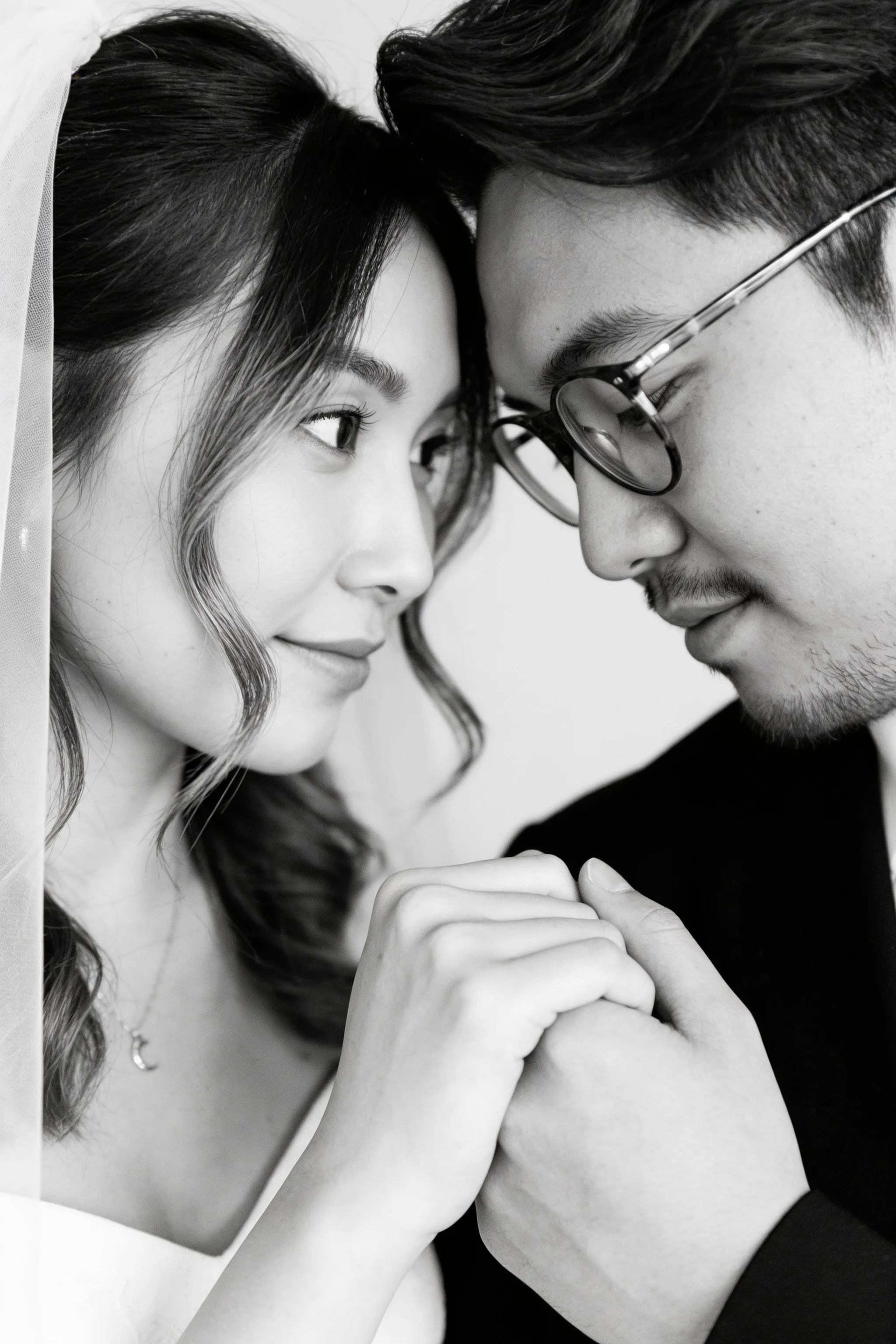
Black and White Portrait Set
A set of classic monochrome portraits for couples who want something timeless and emotional.
Monochrome · ClassicExplore Beautiful Portrait Settings
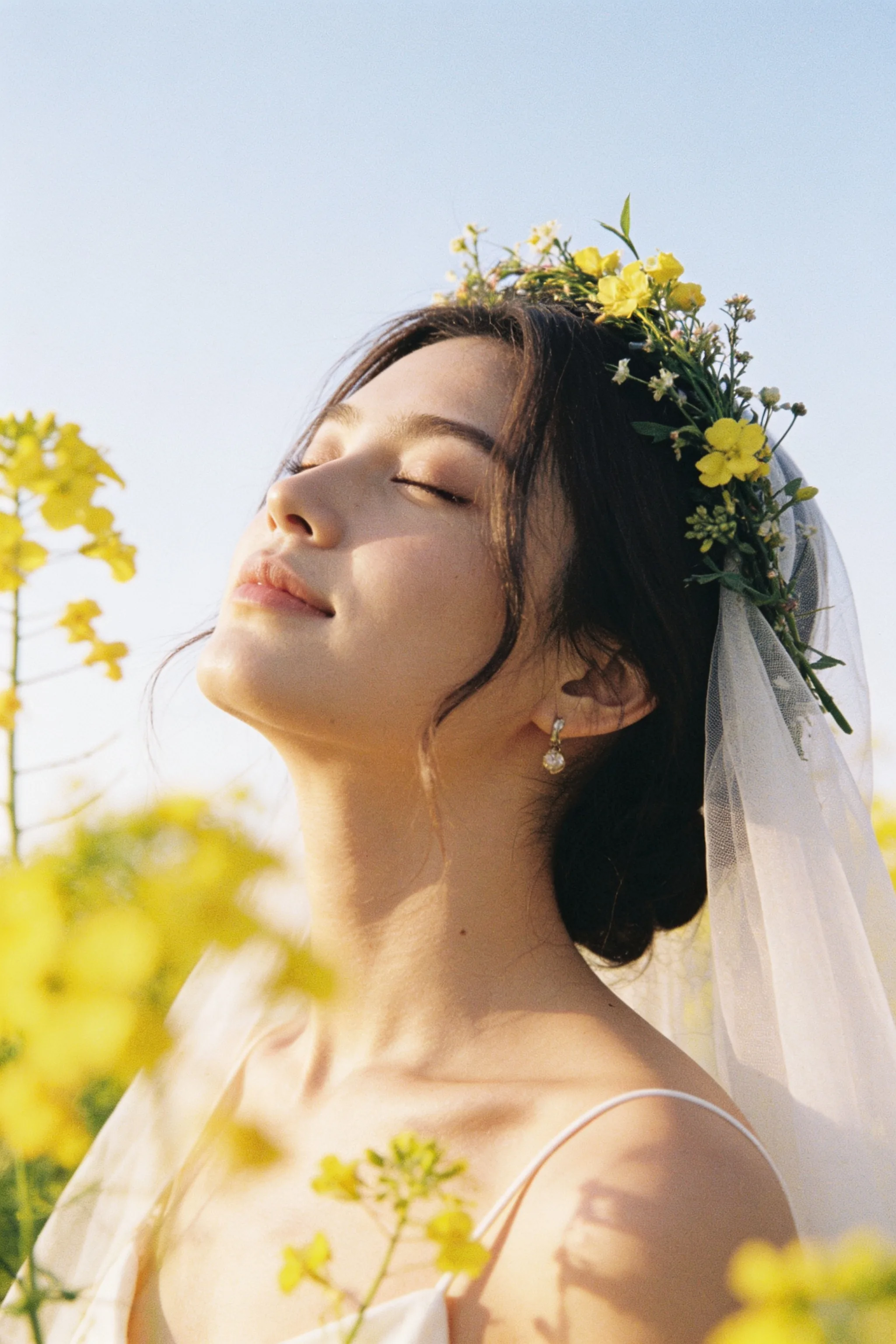 Garden Romance
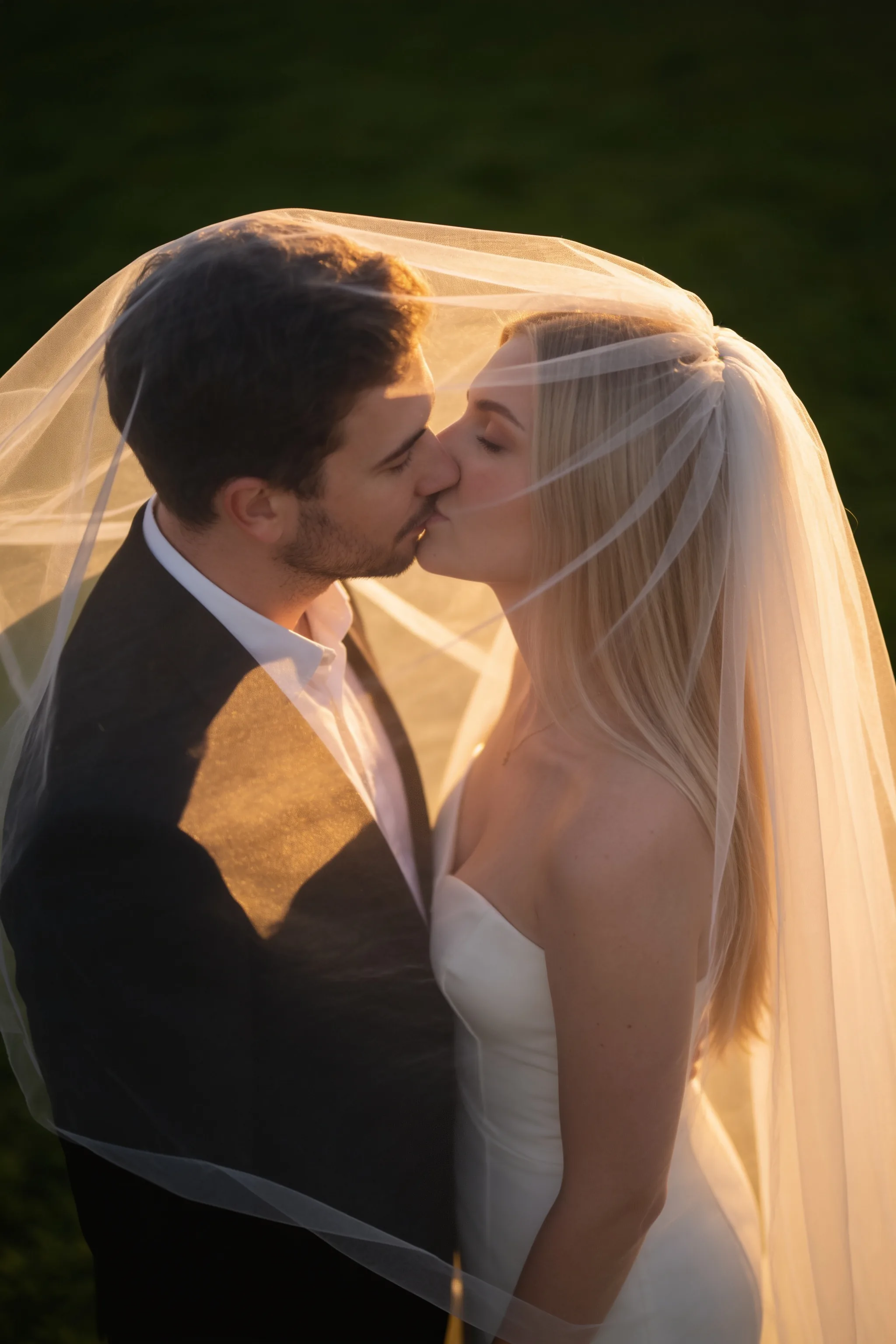 Golden Hour
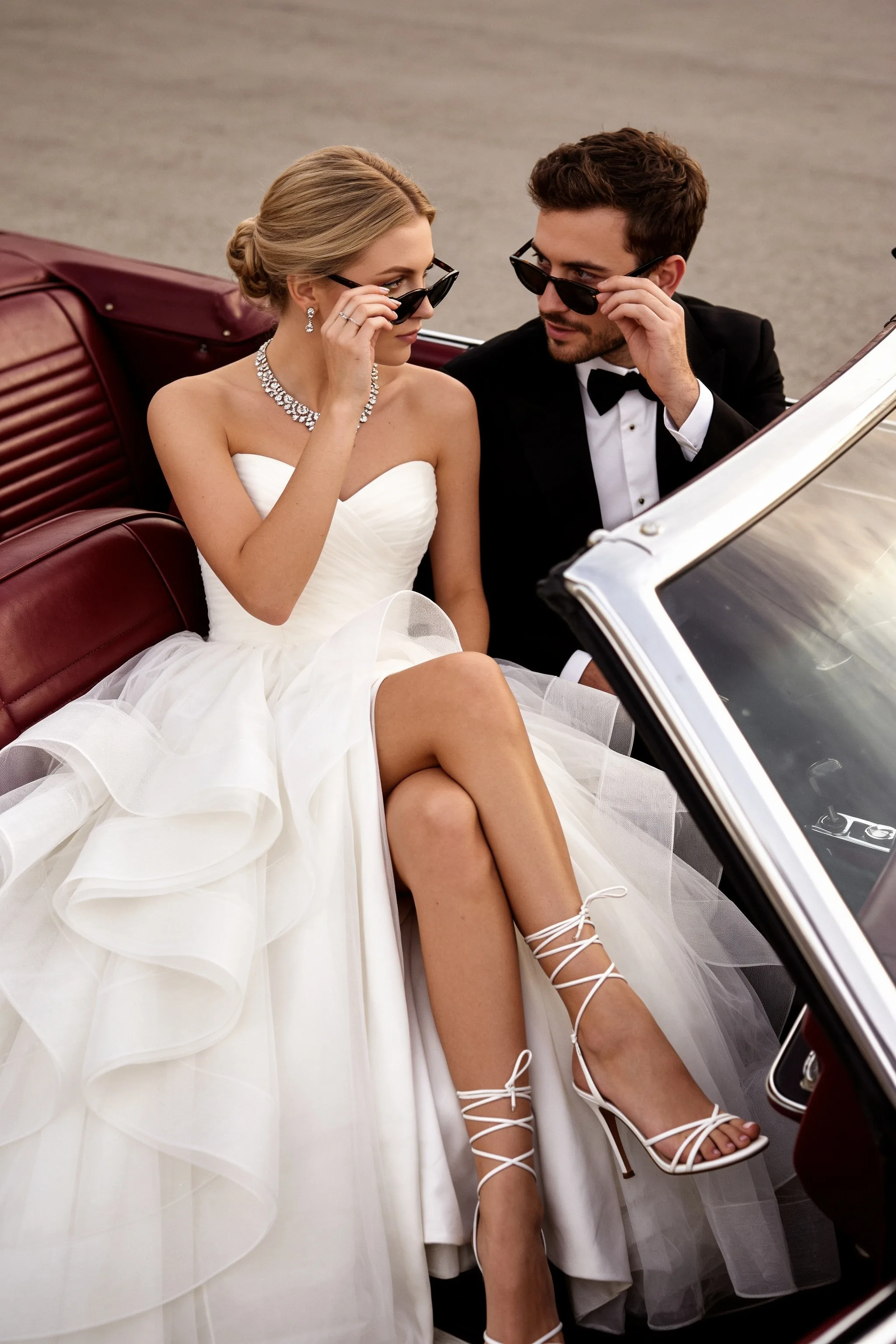 City Editorial
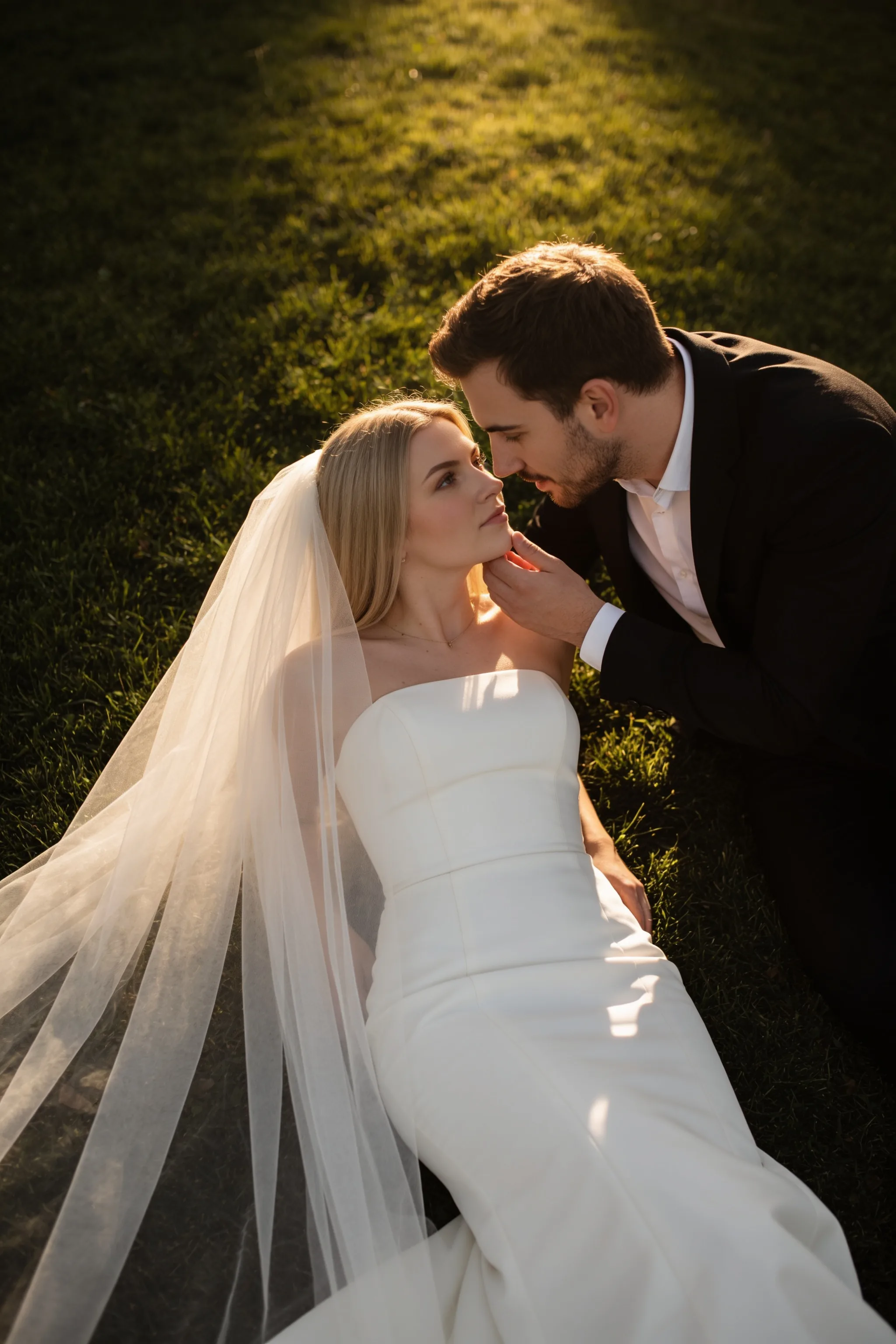 Destination Dream
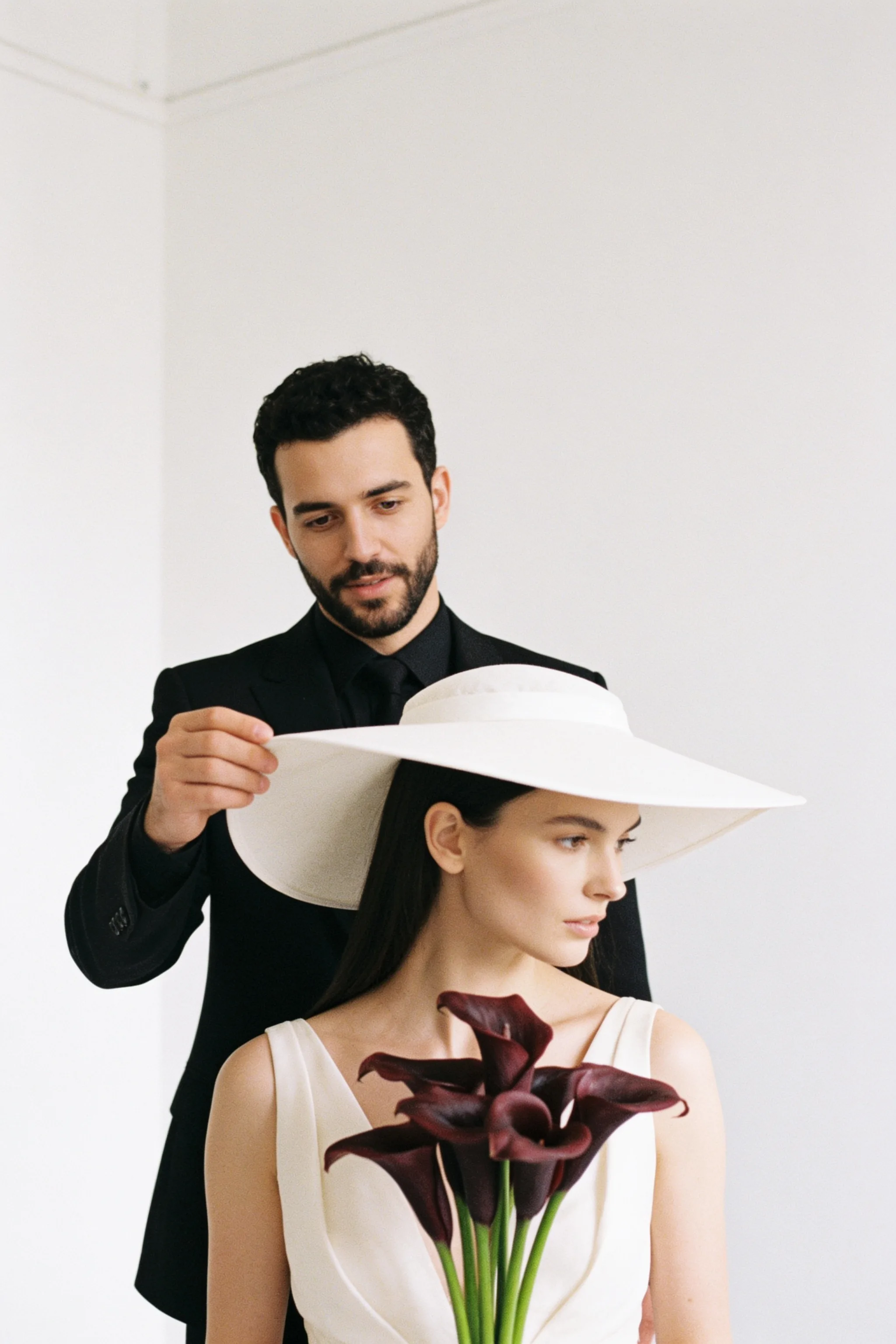 Classic Studio
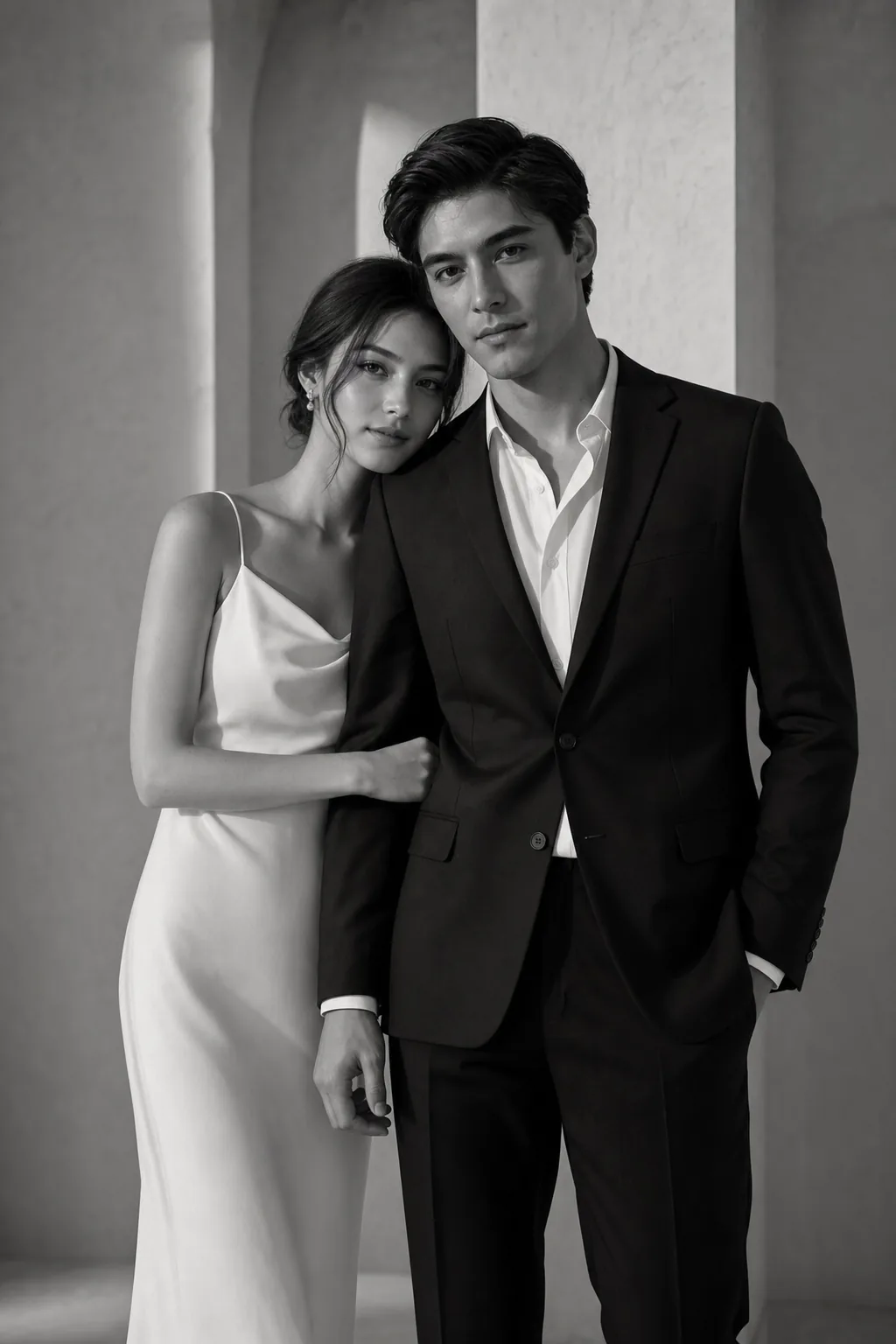 Black & White
AI Wedding Photoshoot FAQ
Ready to Preview
Your Wedding Look?
Create realistic bridal and couple portraits from your own photos, with privacy-first controls built in.
Preview Your Wedding Look